Products & inventory
Variants, stock levels, transfers and stocktakes.

Inventory, purchasing, sales and POS. One connected workspace for the way you do business.
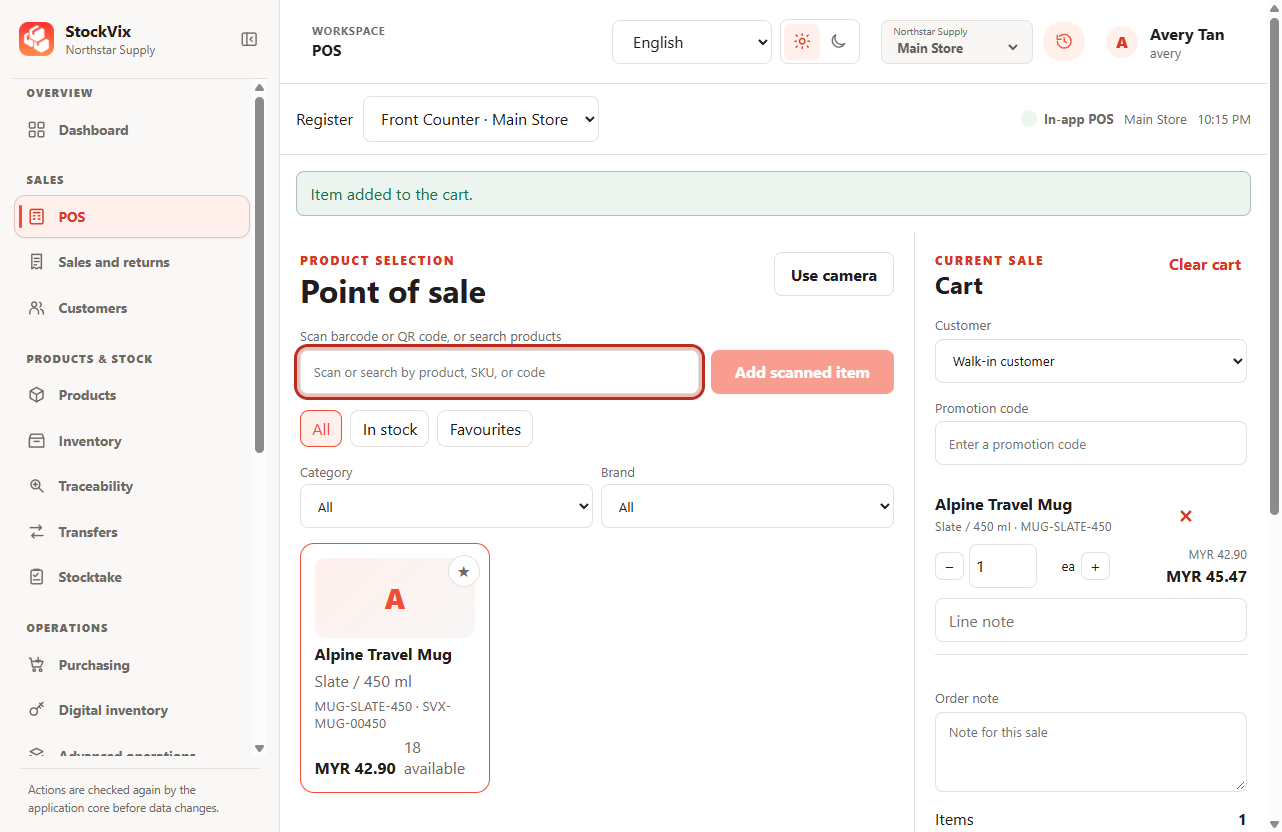
See your products, inventory and movements in one place.
Connect your POS, customers, sales and returns.
Bring purchasing and replenishment into the same workflow.
Keep every part of your business connected, without switching between tools.
Explore all featuresVariants, stock levels, transfers and stocktakes.
Purchase orders, receiving, customers and returns.
Manage licenses, vouchers and other digital items.
Review performance and plan your next order.
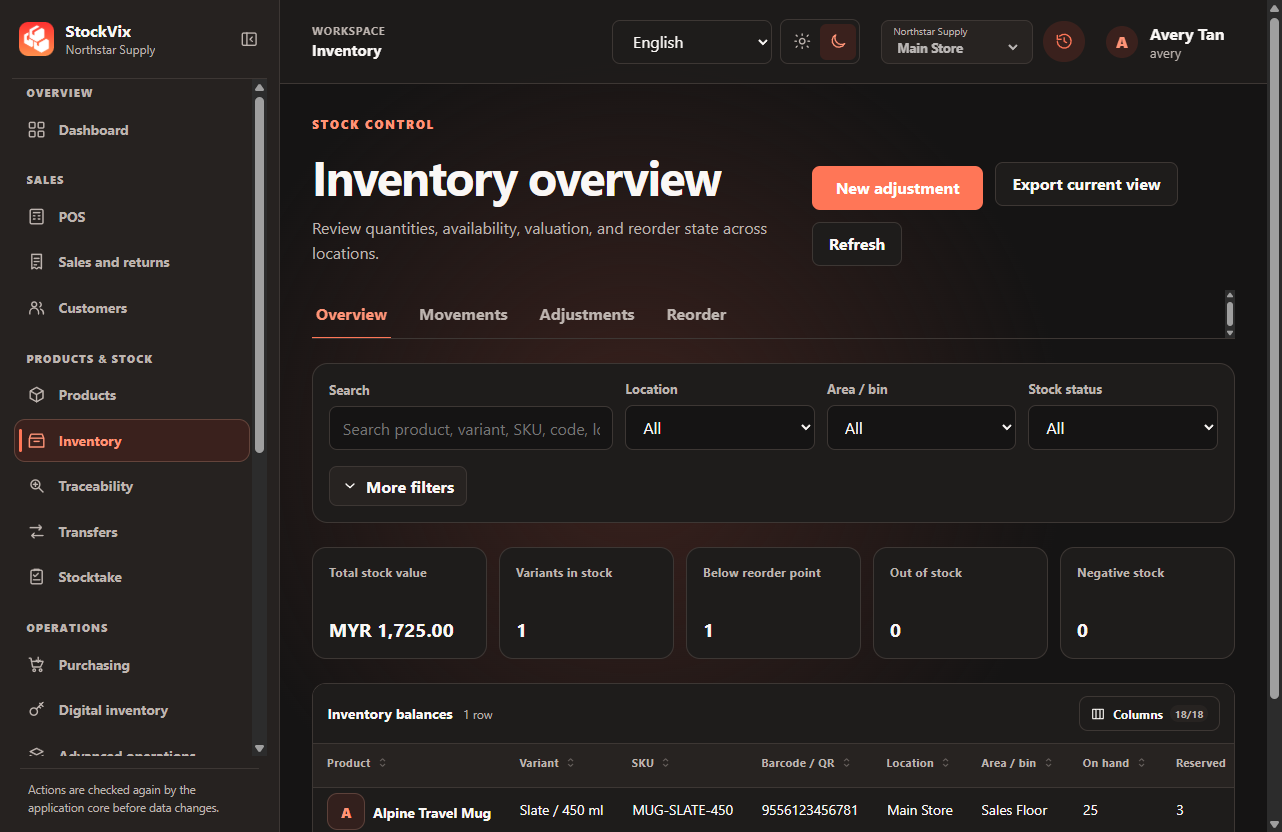
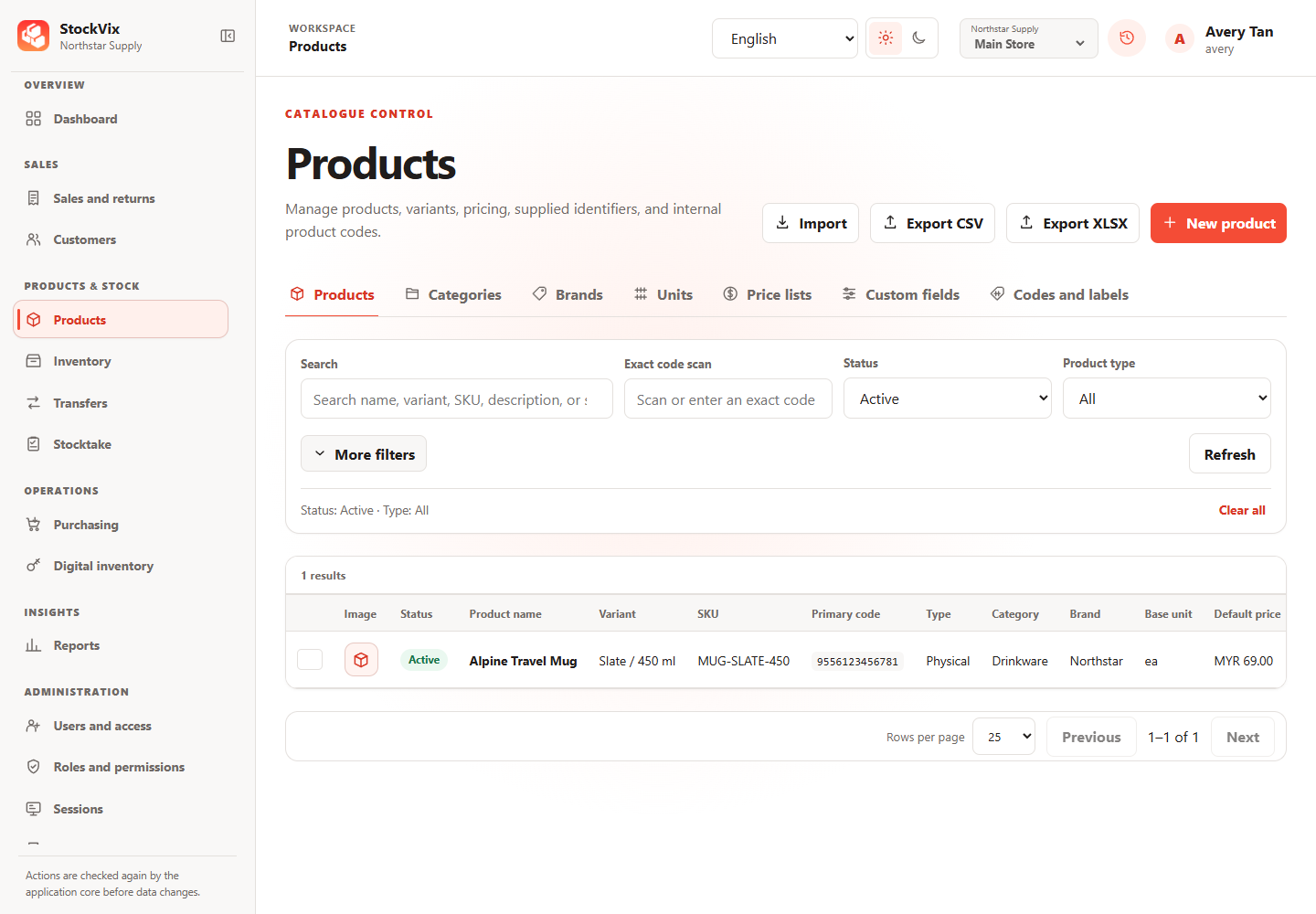
Business records are stored on your computer, not in a hosted database.
A valid license certificate supports use during connection interruptions.
Light and dark themes. English, Simplified Chinese and Malay.
Business data stays on your device. Activation and license refresh need an internet connection. A valid signed license certificate allows use during connection interruptions. StockVix checks the license again when a connection is detected.
No development tools are required. The installer handles the application dependencies. On Windows, an internet connection is needed to download WebView2 if it is not already installed.
POS is optional. You can use it inside StockVix or enable browser access. Access from another device on your network requires explicit setup, authentication and connection controls.
Choose the installer for your computer.
Latest published version 1.0.3
A valid license is required to use business features.