Digital inventory
Manage digital products with controlled access and delivery.
- Software keys, vouchers and authorized accounts
- Available, assigned and delivered units
- Masked secrets and unique-code pools
- Digital files and expiry tracking

Explore the tools that keep your products organized, your stock visible and your sales moving.
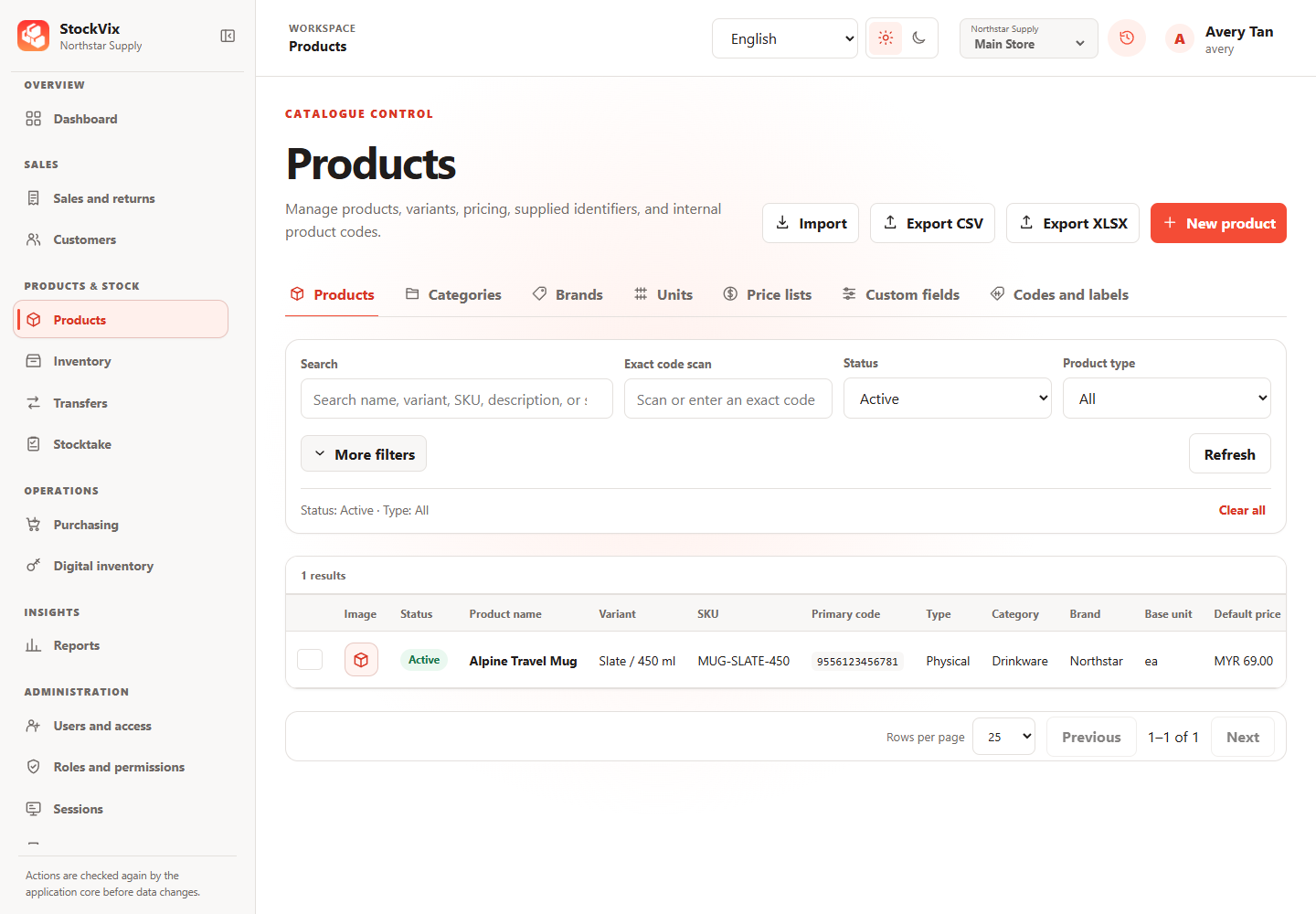
From the first product to the next stock count, keep the details together.
Products, variants, categories, brands and images. Keep services and digital items in the same catalogue.
Use supplied codes or generate internal identifiers, then preview and print your labels.
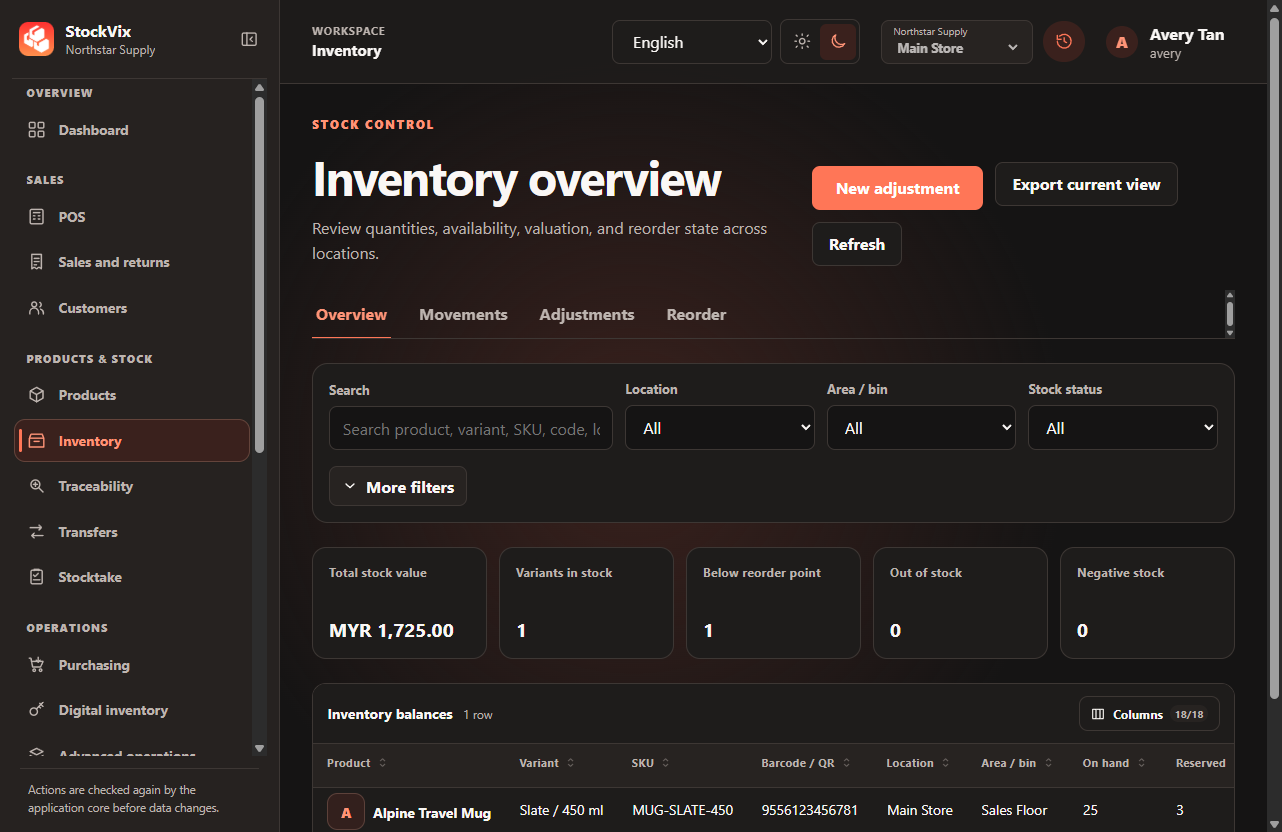
See stock by location, availability and movement history. Review reservations and reorder levels.
Track transfers from dispatch to receipt and review stock-count differences before posting.
Follow batches, serial numbers and expiry dates, with quarantine and recall controls.
Connect purchasing, checkout and customer records without switching systems.
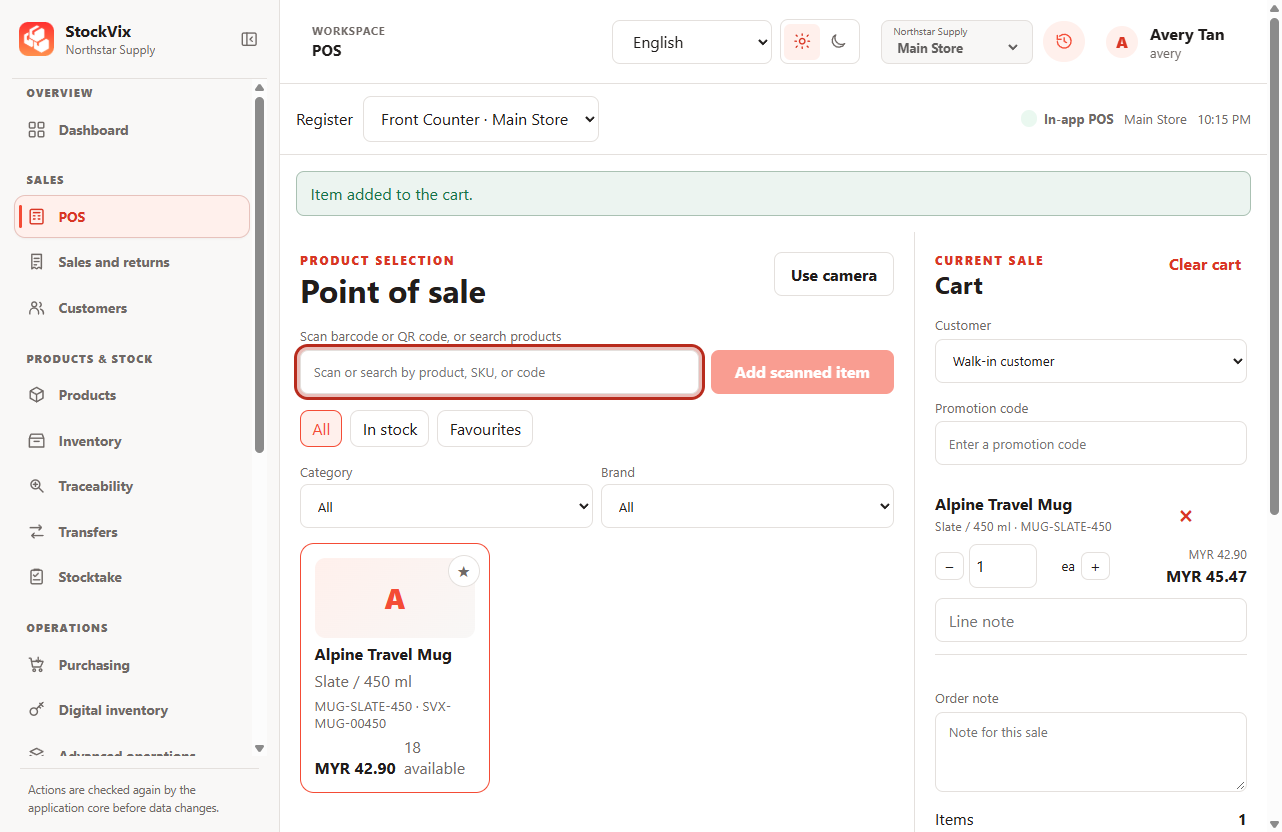
Search or scan products, hold carts and review totals. Use camera scanning, discounts and split tender.
Record opening cash and cash movements, then reconcile your register with X/Z reports.
Use the app or share POS on your network with authenticated access and connection controls.
Network access requires setup, authentication and a running host.
Suppliers, orders, partial deliveries and supplier returns.
Find sales, review payments and reprint receipts.
Contacts, notes, price groups and purchase history.
Link full or partial returns to a sale and choose what happens to stock.
Review price lists, kits, sales documents and customer balances.
Tools for digital products, better decisions and a workspace that fits your team.
Manage digital products with controlled access and delivery.
Turn your activity into clearer decisions.
Choose how your team works and protect your records.
A valid license is required to use business features.
Explore the gallery