
See StockVix
in action.
Explore every app page and its main workflows, from checkout and stock to planning and setup.
App interfaces shown with sample data. Available controls depend on enabled modules and user permissions.
Explore all featuresOverview
A clear view of daily activity.
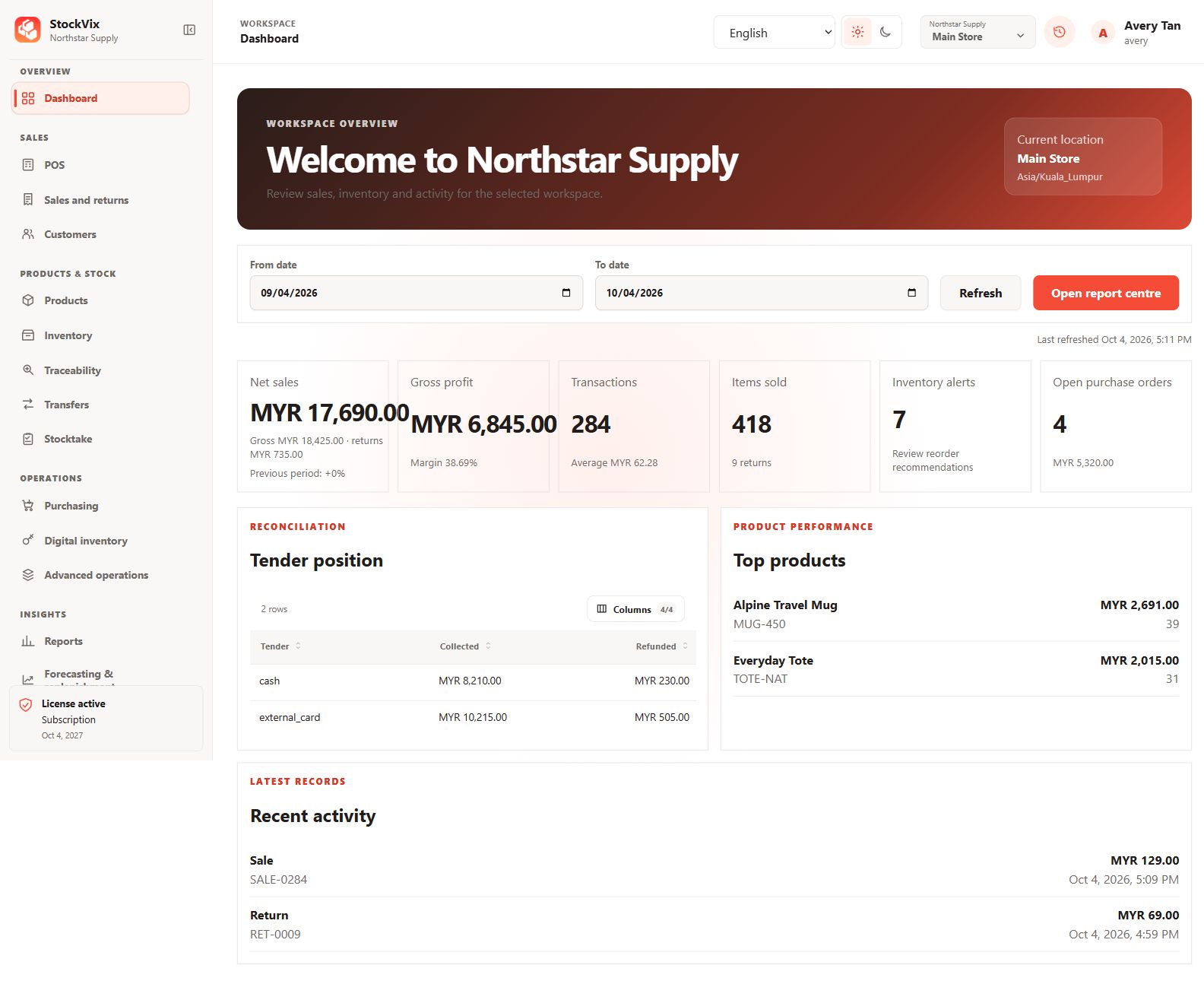
Dashboard
Review sales, stock, tenders and recent activity.
 View full size
Checkout & customers
From the first item to the receipt.
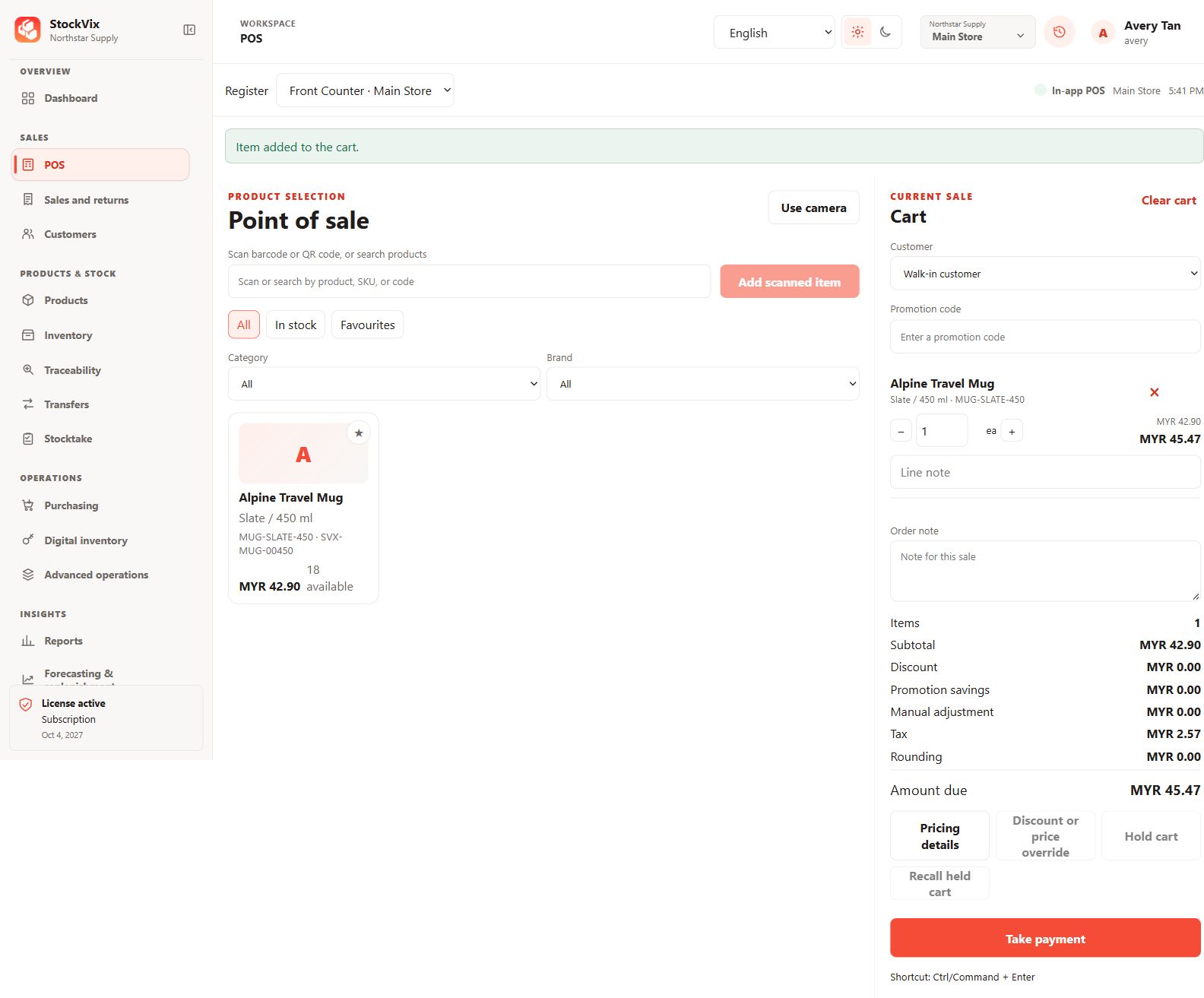
Point of sale
Search products, select a customer and build the current sale.
 View full size
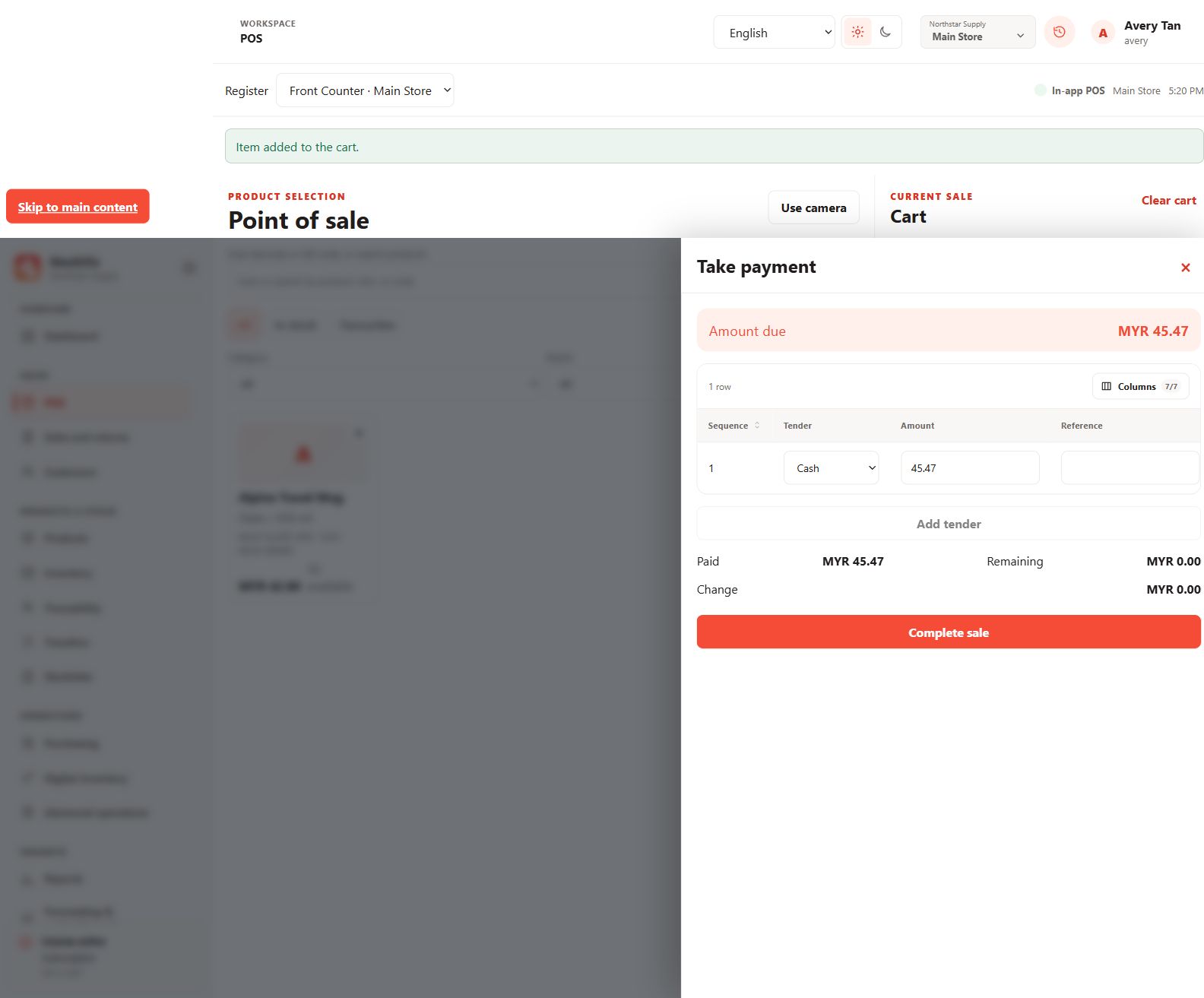
Checkout payments
Review the amount due, tender lines and change before checkout.
 View full size
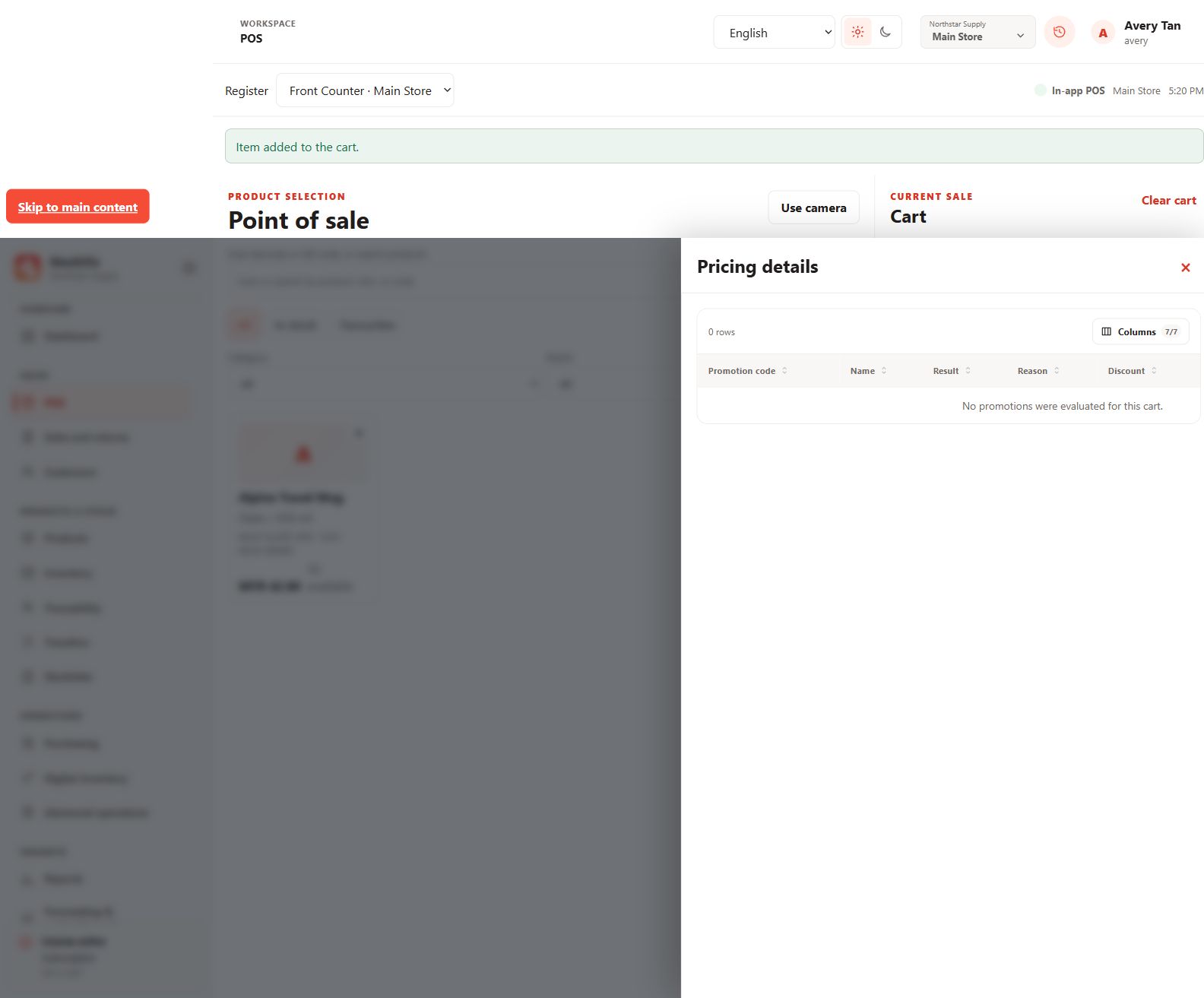
Pricing details
Inspect promotion evaluation for the current cart.
 View full size
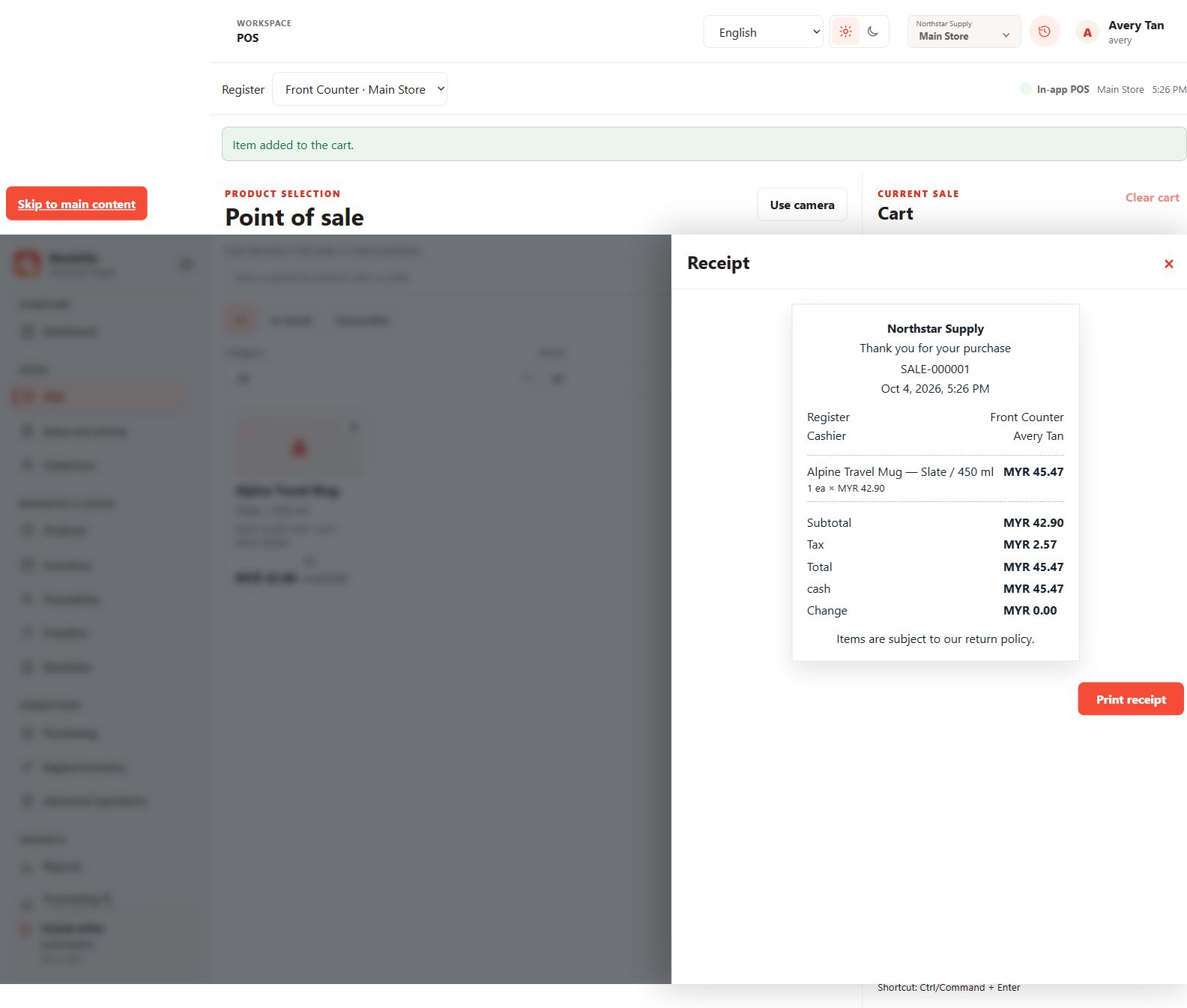
Sale receipt
Review a sample receipt with item, tax and tender details.
 View full size
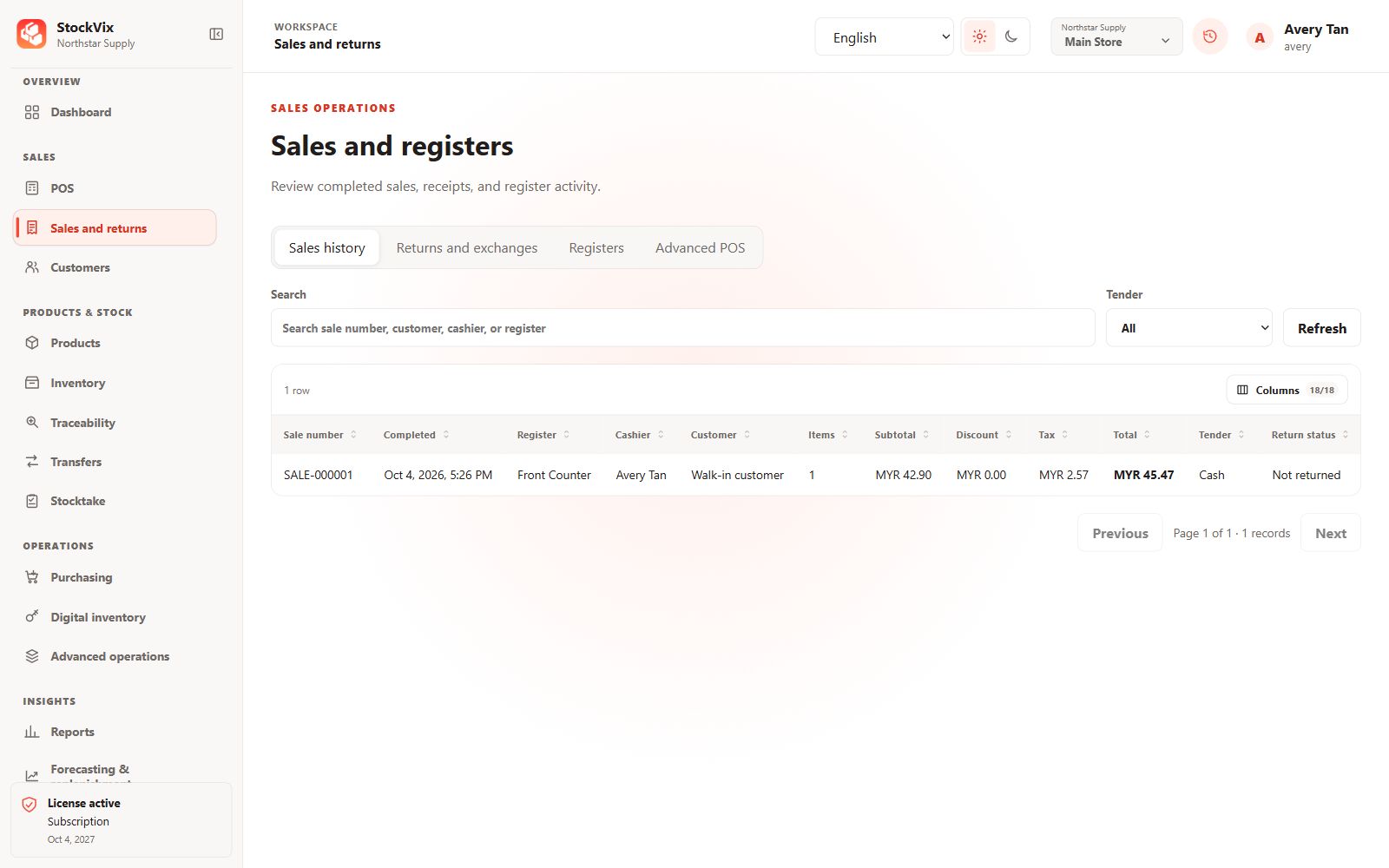
Sales history
Search completed sales and review totals and return status.
 View full size
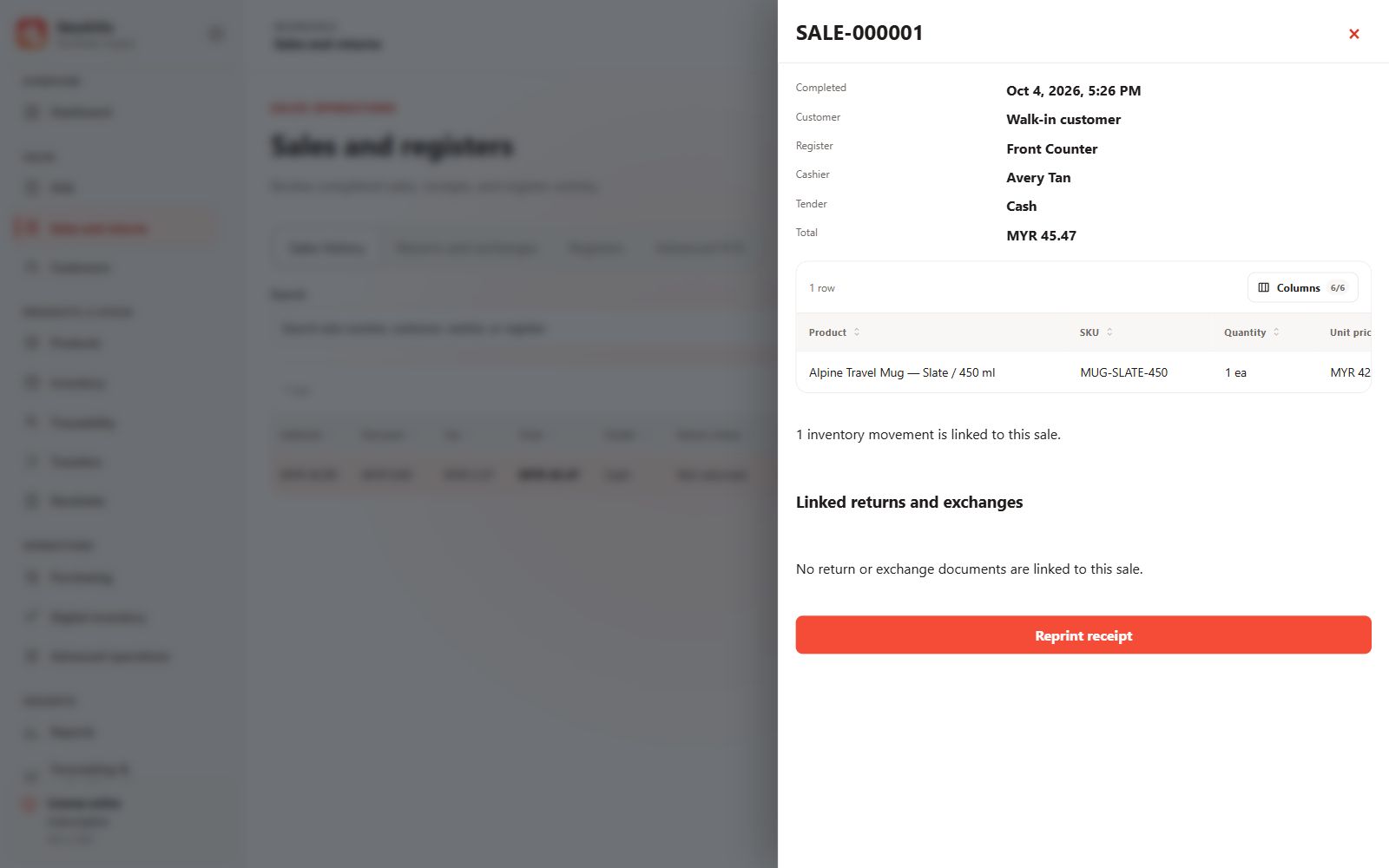
Sale details
Inspect sold items, tender details and linked stock movements.
 View full size
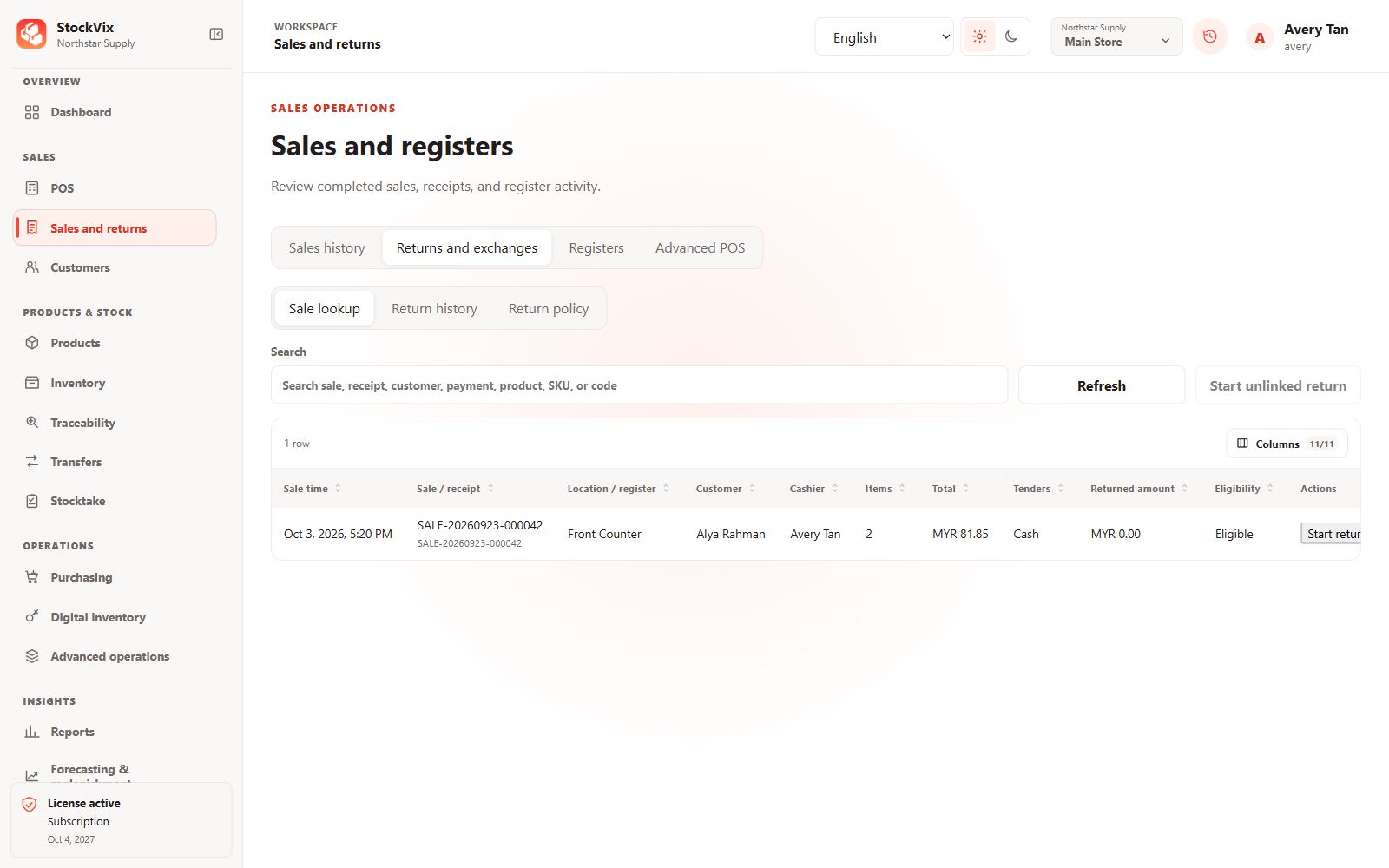
Returns lookup
Find an eligible sale before starting a return.
 View full size
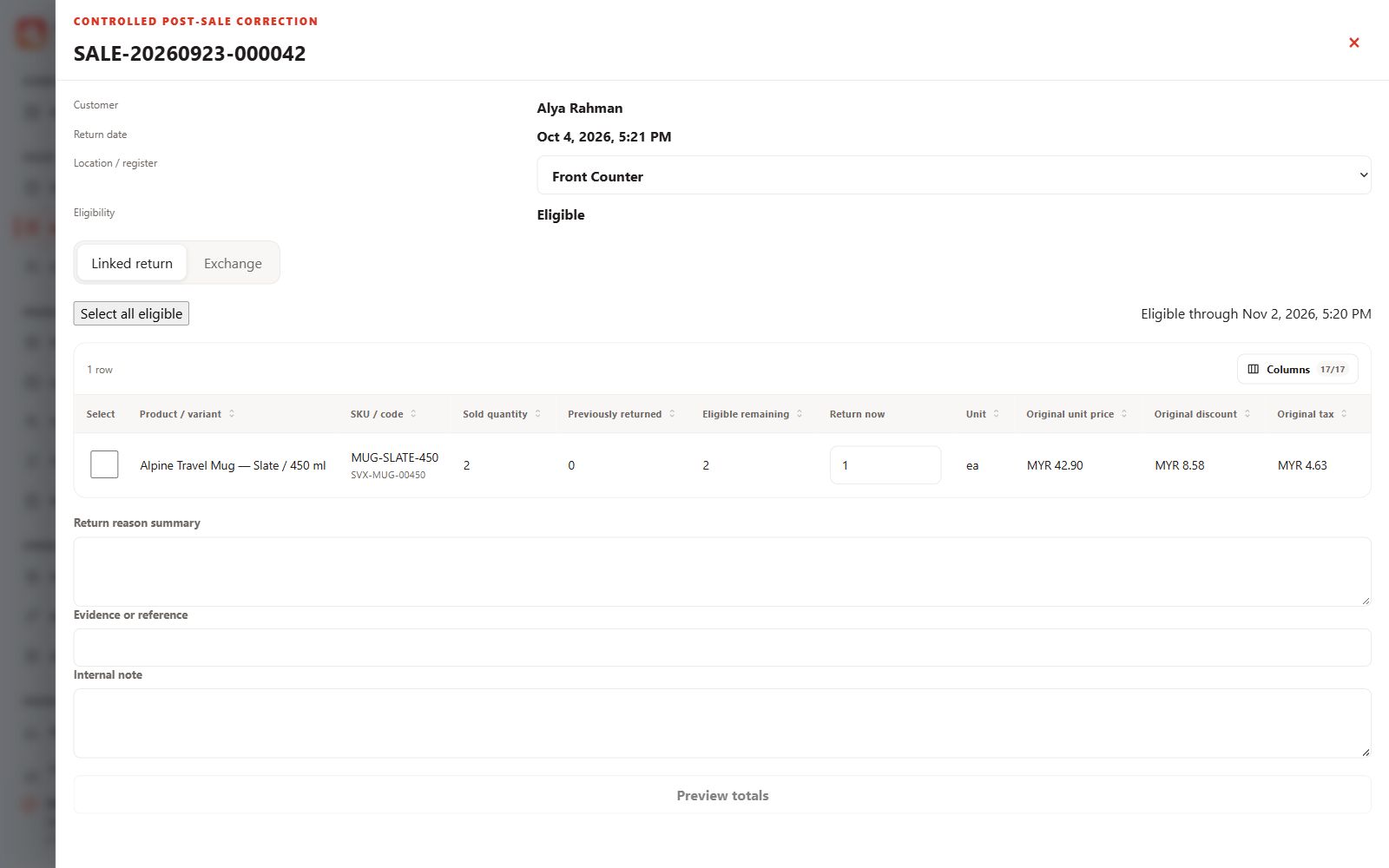
Linked return
Select quantities, condition, disposition and a return reason.
 View full size
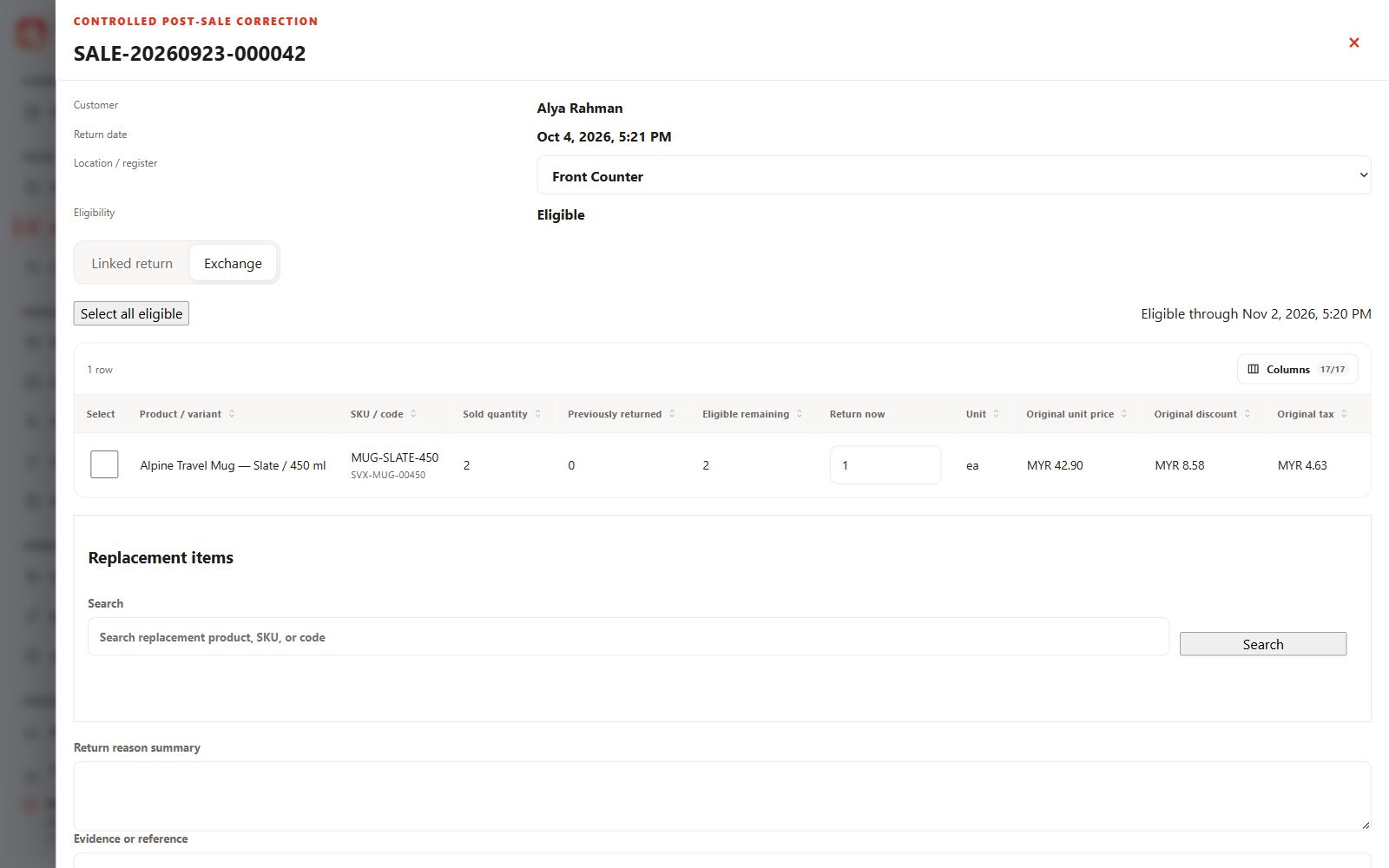
Exchange
Review returned items and choose replacement products.
 View full size
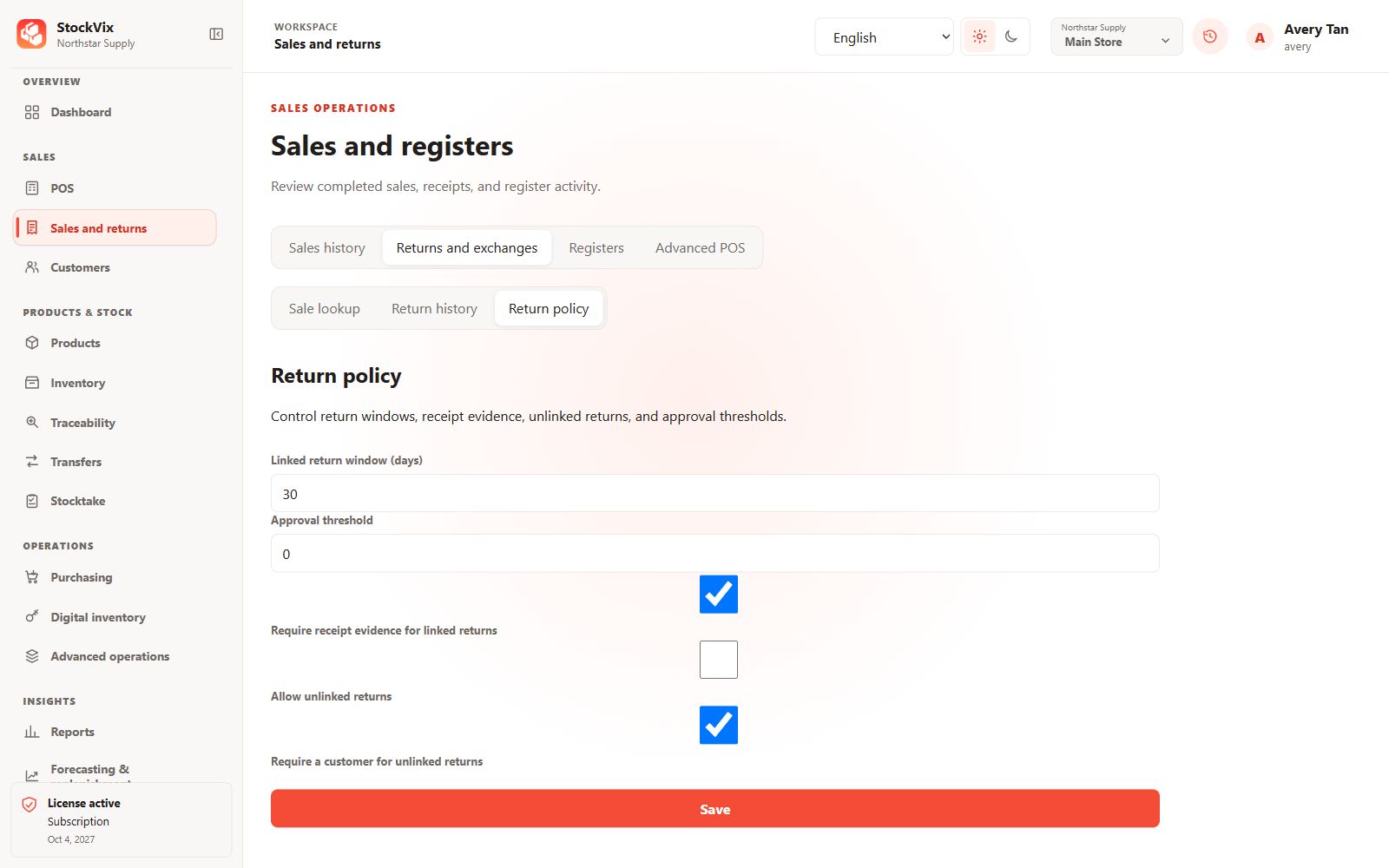
Return policy
Configure return windows, evidence and approval thresholds.
 View full size
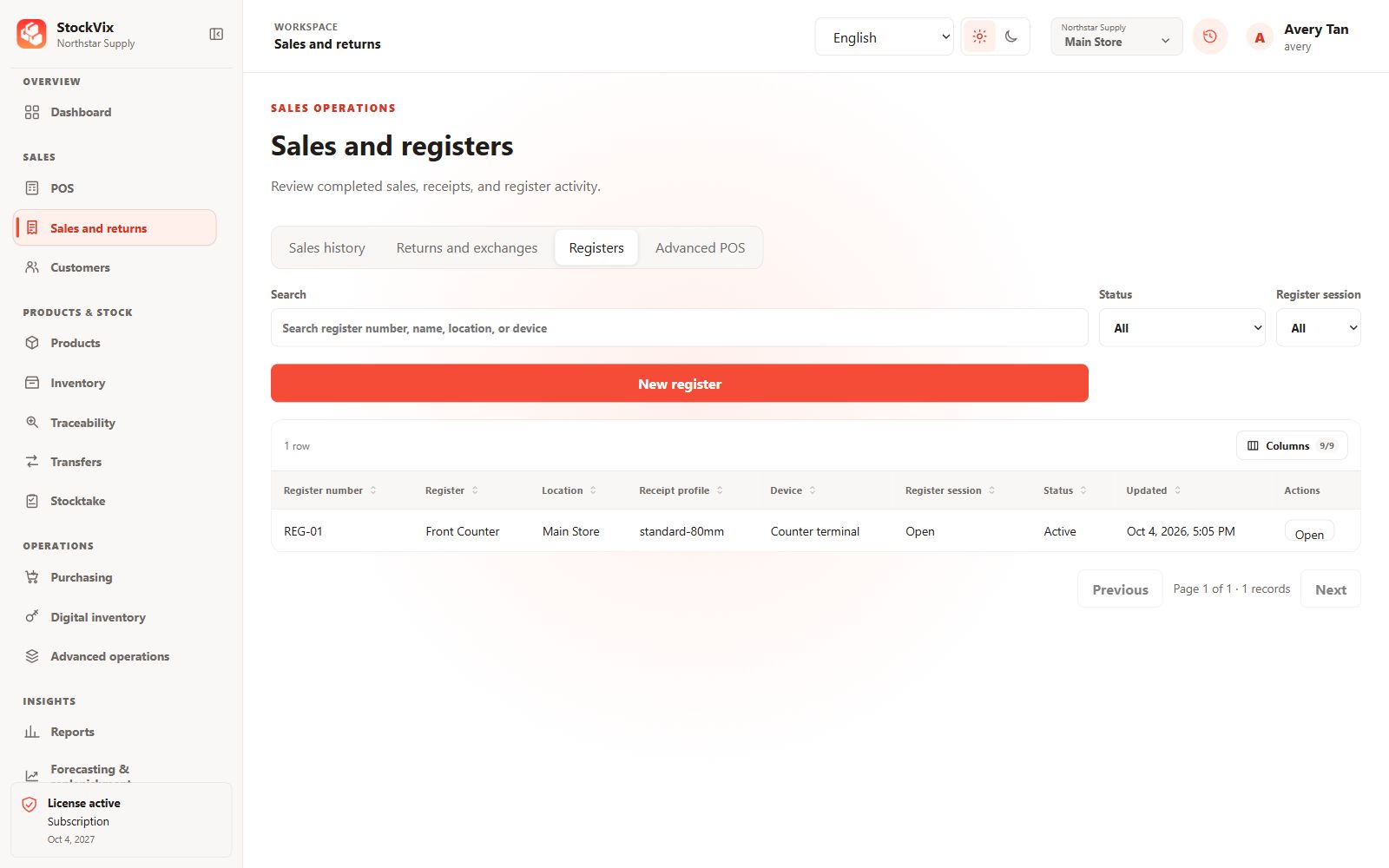
Registers
Review register identities, locations and session status.
 View full size
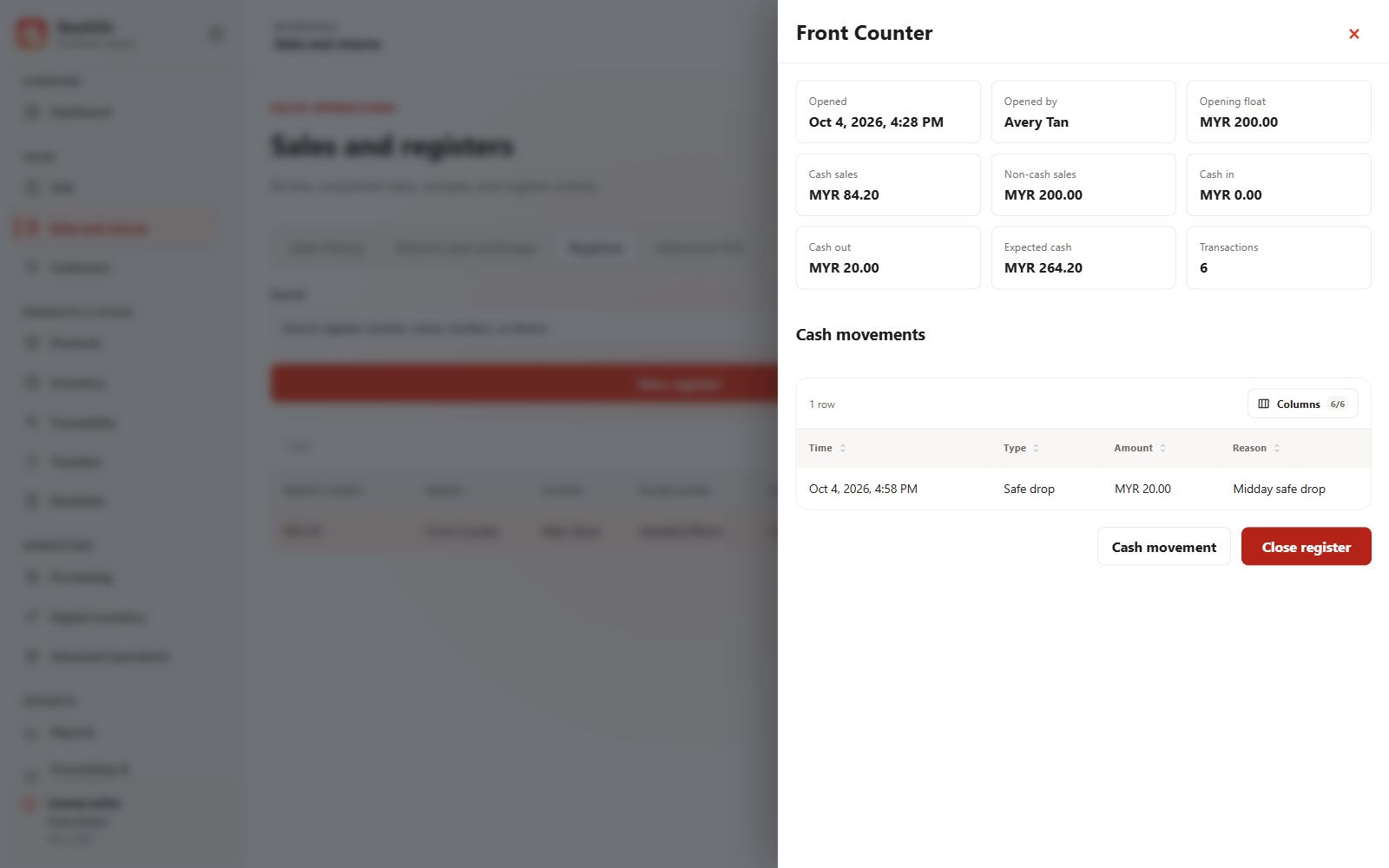
Register workspace
Review the opening float, cash movements and expected cash.
 View full size
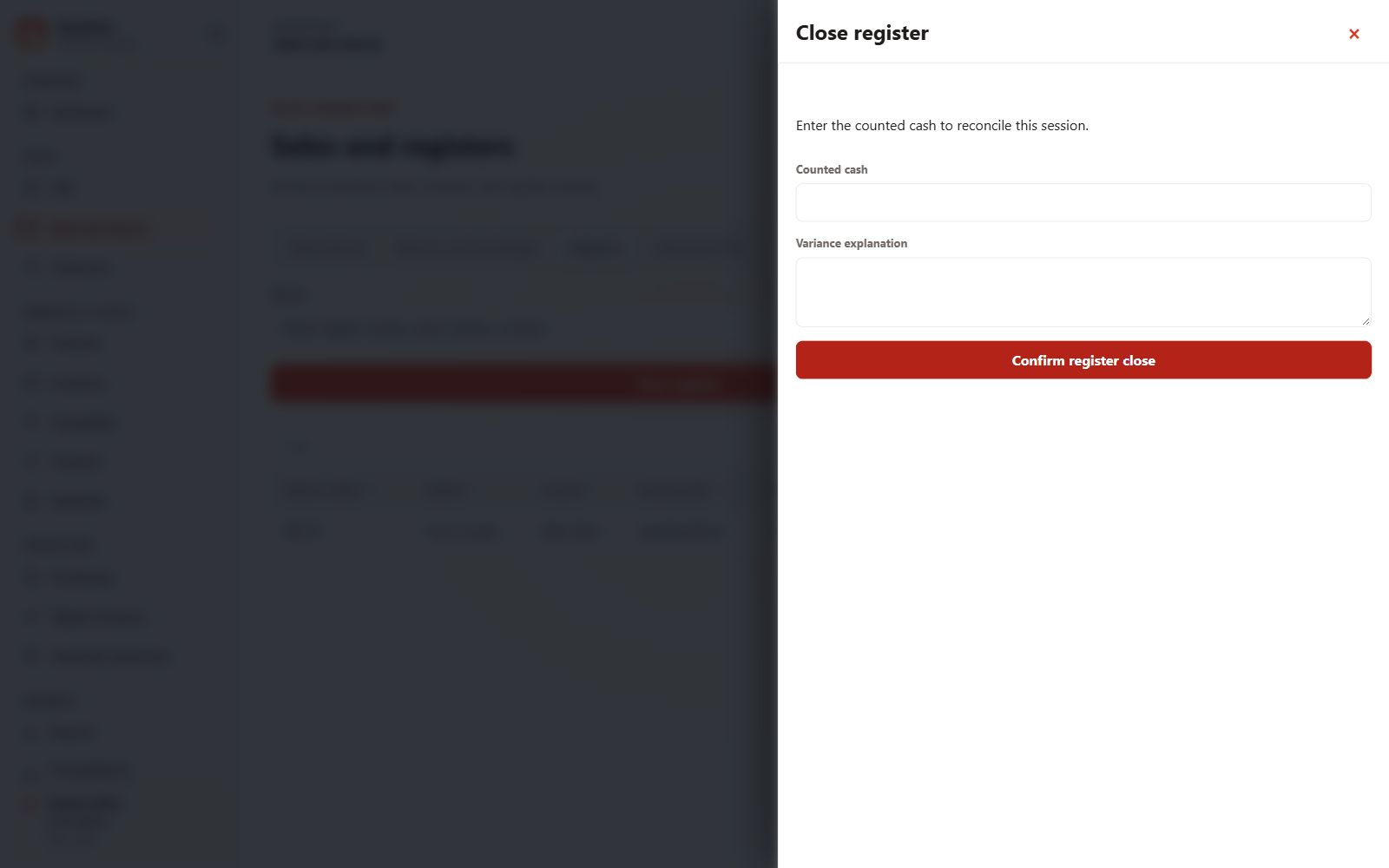
Register reconciliation
Enter counted cash and explain a variance before closing.
 View full size
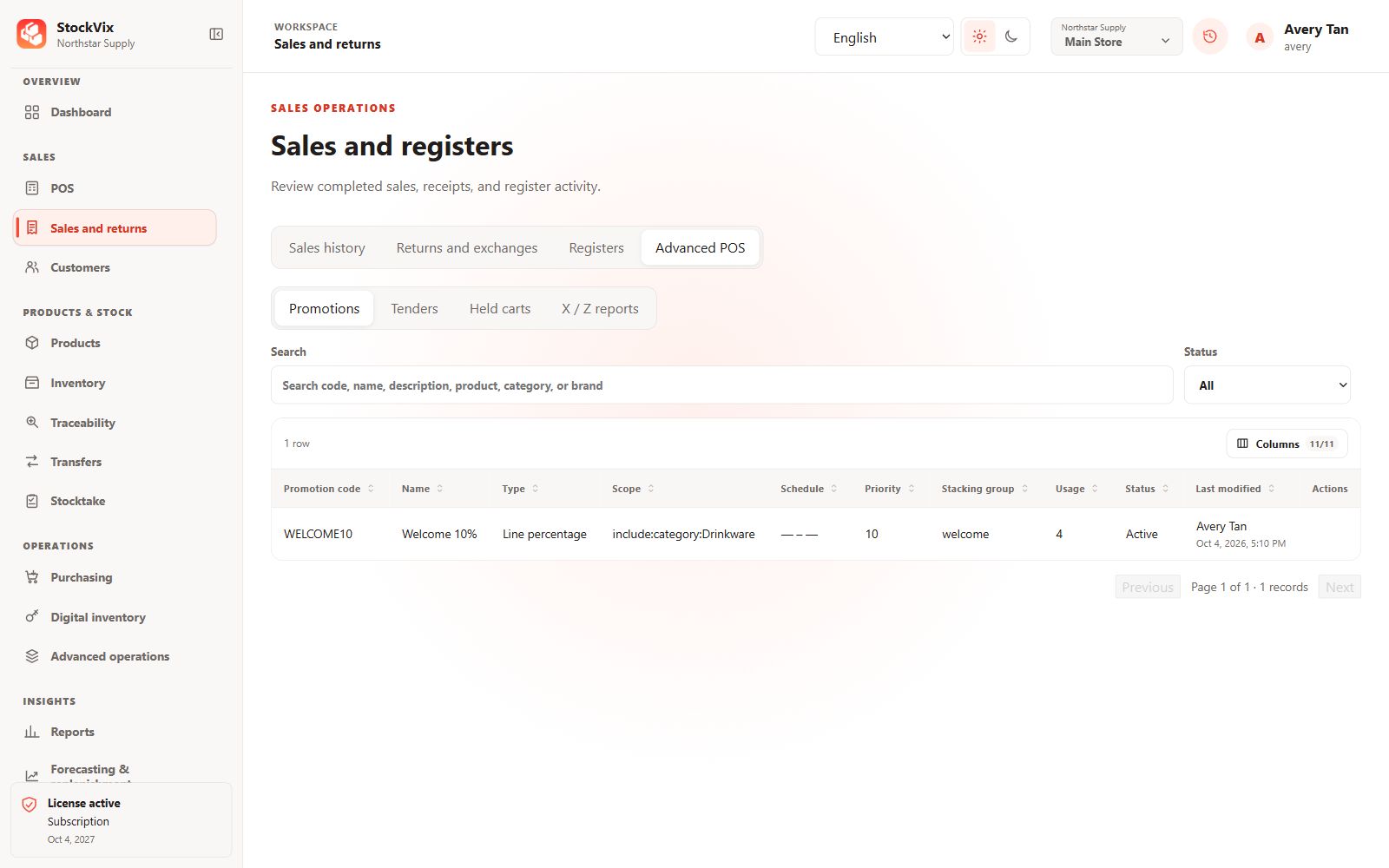
Promotions
Review promotion type, scope, priority and schedule.
 View full size
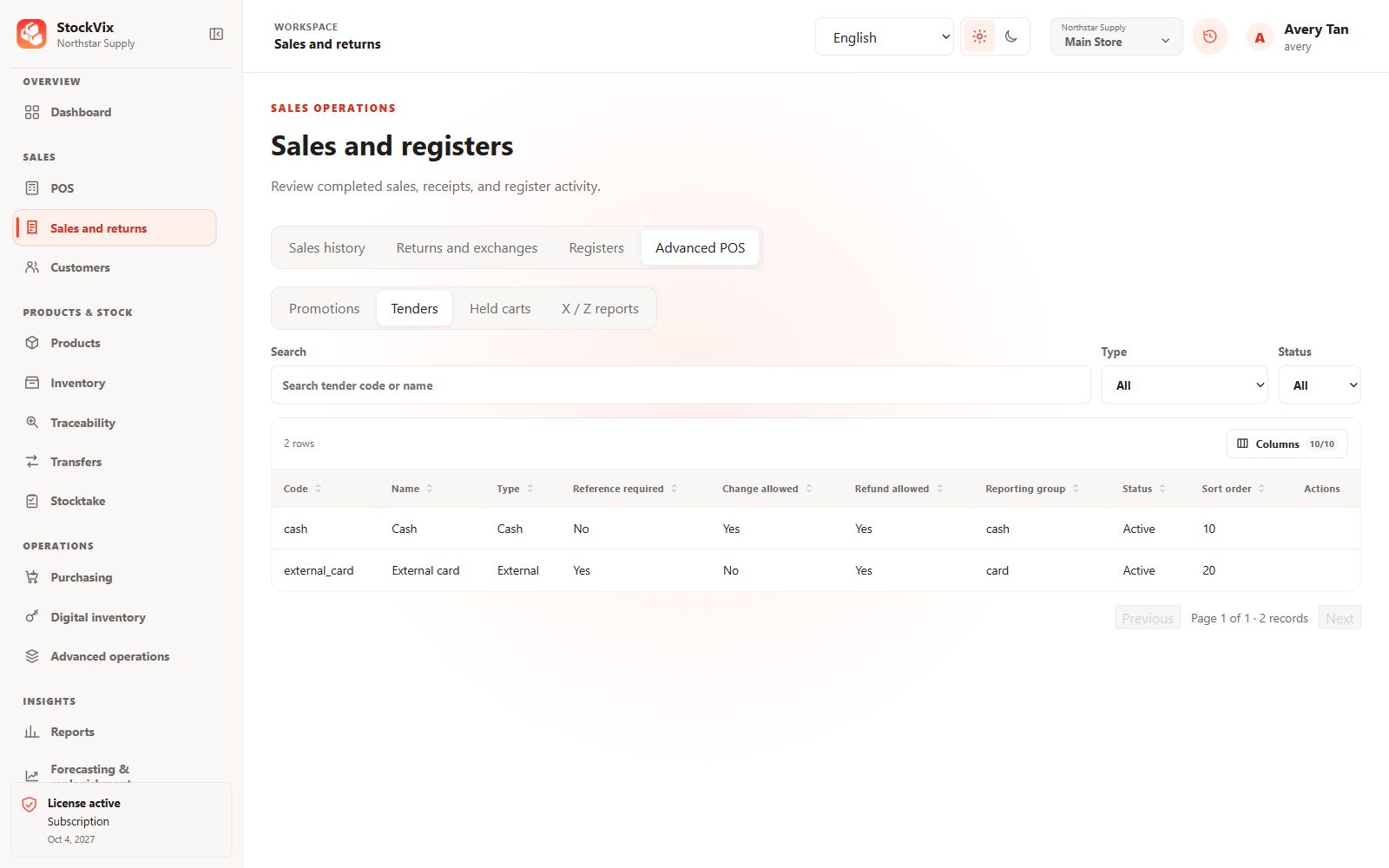
Tender methods
Review cash and external tender rules.
 View full size
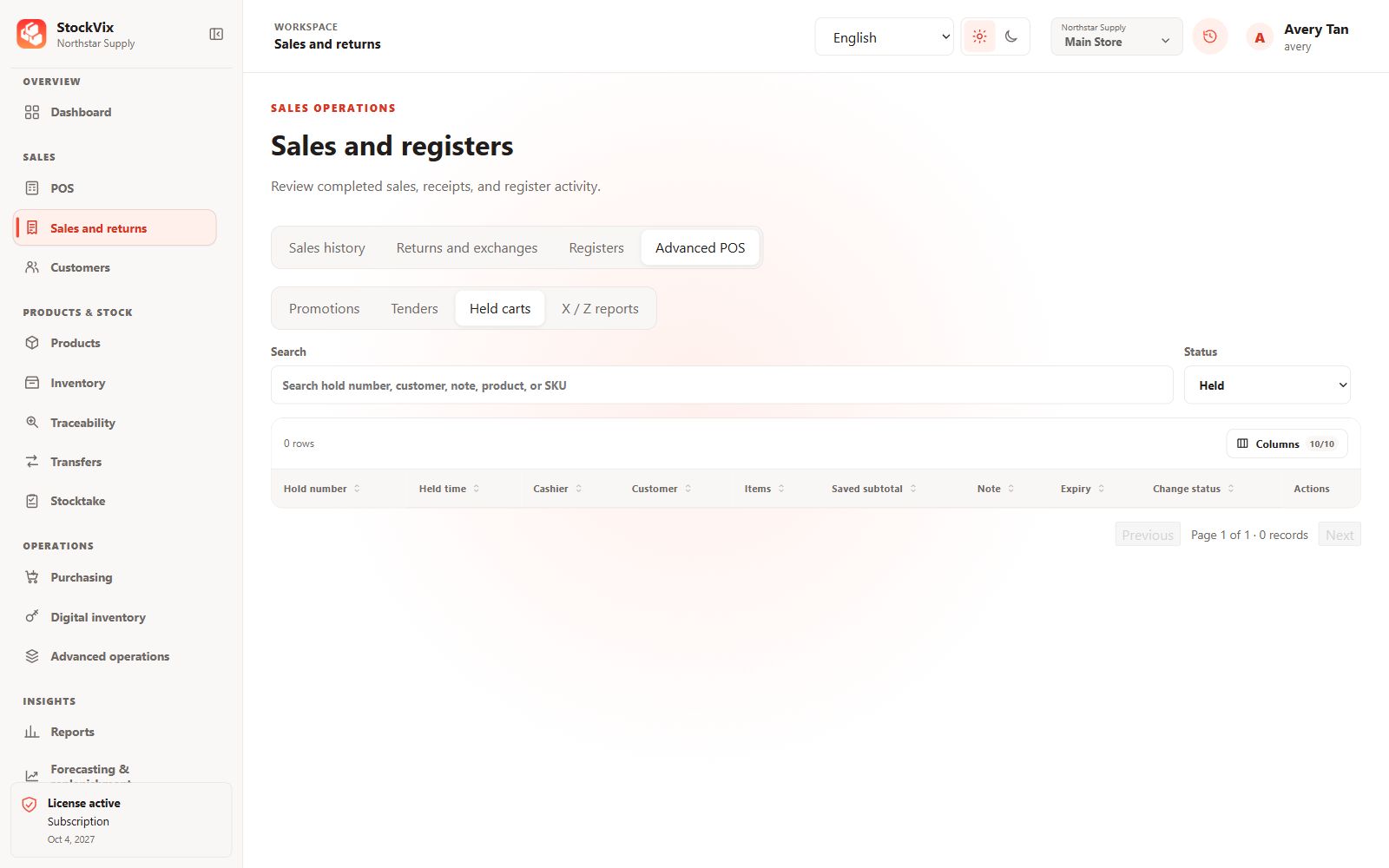
Held carts
Review the saved-cart list and its search and status filters.
 View full size
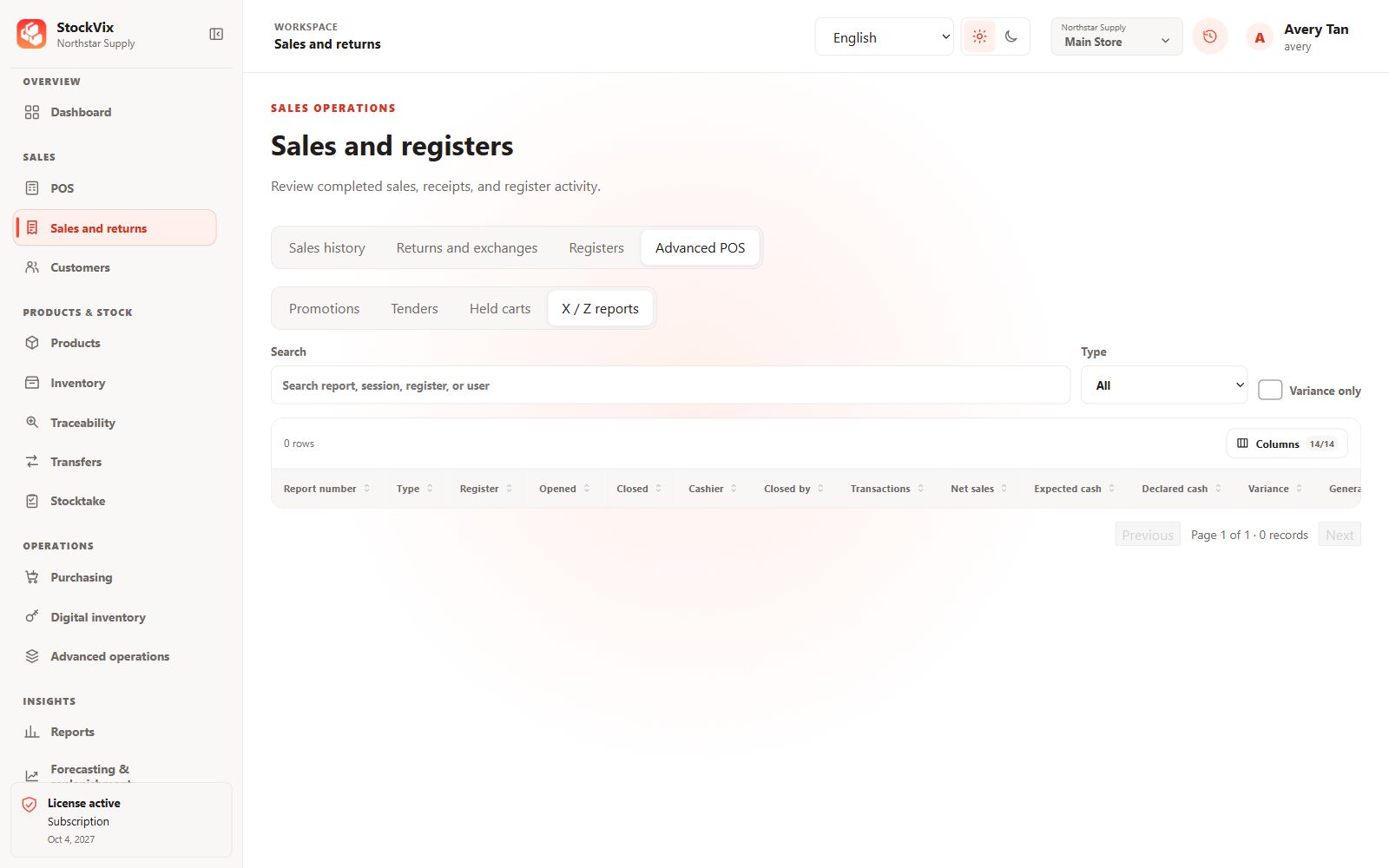
X and Z reports
Review the register-report list and reconciliation columns.
 View full size
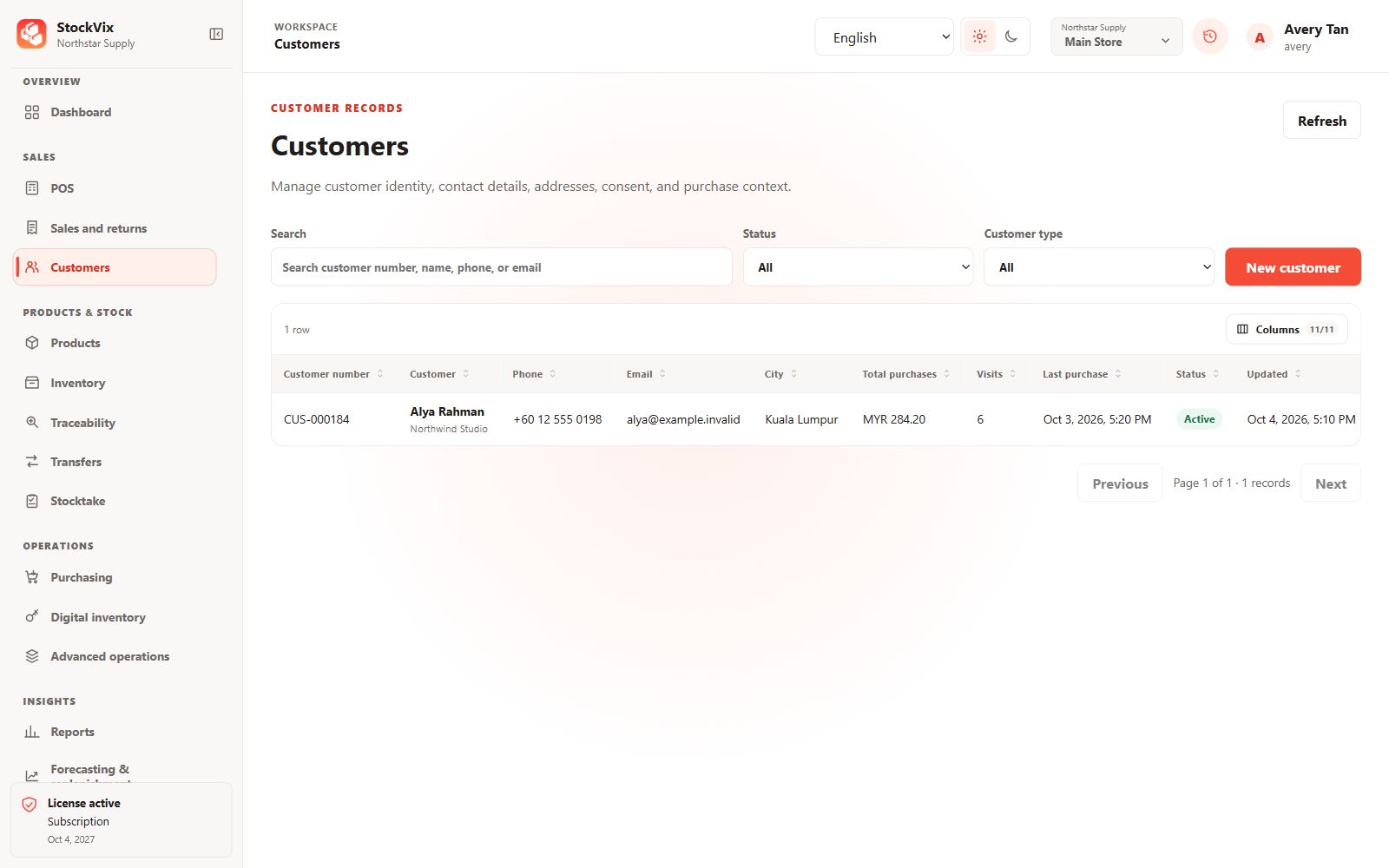
Customers
Find customer records, purchase totals and recent visits.
 View full size
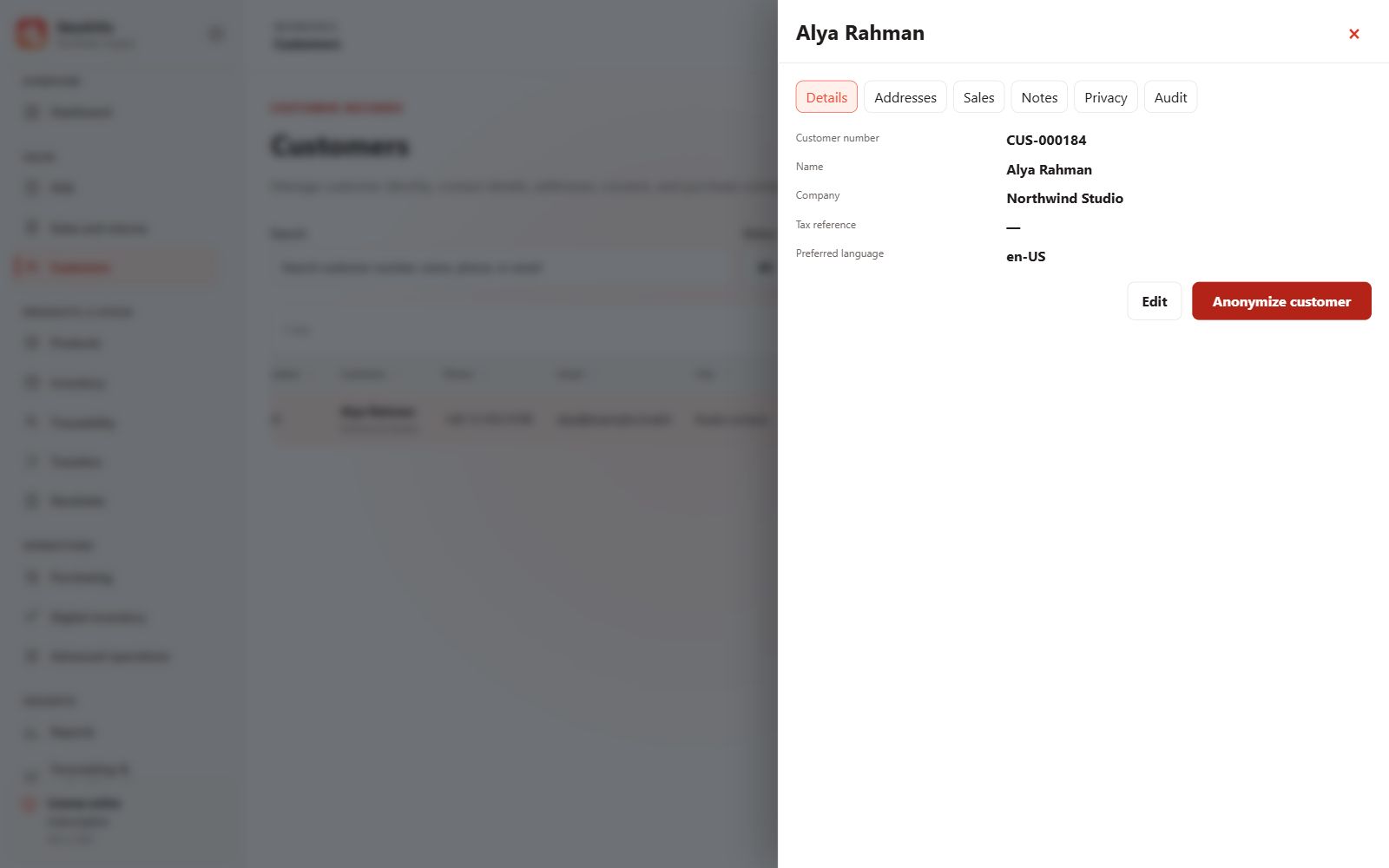
Customer details
Review identity, preferred language and business details.
 View full size
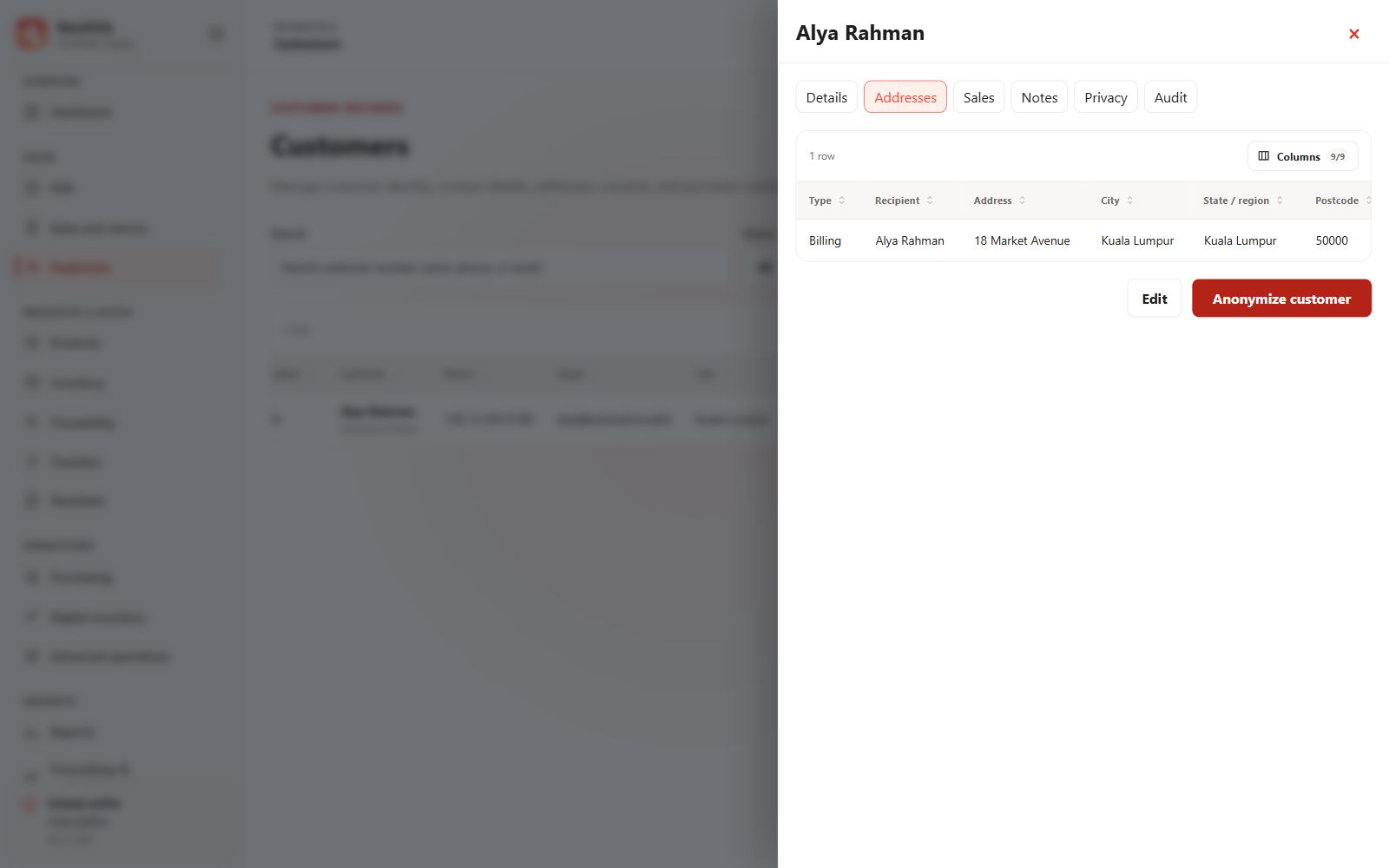
Customer addresses
Review the customer’s saved addresses.
 View full size
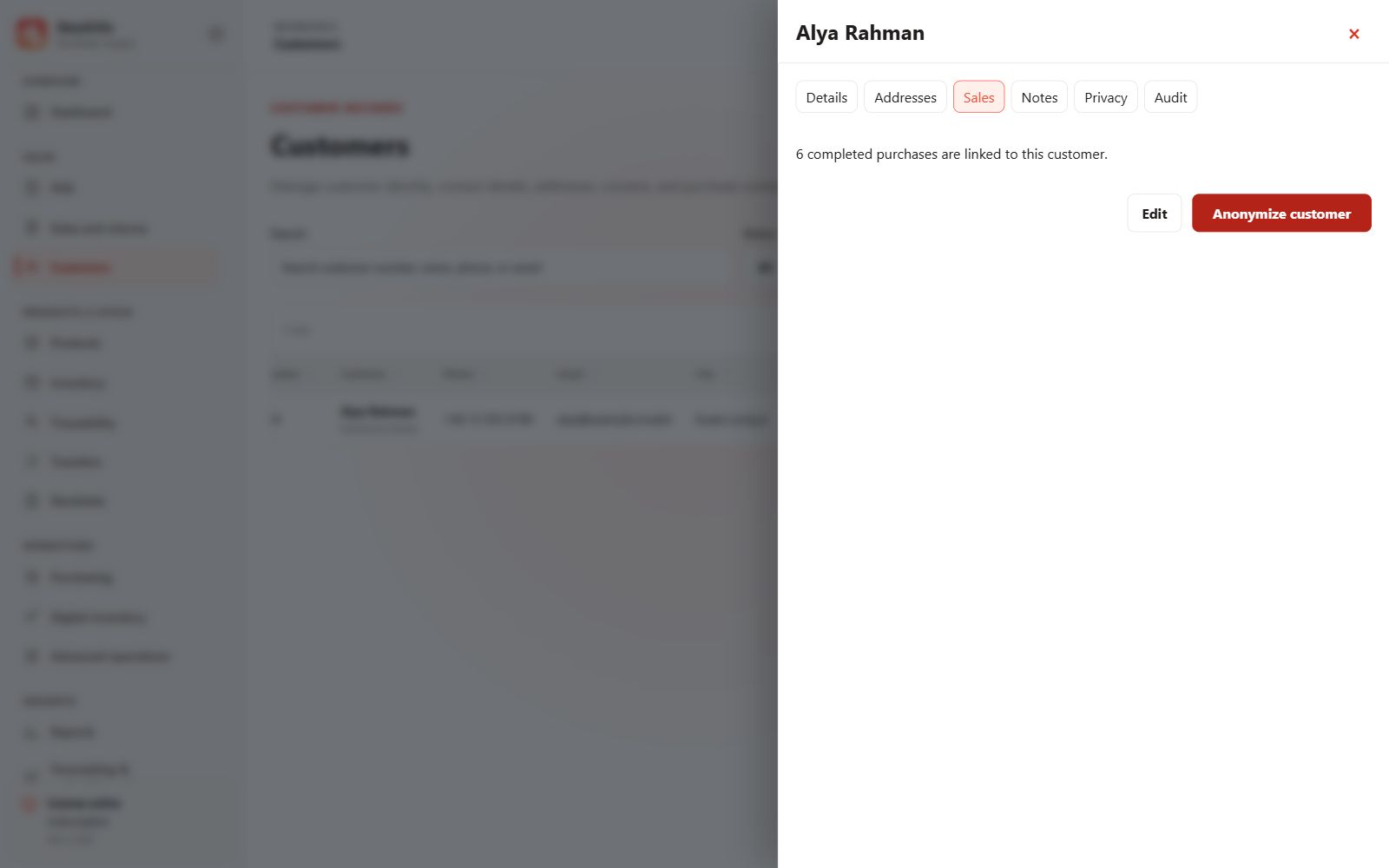
Customer purchases
Review sales associated with a customer.
 View full size
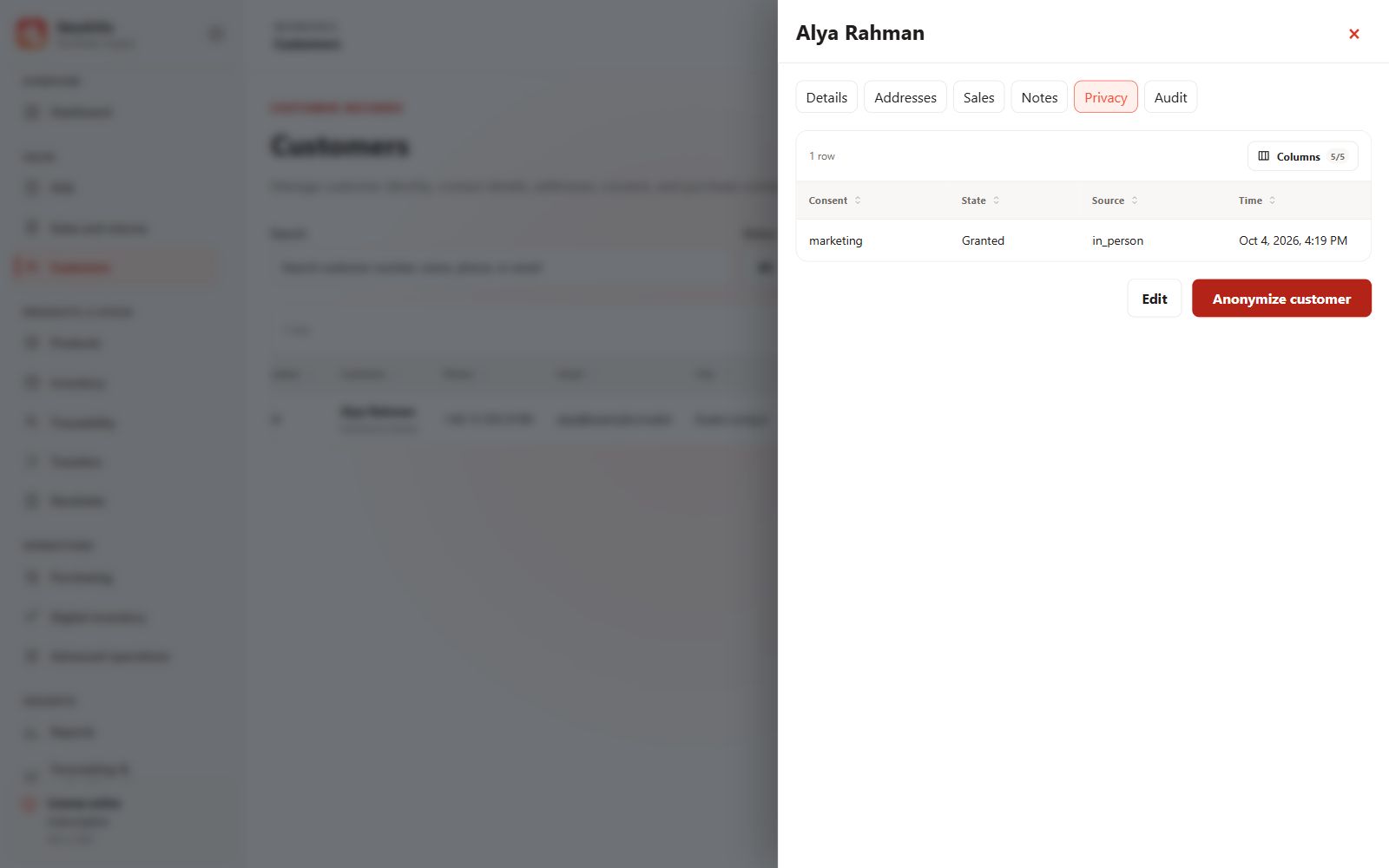
Customer privacy
Review consent and privacy controls.
 View full size
Products & catalogue
Product information, pricing and labels.
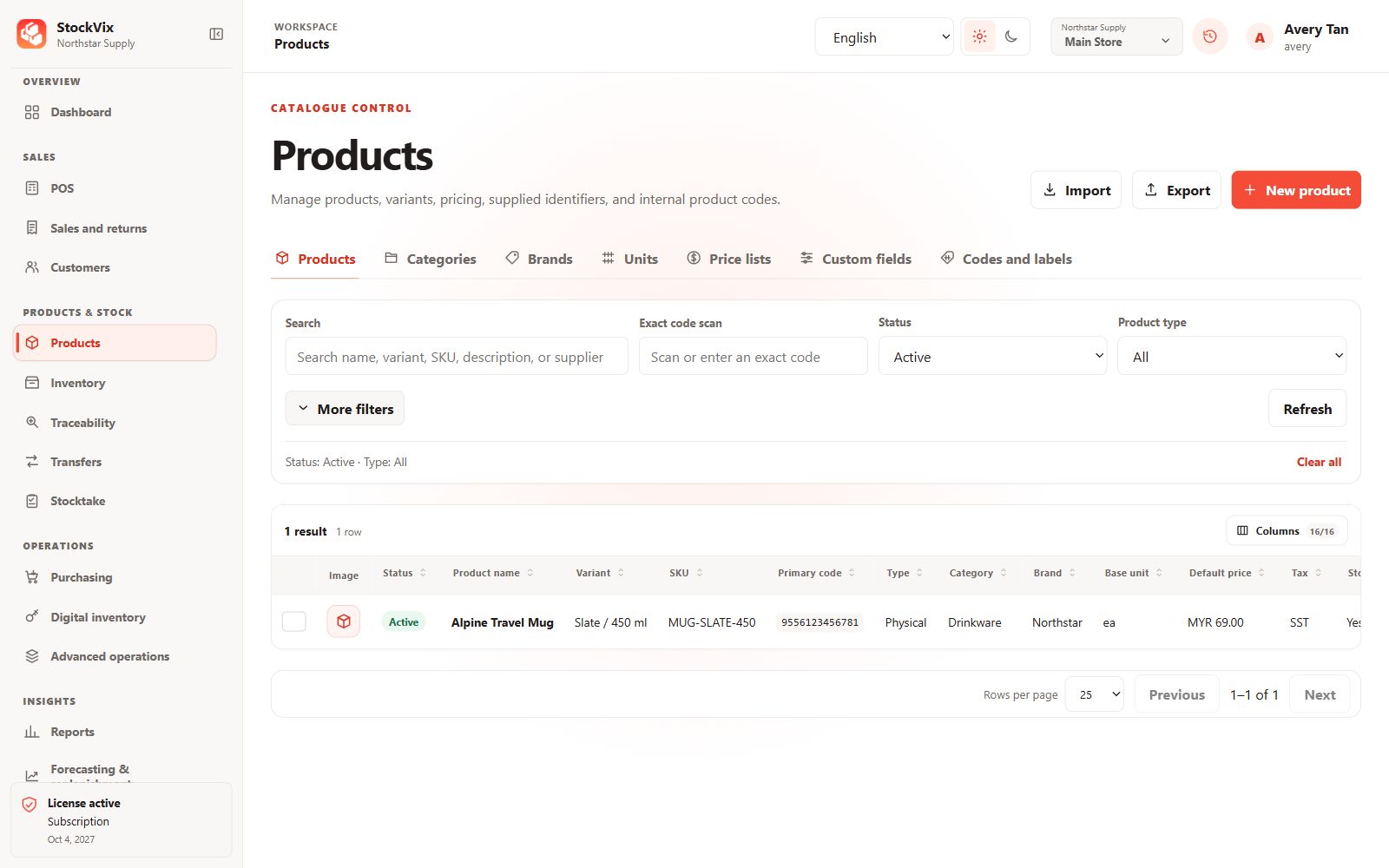
Products
Search and filter the catalogue by identity, code, status and type.
 View full size
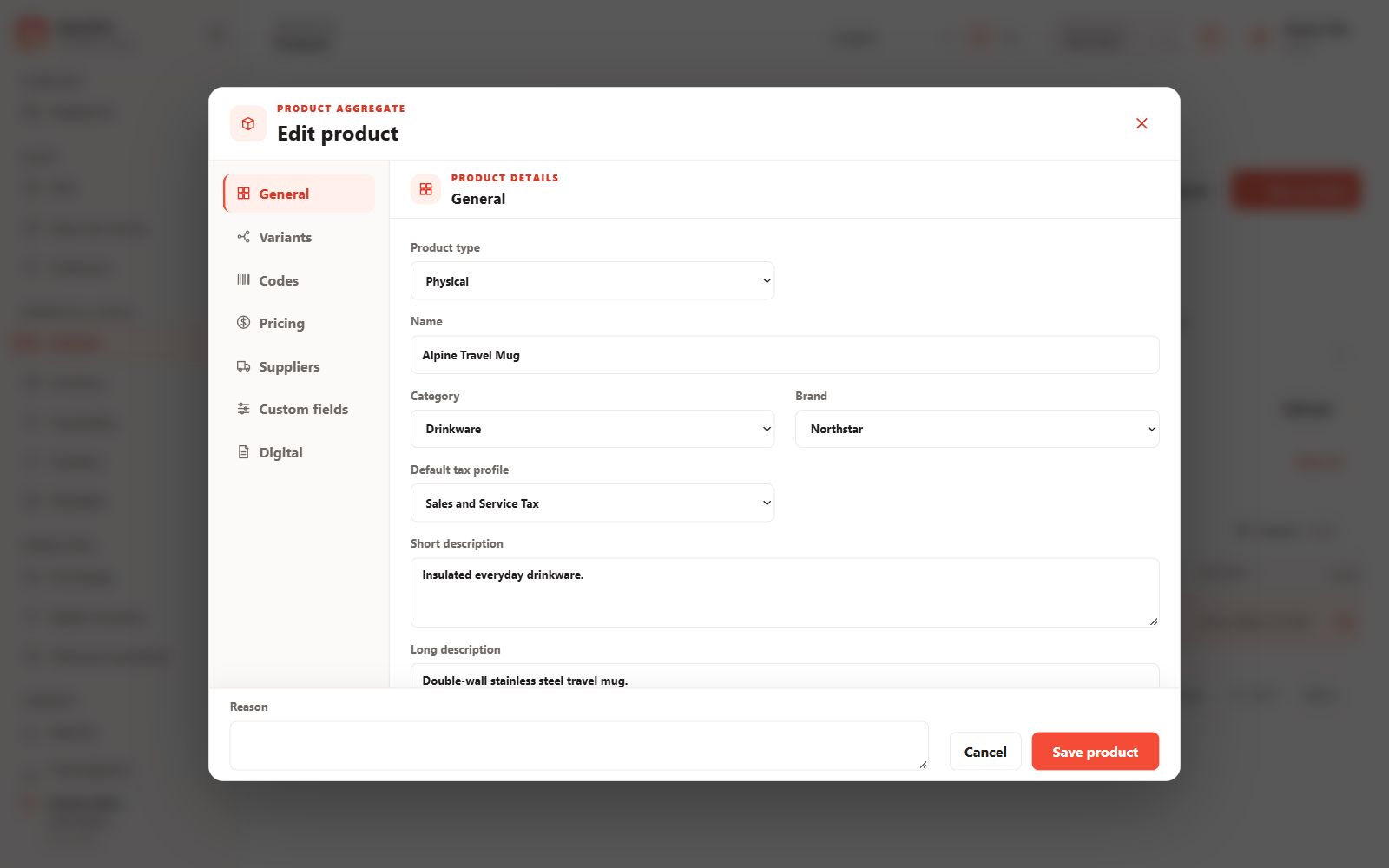
Product information
Edit identity, classification, tax and descriptions.
 View full size
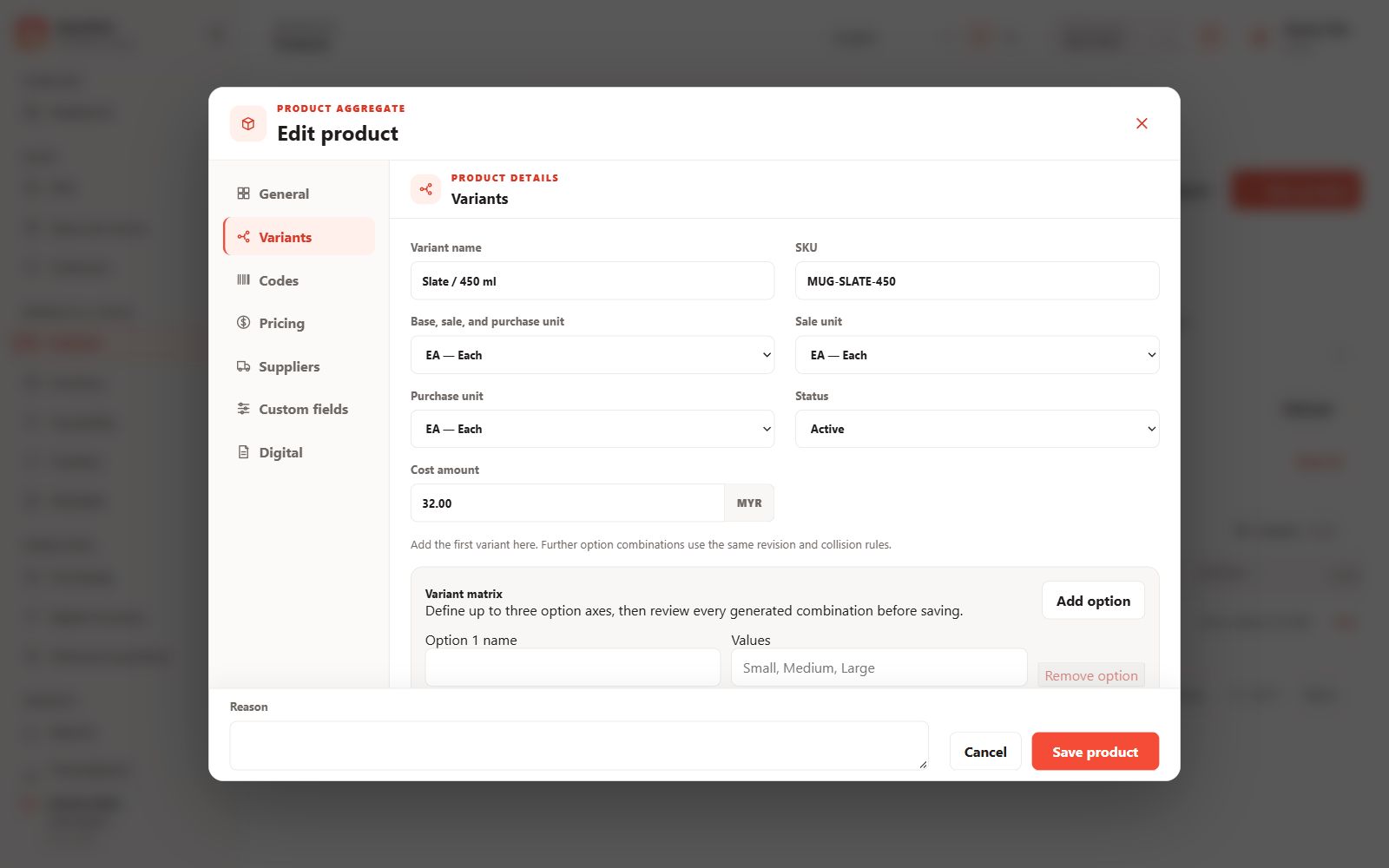
Product variants
Manage variant identities, units and selling behaviour.
 View full size
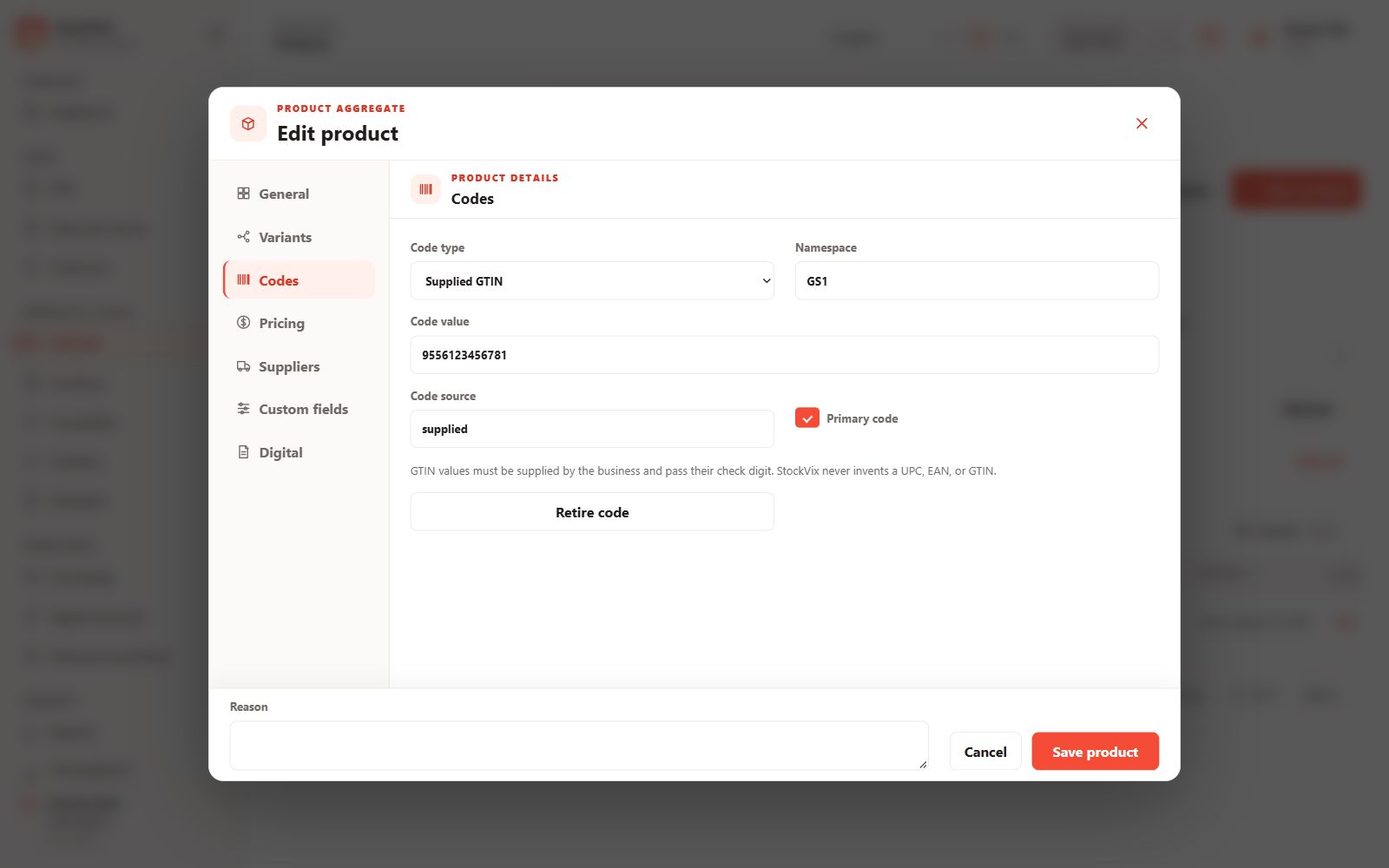
Product codes
Review supplied and internal product identifiers.
 View full size
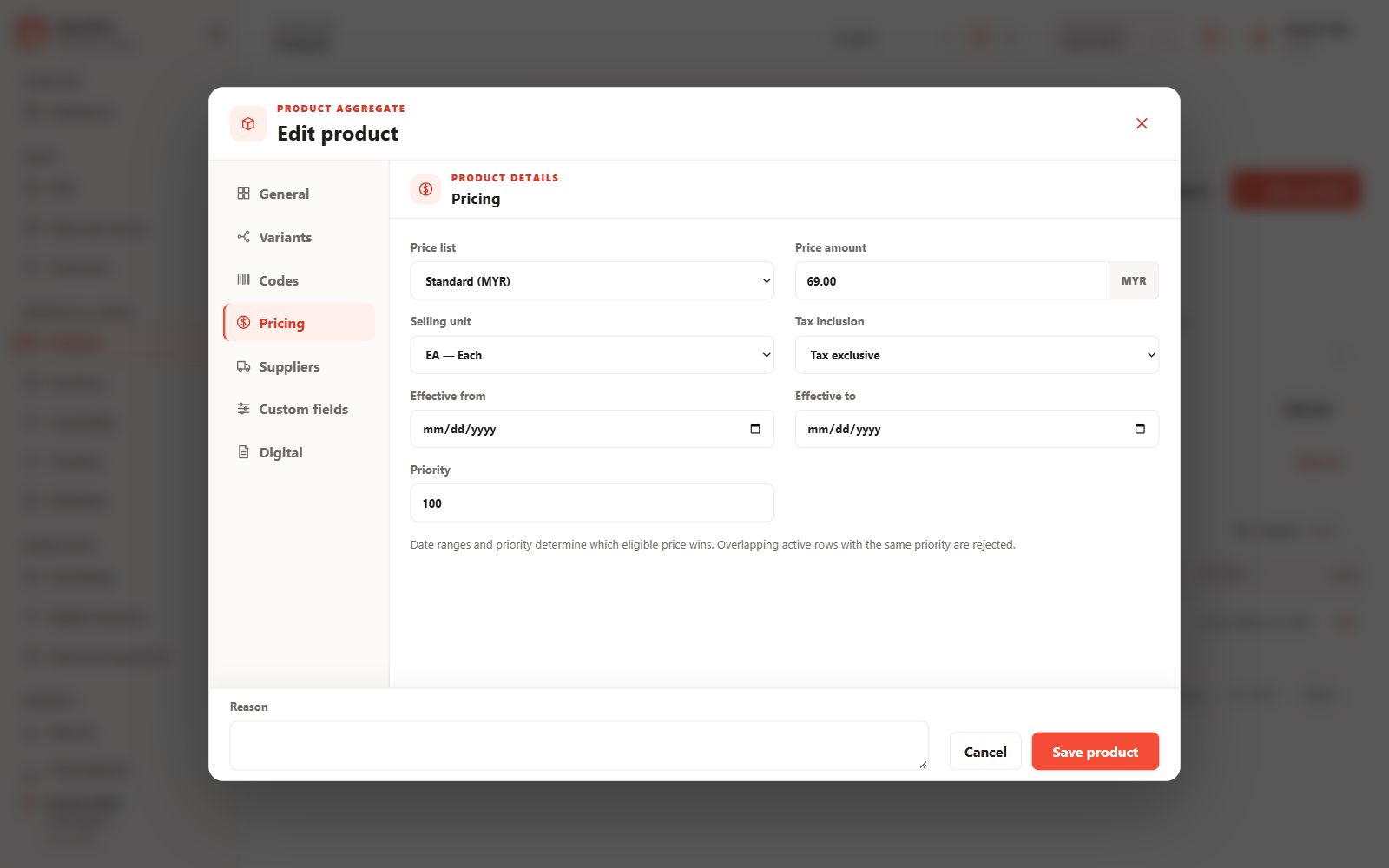
Product pricing
Manage variant pricing and price-list assignments.
 View full size
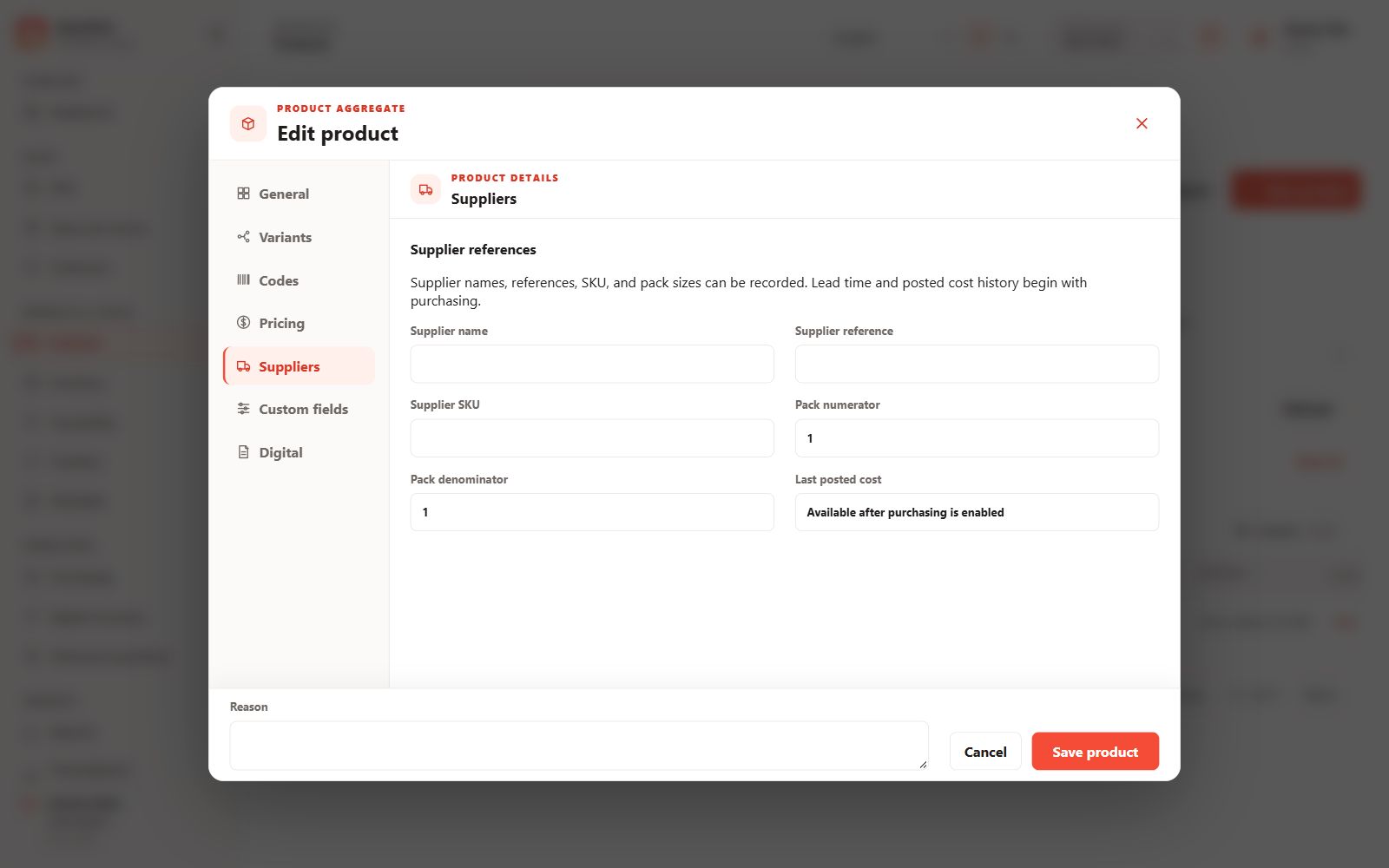
Product suppliers
Review supplier references, costs and purchasing terms.
 View full size
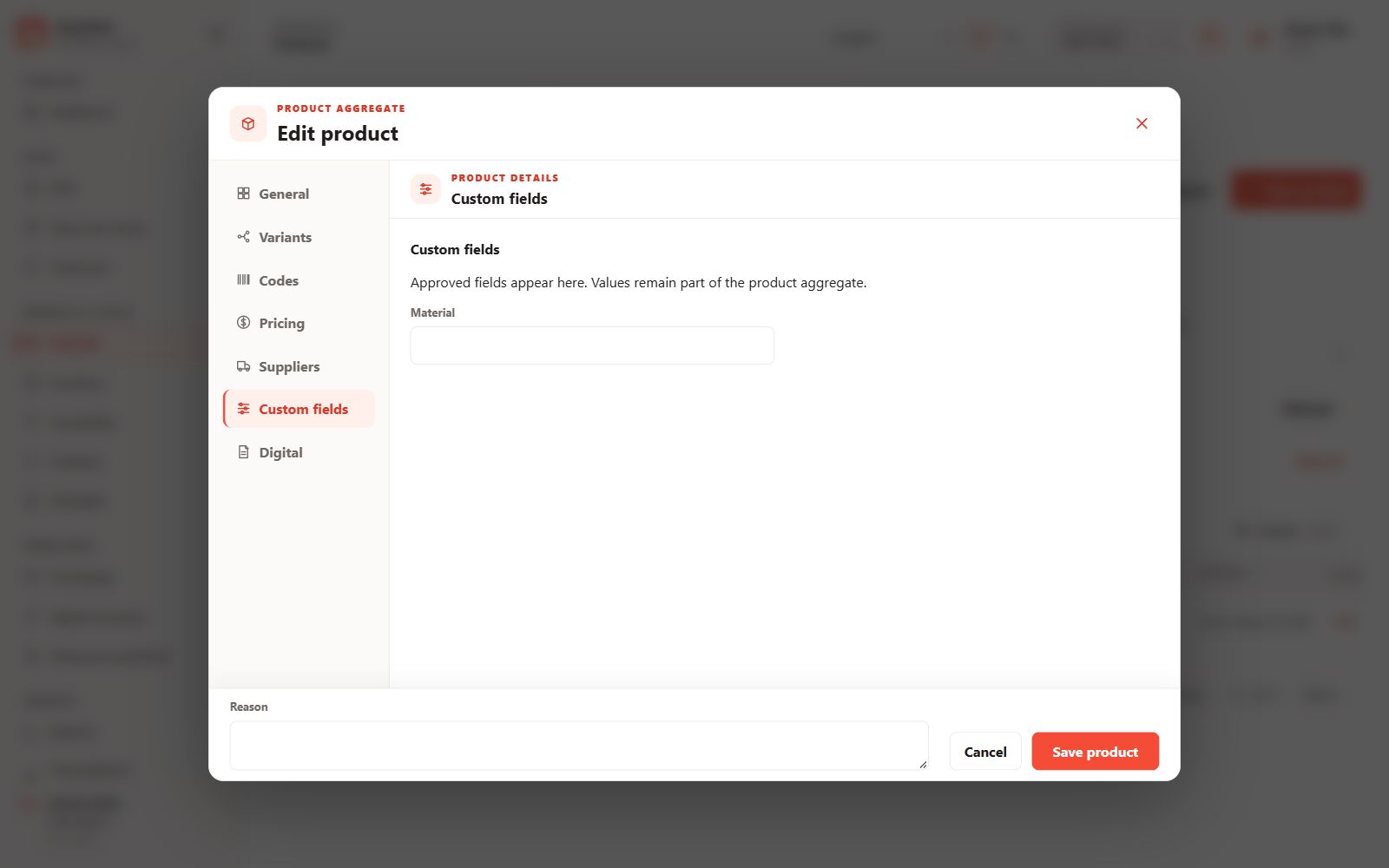
Product custom fields
Maintain extra product attributes.
 View full size
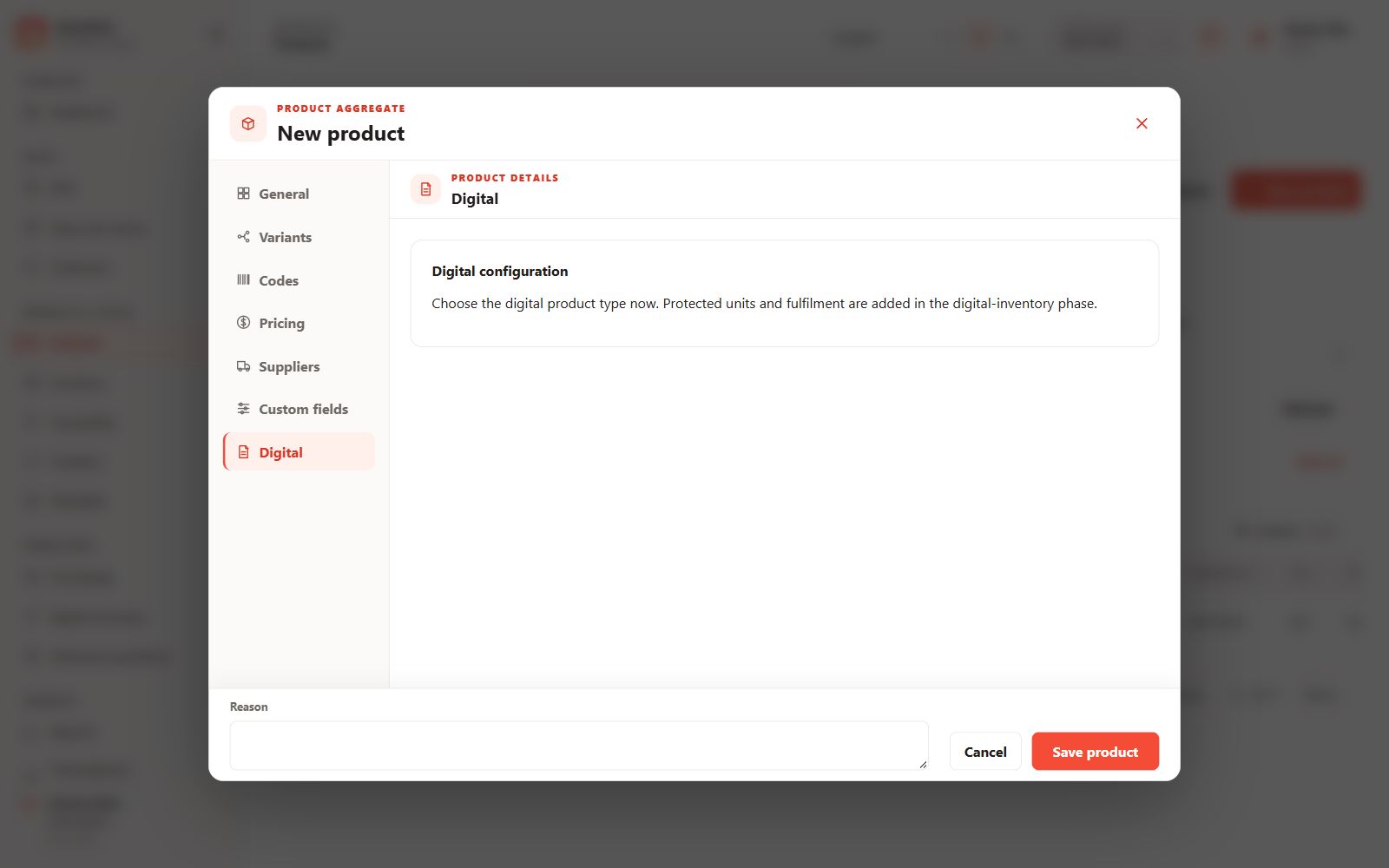
Digital product editor
Review digital-product guidance; fulfilment is configured in Digital inventory.
 View full size
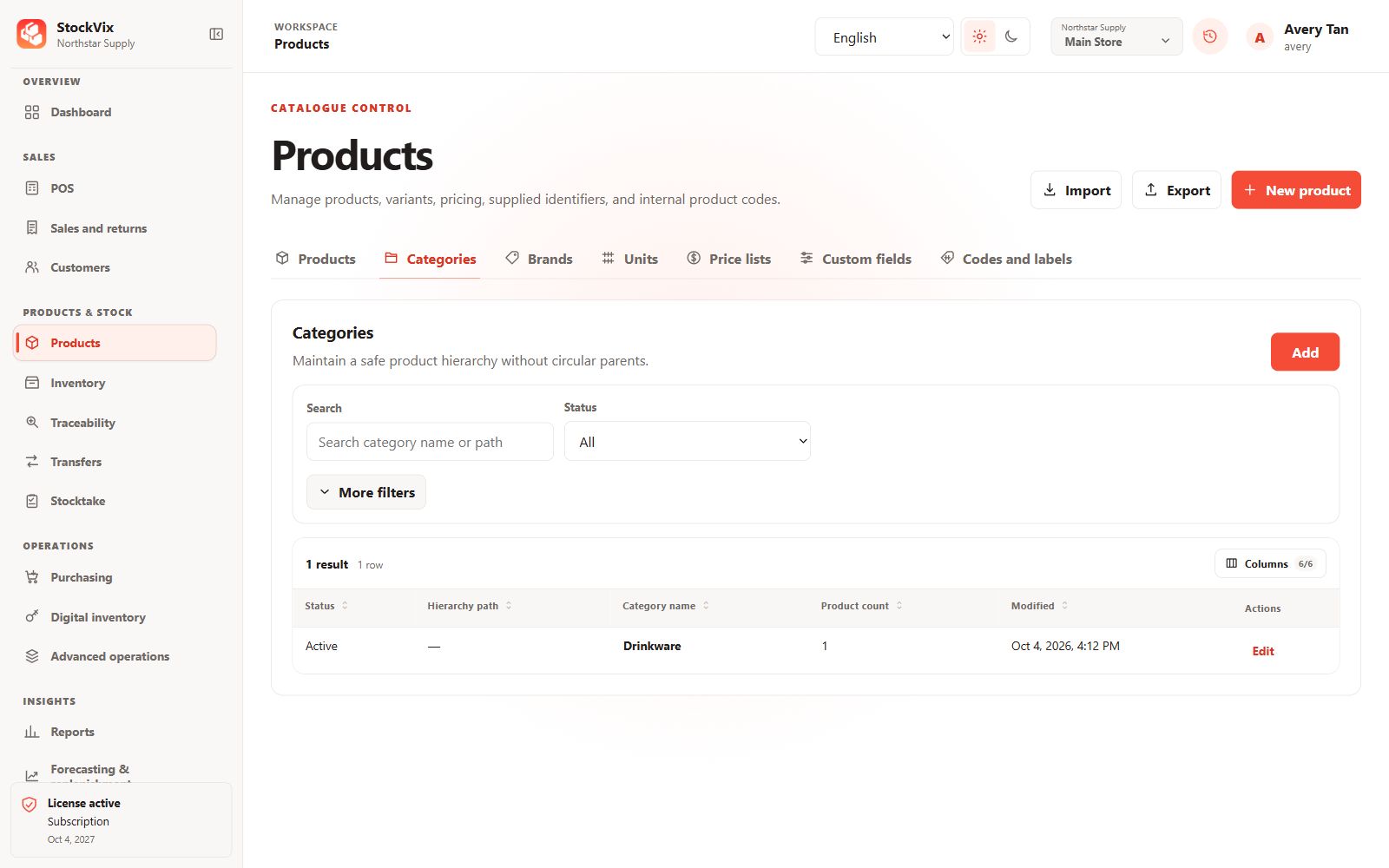
Categories
Organize products into catalogue categories.
 View full size
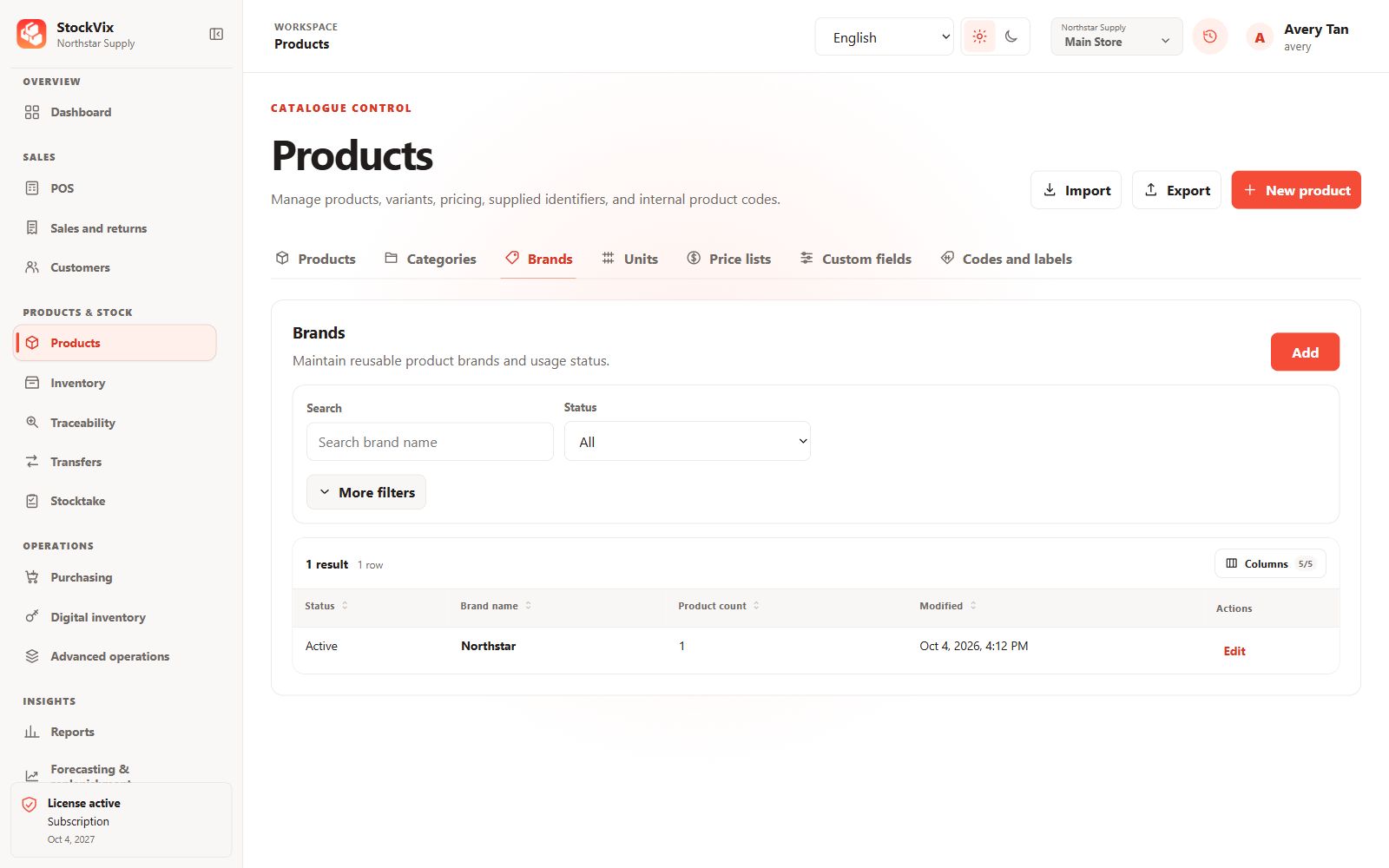
Brands
Maintain the brands used by your products.
 View full size
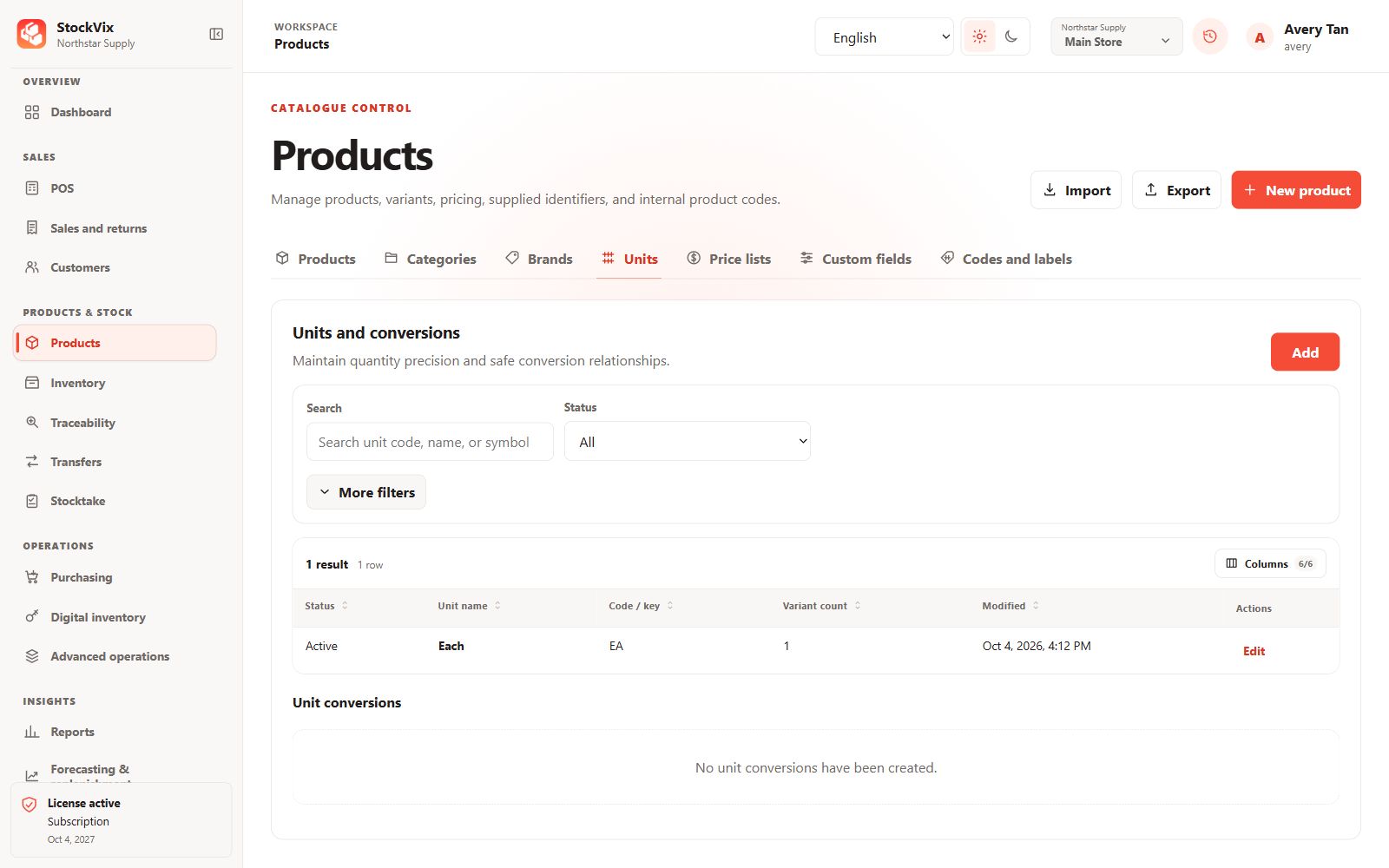
Units of measure
Review base units and quantity precision.
 View full size
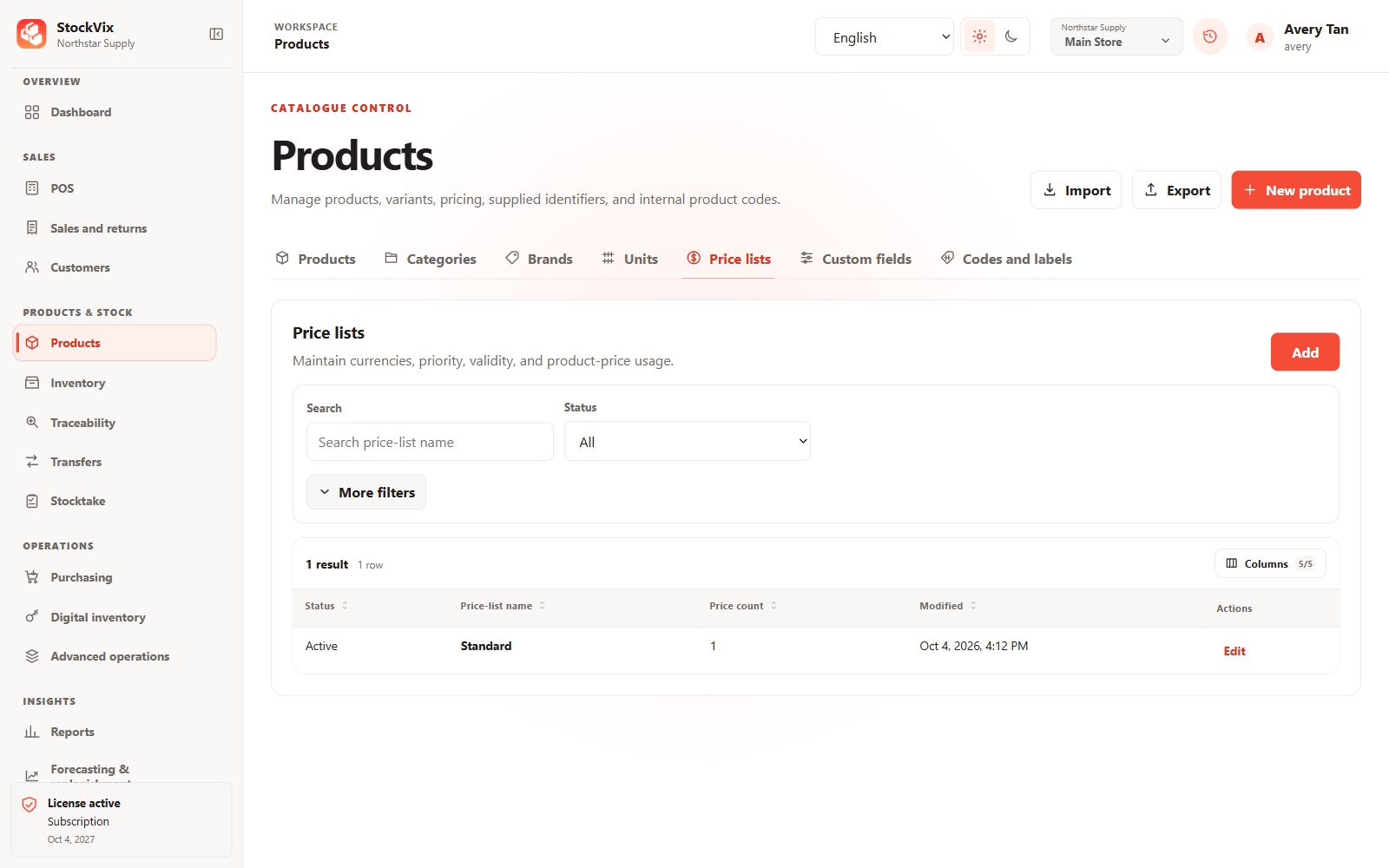
Catalogue price lists
Maintain named price lists and currencies.
 View full size
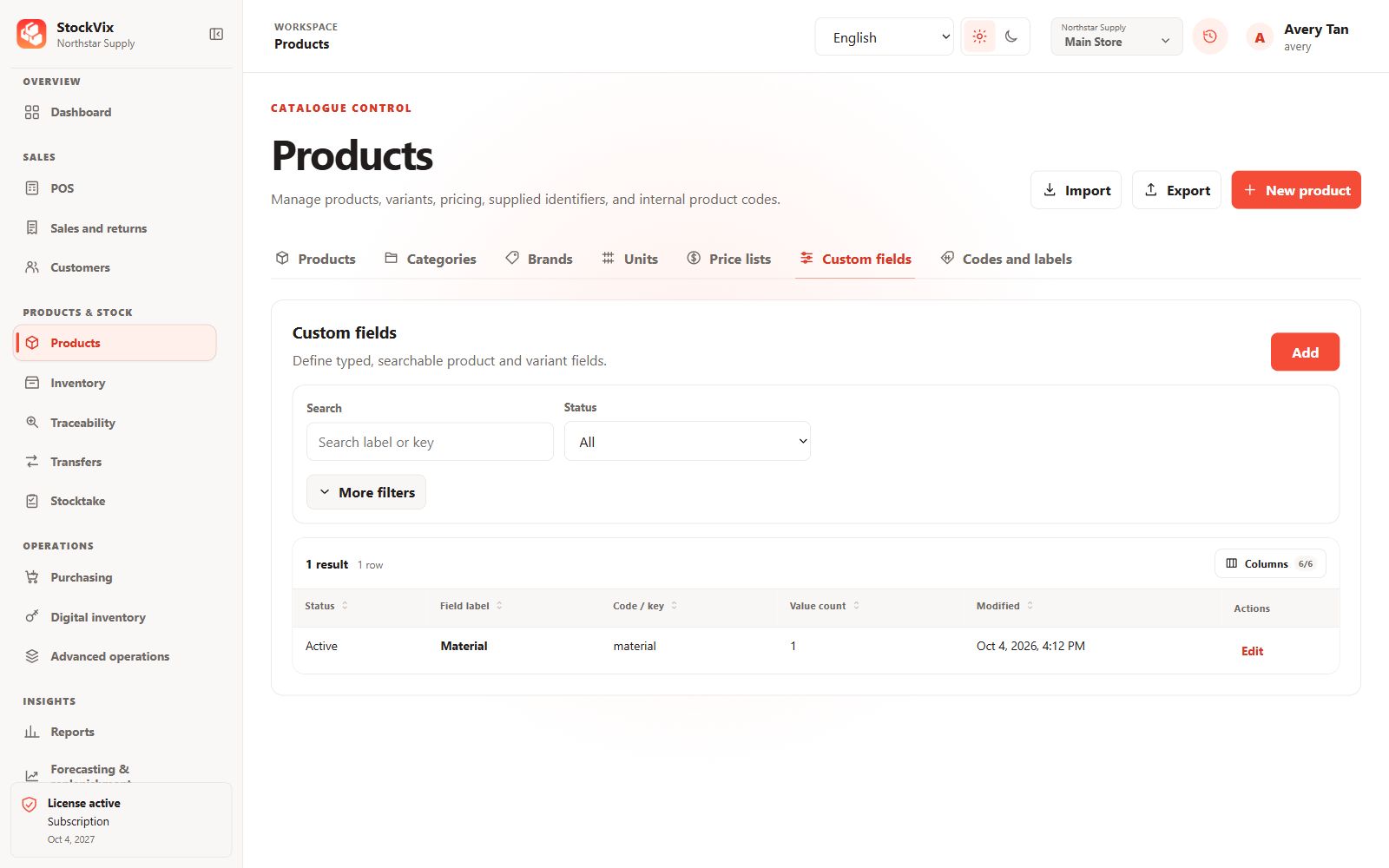
Custom-field definitions
Define extra fields for product records.
 View full size
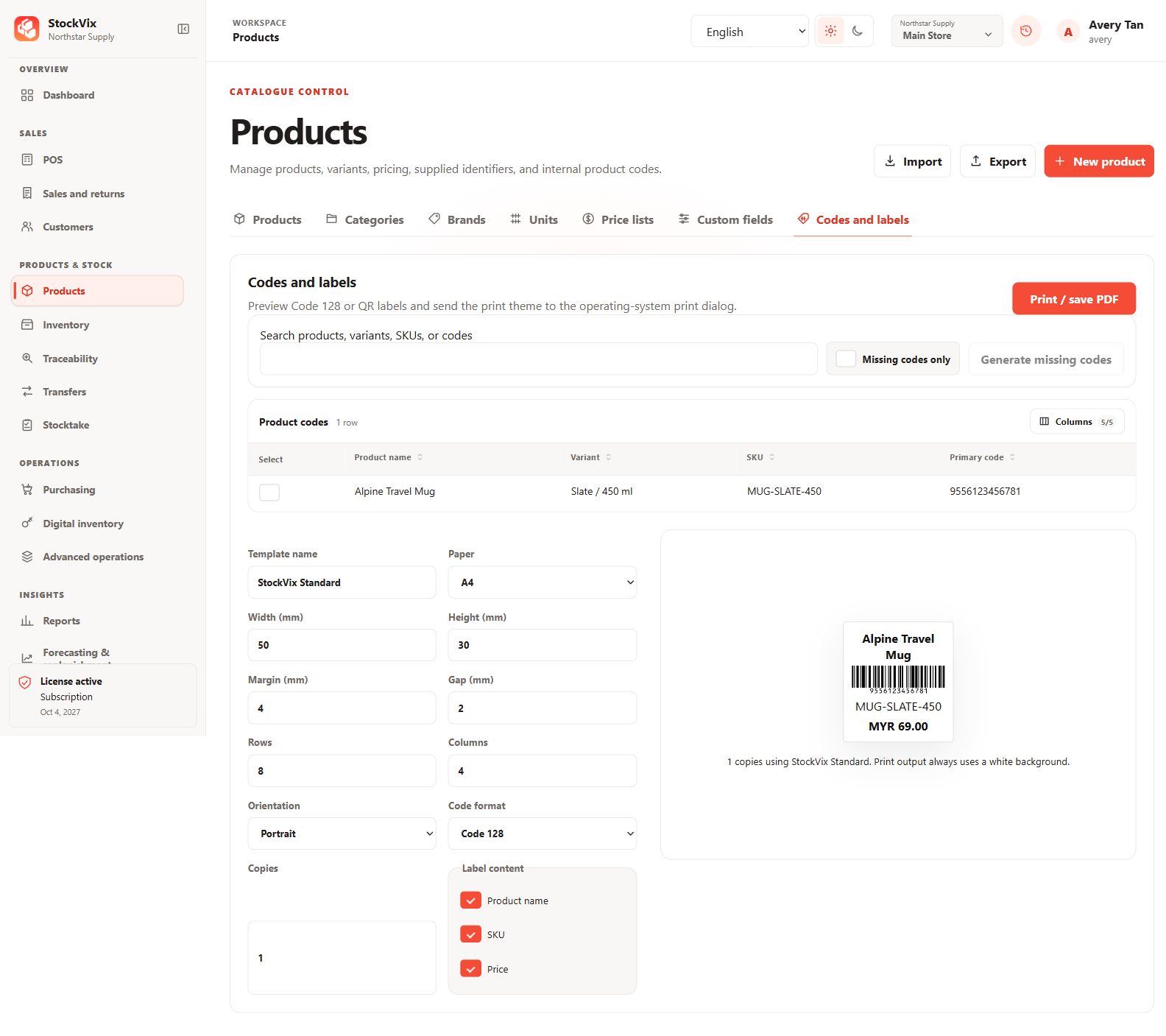
Barcode labels
Configure Code 128 labels, paper size and label content.
 View full size
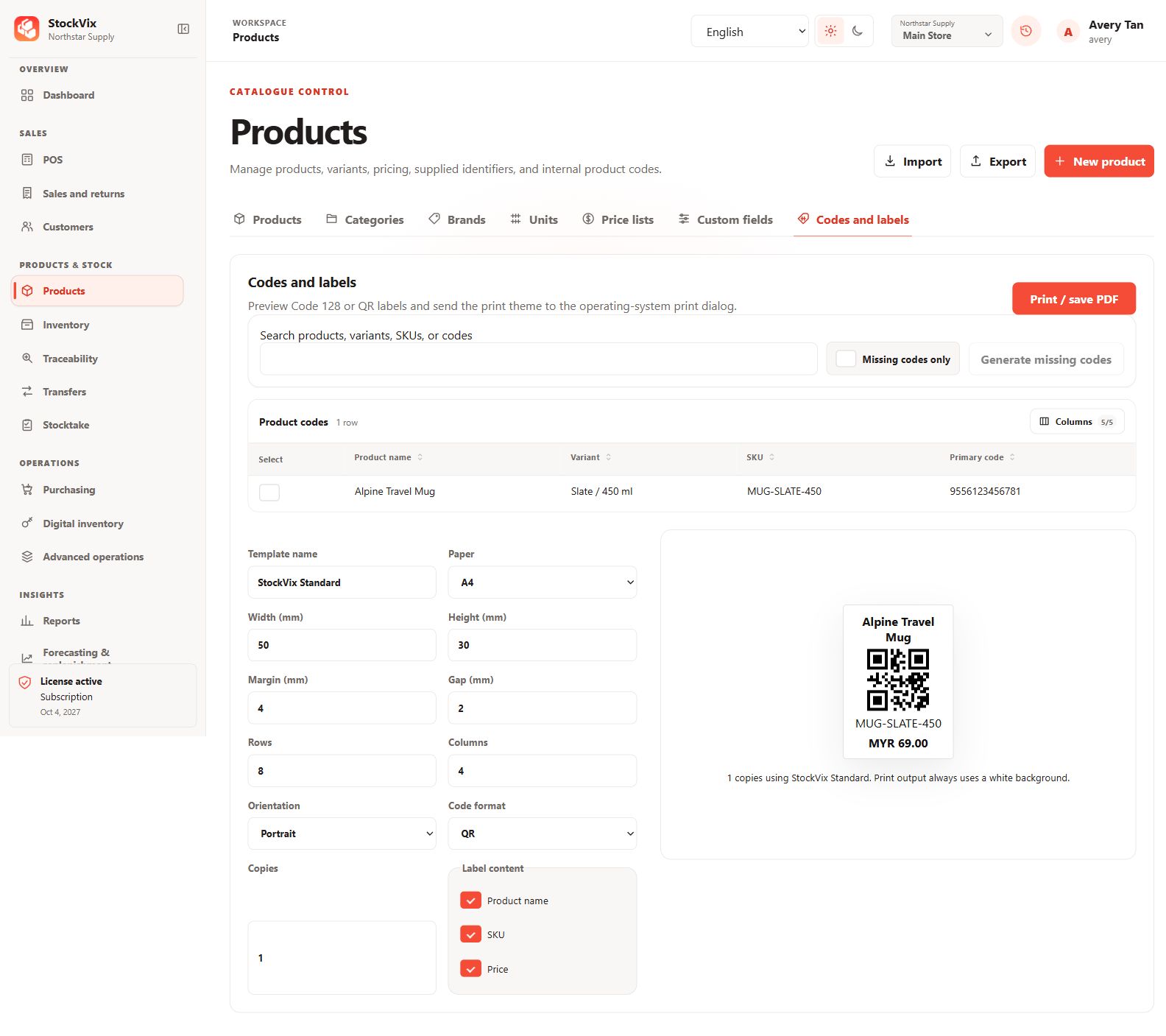
QR labels
Preview QR labels with product identity and price.
 View full size
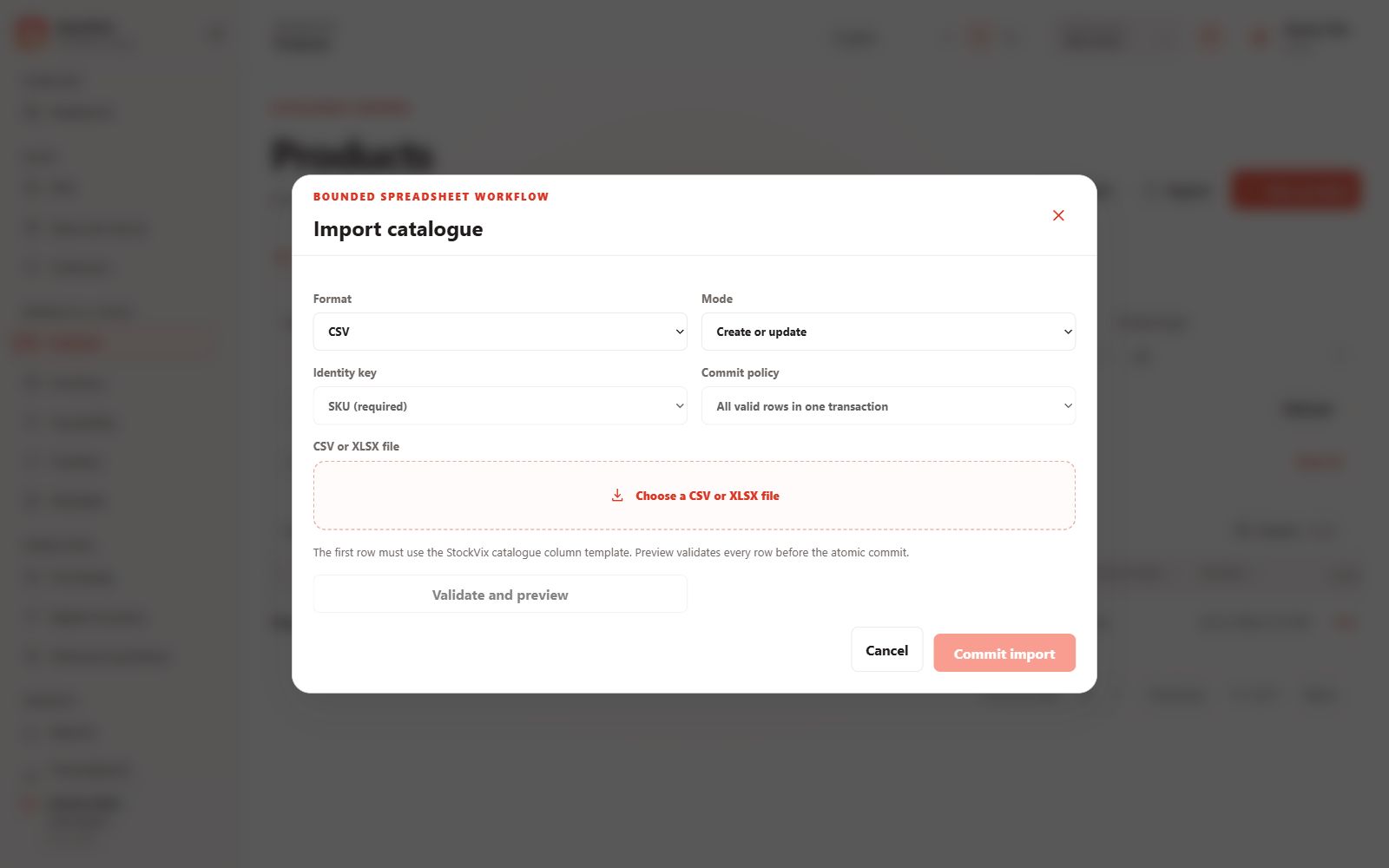
Catalogue import
Choose a file format and import policy before validation.
 View full size
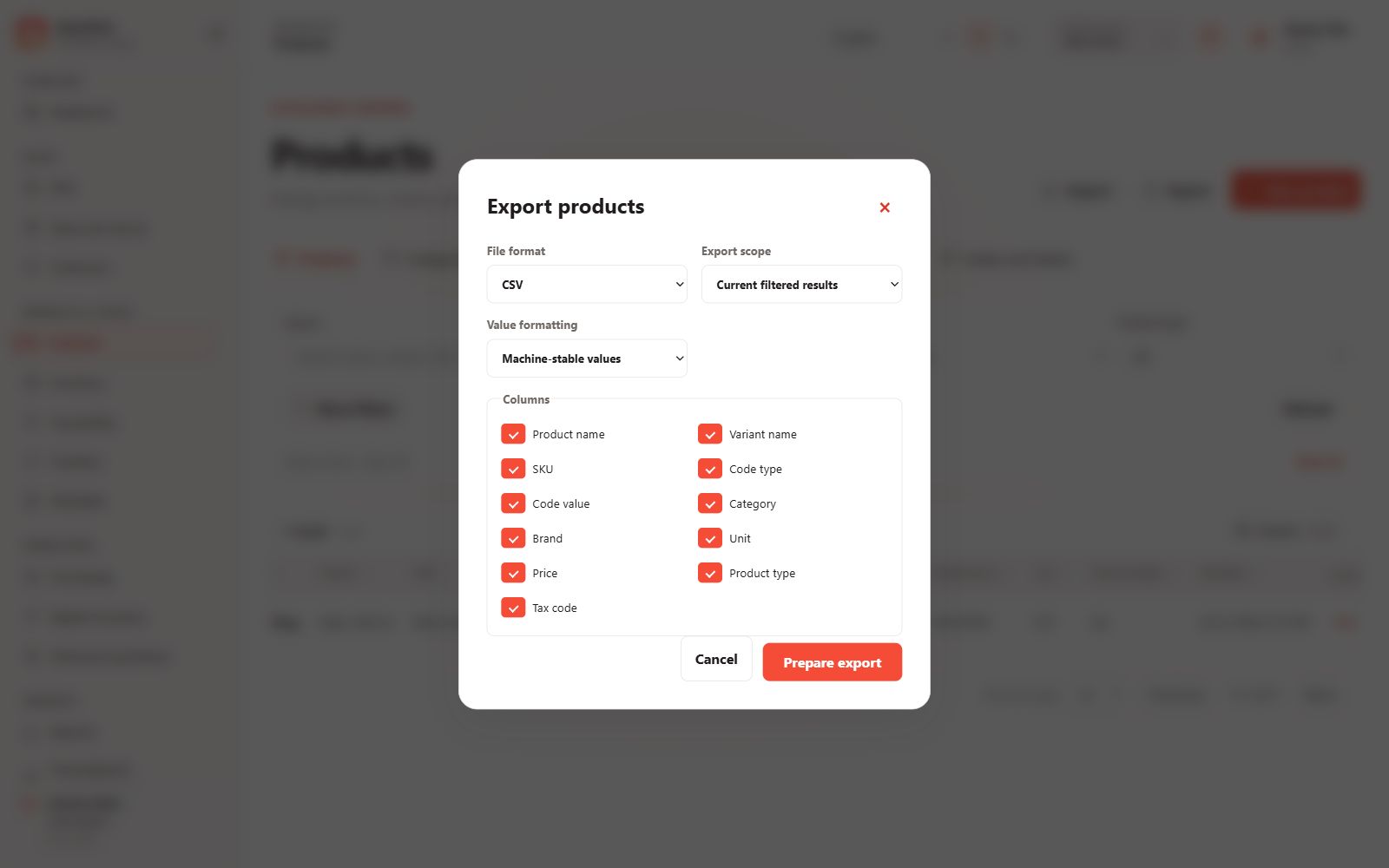
Catalogue export
Choose export format, scope and included columns.
 View full size
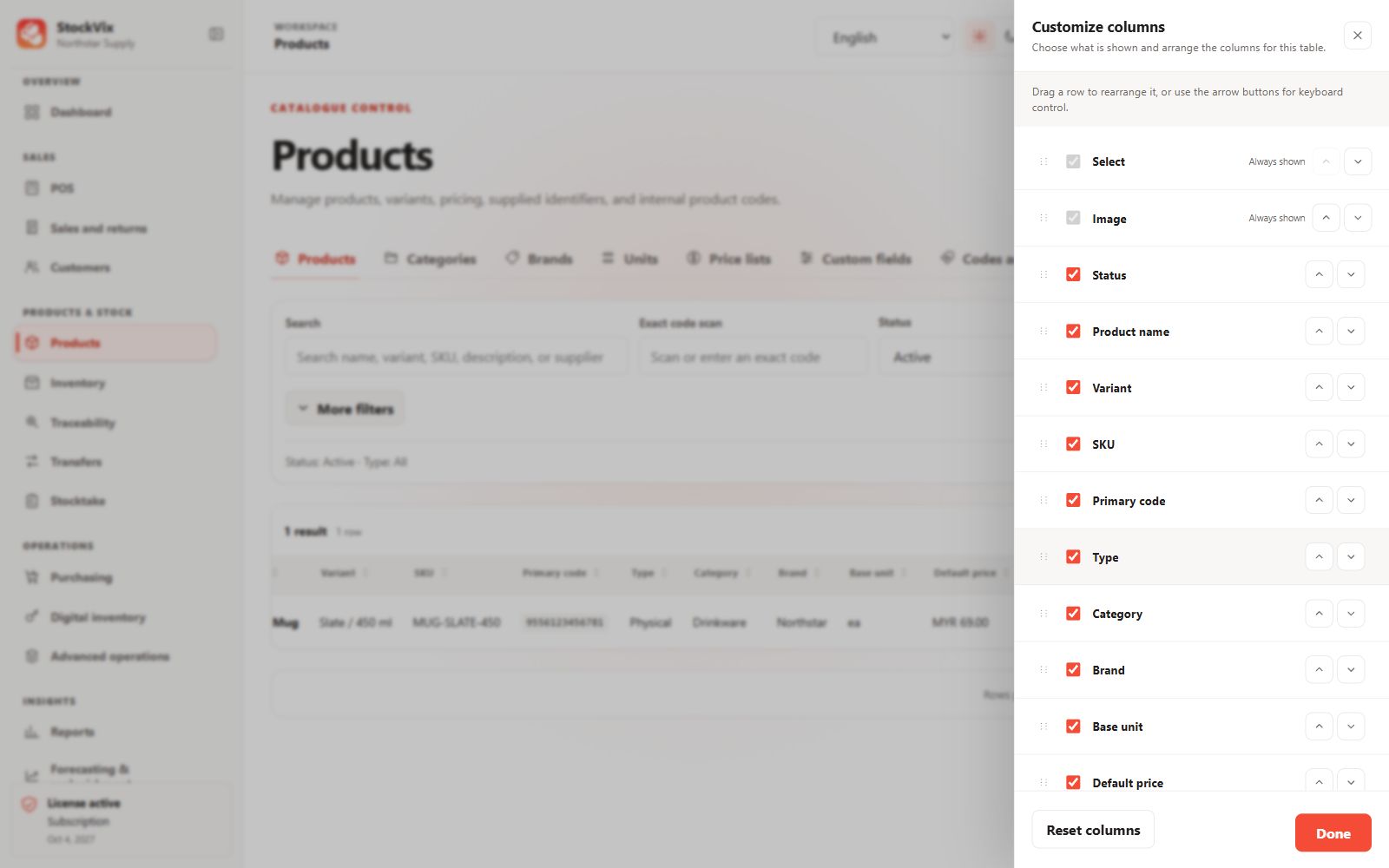
Table customization
Choose visible columns and change their order.
 View full size
Stock & traceability
Balances, movements and controlled counts.
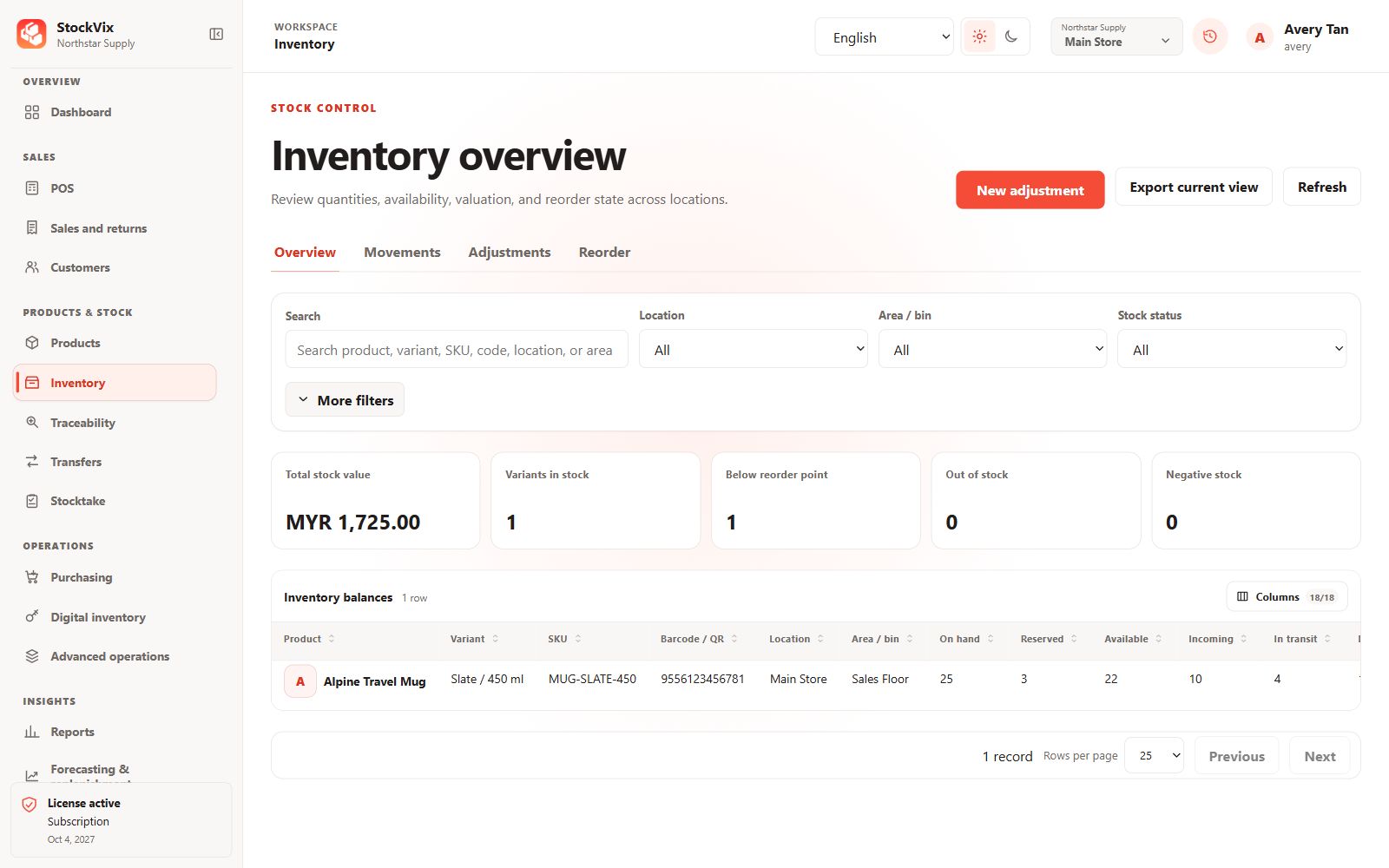
Inventory overview
Review balances, availability, stock value and reorder status.
 View full size
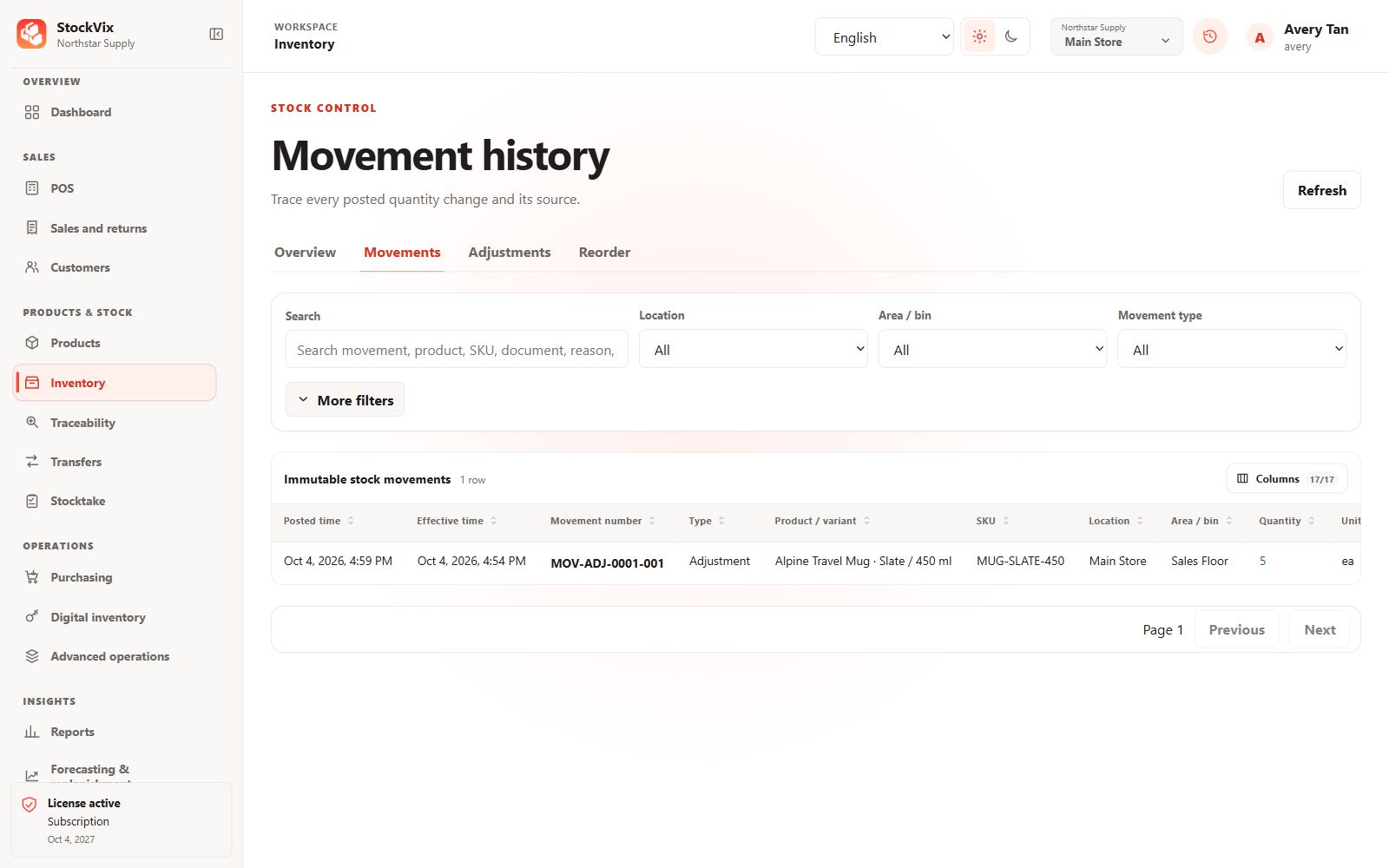
Stock movements
Follow posted changes and their source references.
 View full size
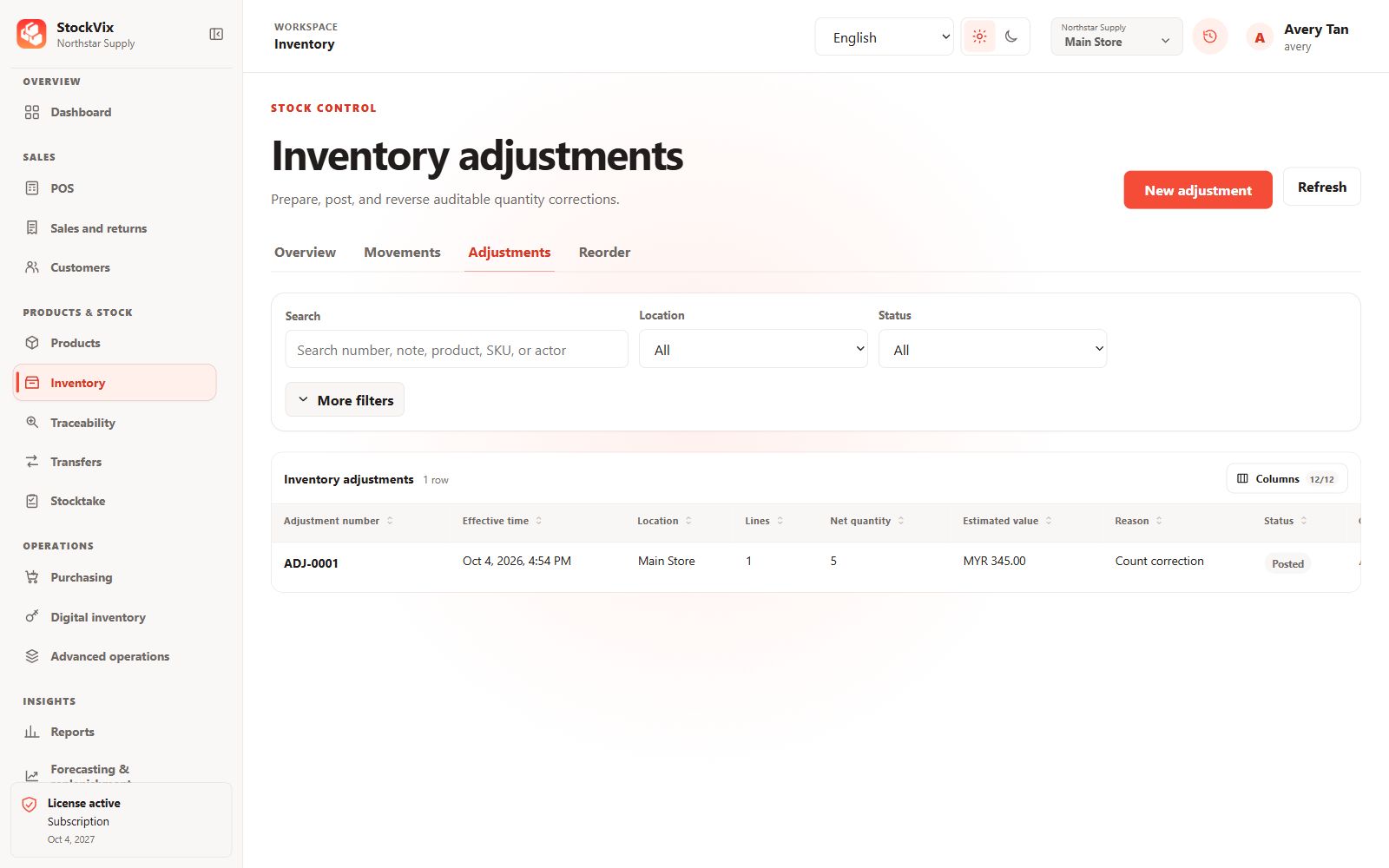
Stock adjustments
Review drafts, posted corrections and reversals.
 View full size
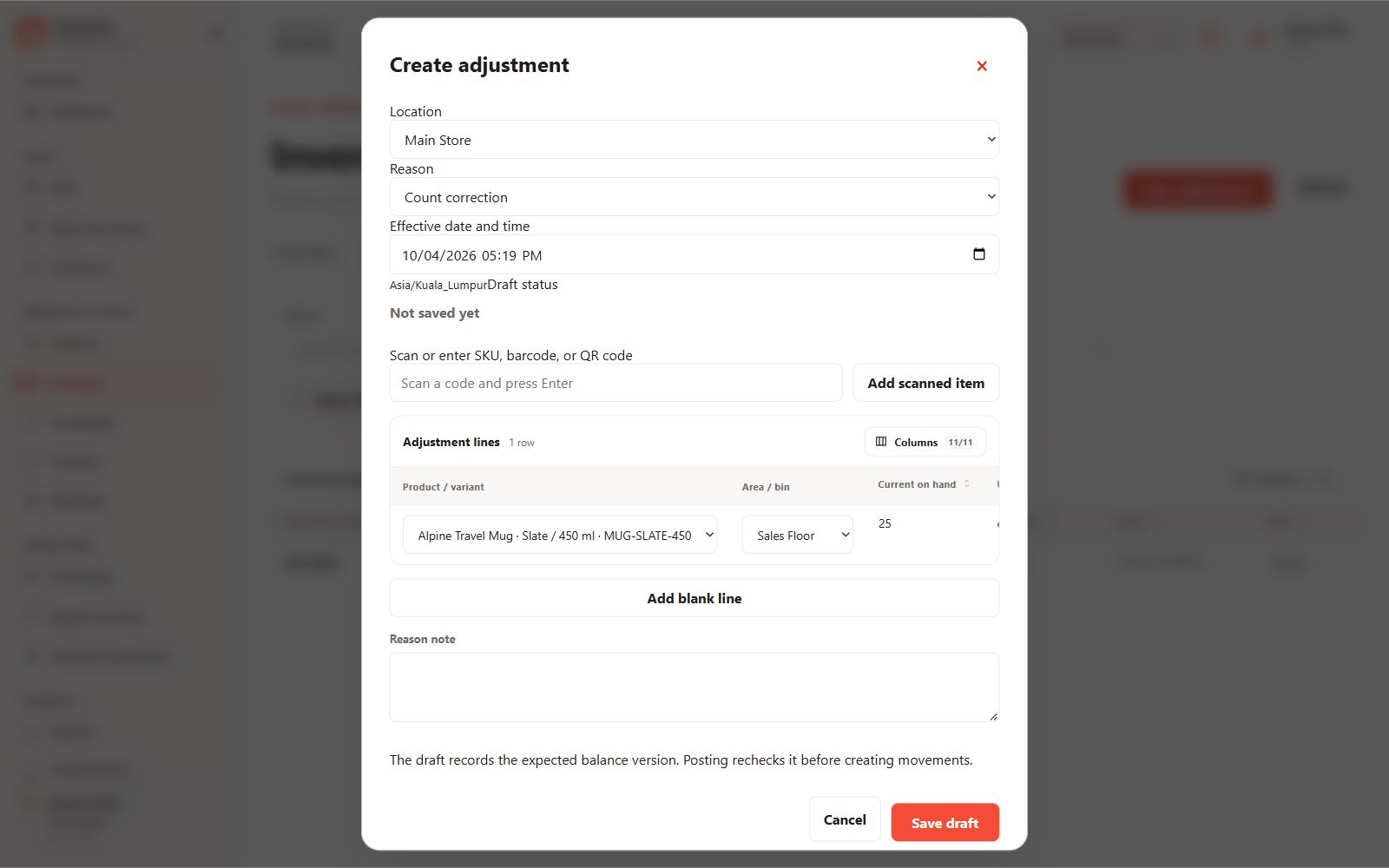
Adjustment draft
Prepare line quantities, costs and reasons before posting.
 View full size
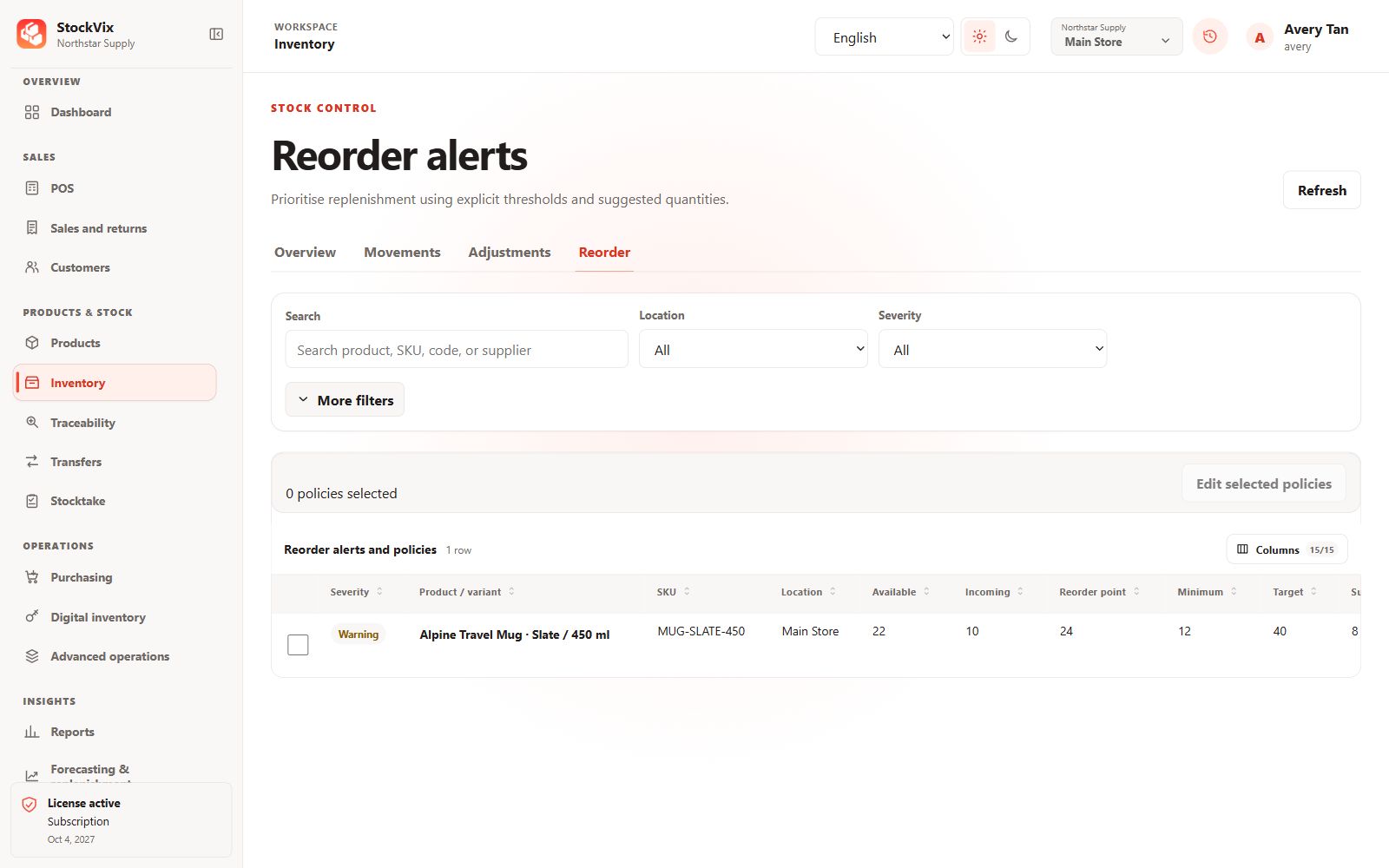
Reorder alerts
Review thresholds, incoming stock and suggested quantities.
 View full size
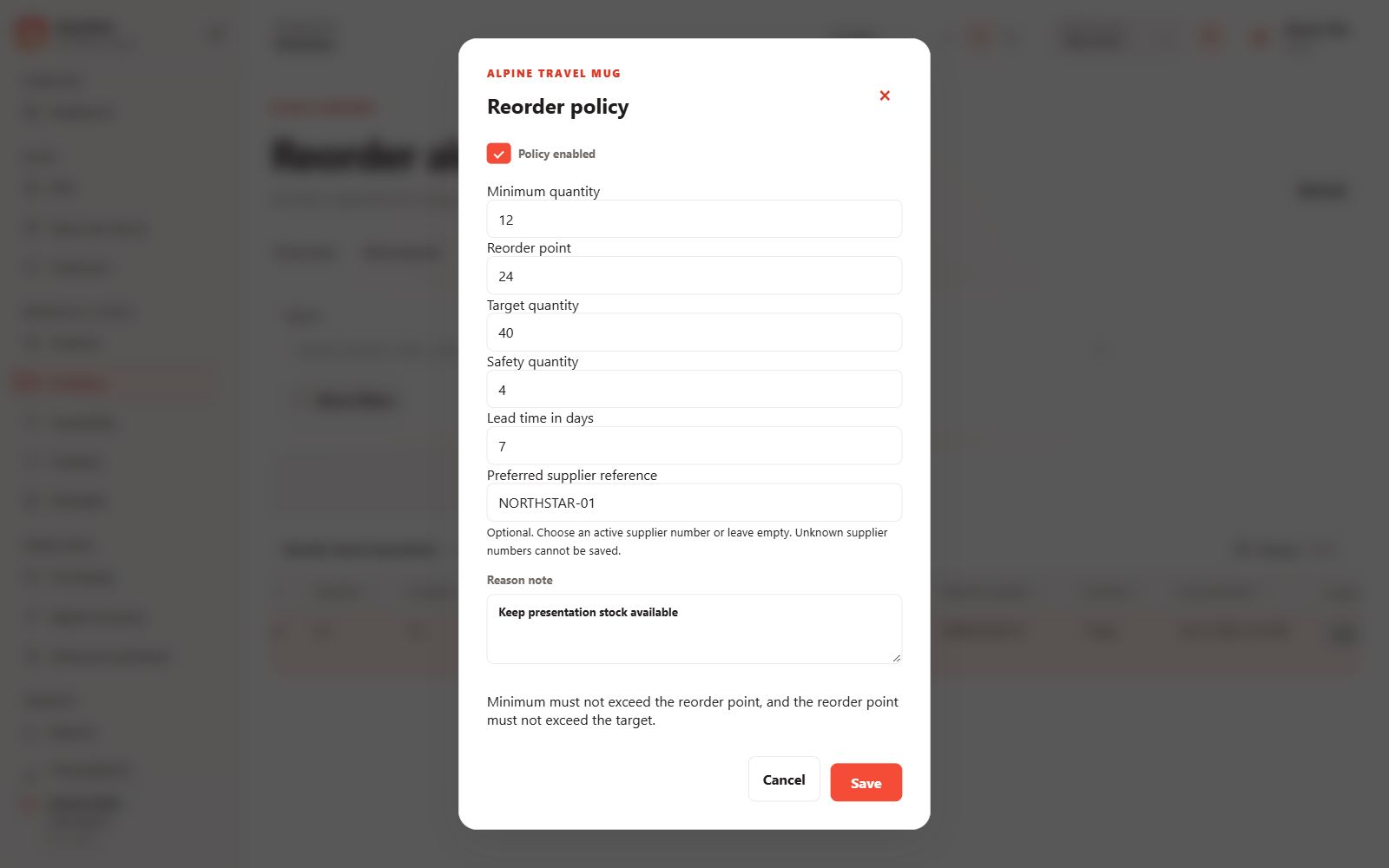
Reorder policy
Set minimum, reorder, target and safety quantities.
 View full size
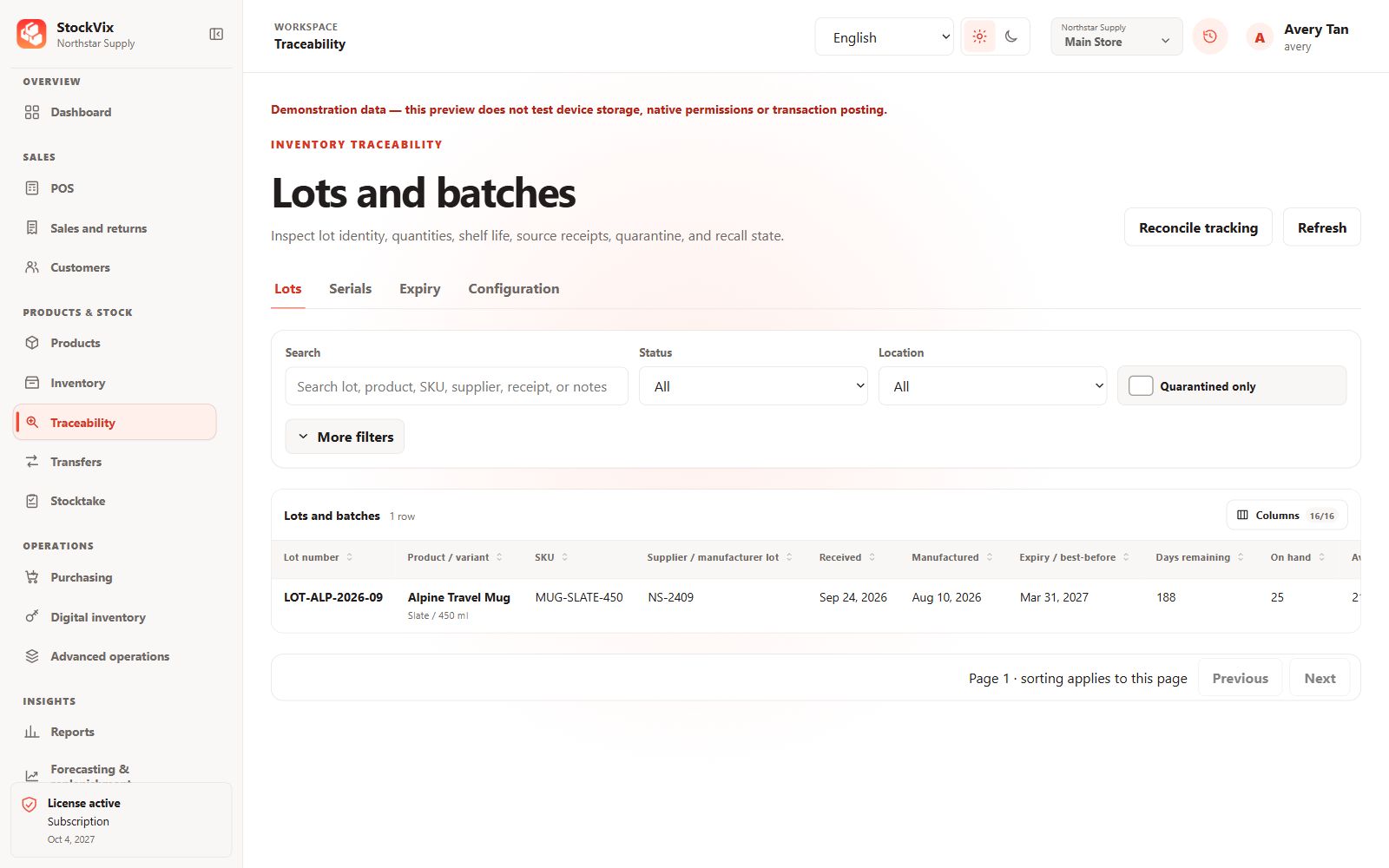
Lots and batches
Review lot identity, shelf life, quantities and source receipts.
 View full size
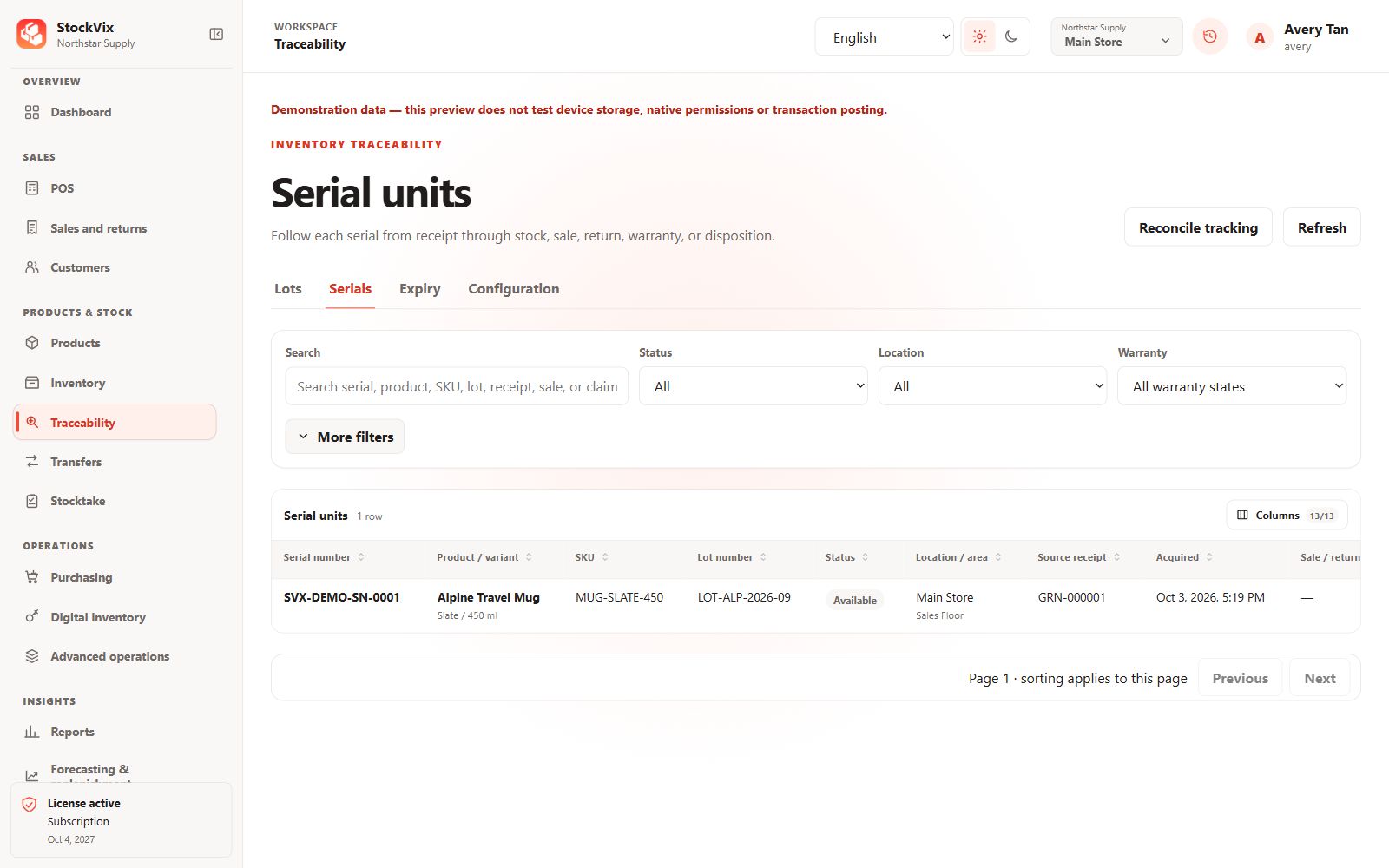
Serial units
Track individual serials, status and warranty details.
 View full size
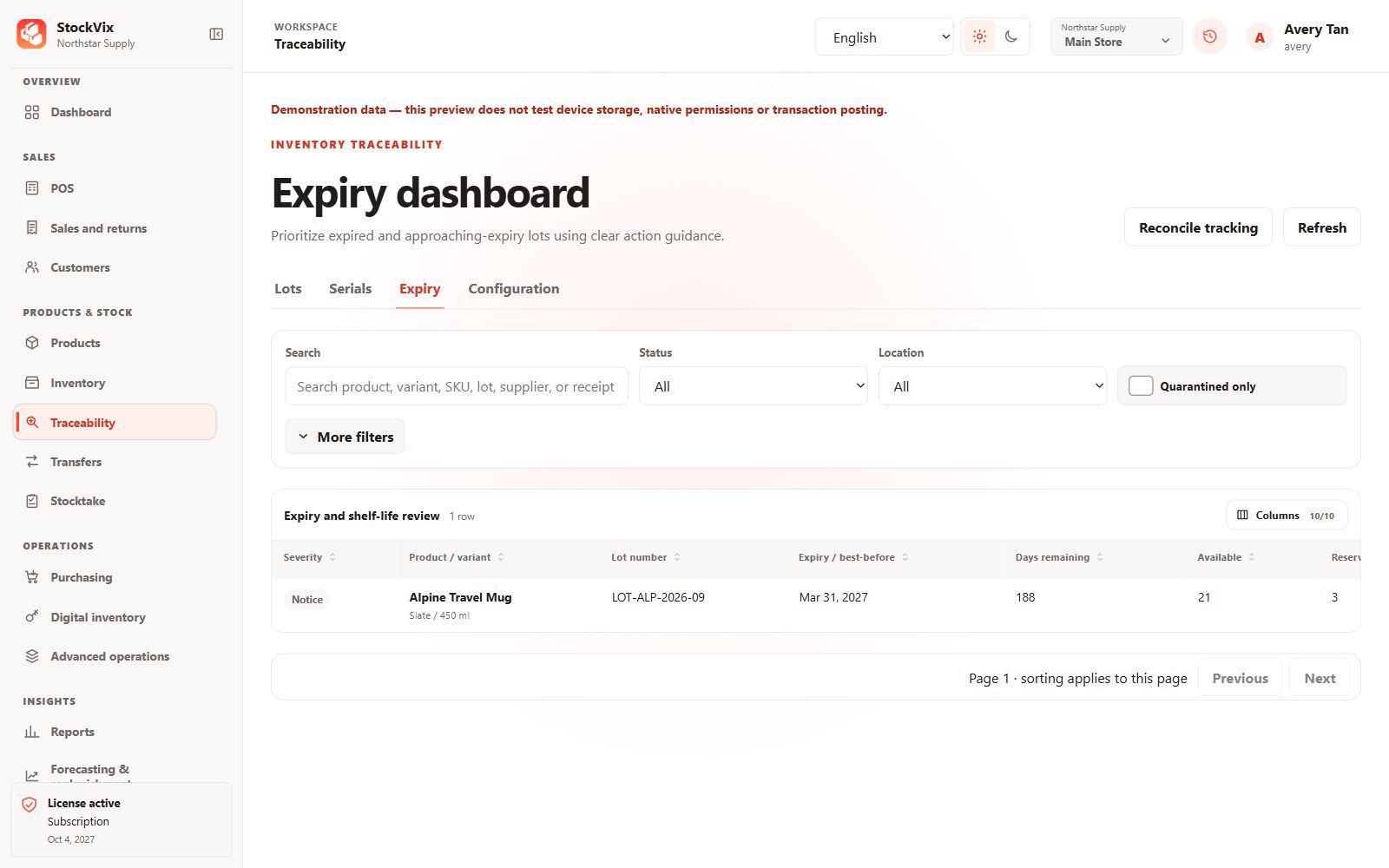
Expiry dashboard
Prioritize approaching-expiry and expired stock.
 View full size
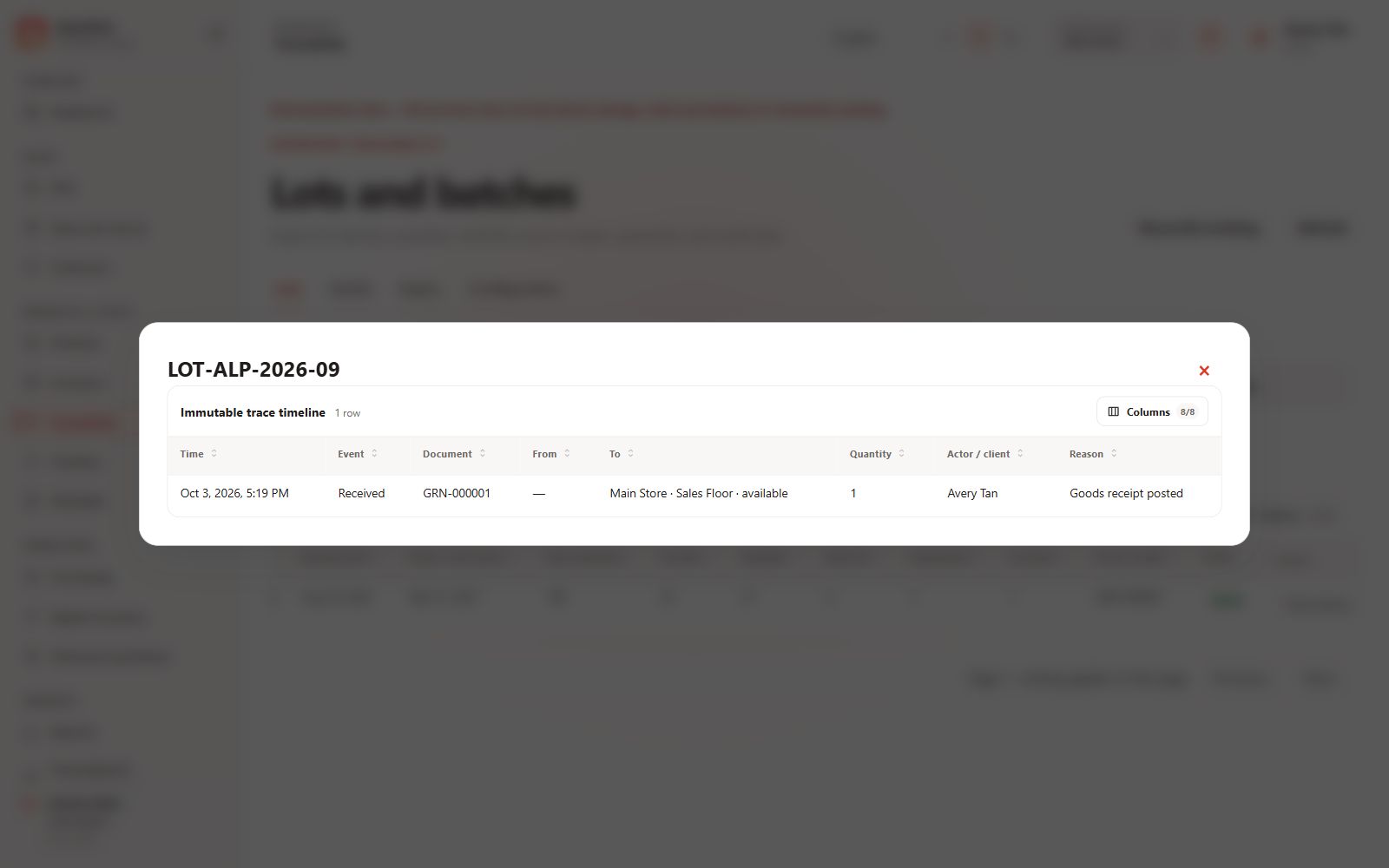
Trace history
Follow a tracked item’s recorded movement timeline.
 View full size
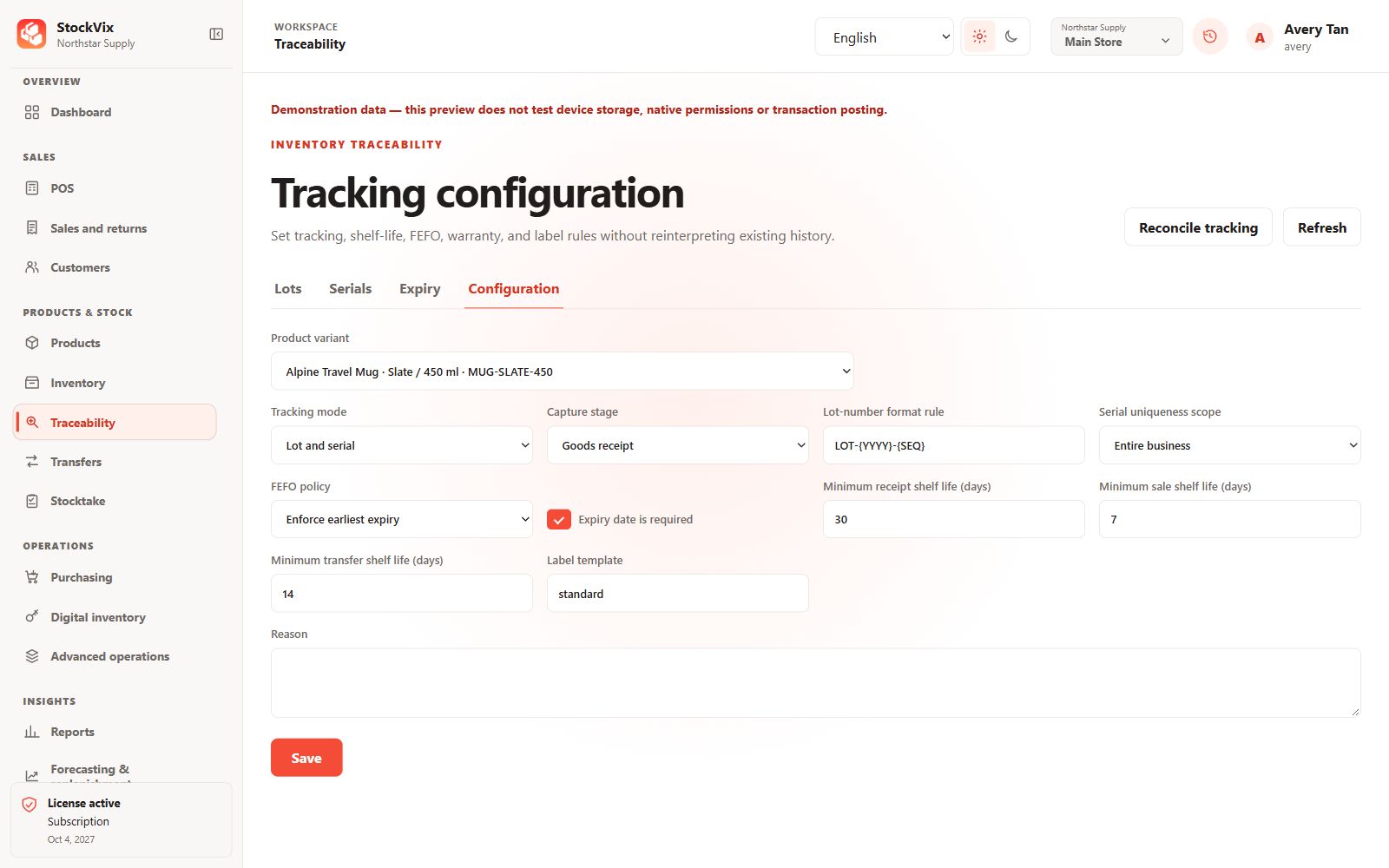
Tracking configuration
Configure capture stage, FEFO and shelf-life rules.
 View full size
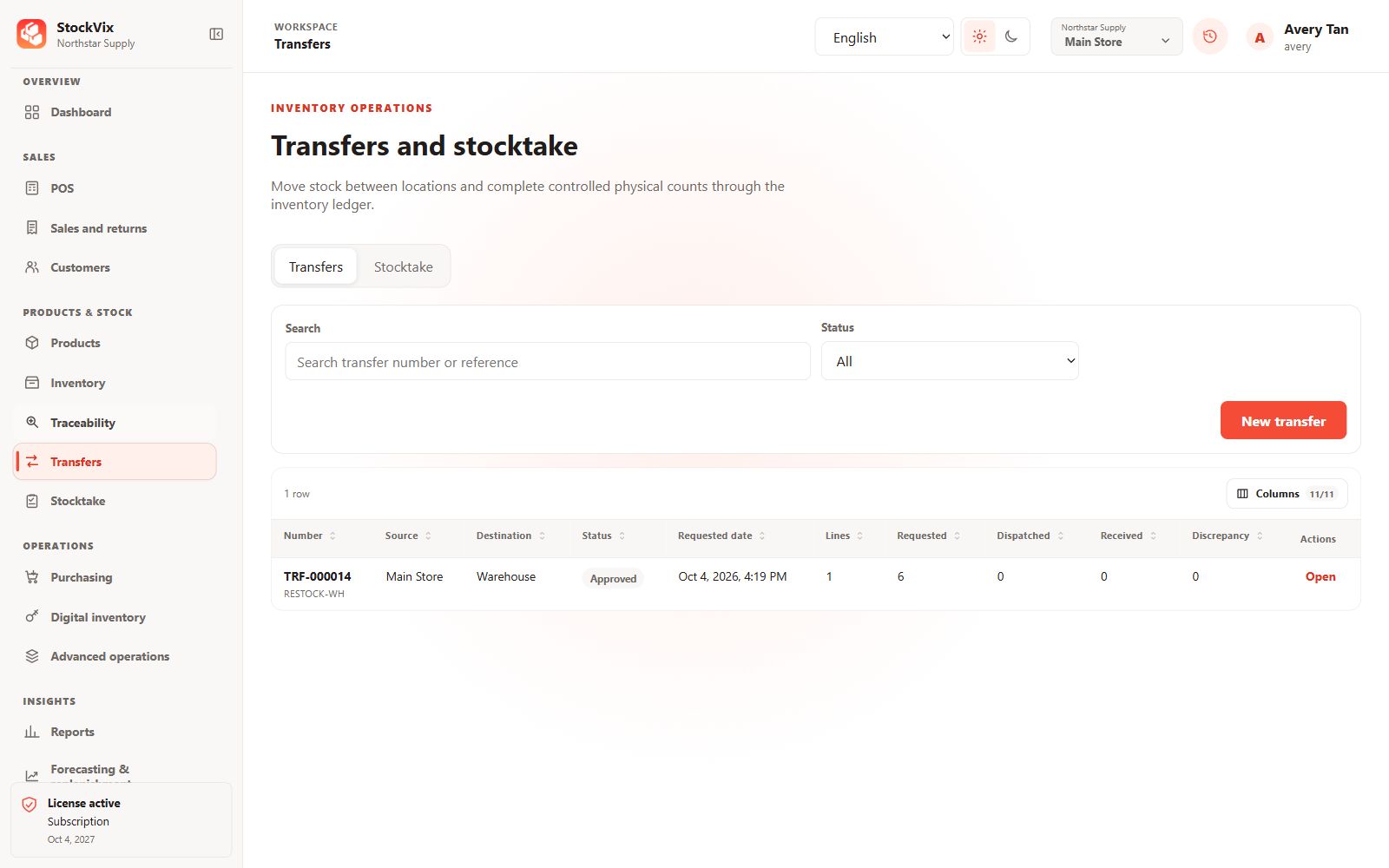
Stock transfers
Review source, destination and transfer progress.
 View full size
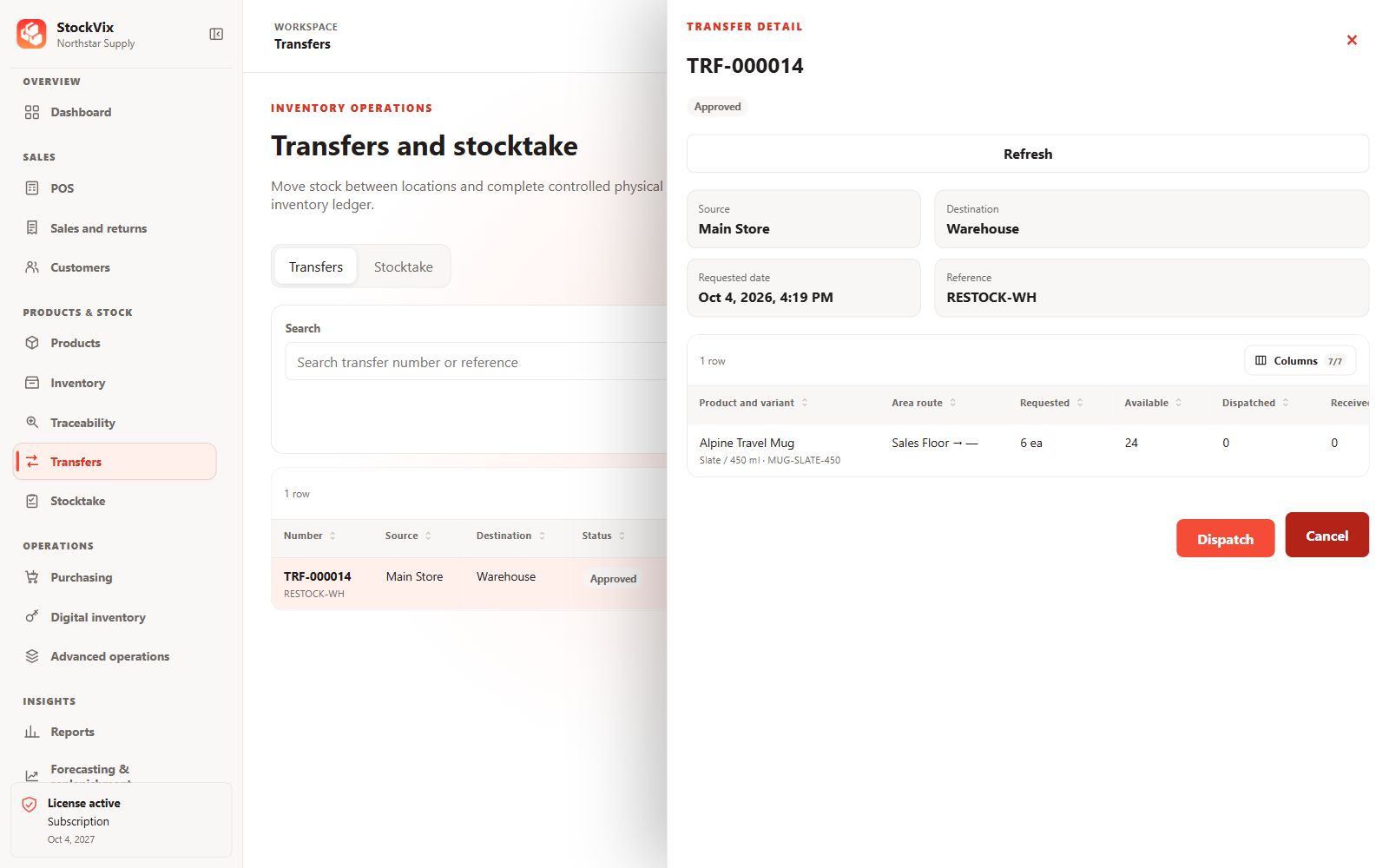
Transfer details
Inspect requested quantities and dispatch controls.
 View full size
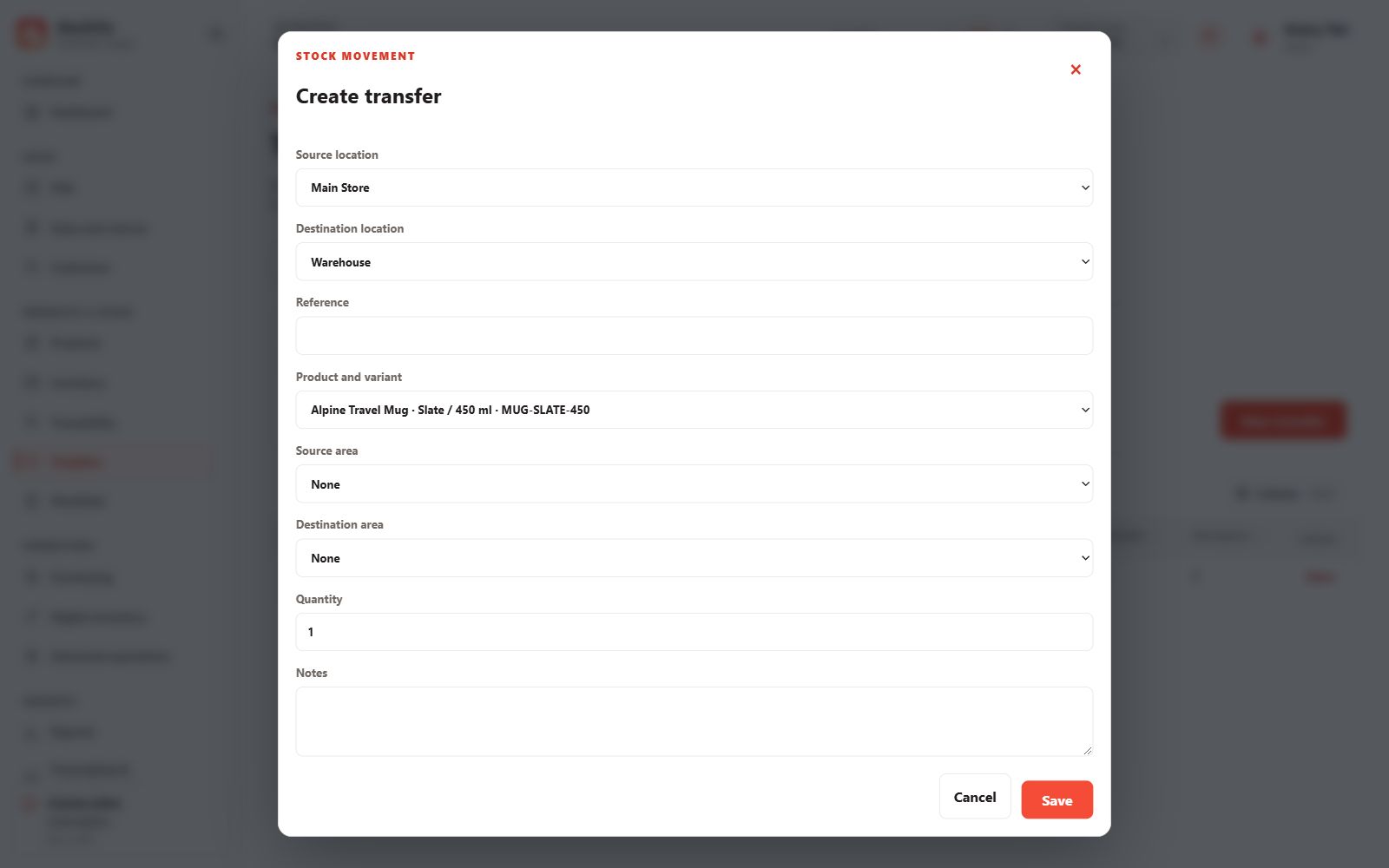
Transfer draft
Choose the source, destination, areas and quantities.
 View full size
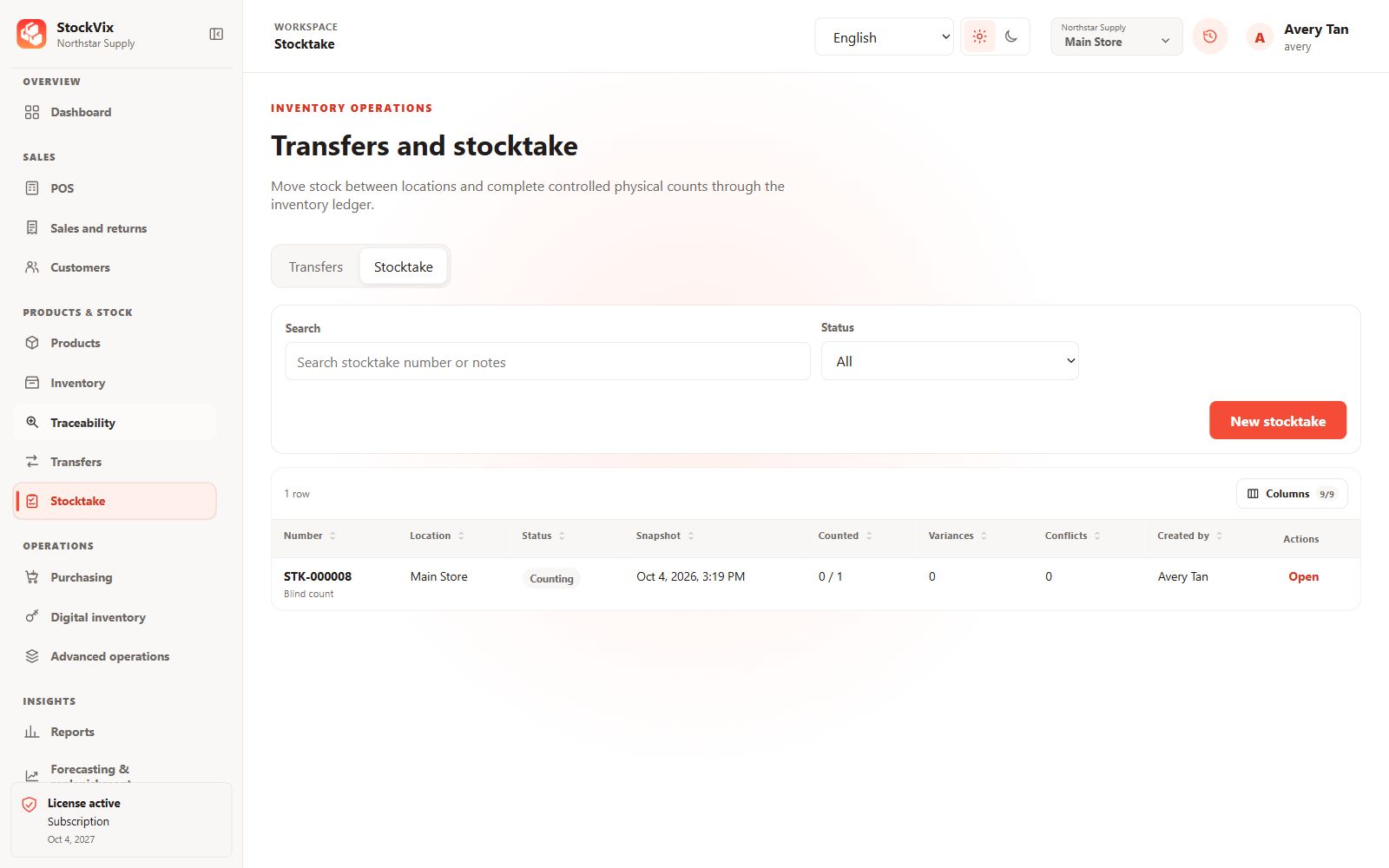
Stocktake
Review count sessions, variances and conflicts.
 View full size
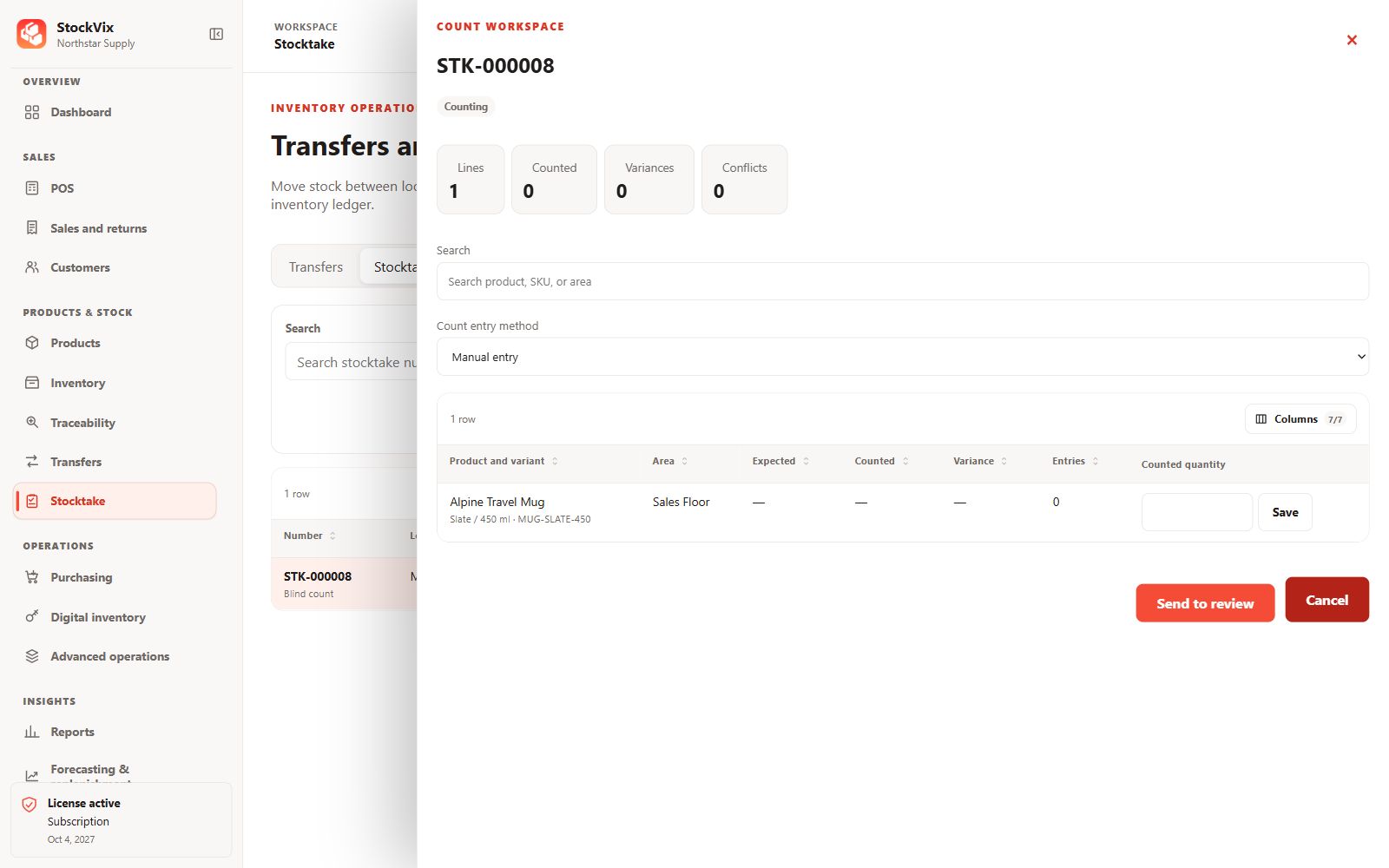
Count workspace
Enter physical counts using the selected count method.
 View full size
Purchasing
Supplier records through receiving.
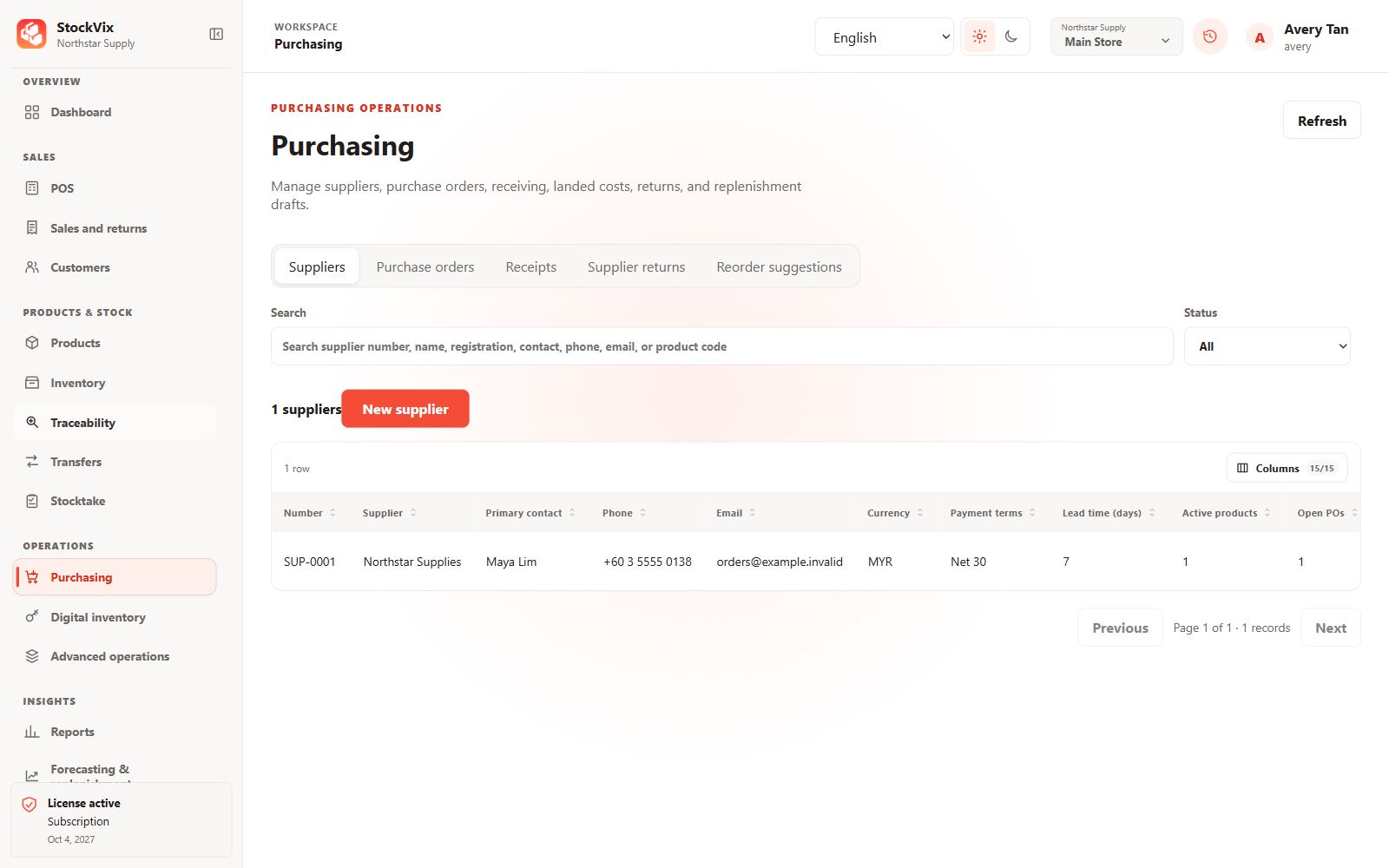
Suppliers
Search supplier identities, contact details and purchasing context.
 View full size
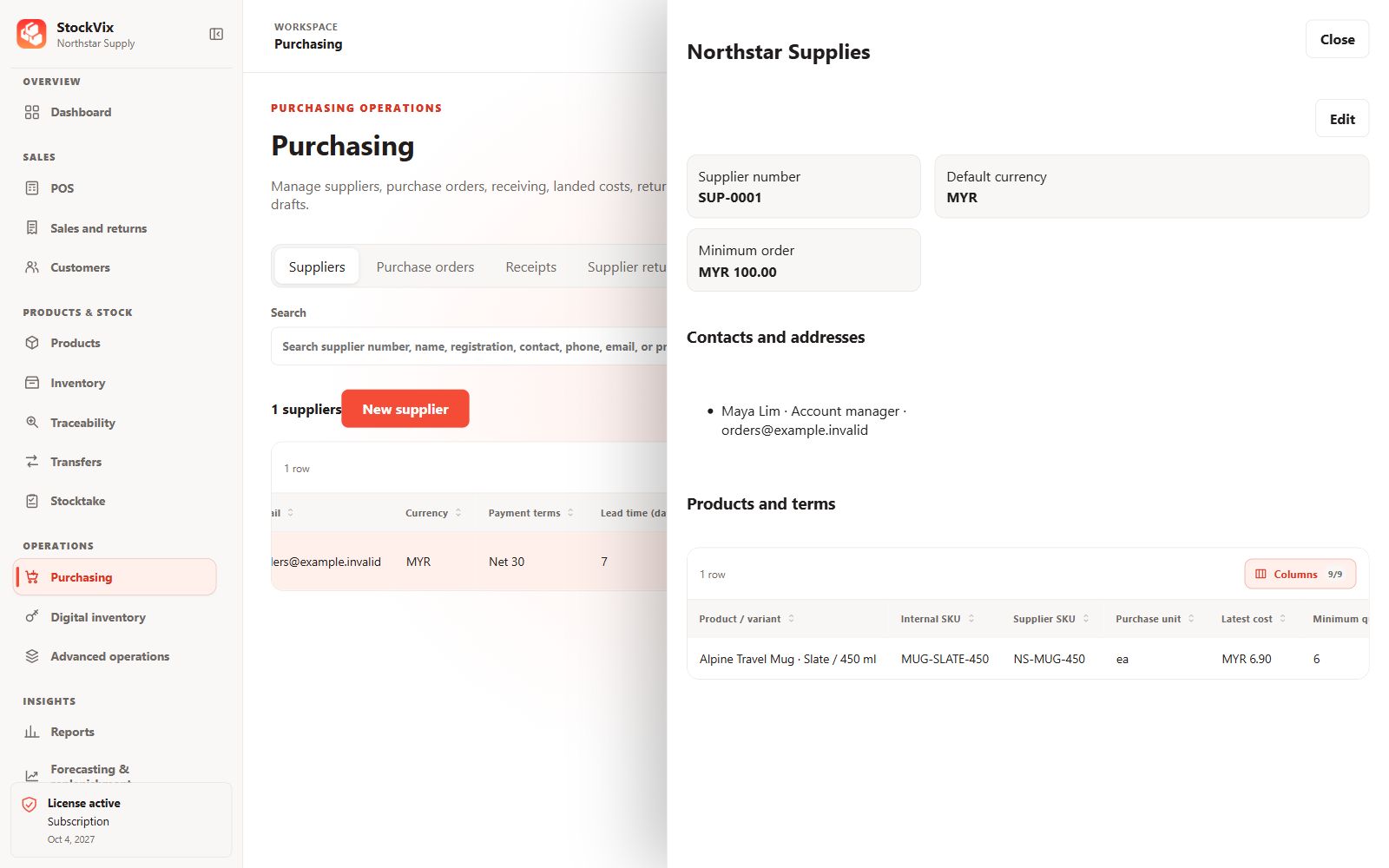
Supplier details
Review contacts, product links and purchasing terms.
 View full size
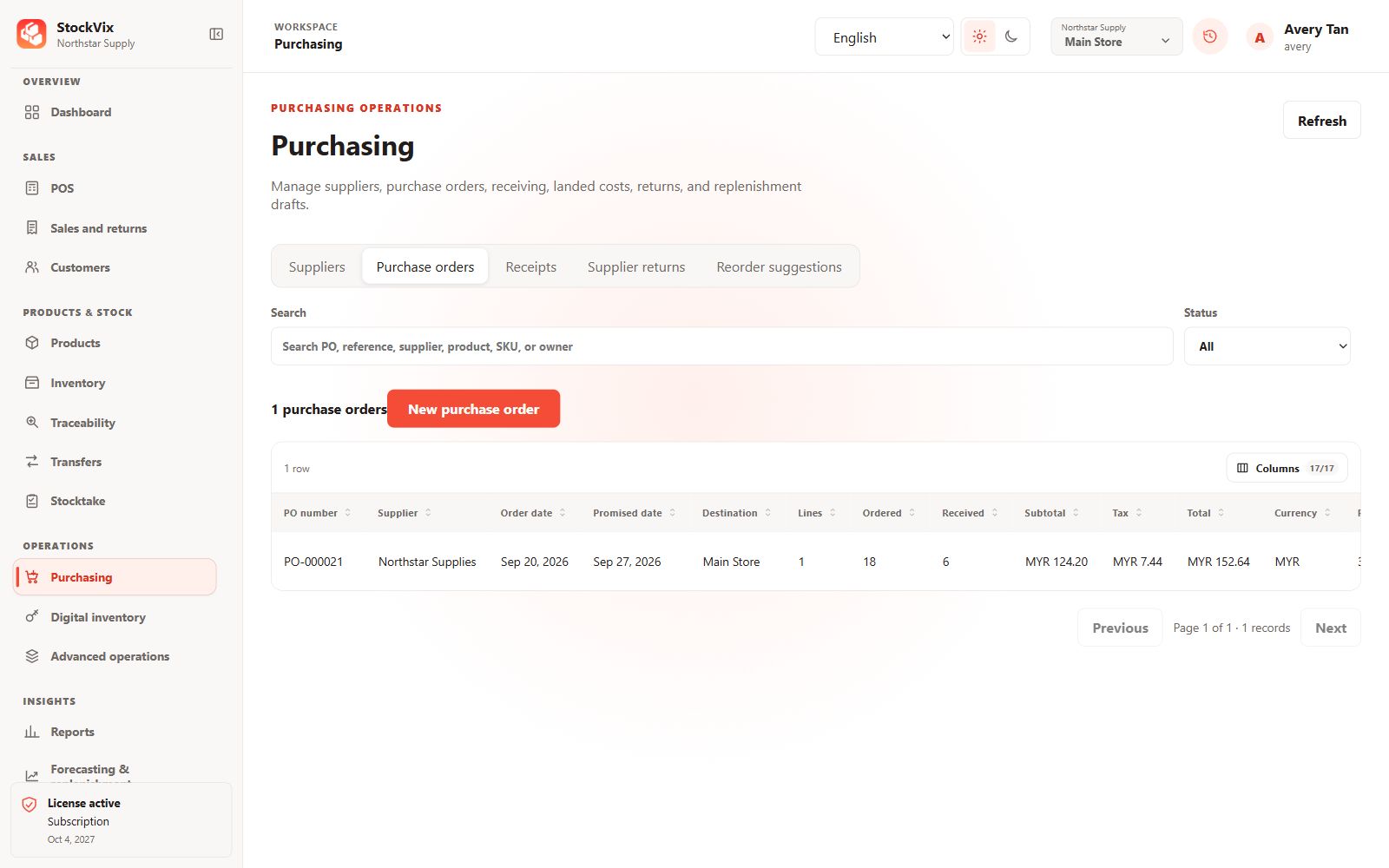
Purchase orders
Track order dates, destinations, totals and receipt progress.
 View full size
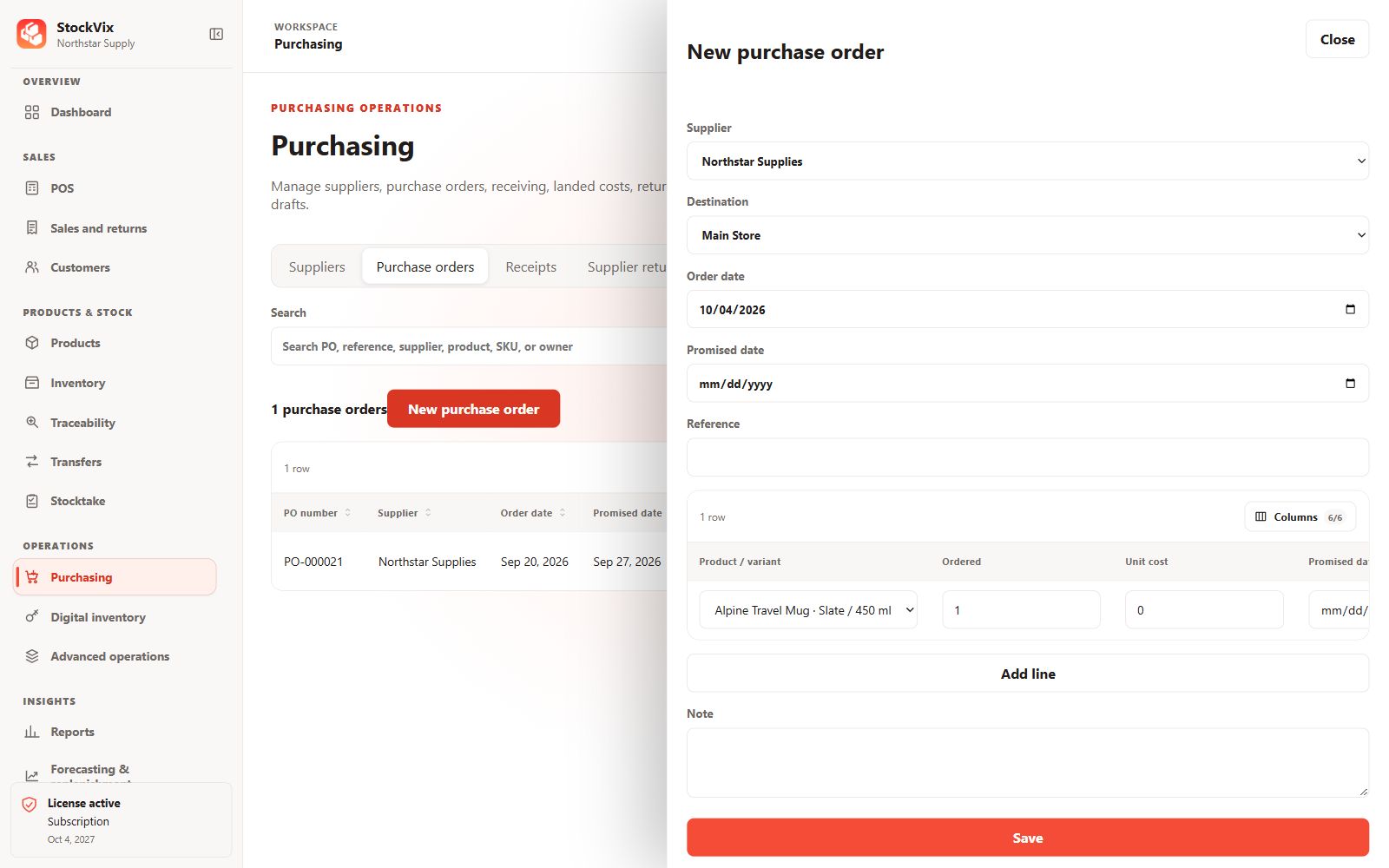
Purchase-order draft
Prepare the supplier, destination, dates and order lines.
 View full size
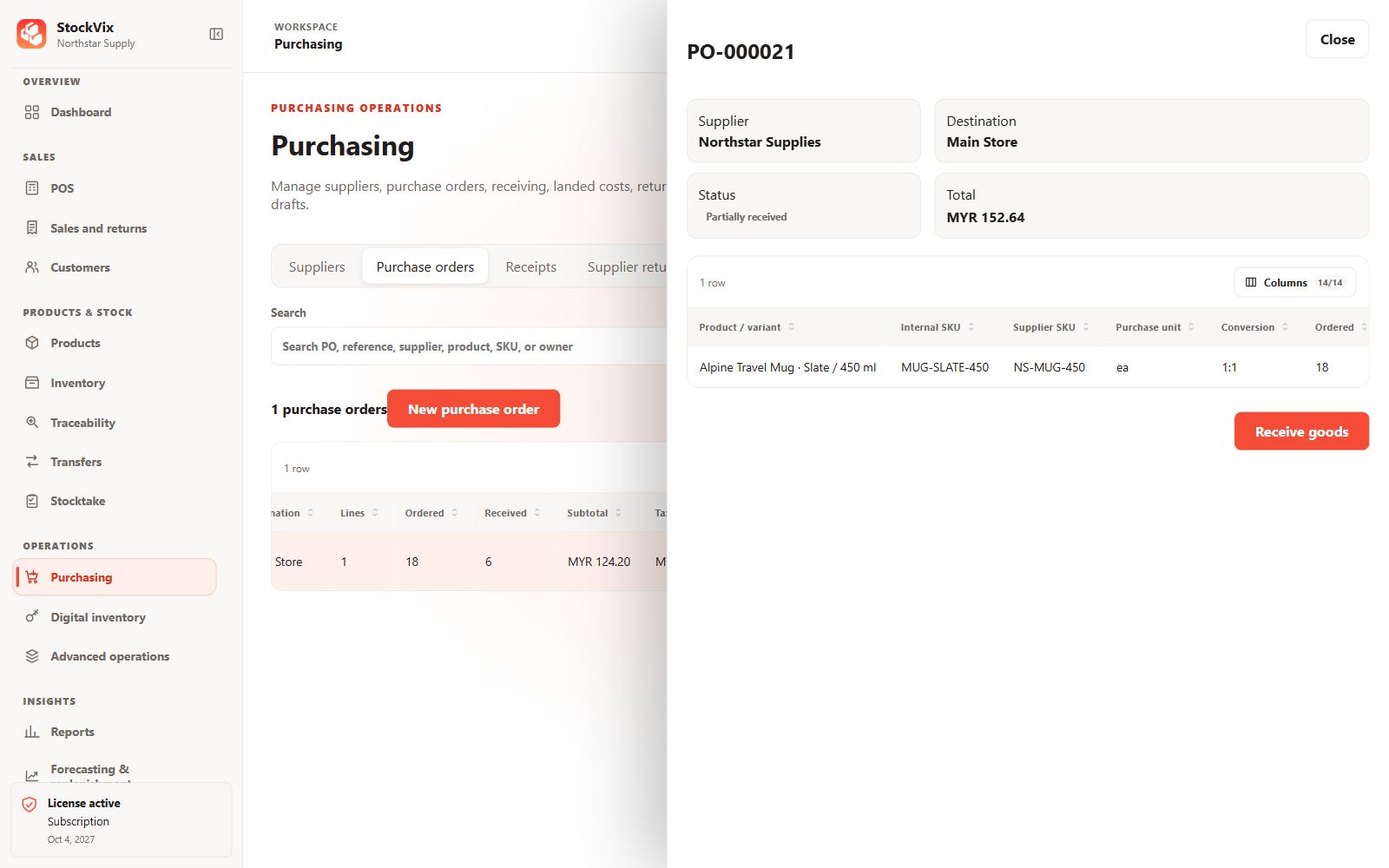
Purchase-order details
Review ordered, received and remaining quantities.
 View full size
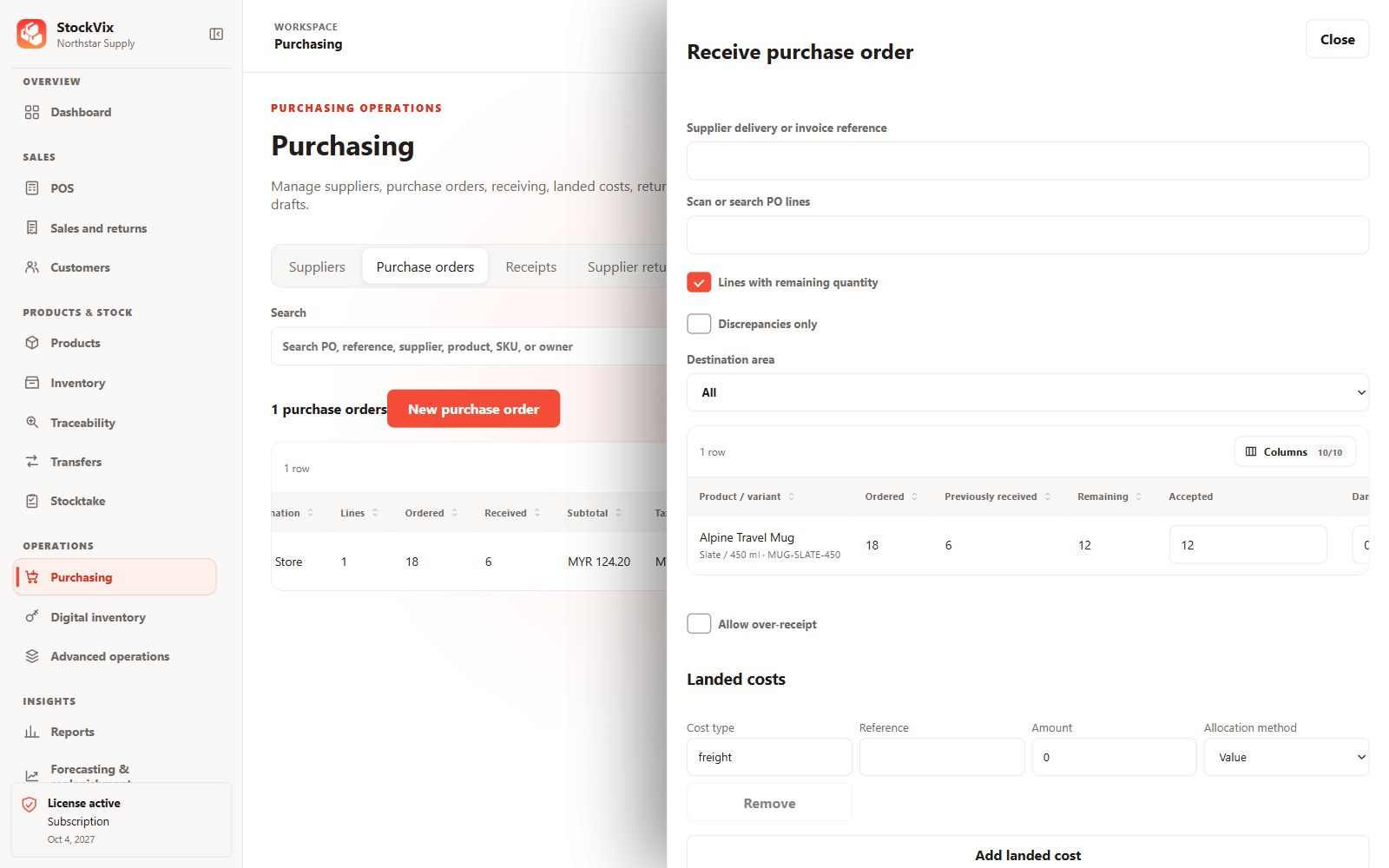
Goods receiving
Review accepted, damaged and rejected quantities and landed costs.
 View full size
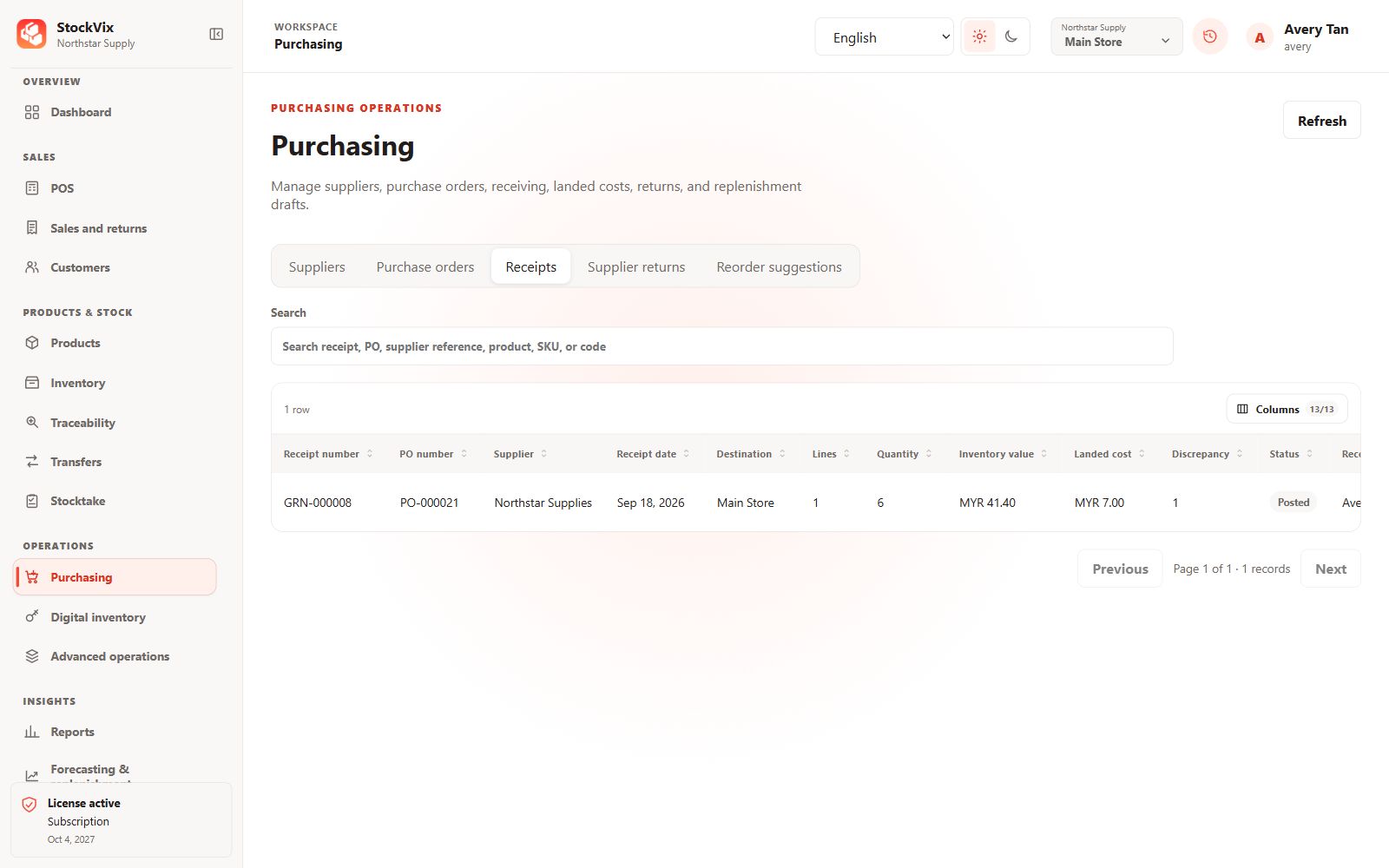
Goods receipts
Review posted receipts, discrepancies and inventory value.
 View full size
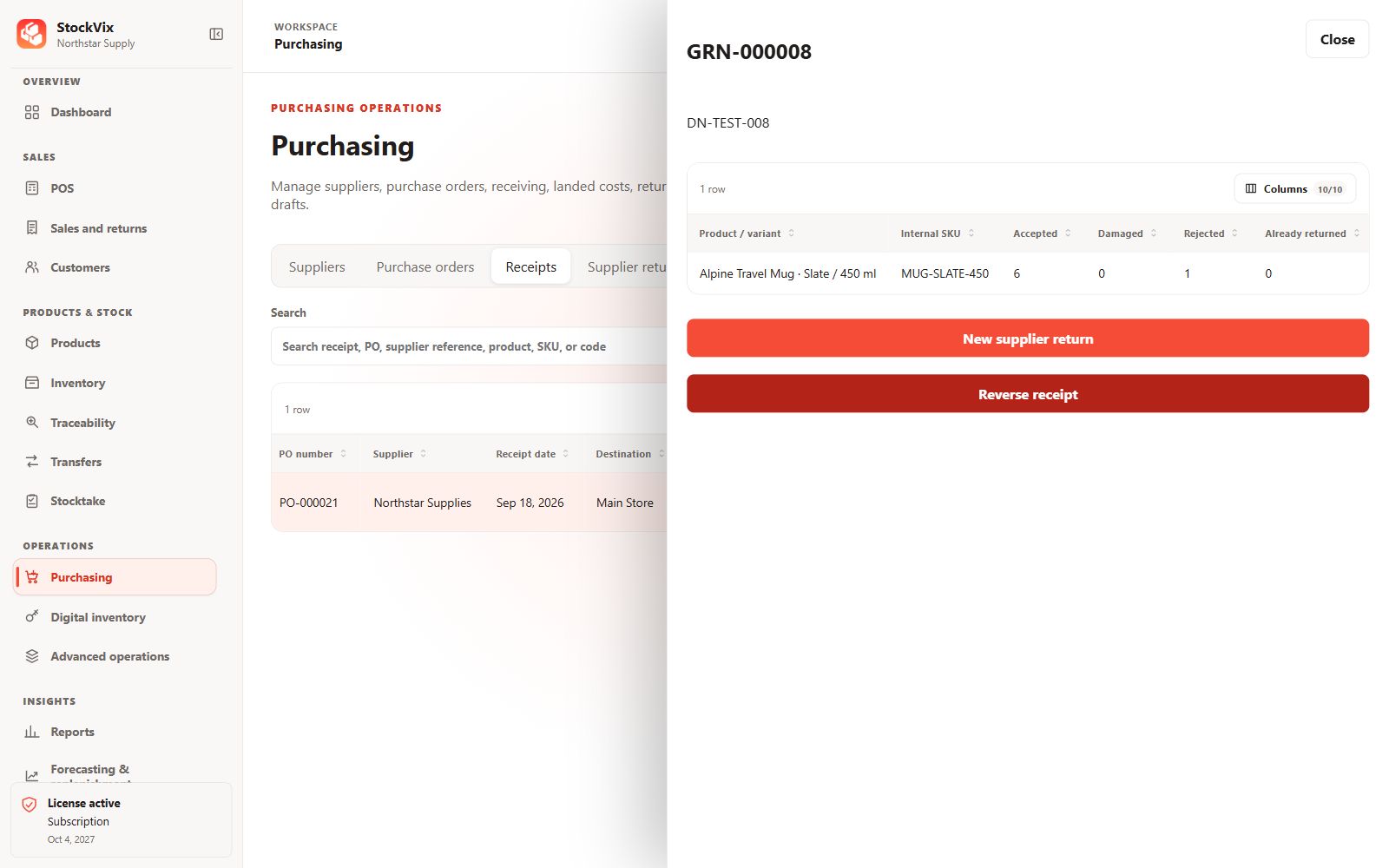
Receipt details
Inspect received lines and available supplier-return quantities.
 View full size
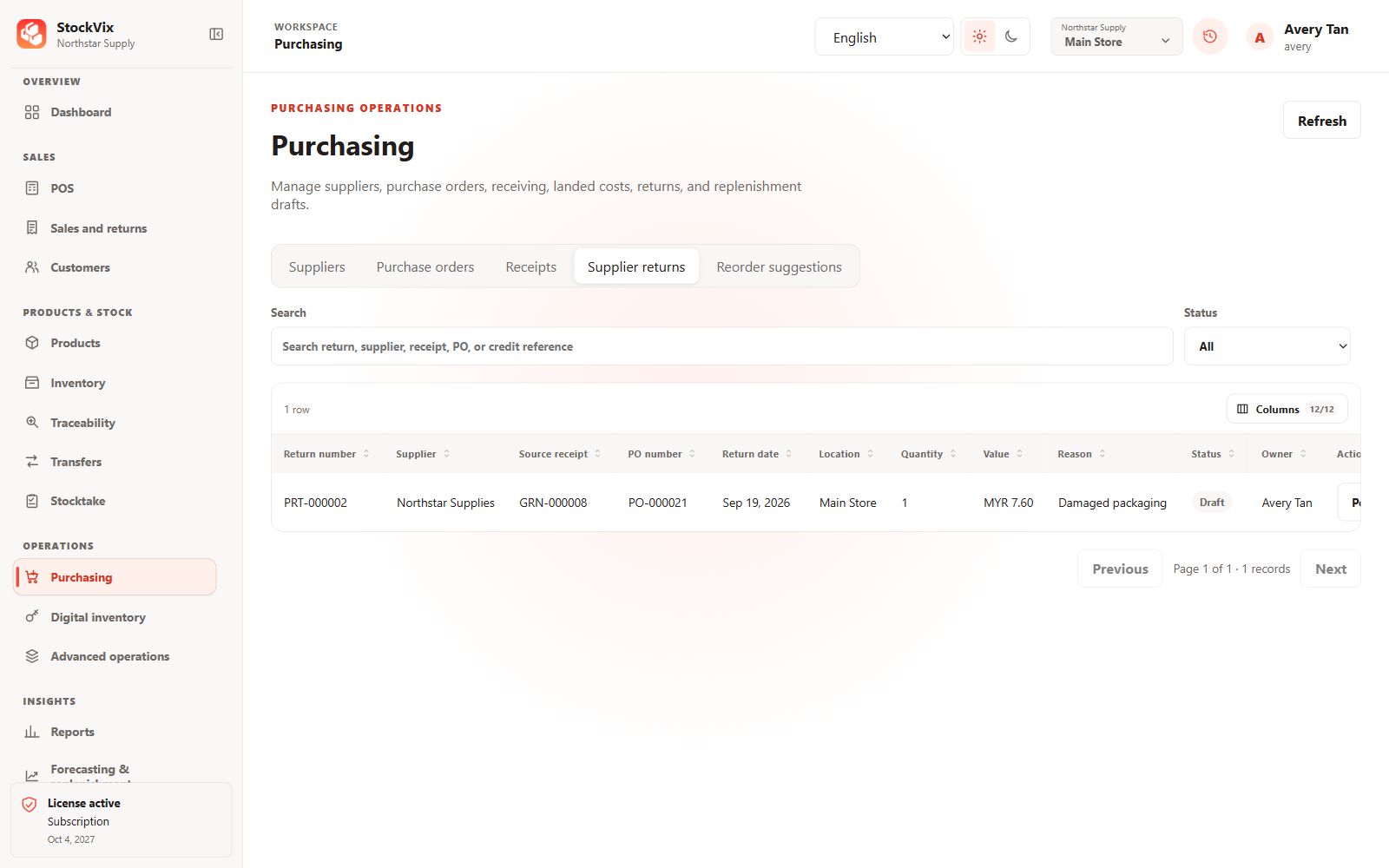
Supplier returns
Review return references, quantity, value and status.
 View full size
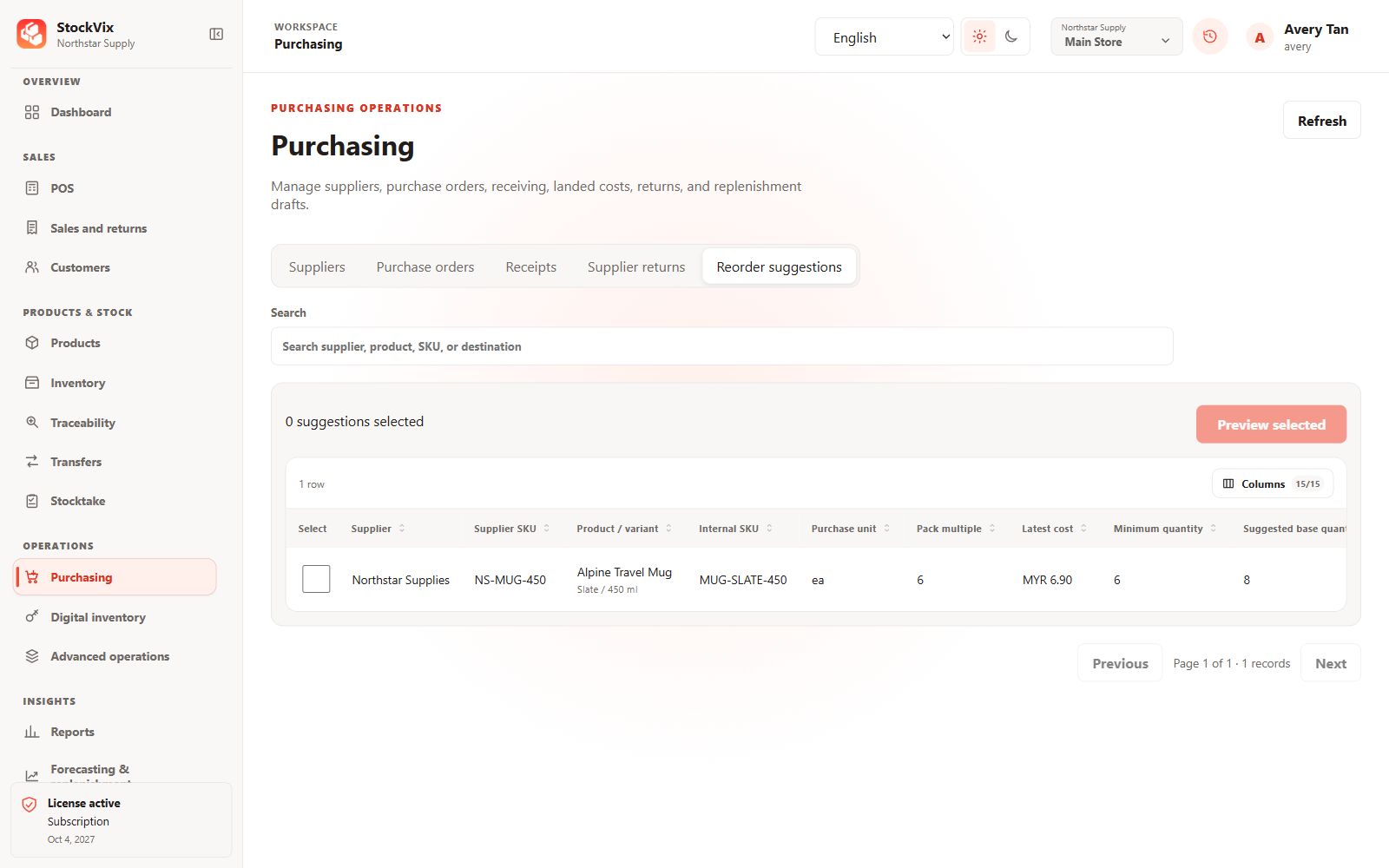
Purchasing suggestions
Review supplier pack rounding and estimated purchase value.
 View full size
Digital inventory
Protected items with masked values.
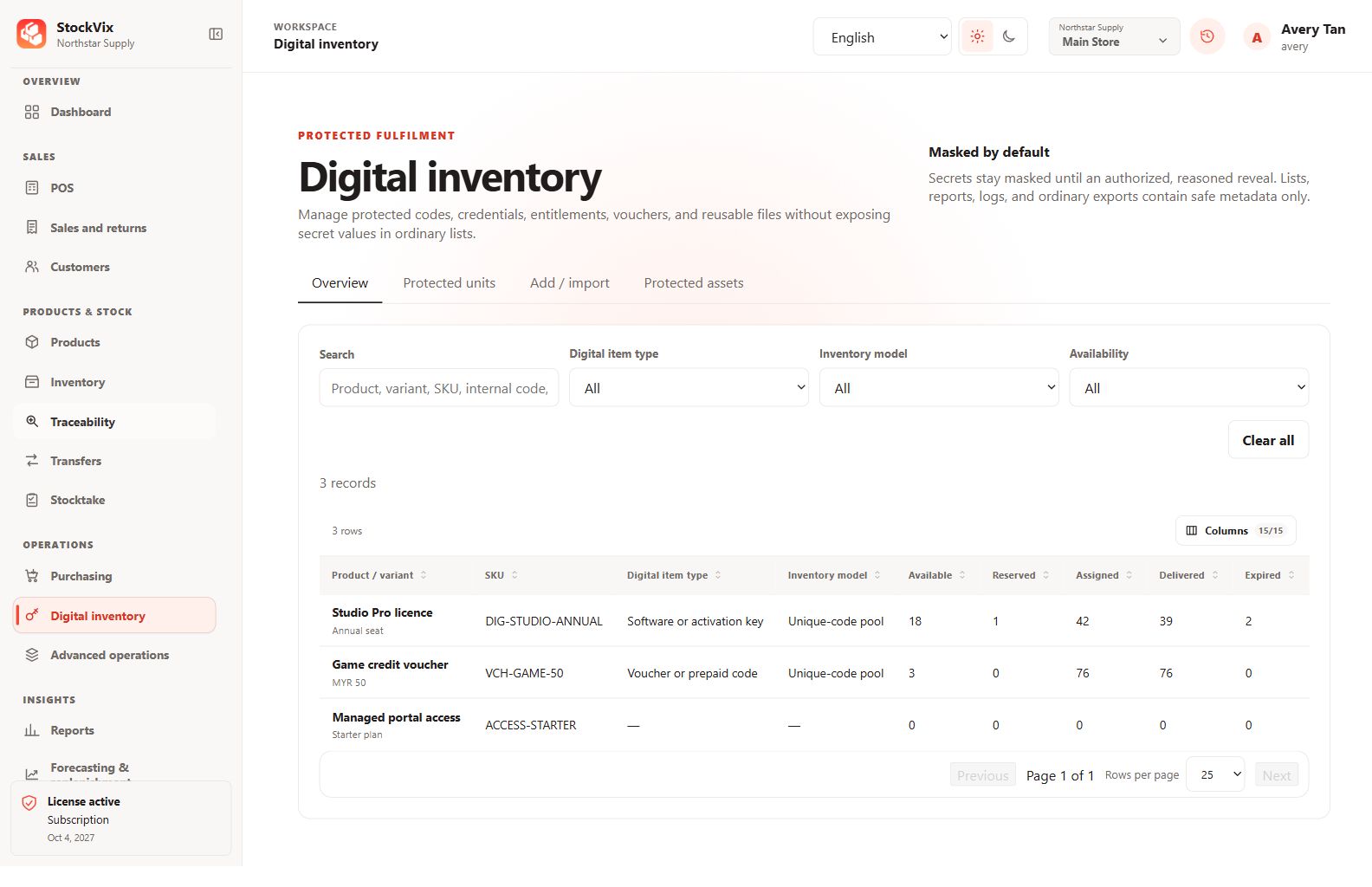
Digital inventory overview
Review licences, vouchers and access products by availability.
 View full size
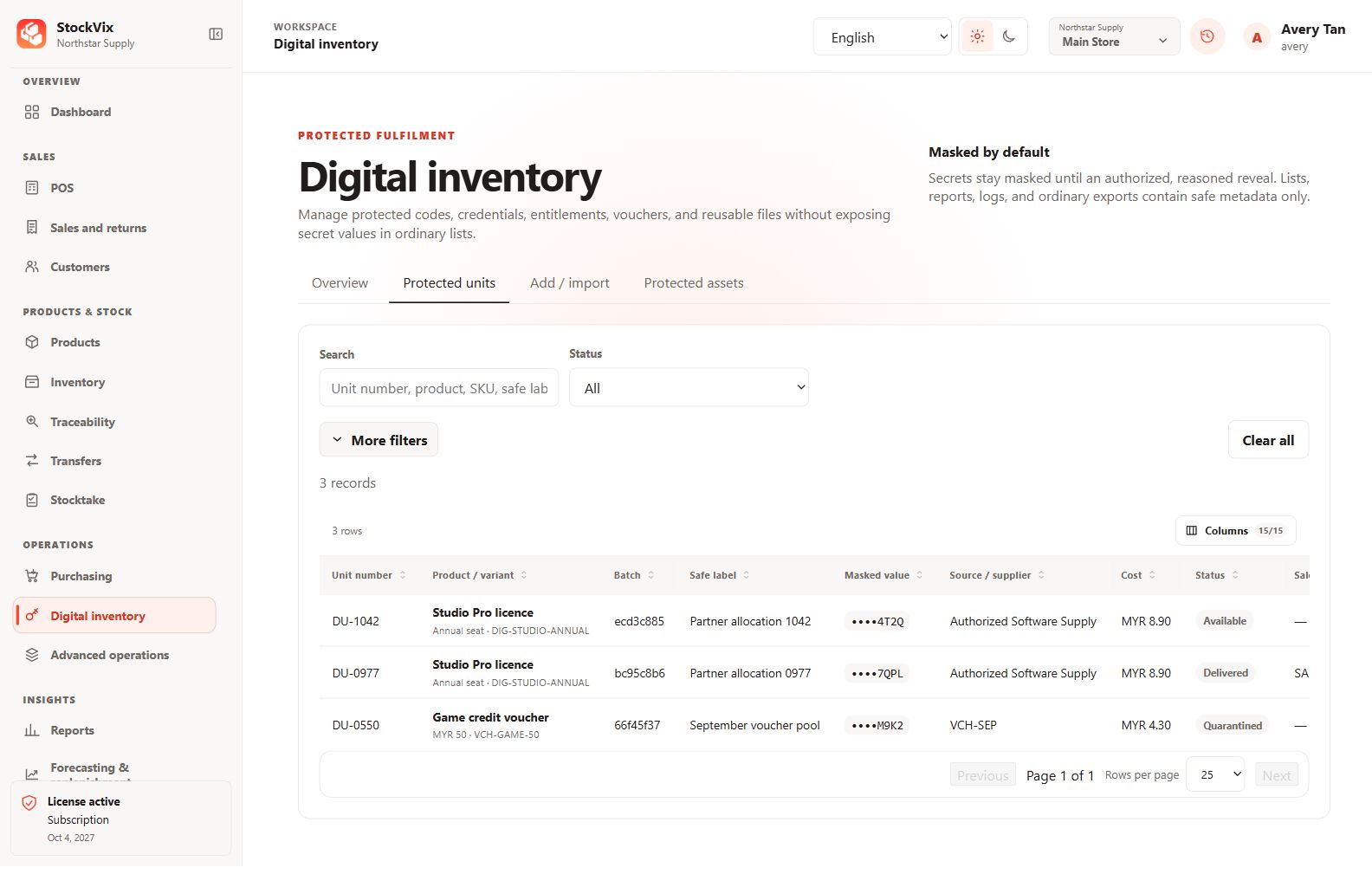
Protected units
Search units and inspect masked values, expiry and assignment status.
 View full size
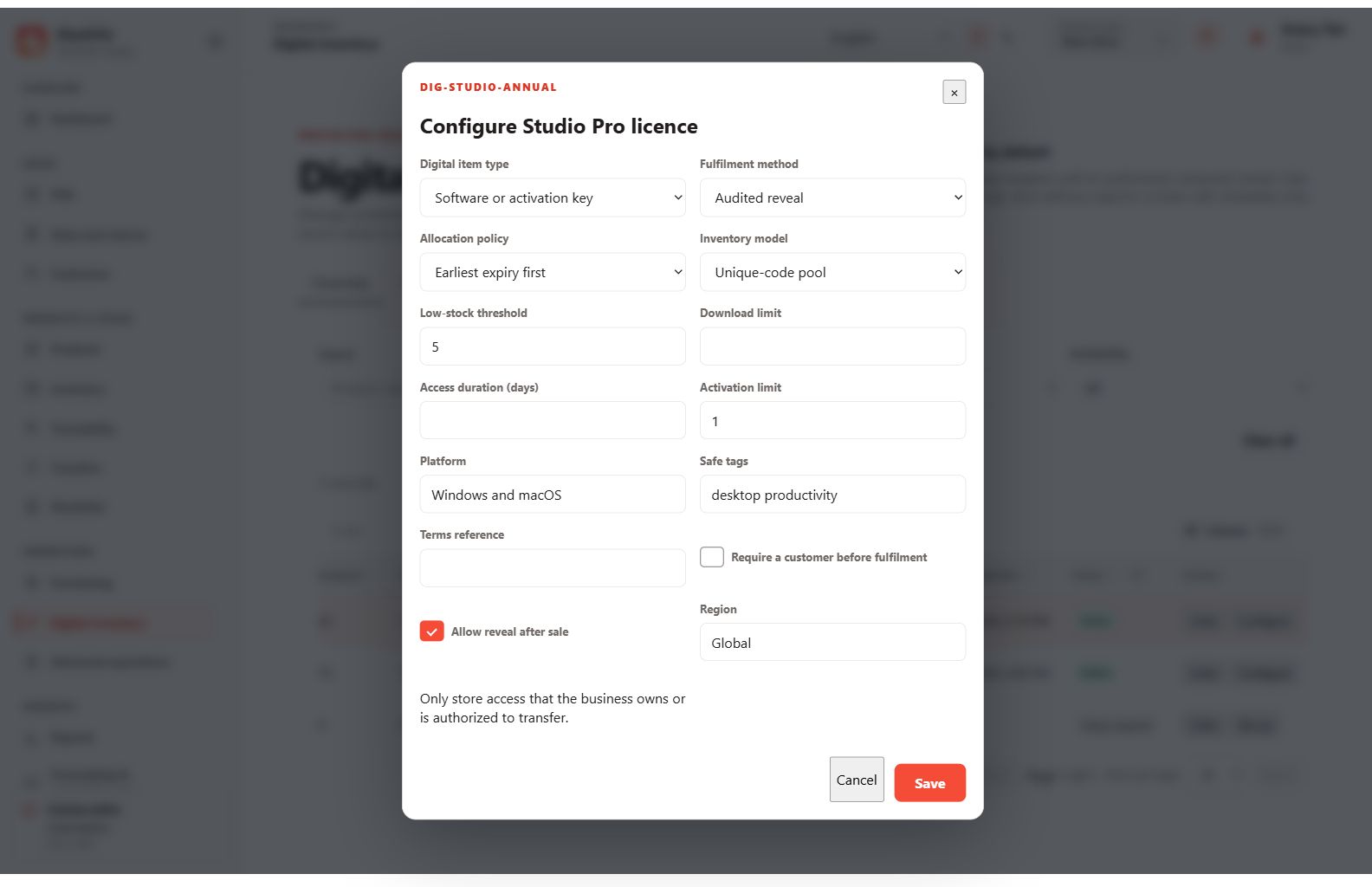
Digital-item profile
Configure allocation, fulfilment and access limits.
 View full size
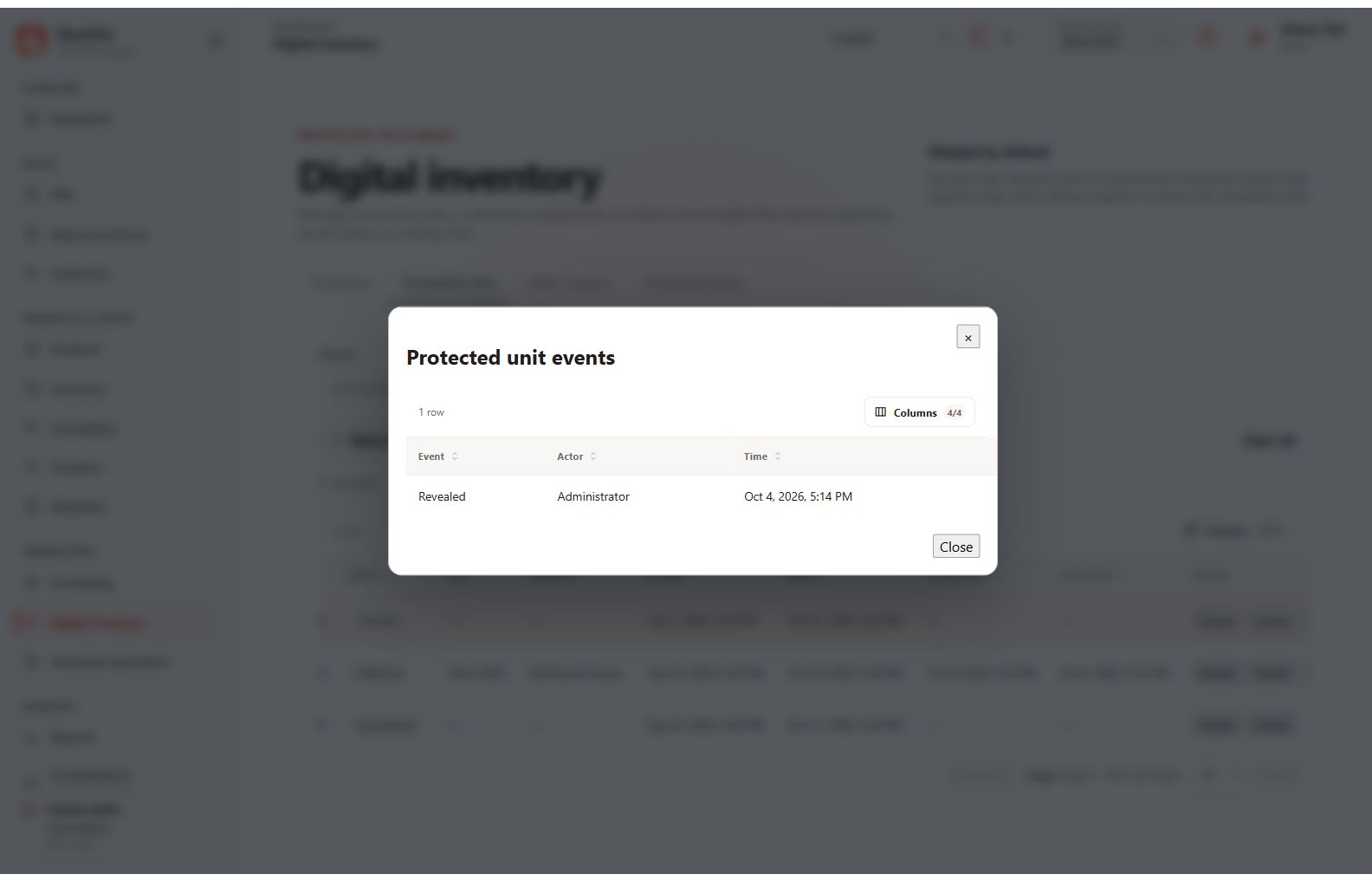
Protected-unit events
Review an item’s safe event history without revealing its secret.
 View full size
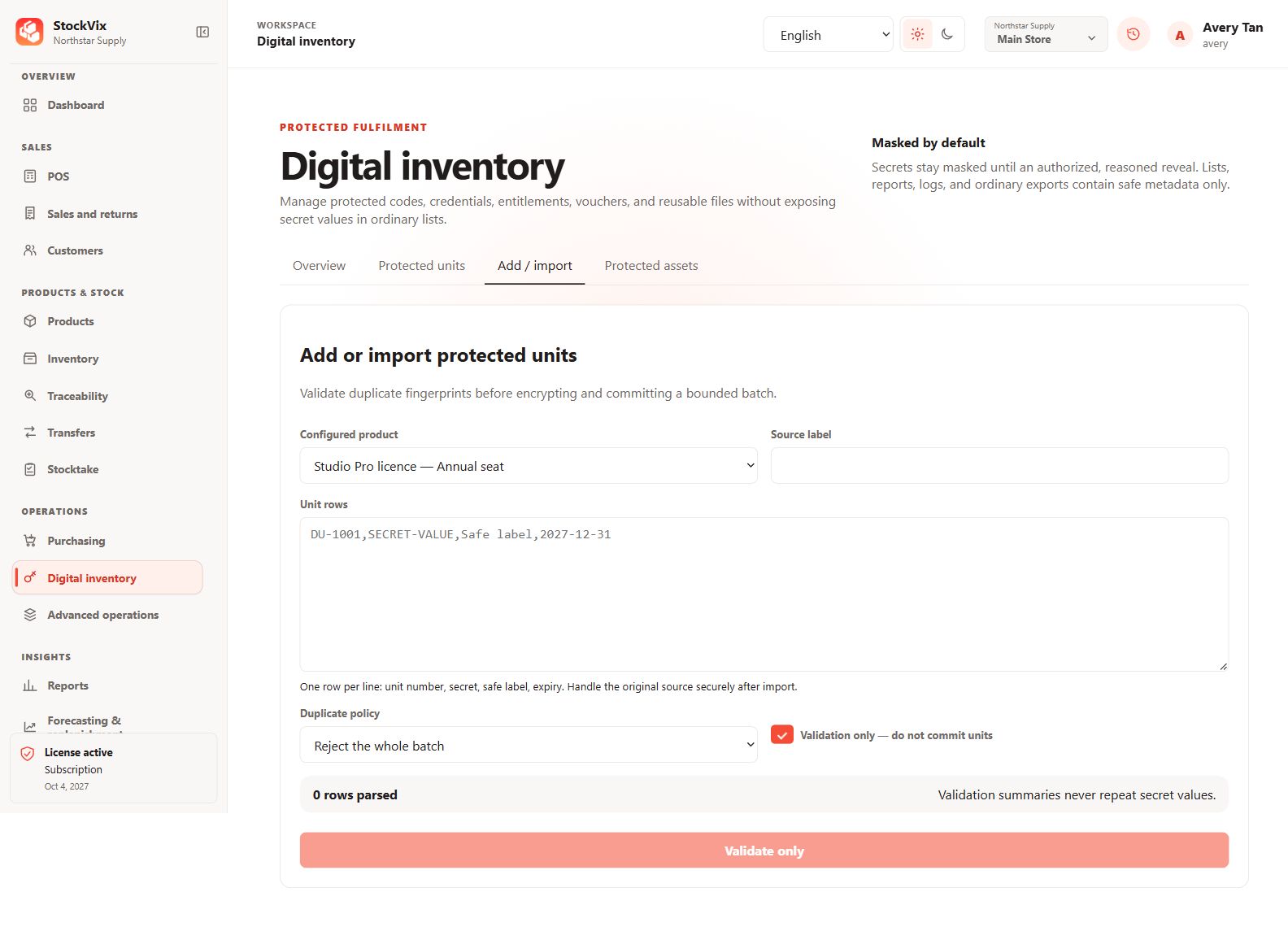
Protected-unit import
Prepare a bounded batch and choose duplicate handling.
 View full size
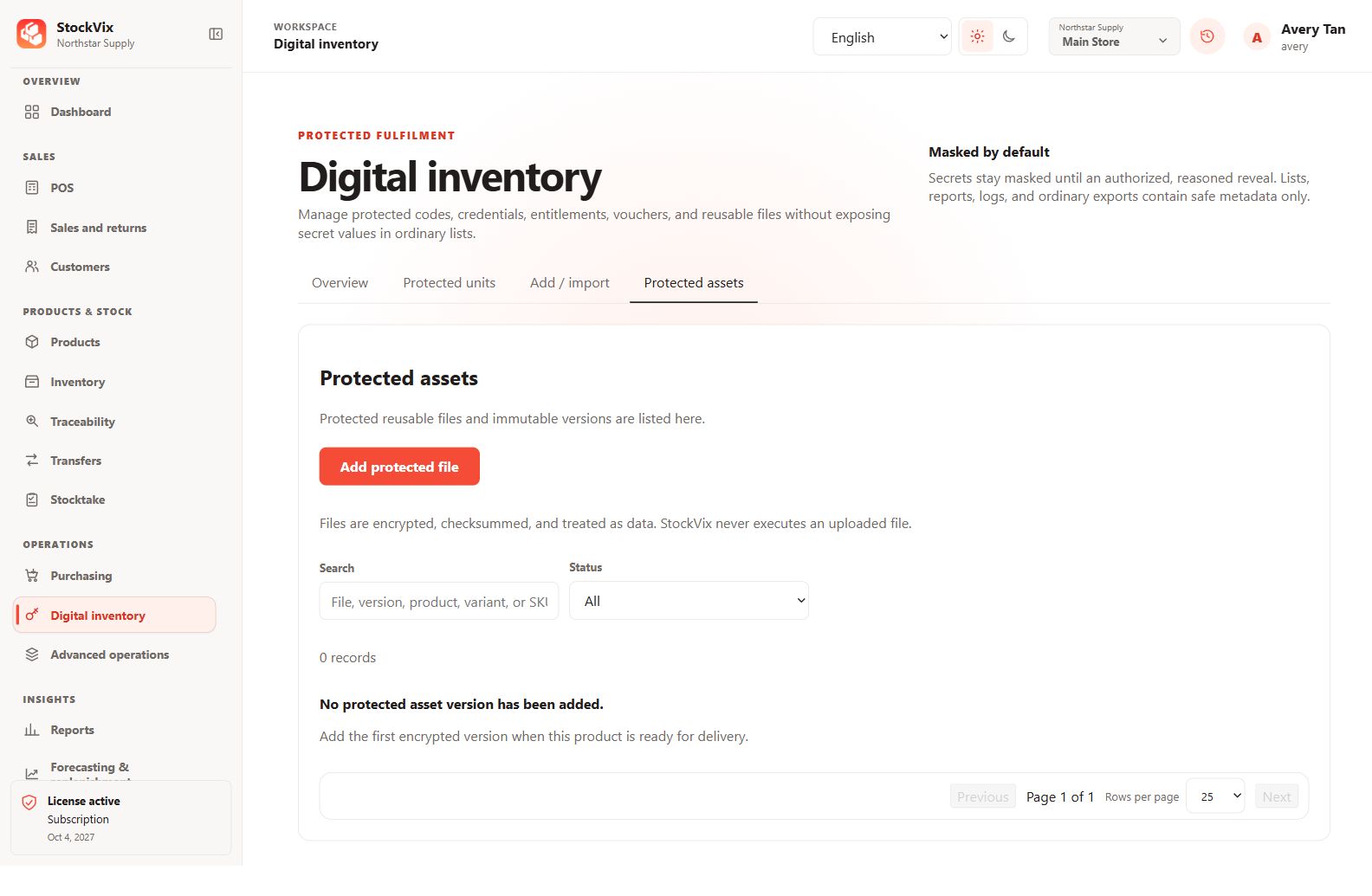
Protected files
Review reusable-file versions and protected asset controls.
 View full size
Advanced operations
Pricing, assemblies and customer value.
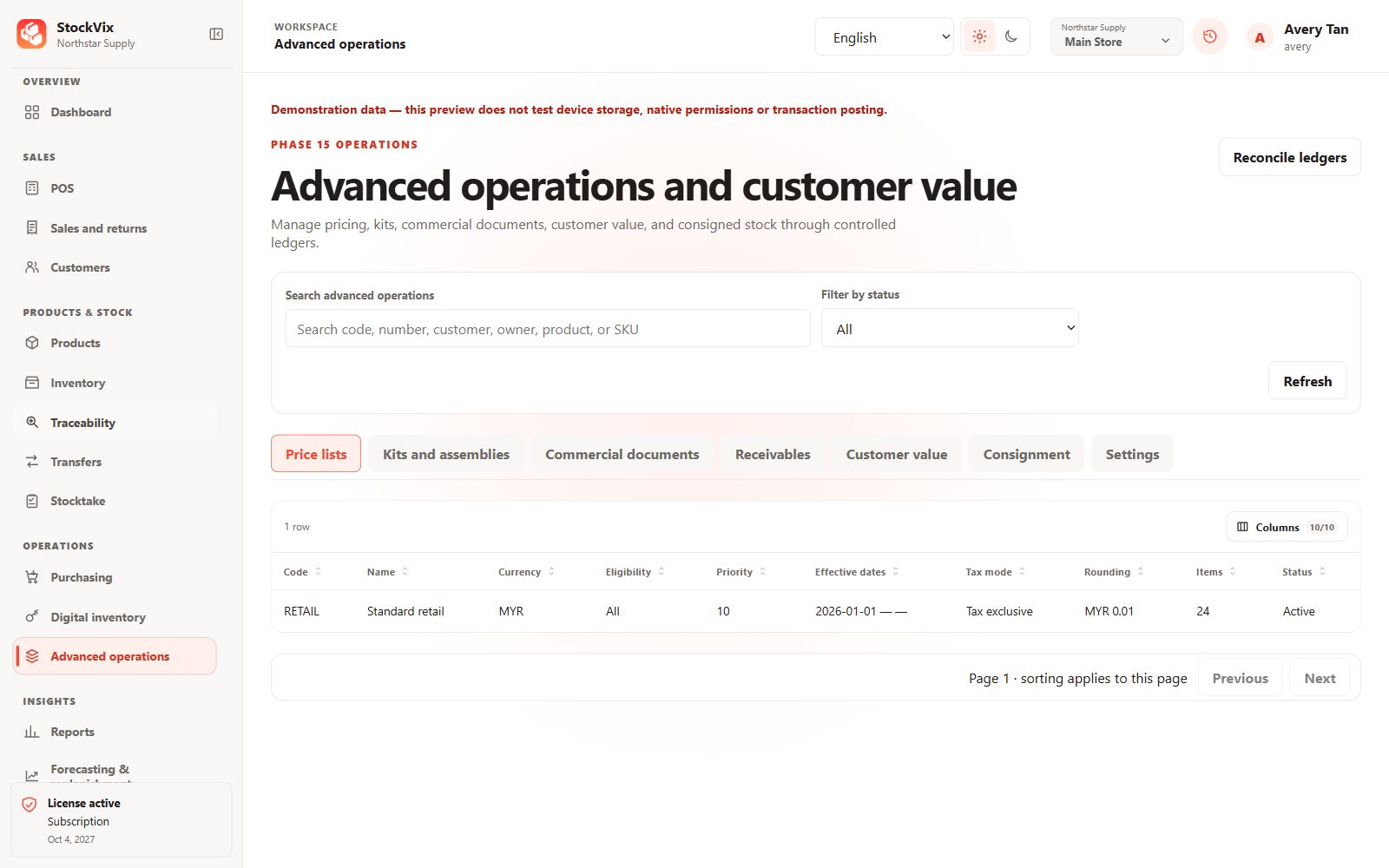
Advanced price lists
Review eligibility, priorities and effective pricing dates.
 View full size
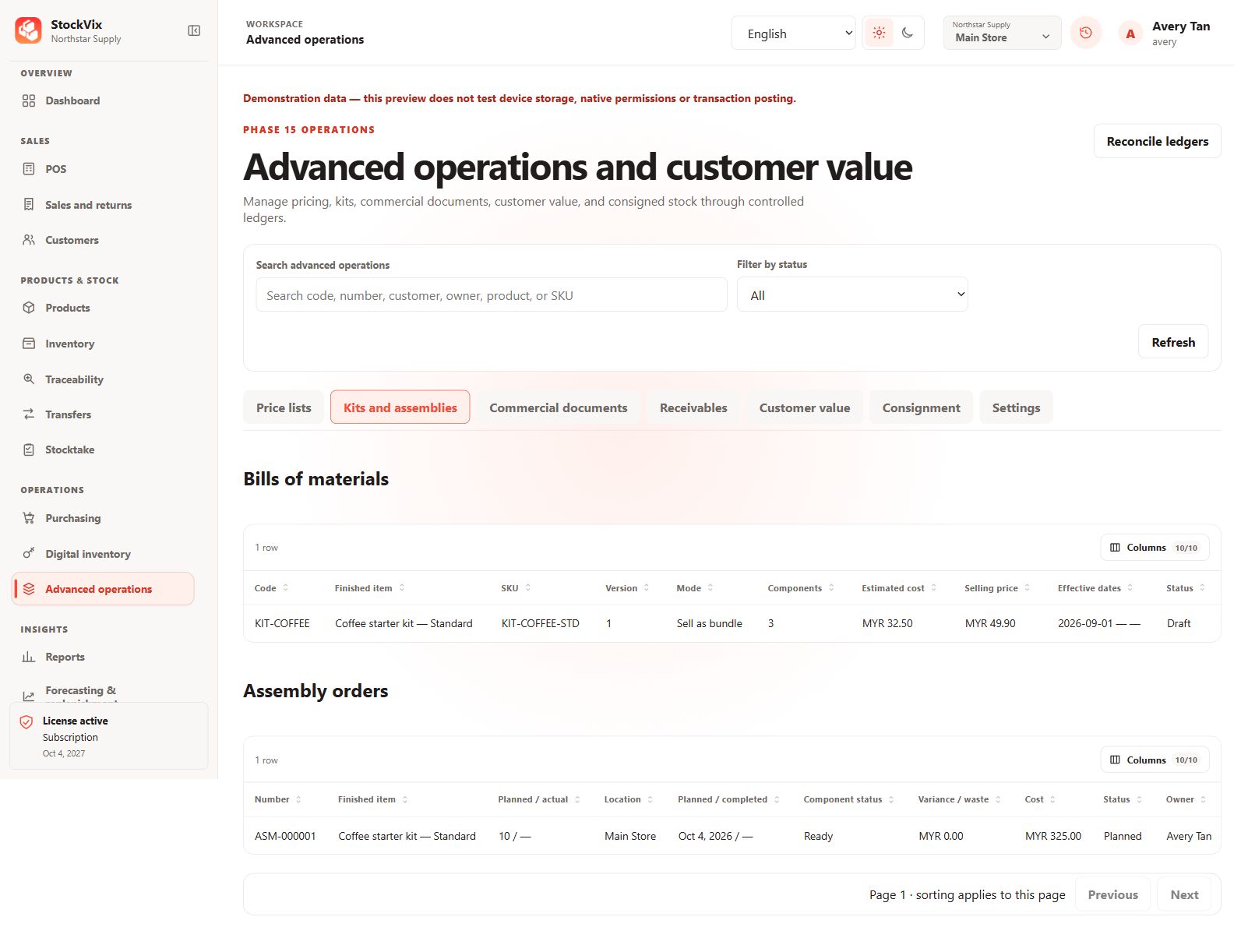
Kits and assemblies
Review bills of materials and planned assembly orders.
 View full size
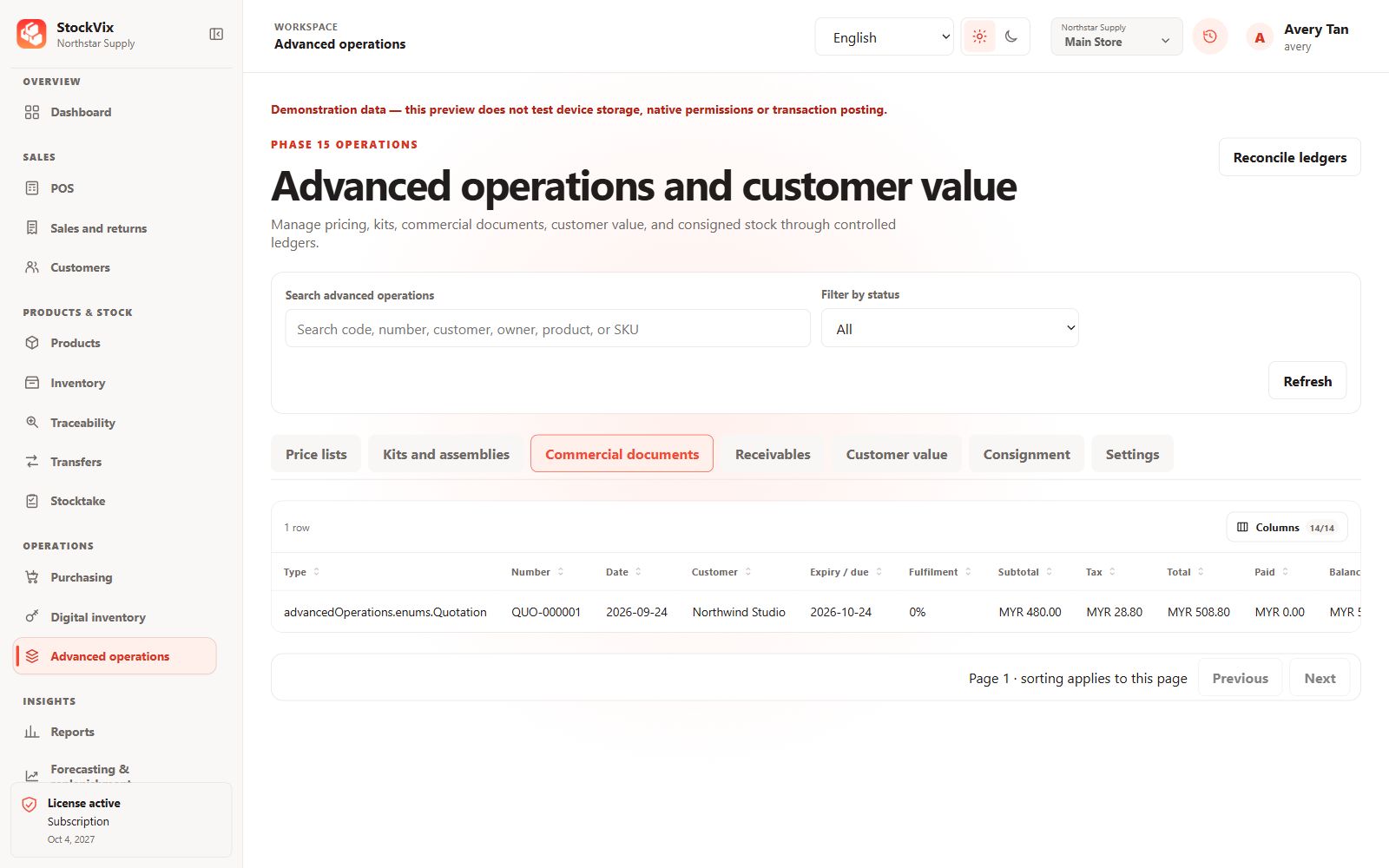
Commercial documents
Review quotes, fulfilment progress, totals and balances.
 View full size
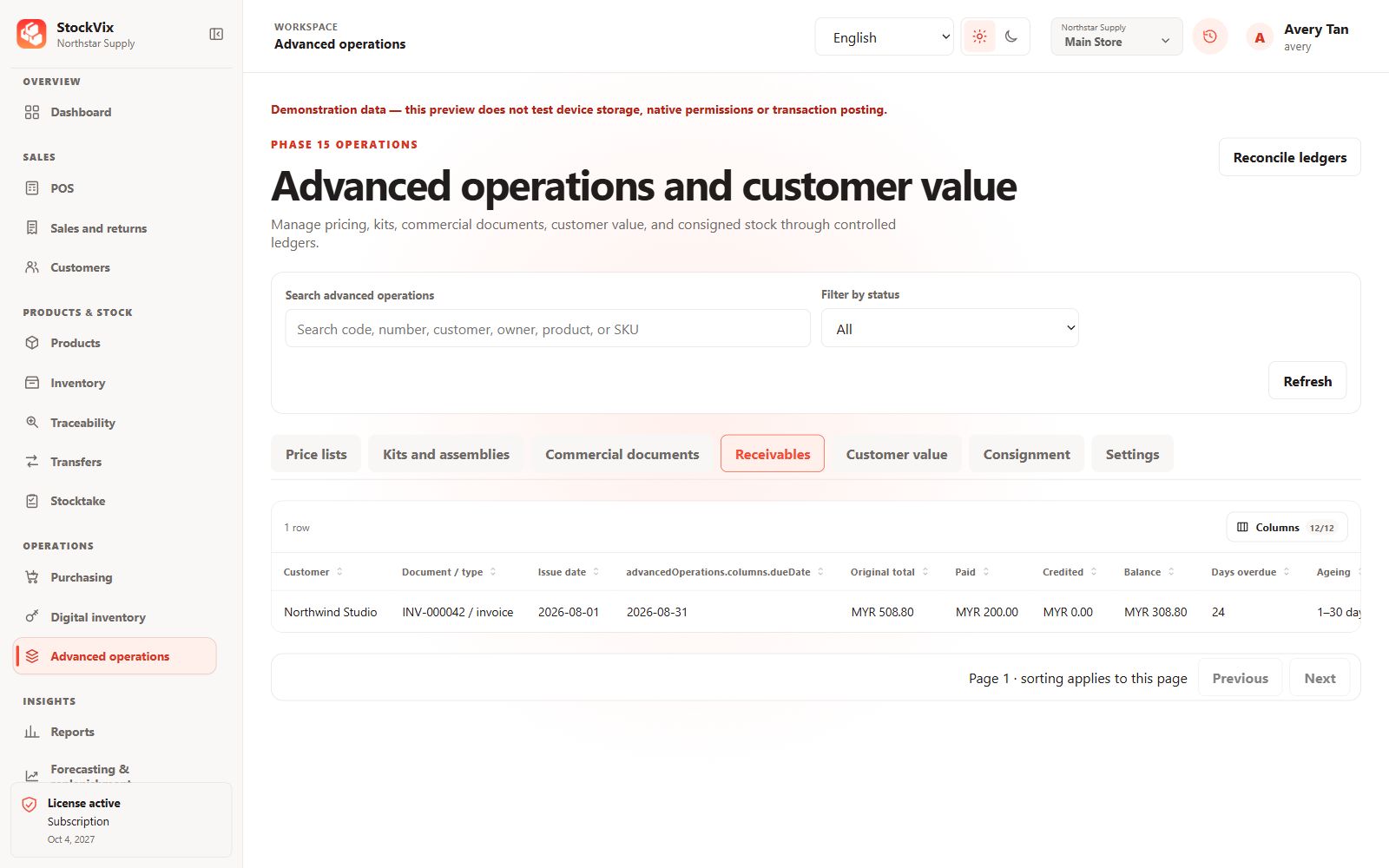
Receivables
Review outstanding balances and ageing information.
 View full size
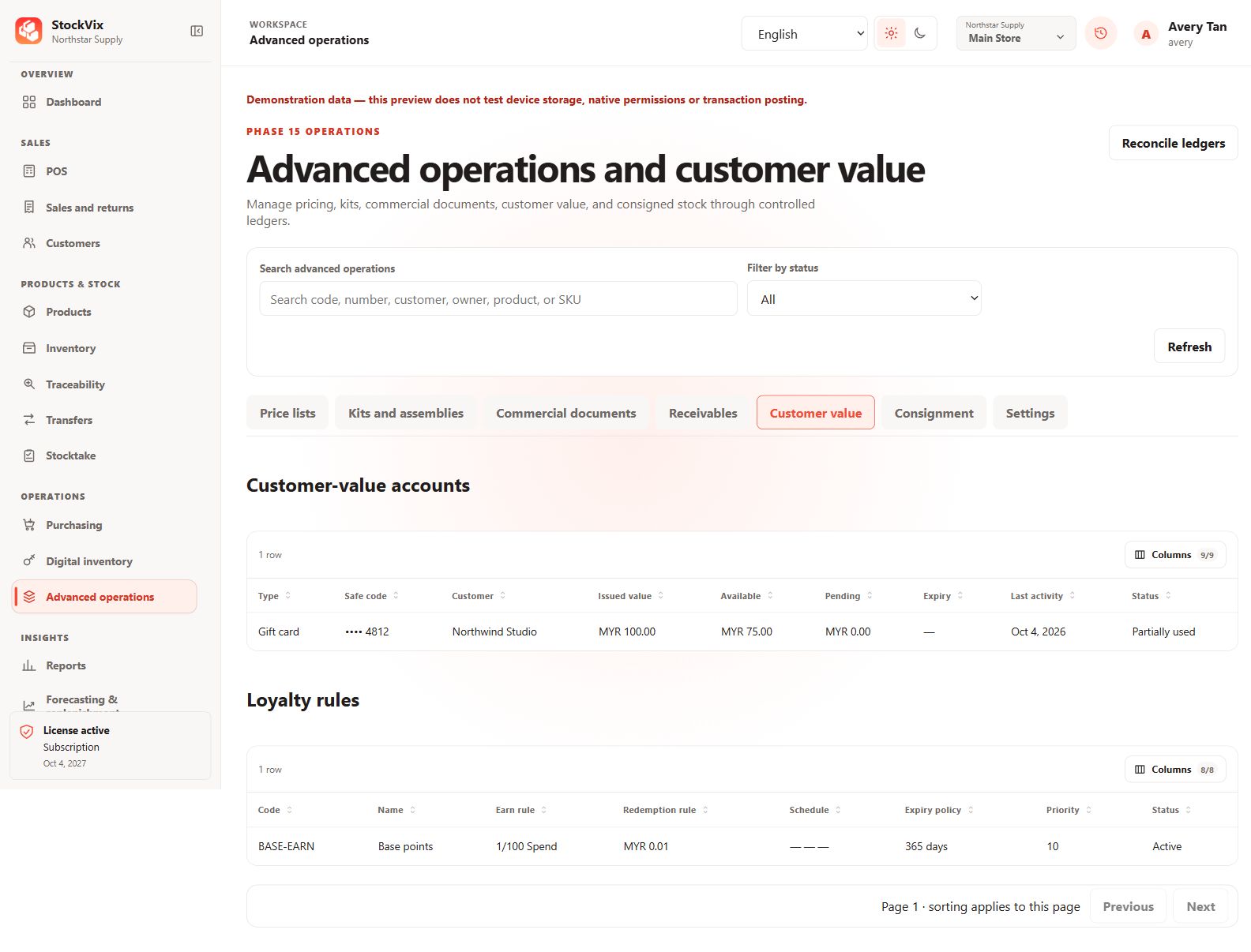
Customer value
Review gift-card balances and loyalty earning rules.
 View full size
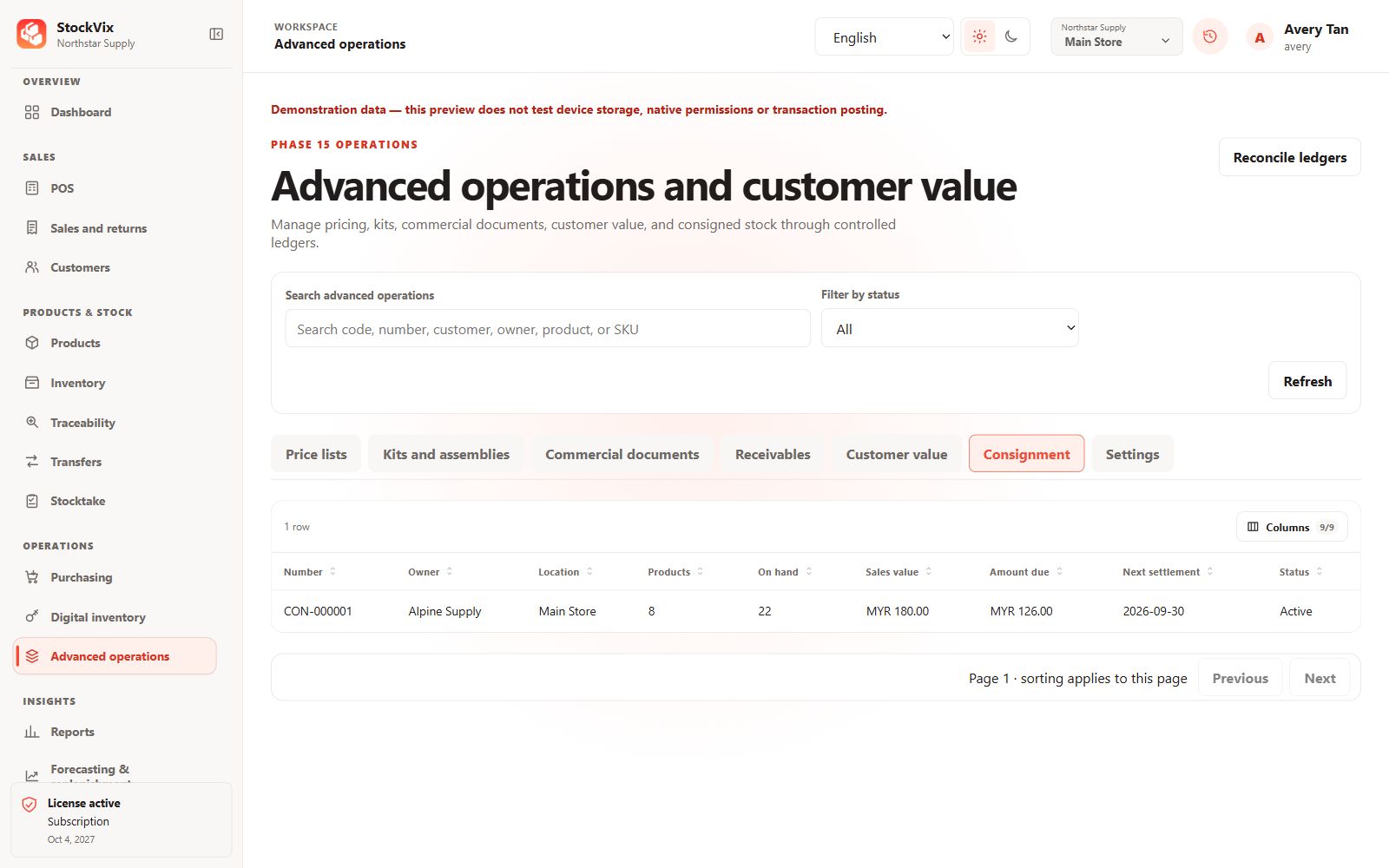
Consignment
Review owner stock, sales value and settlement context.
 View full size
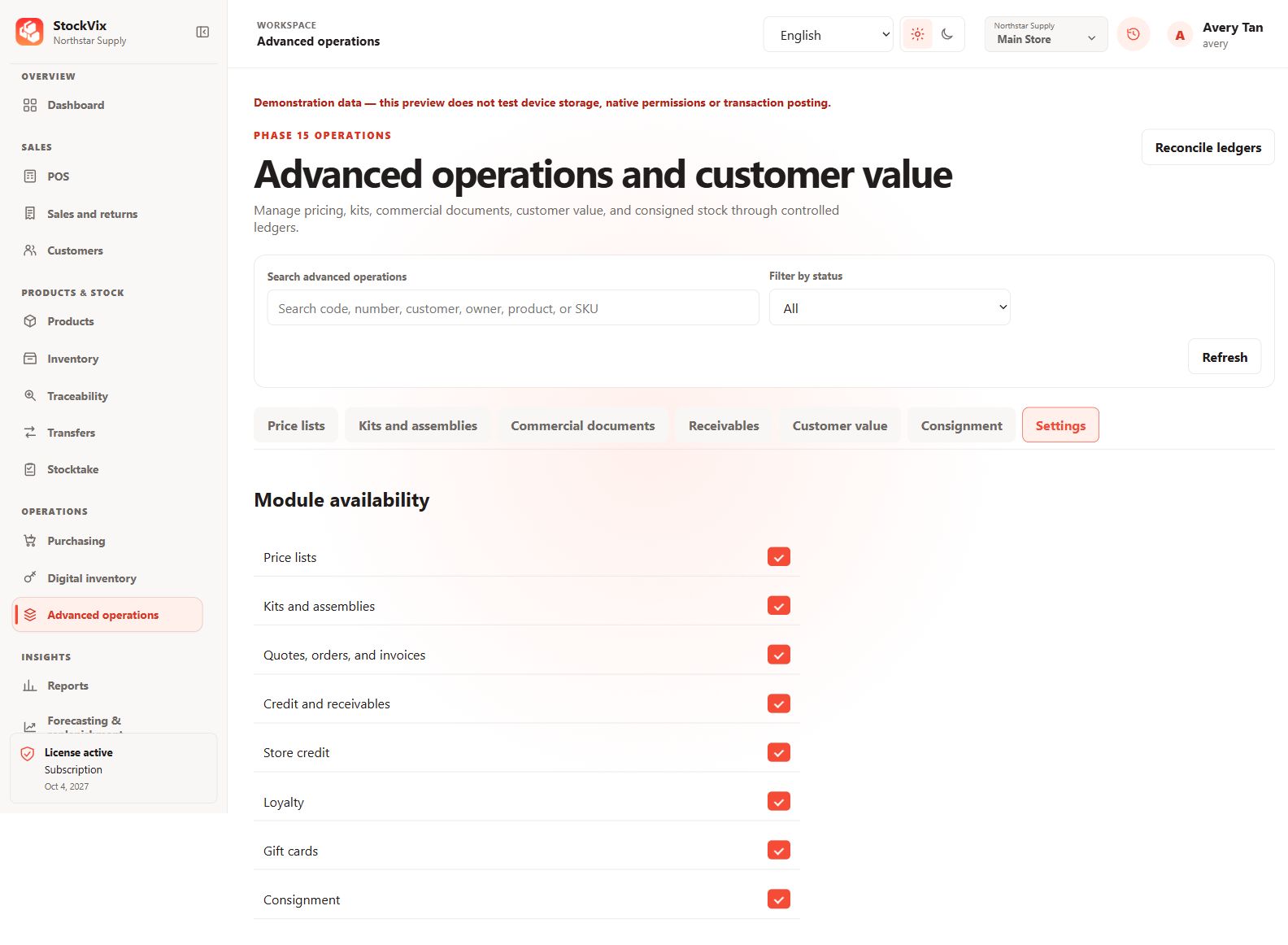
Advanced module availability
Review which advanced modules are enabled.
 View full size
Reports & planning
Understand results and plan replenishment.
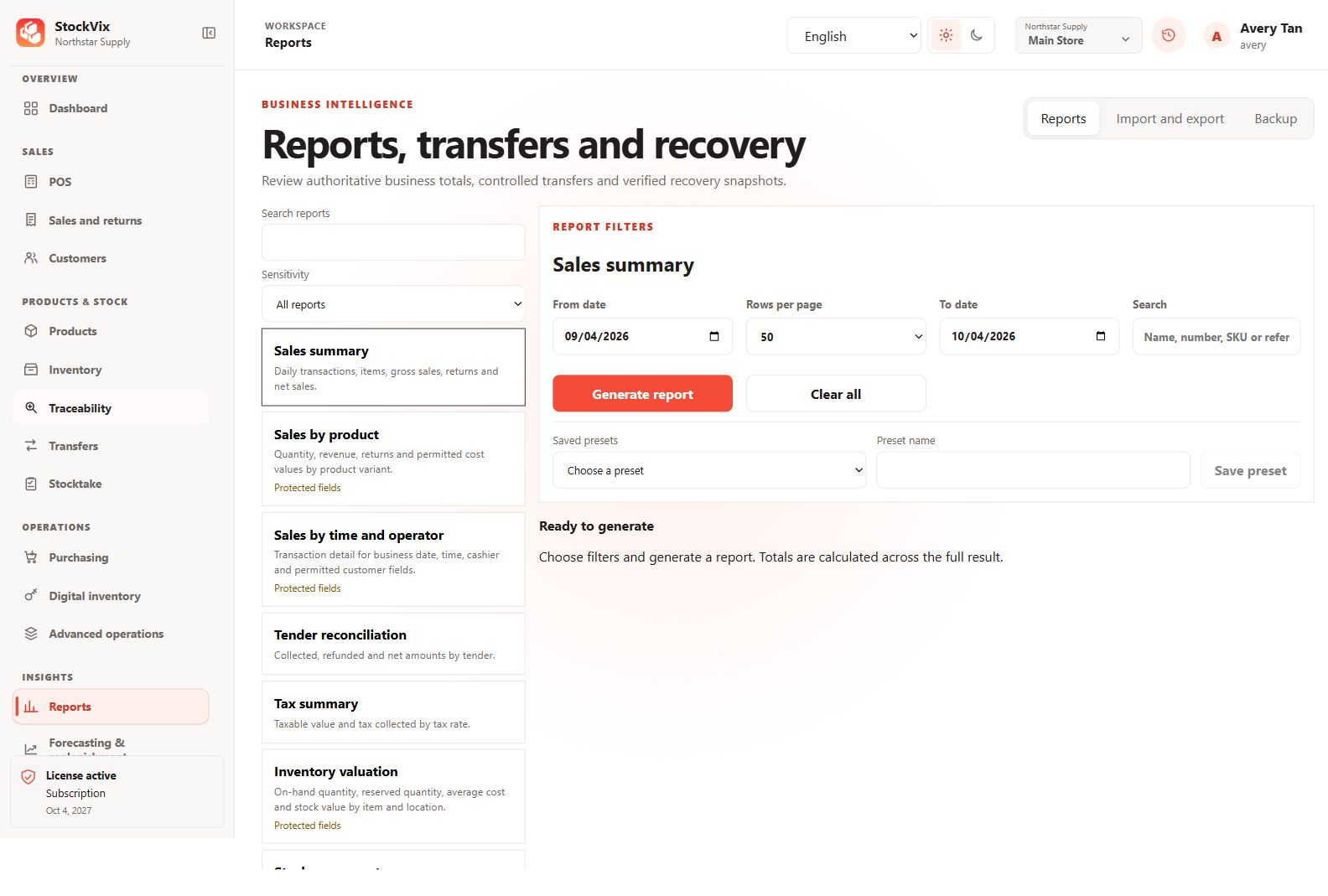
Reports centre
Choose a report and its date and search filters.
 View full size
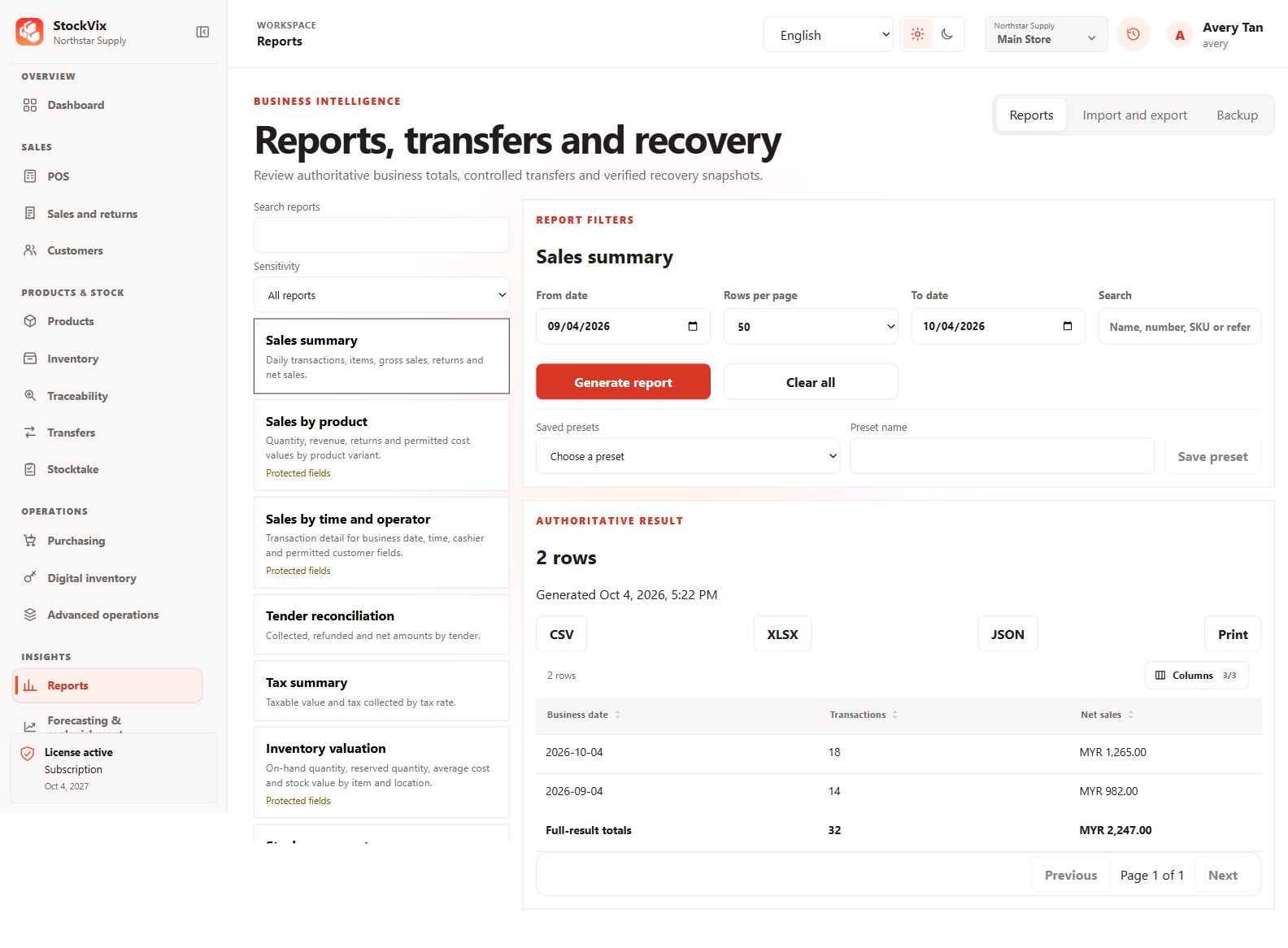
Report results
Review sample rows, full-result totals and export choices.
 View full size
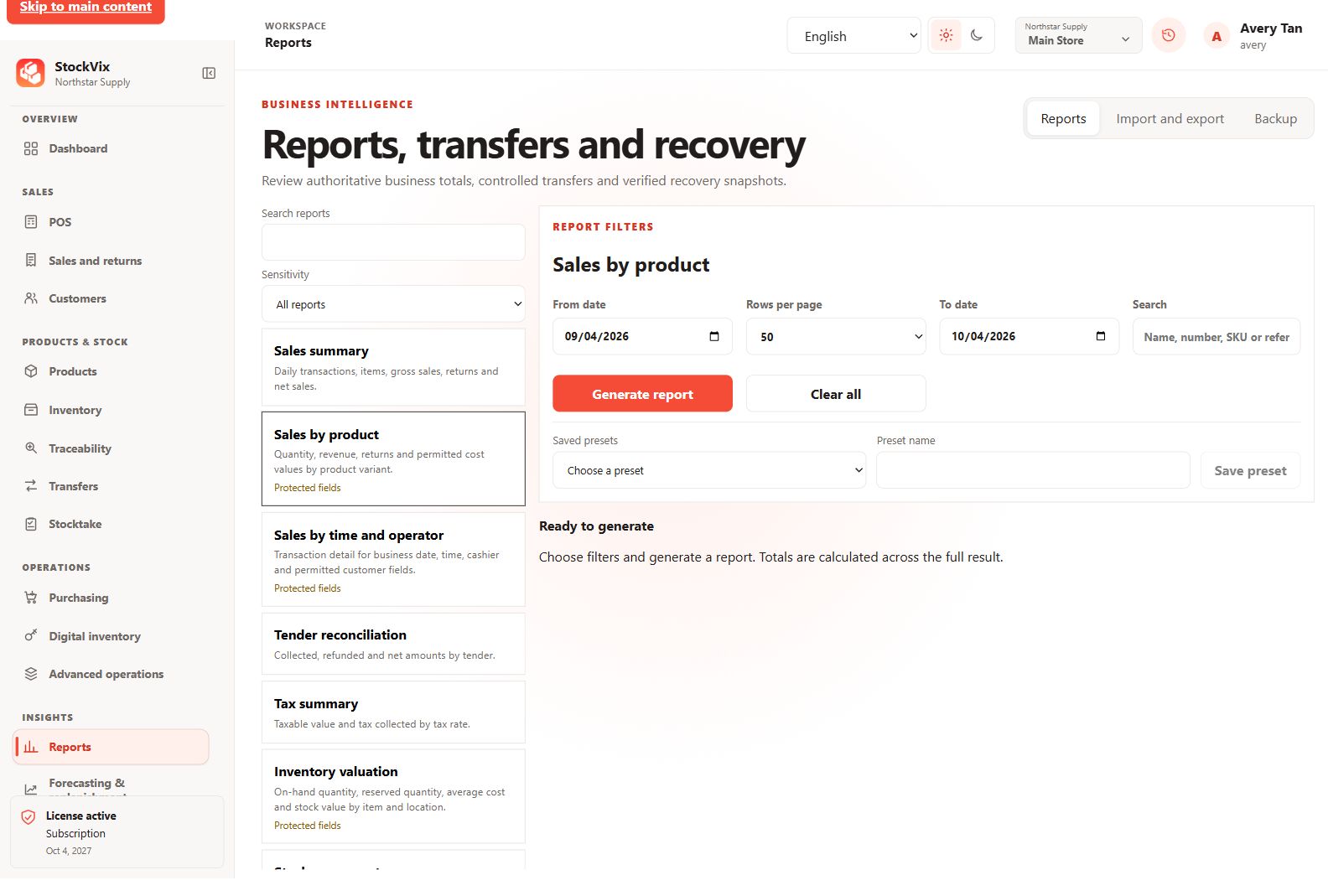
Sales by product report
Configure product-sales reporting filters.
 View full size
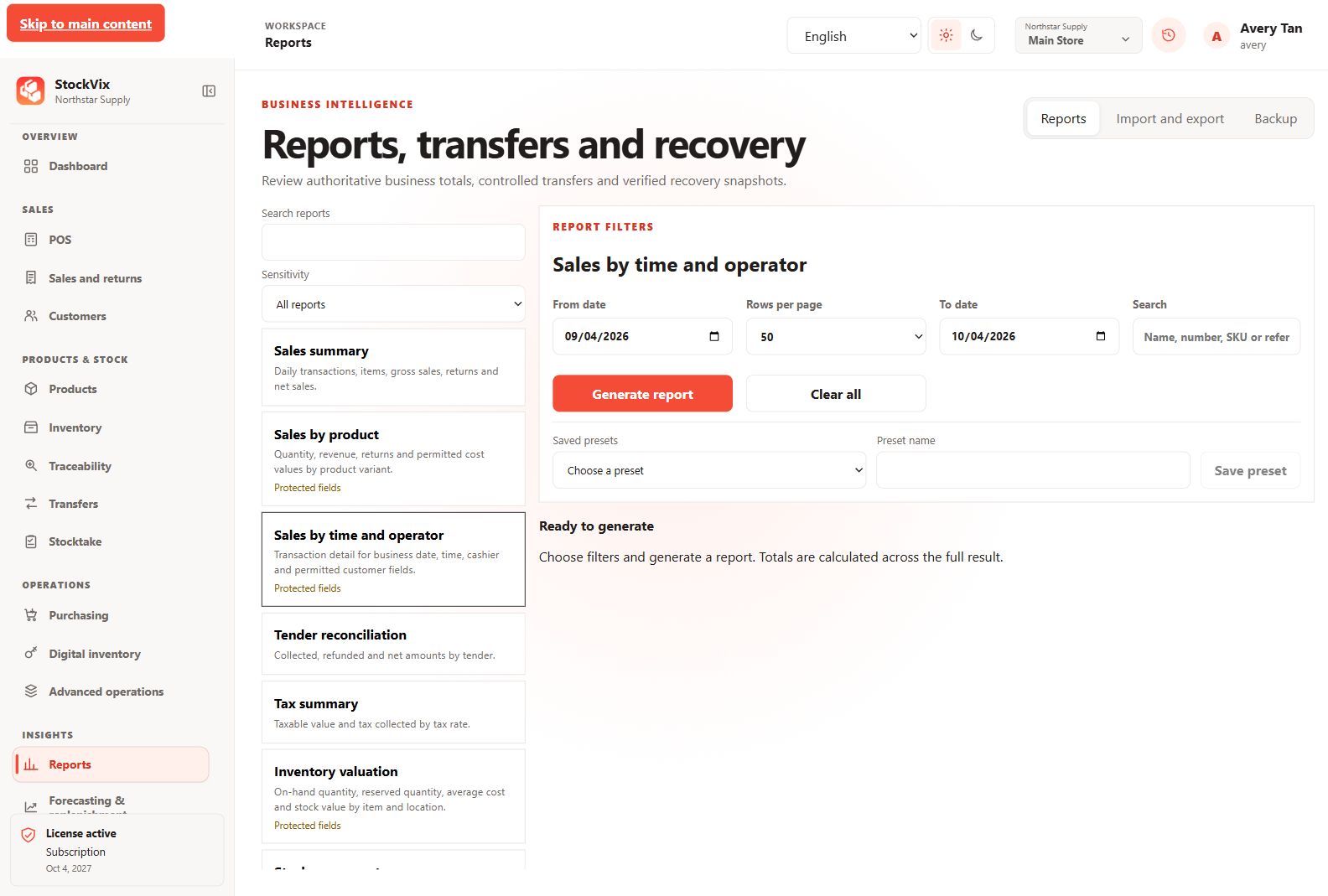
Time and operator report
Configure sales reporting by time and operator.
 View full size
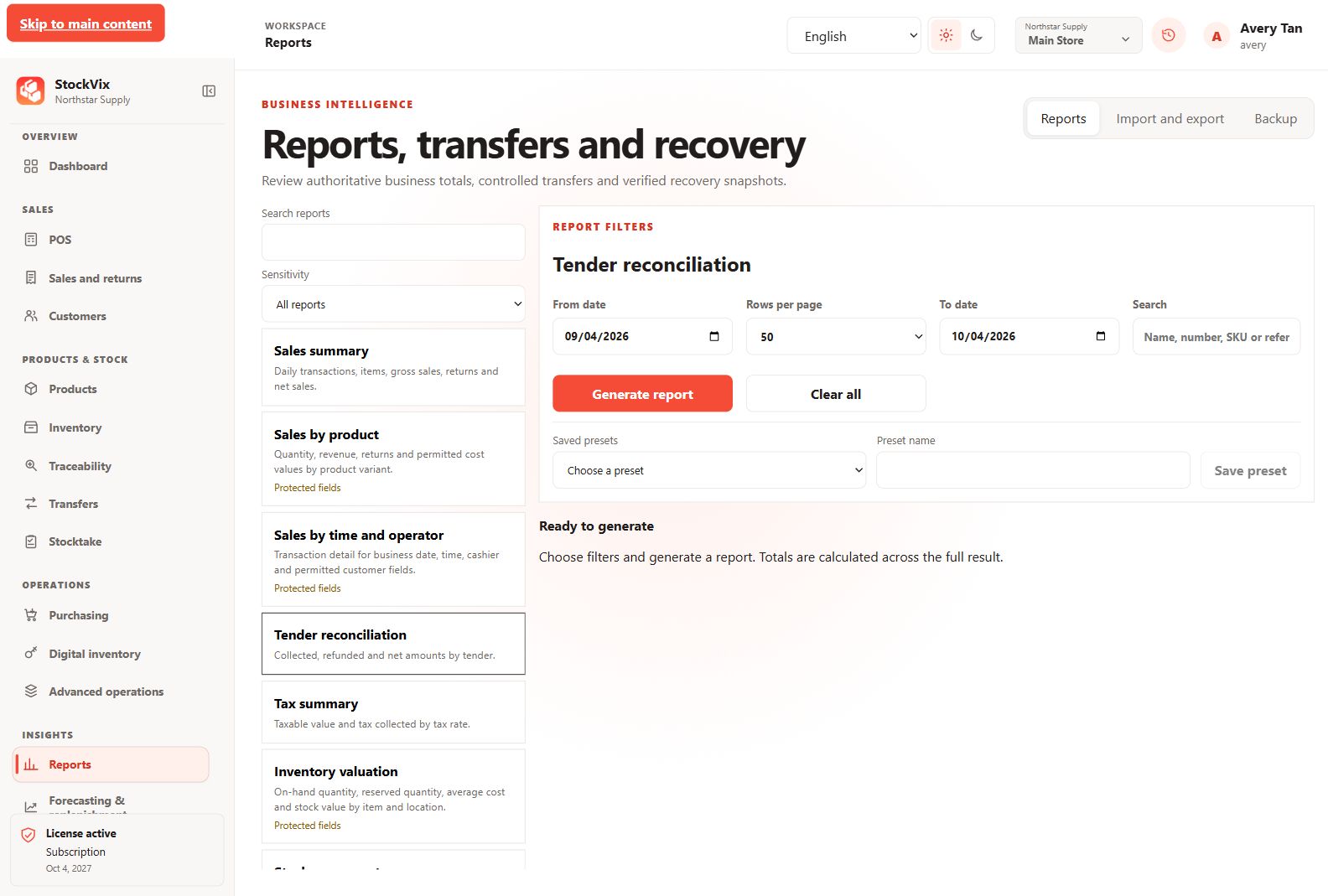
Tender reconciliation report
Configure reporting of collected and refunded tender amounts.
 View full size
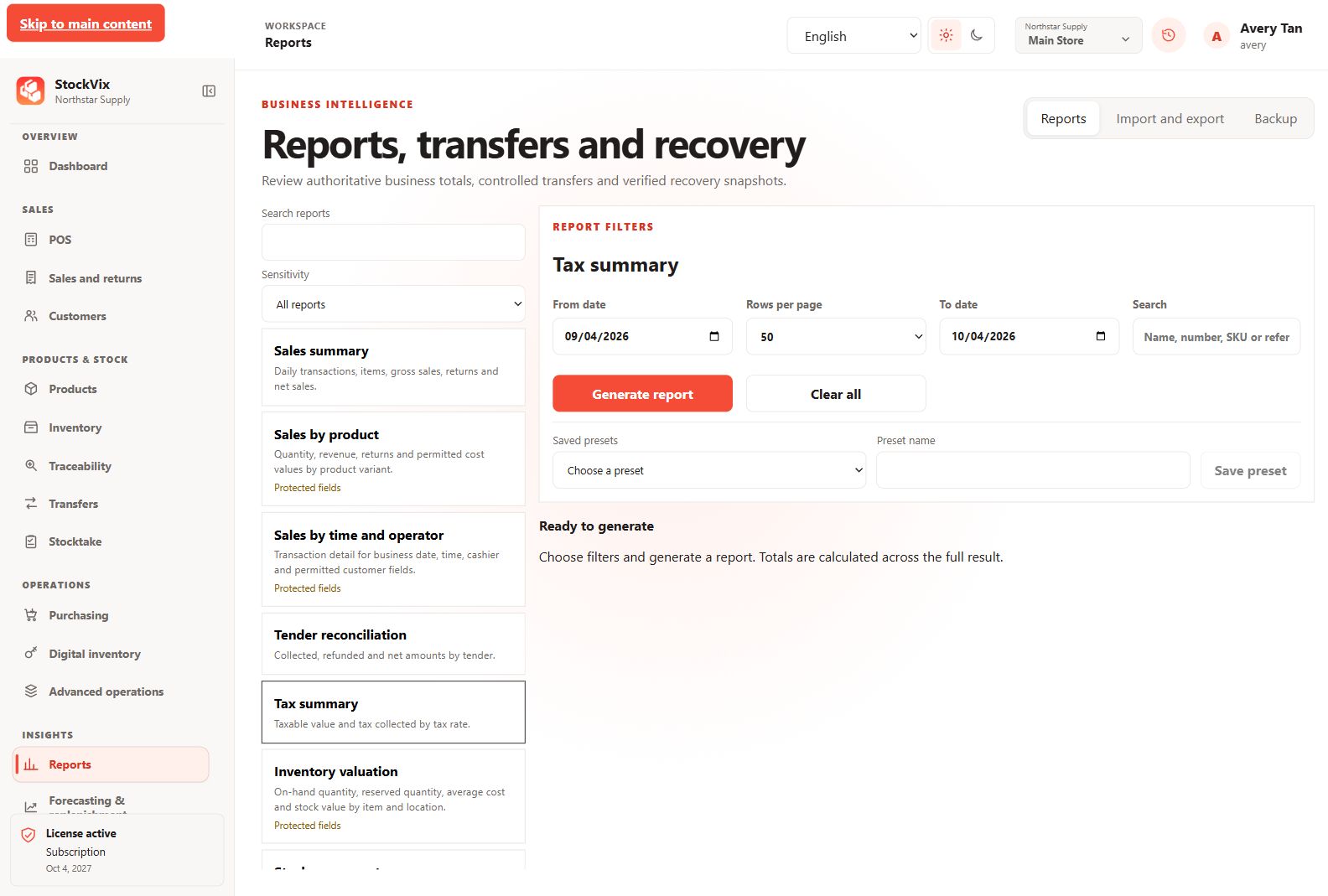
Tax summary report
Configure reporting of taxable values and tax collected.
 View full size
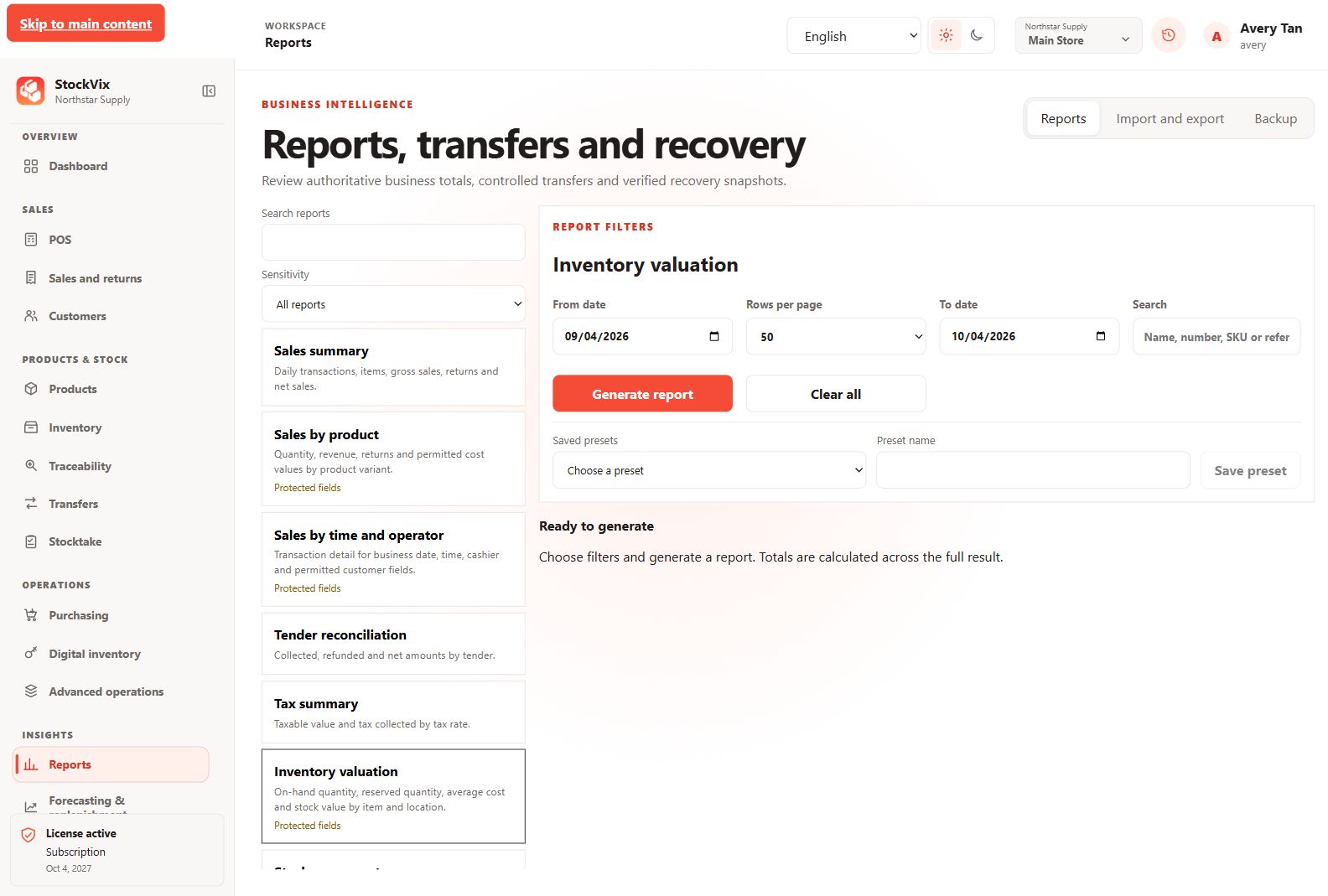
Inventory valuation report
Configure a protected stock-value report.
 View full size
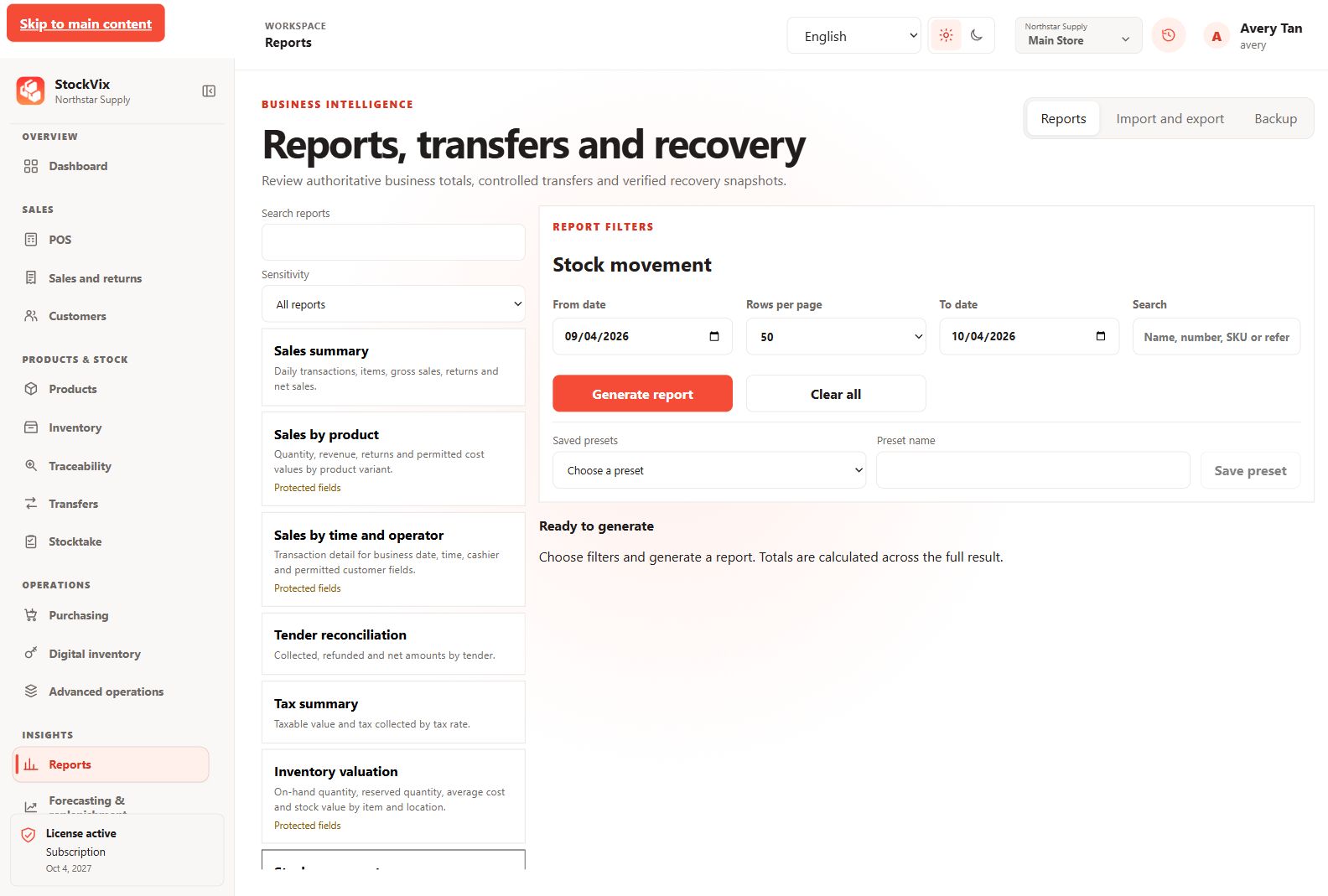
Movement report
Configure reporting of posted movements and source references.
 View full size
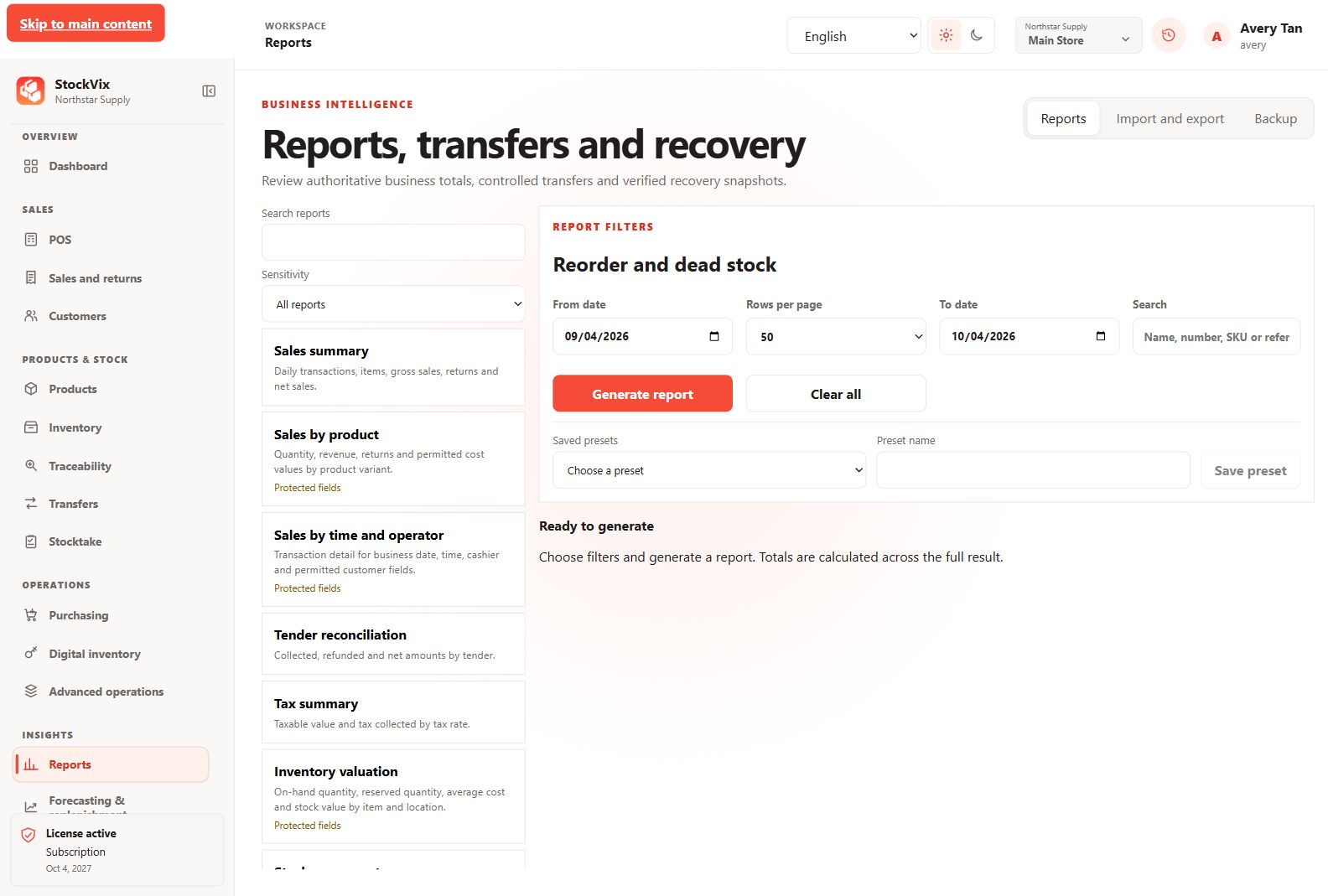
Reorder and dead-stock report
Configure reporting of quantities requiring review.
 View full size
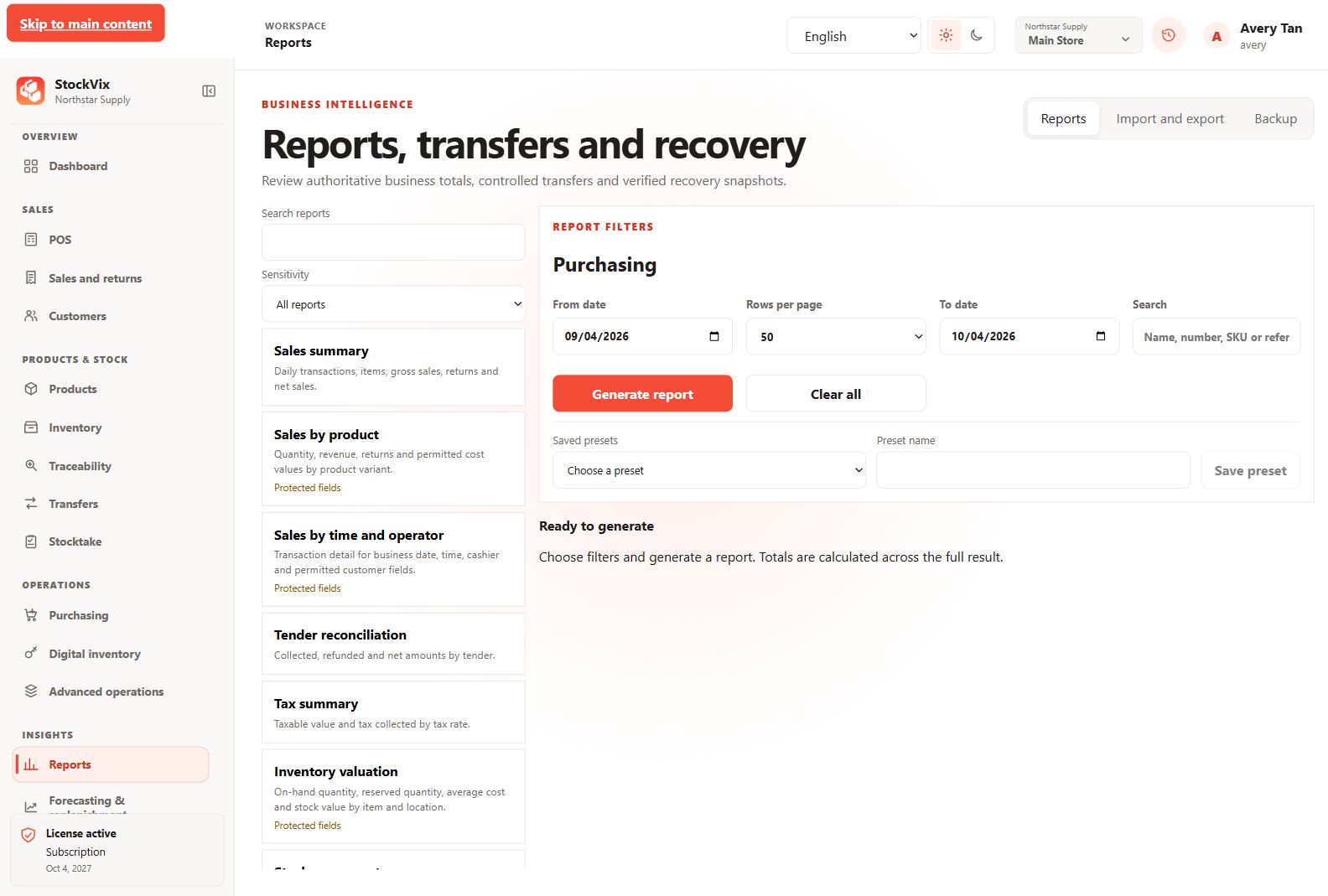
Purchasing report
Configure supplier, order and receiving reporting.
 View full size
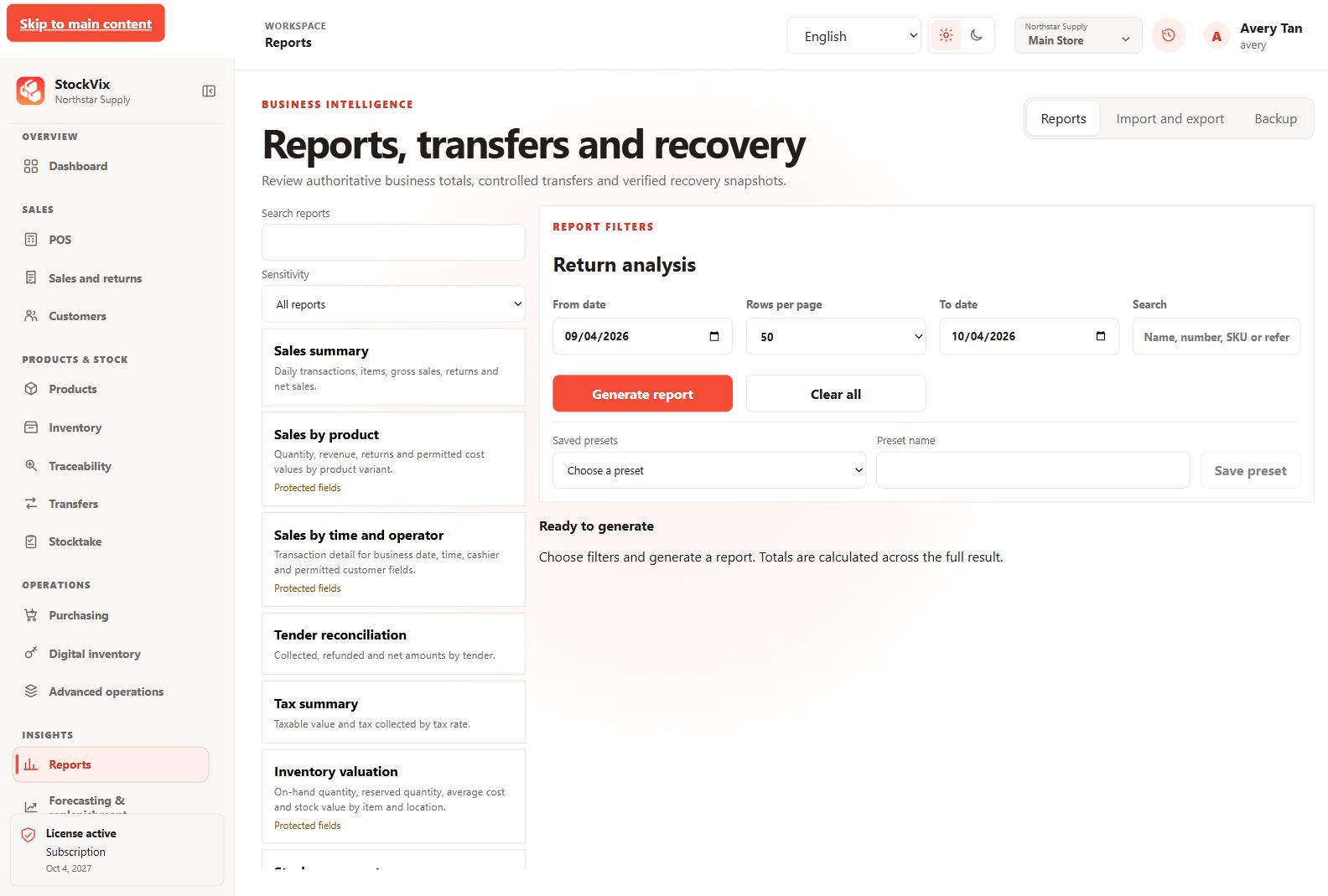
Return analysis report
Configure reporting of returns and refund values.
 View full size
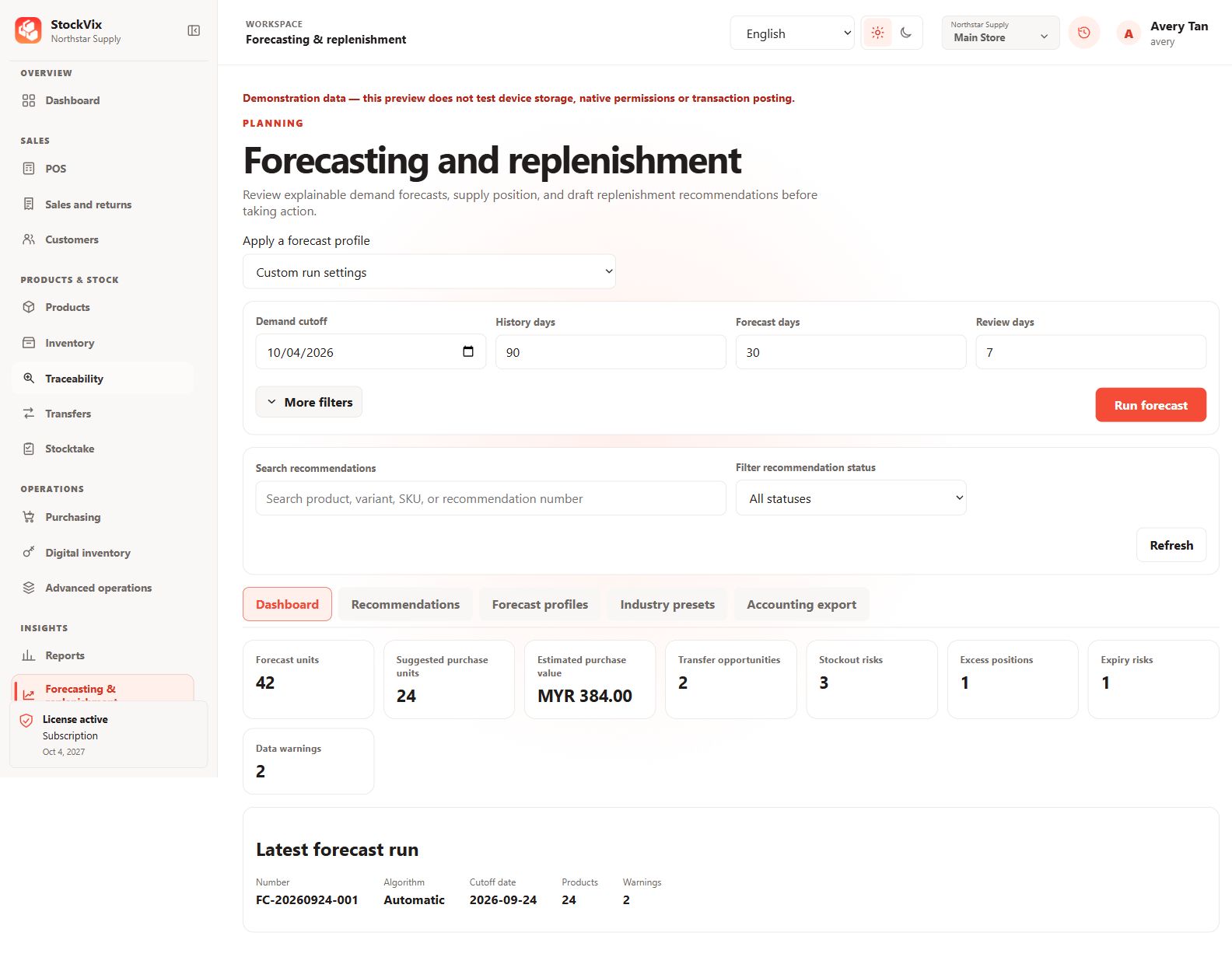
Forecasting dashboard
Review demand forecasts, purchase suggestions and supply risks.
 View full size
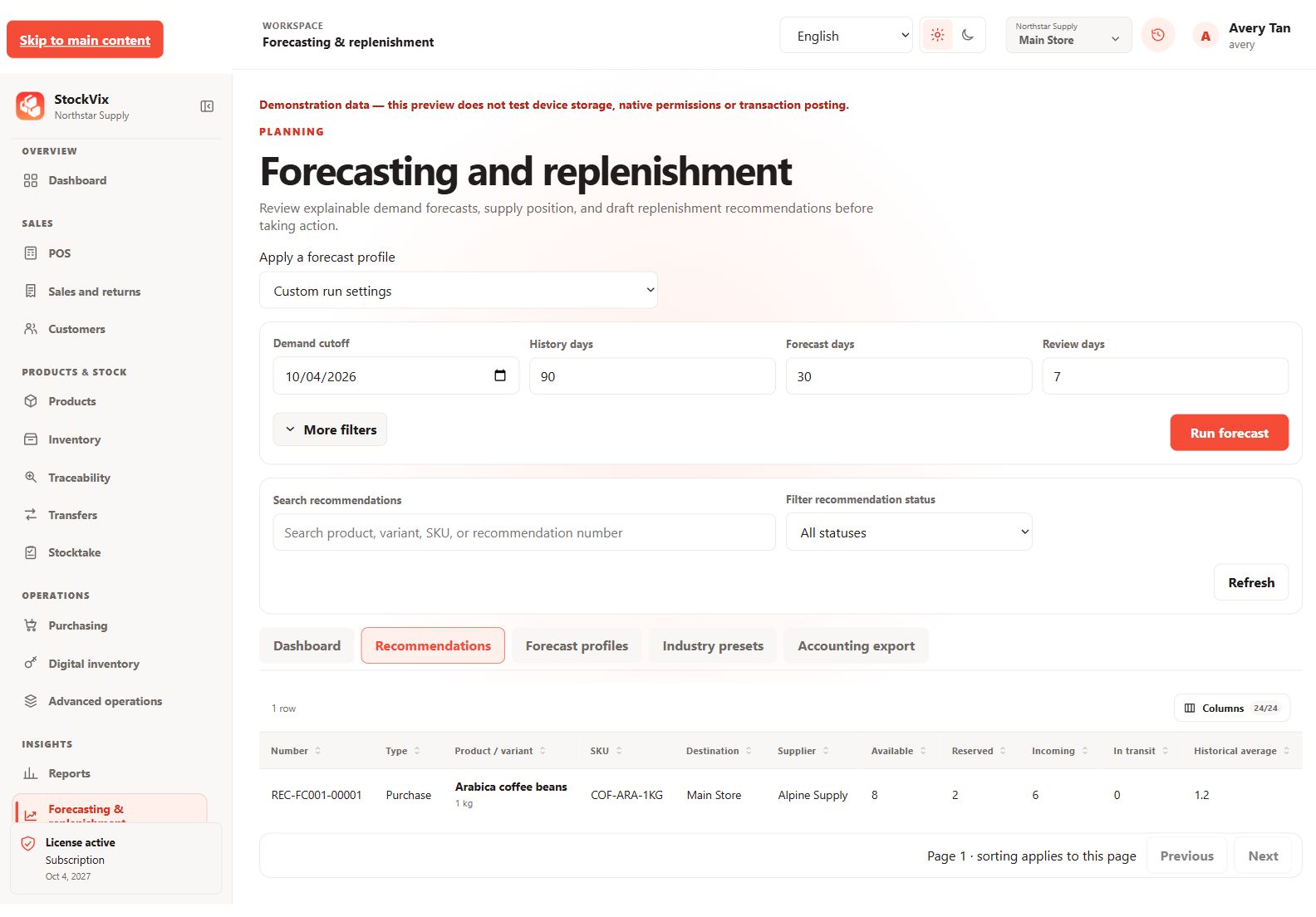
Replenishment recommendations
Review explained suggestions, confidence and rounding.
 View full size
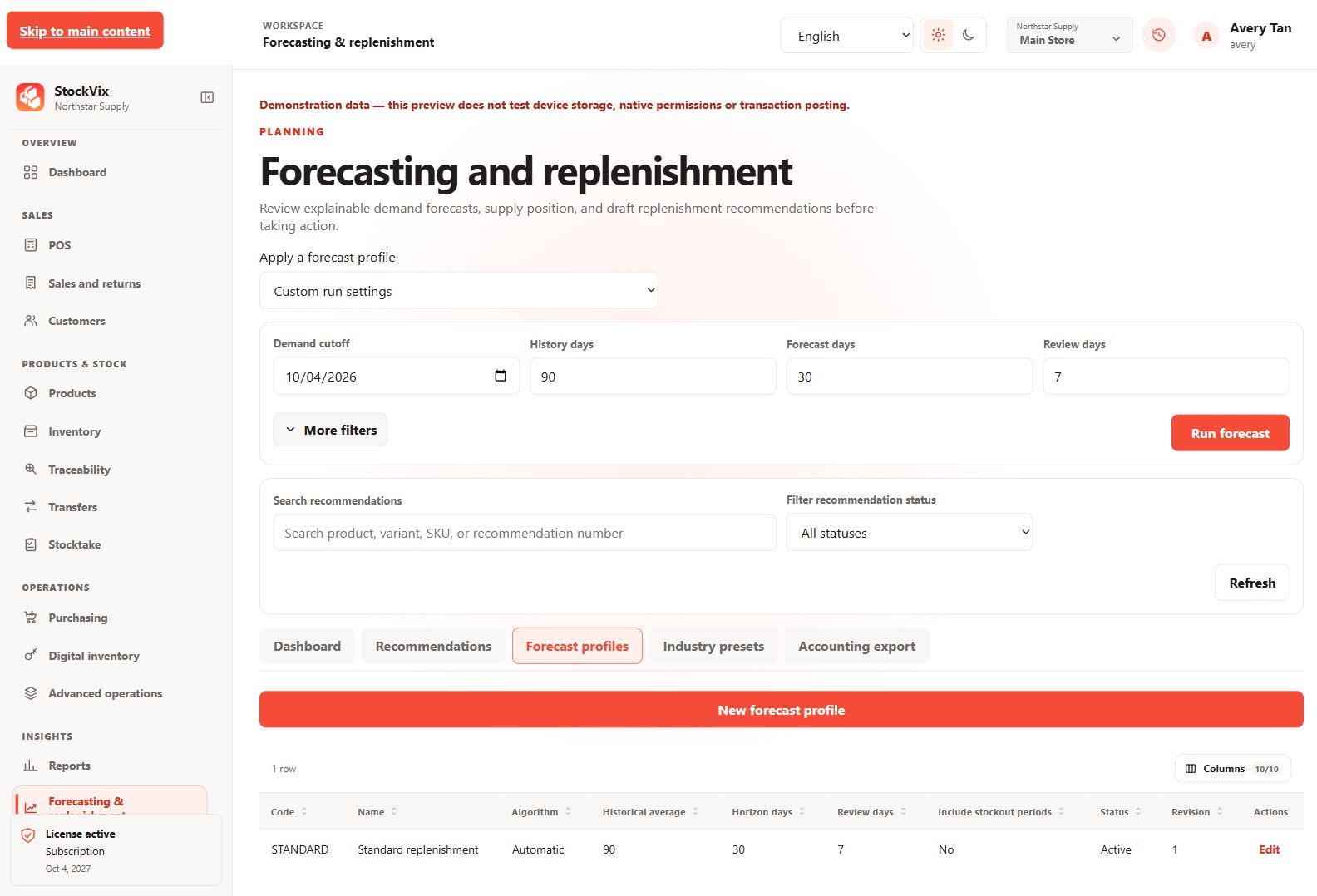
Forecast profiles
Review reusable forecasting settings.
 View full size
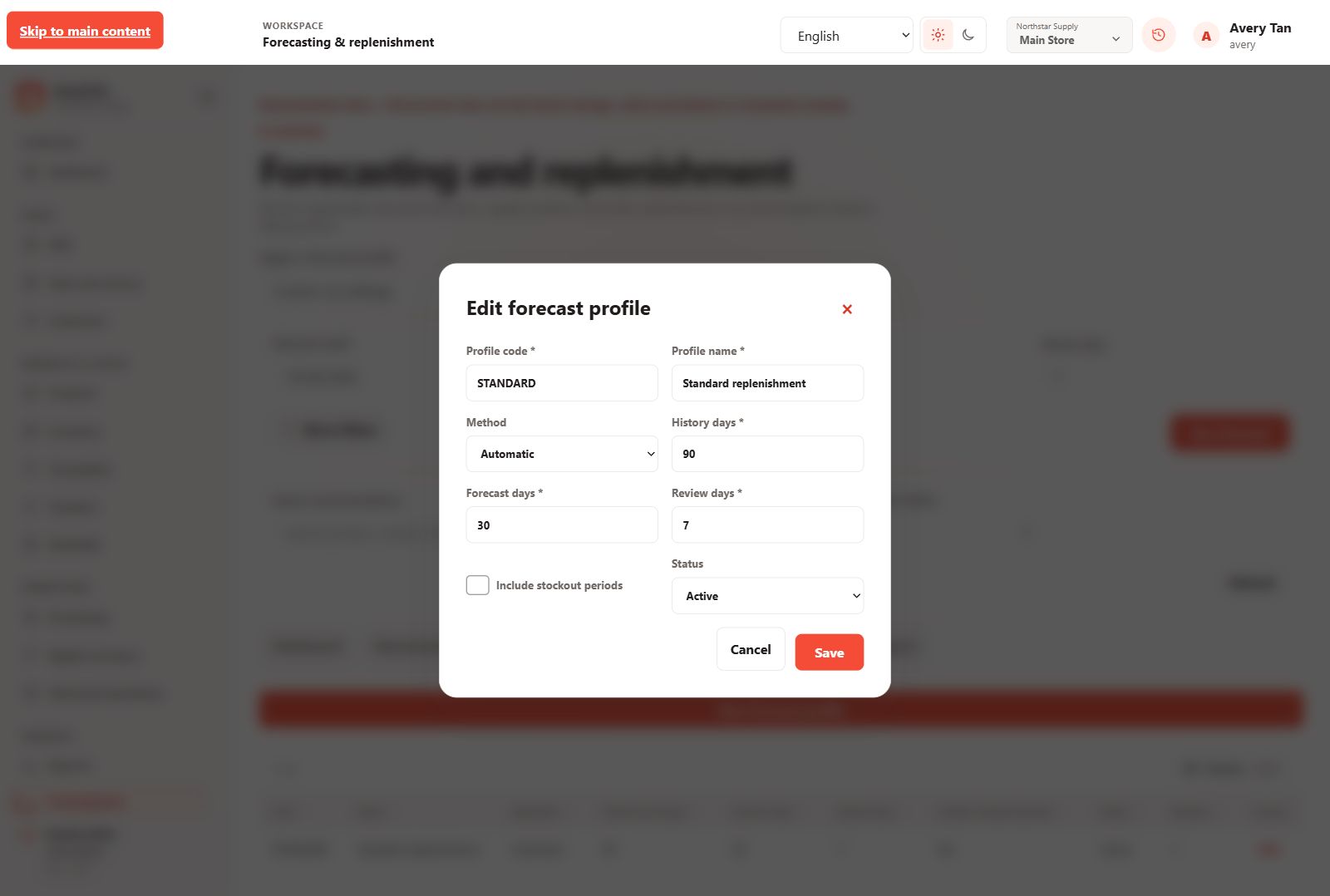
Forecast-profile editor
Configure the method, history, horizon and review period.
 View full size
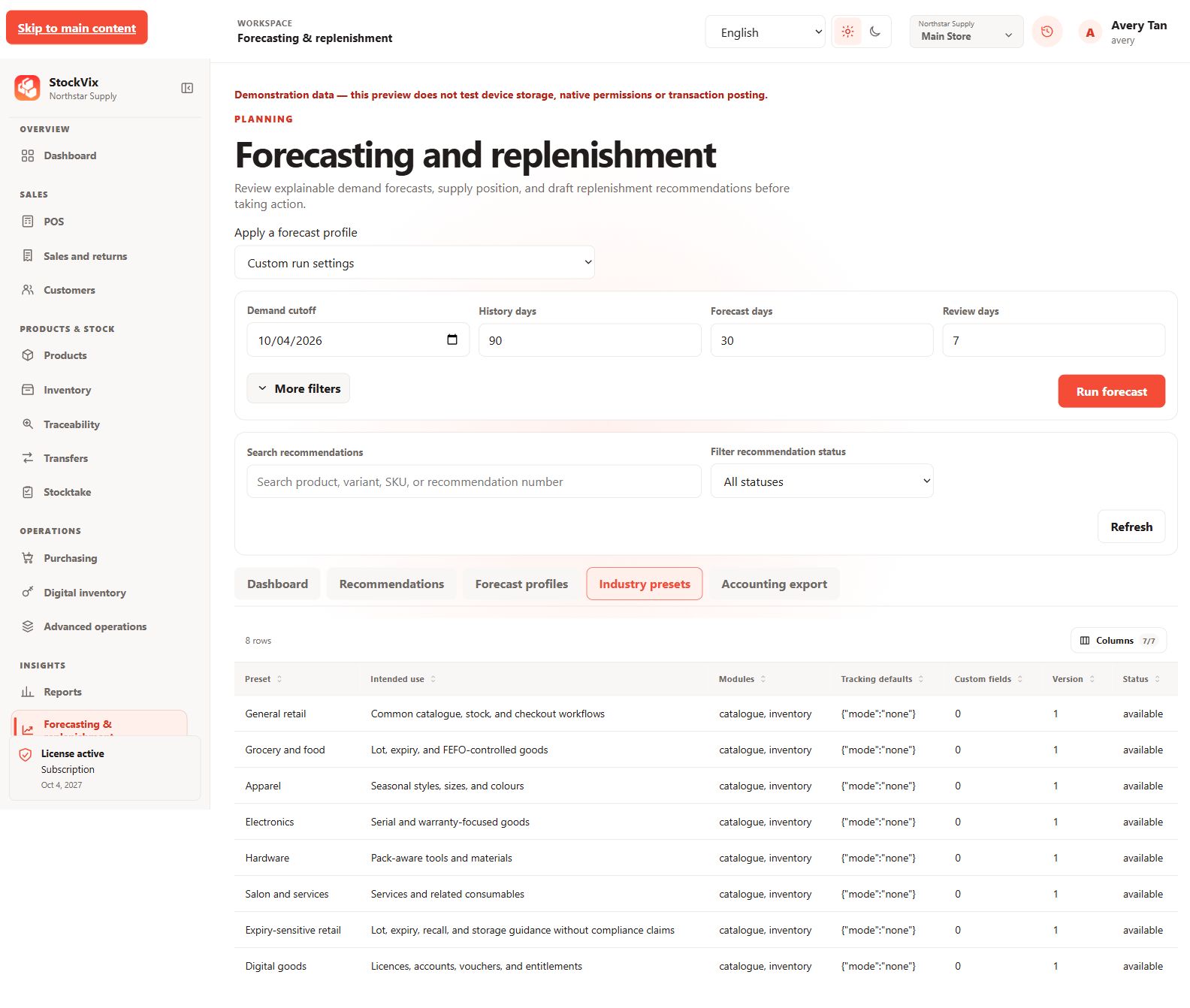
Industry presets
Review presets for different business workflows.
 View full size
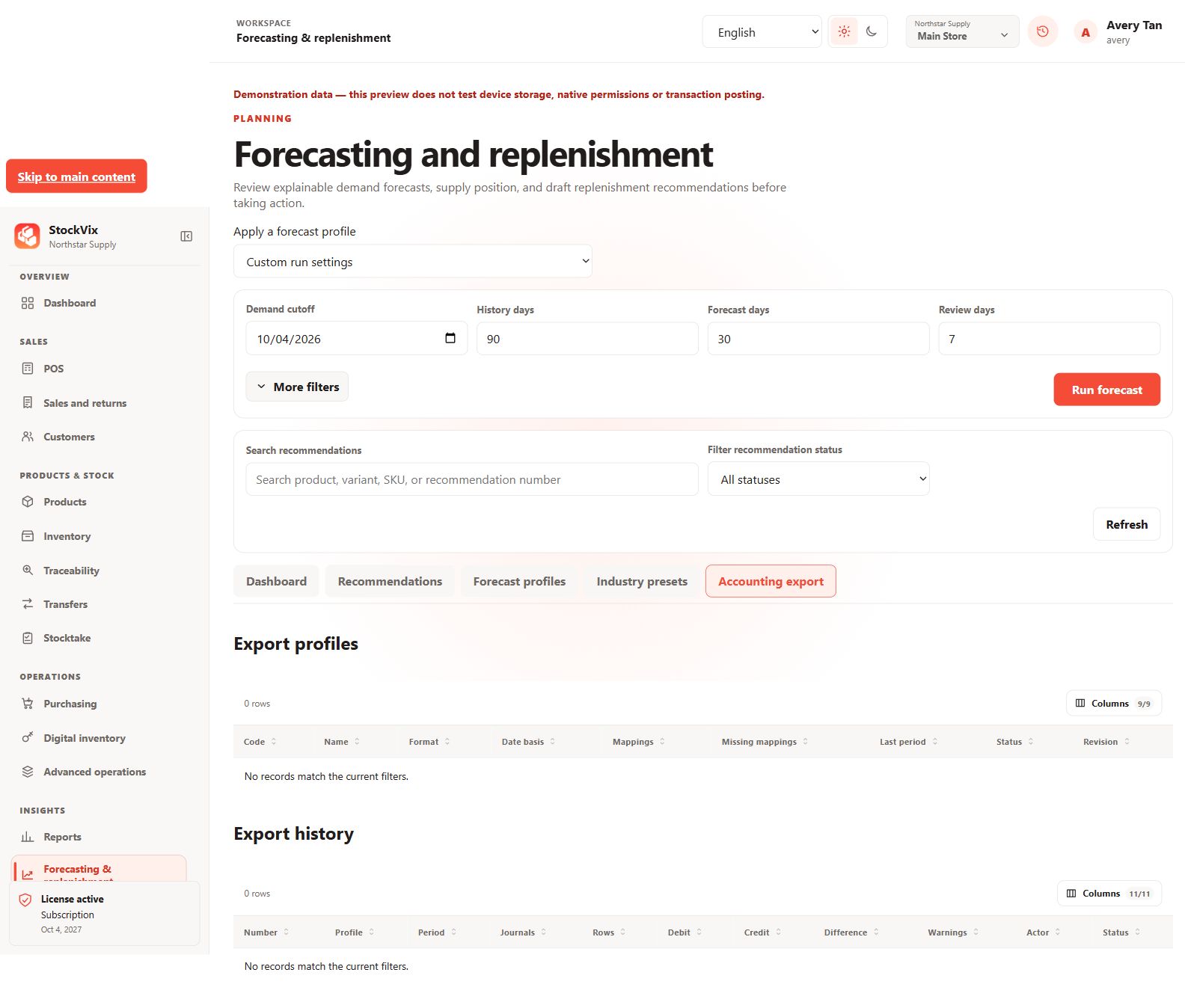
Accounting export
Review accounting-export profiles and export history.
 View full size
Administration & recovery
Access, history and protected data.
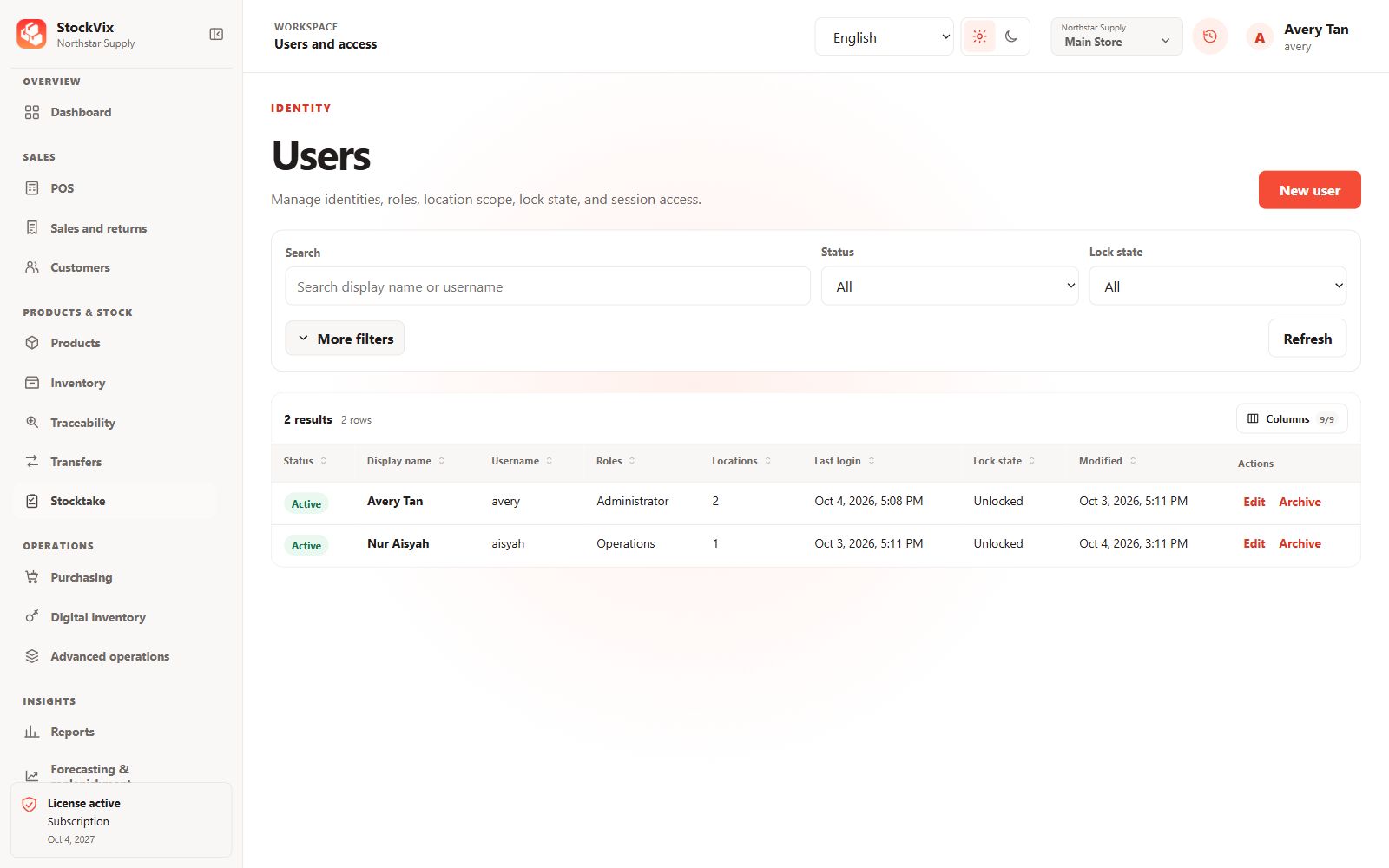
Users and access
Review users, roles, location scope and lock status.
 View full size
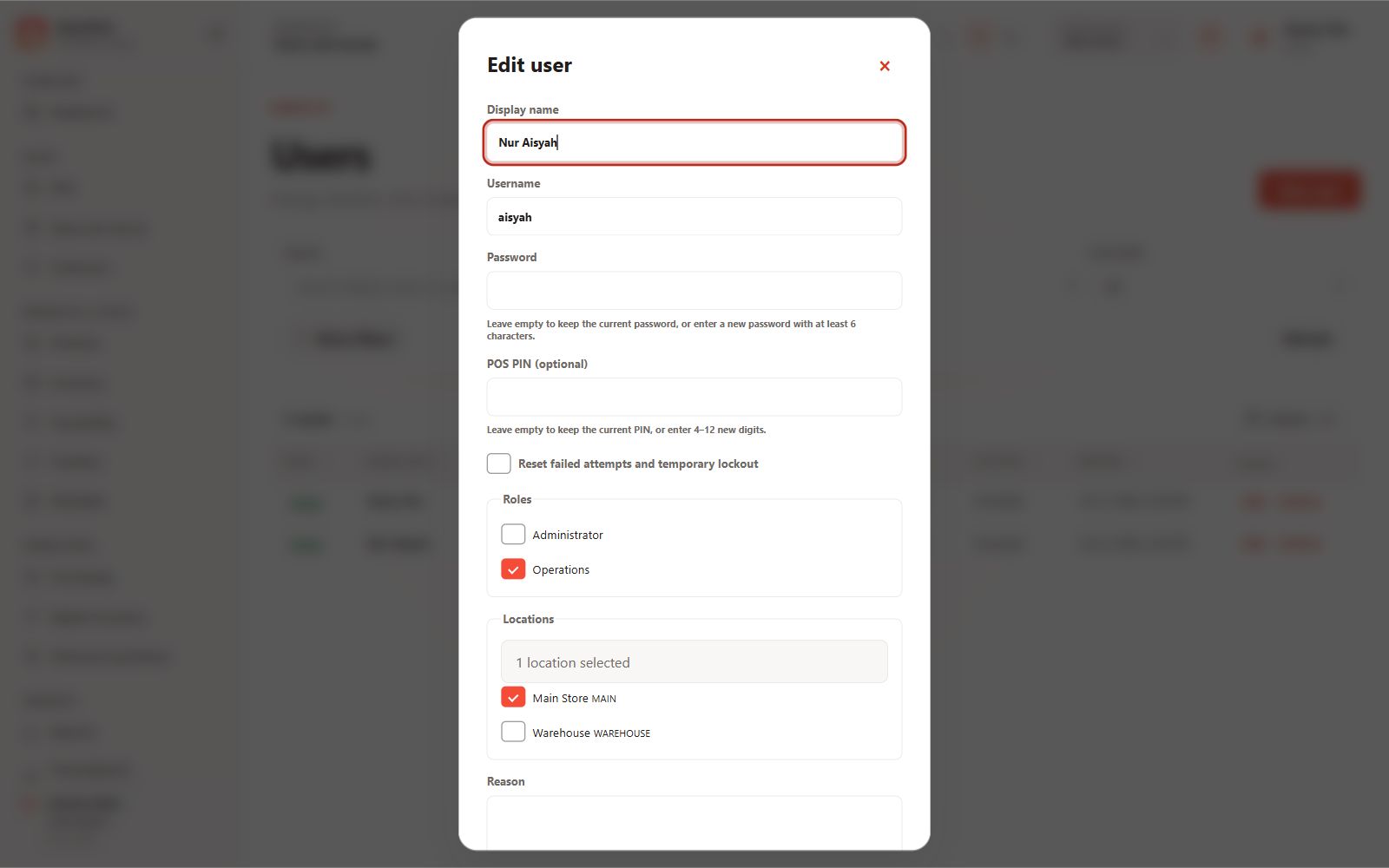
User editor
Review identity, roles and location assignments.
 View full size
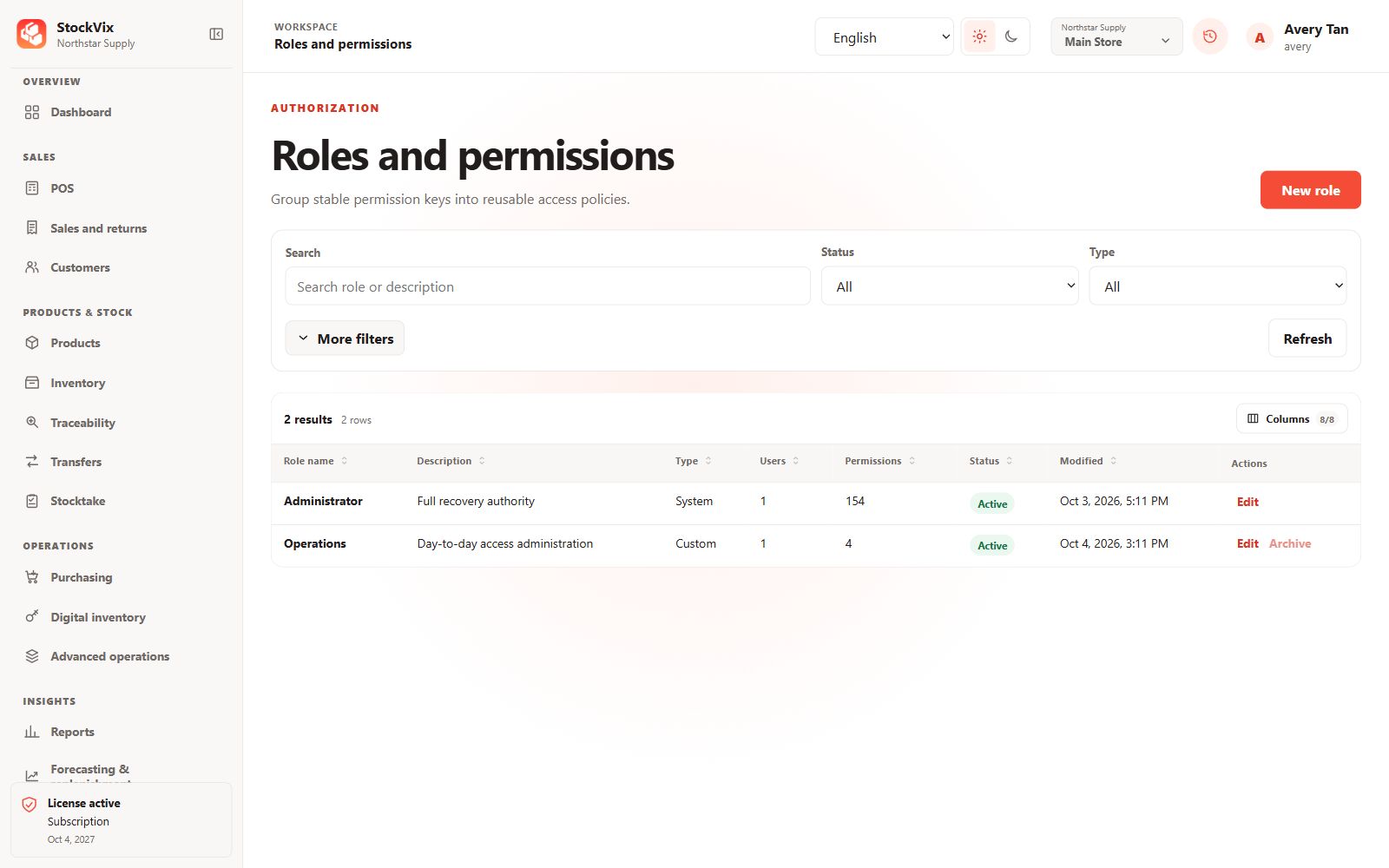
Roles and permissions
Review reusable access policies and assigned users.
 View full size
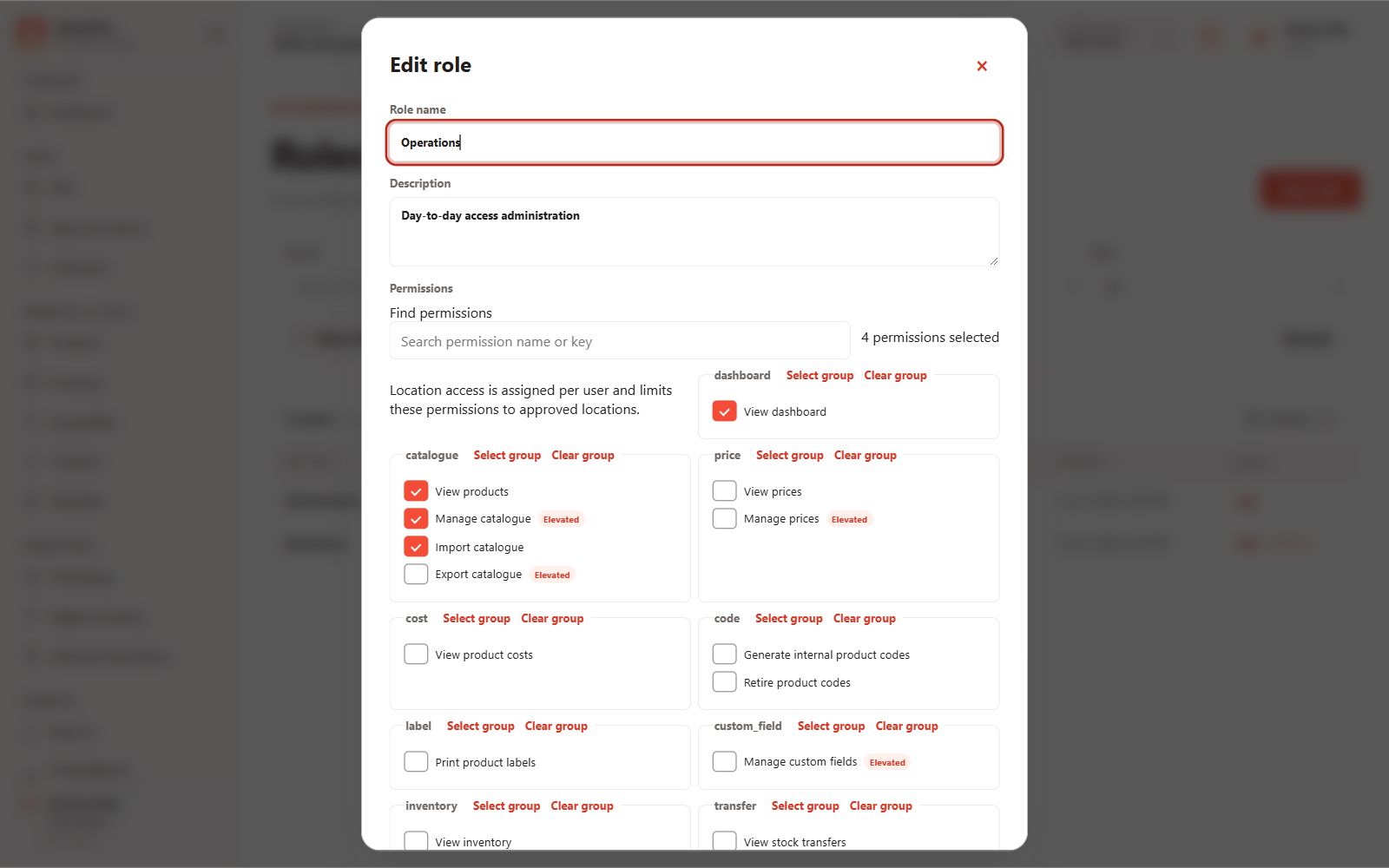
Permission editor
Review grouped permissions and the affected-user preview.
 View full size
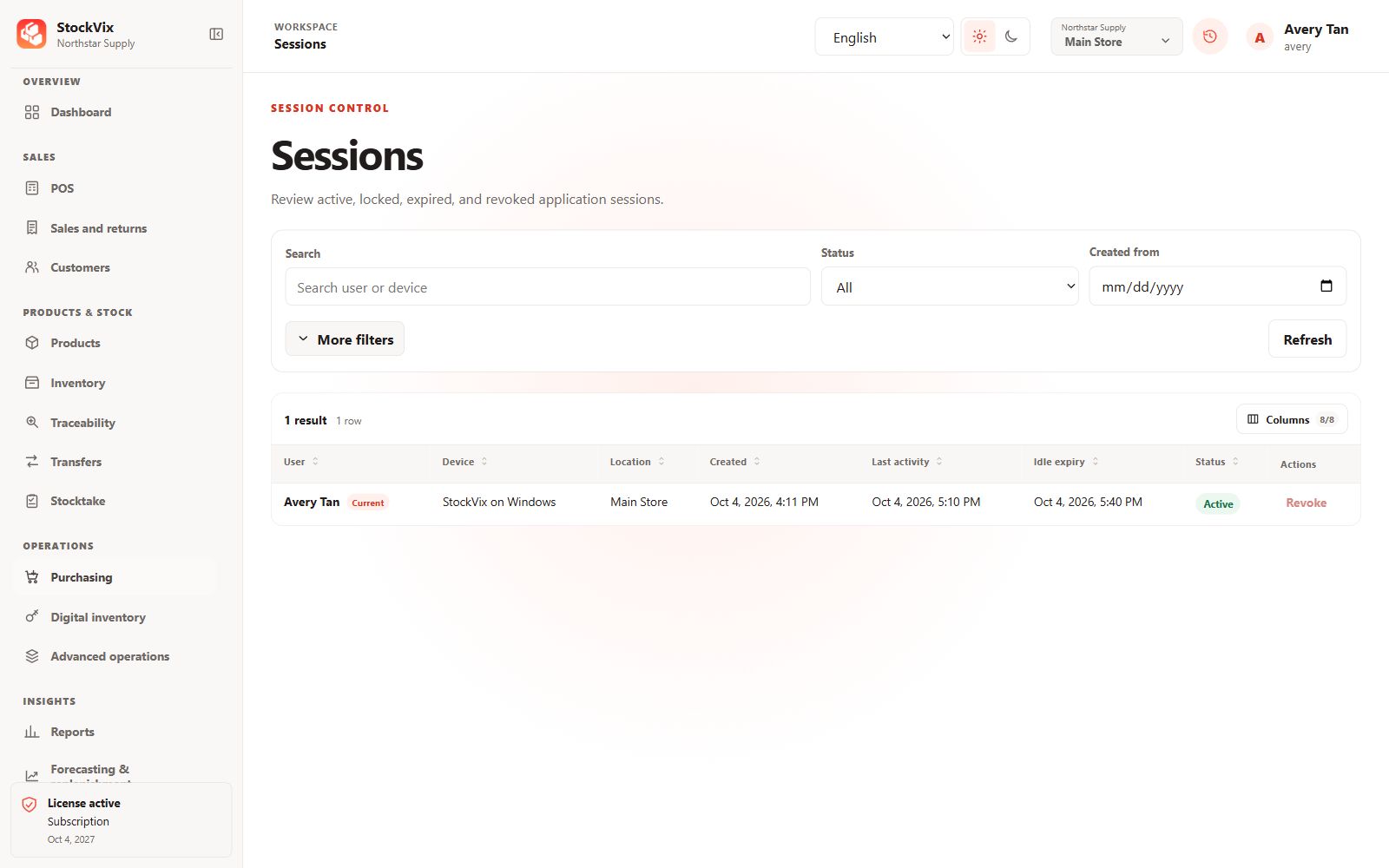
Sessions
Review active sessions, expiry and session controls.
 View full size
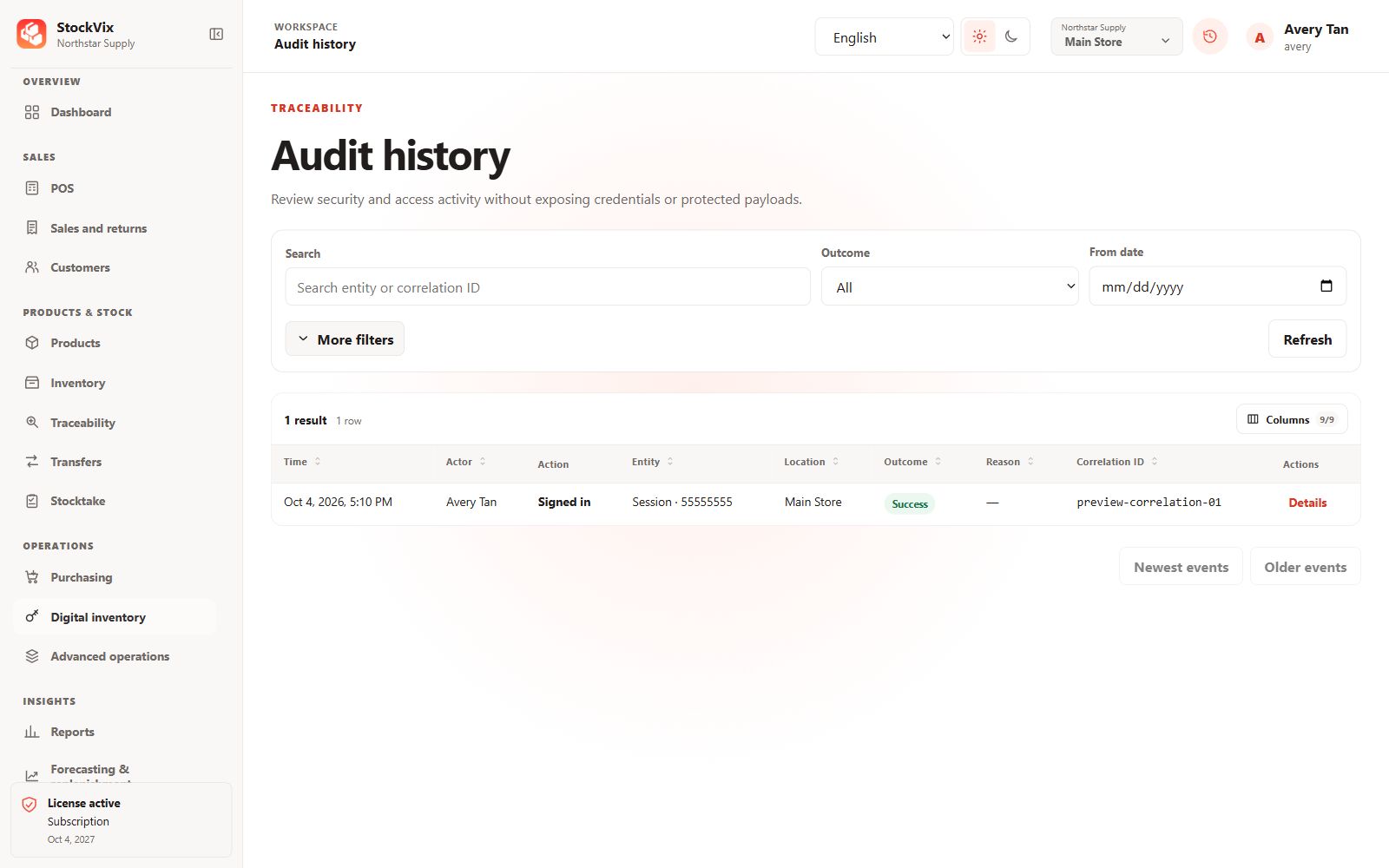
Audit history
Search activity by actor, time and outcome.
 View full size
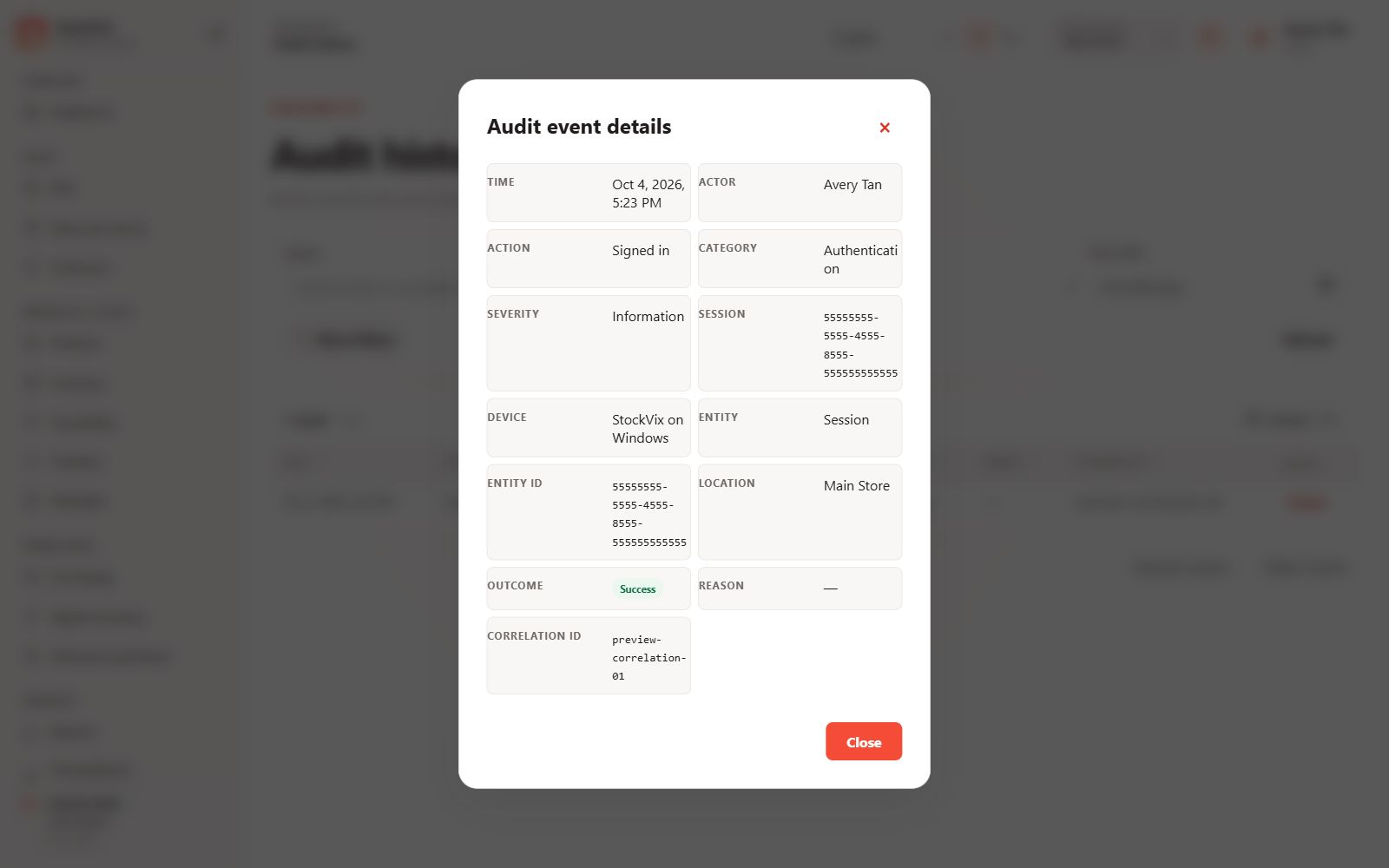
Audit event
Inspect a safe event’s actor, scope and correlation details.
 View full size
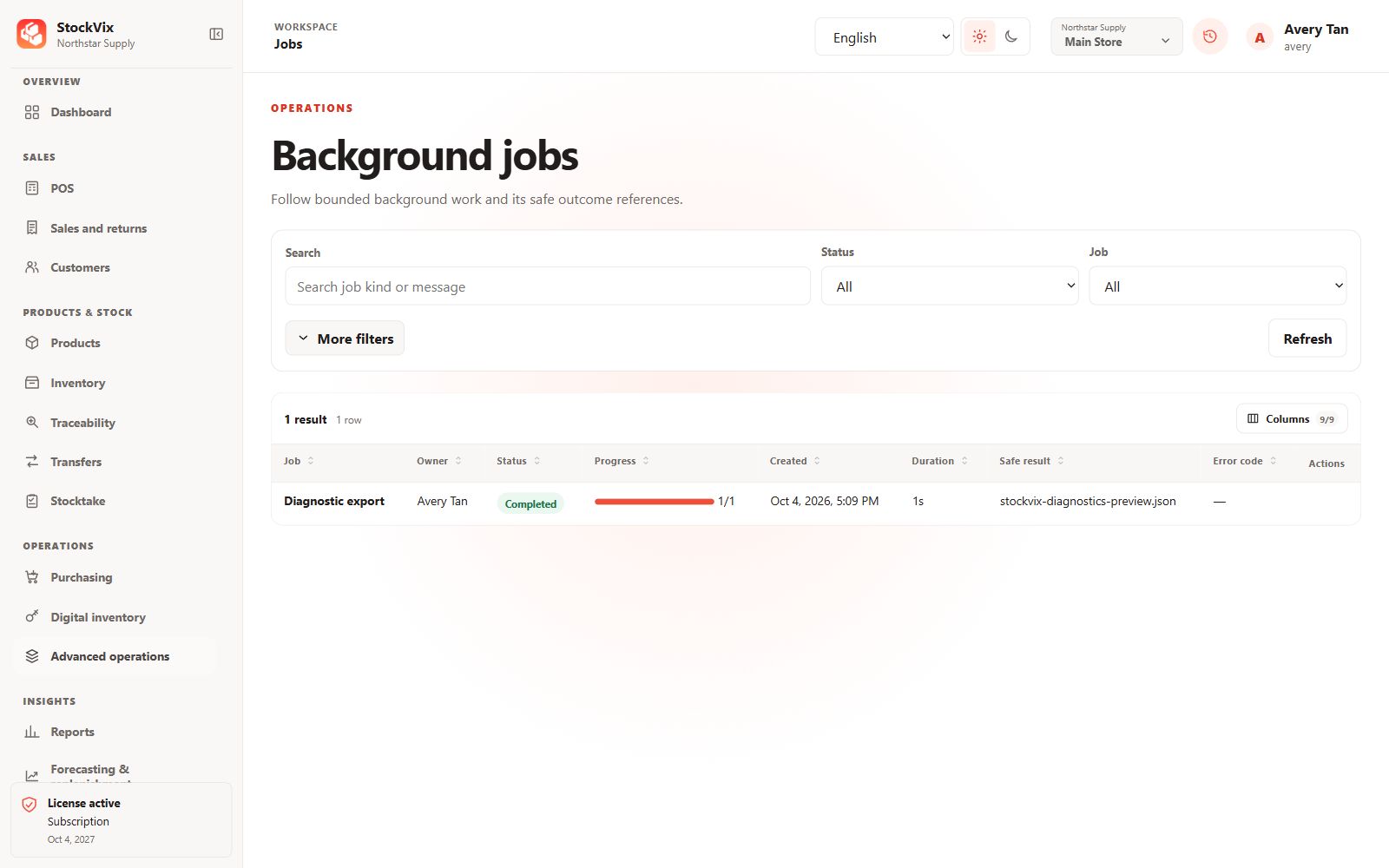
Background jobs
Review progress, duration and safe result references.
 View full size
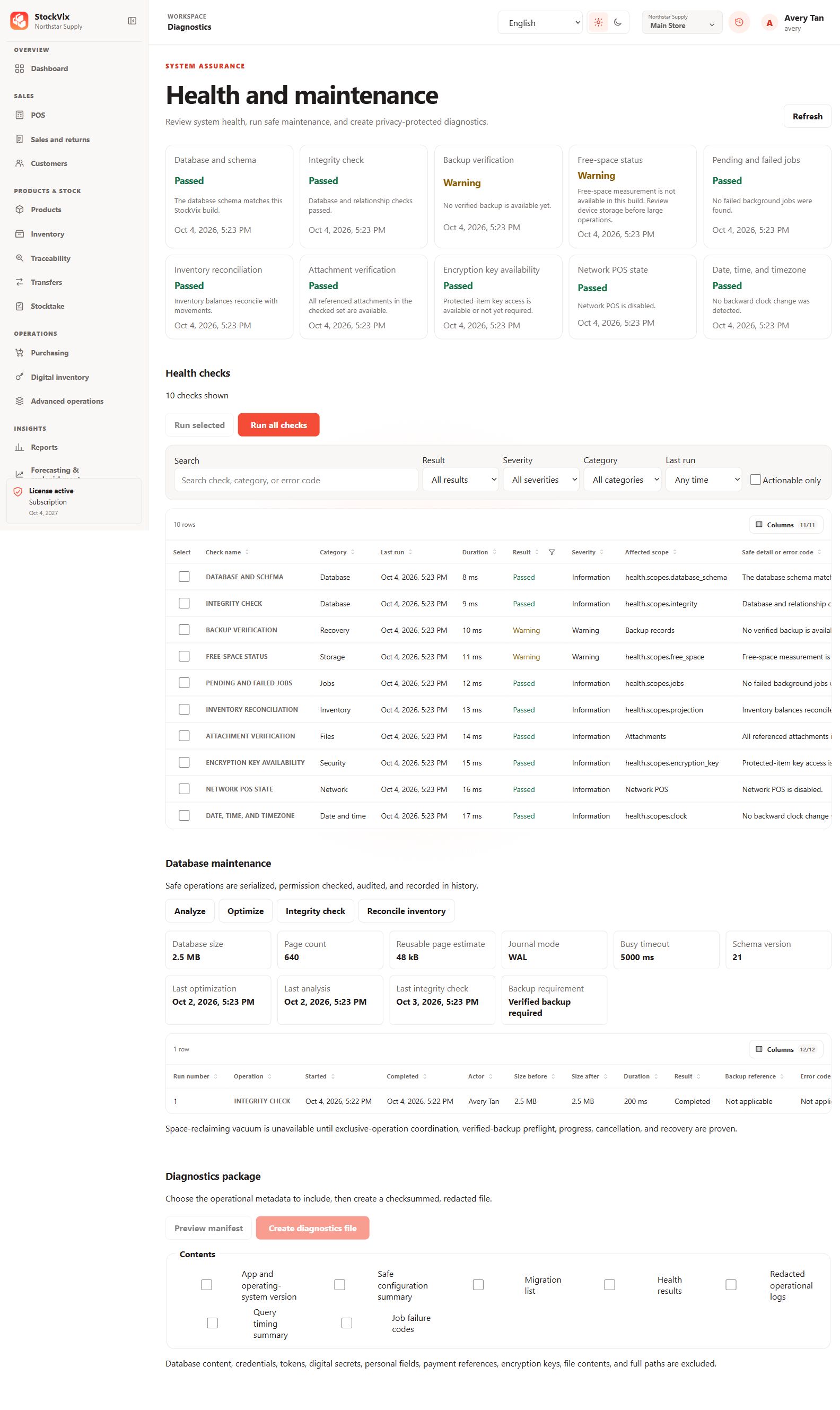
Health and maintenance
Review health checks, maintenance and diagnostic controls.
 View full size
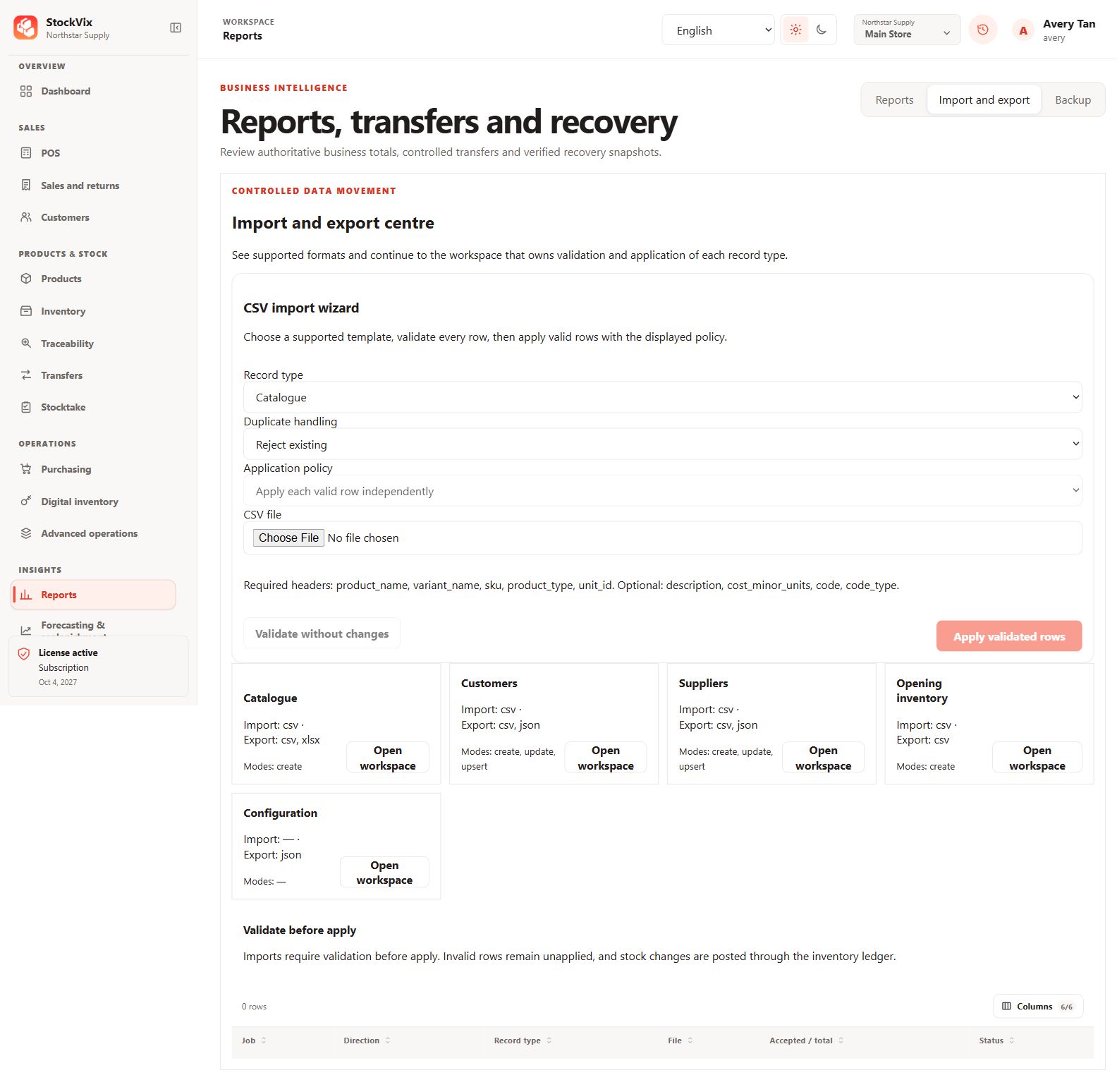
Import and export centre
Choose record templates and validate imported rows.
 View full size
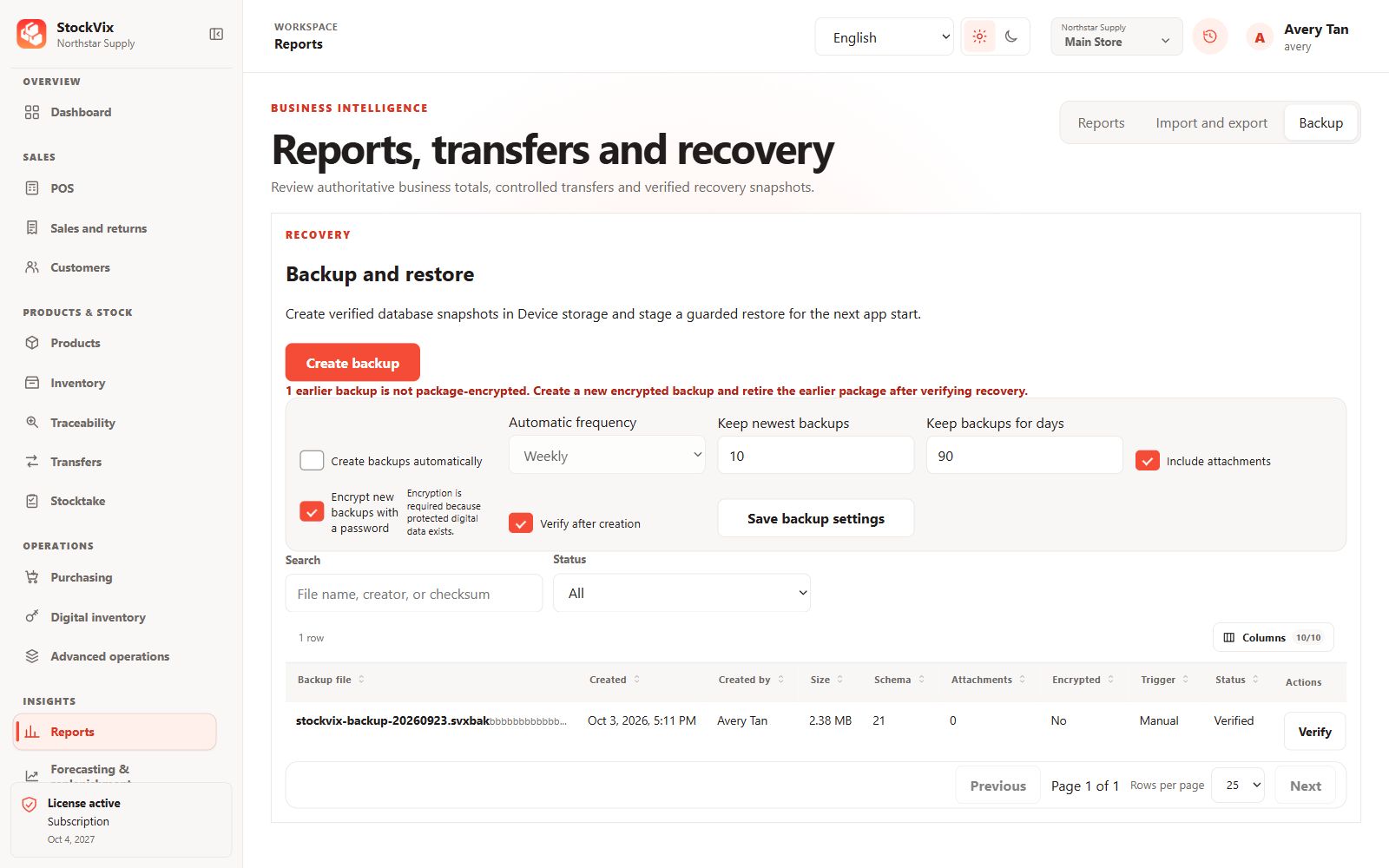
Backup and restore
Review snapshots, automatic schedules and retention settings.
 View full size
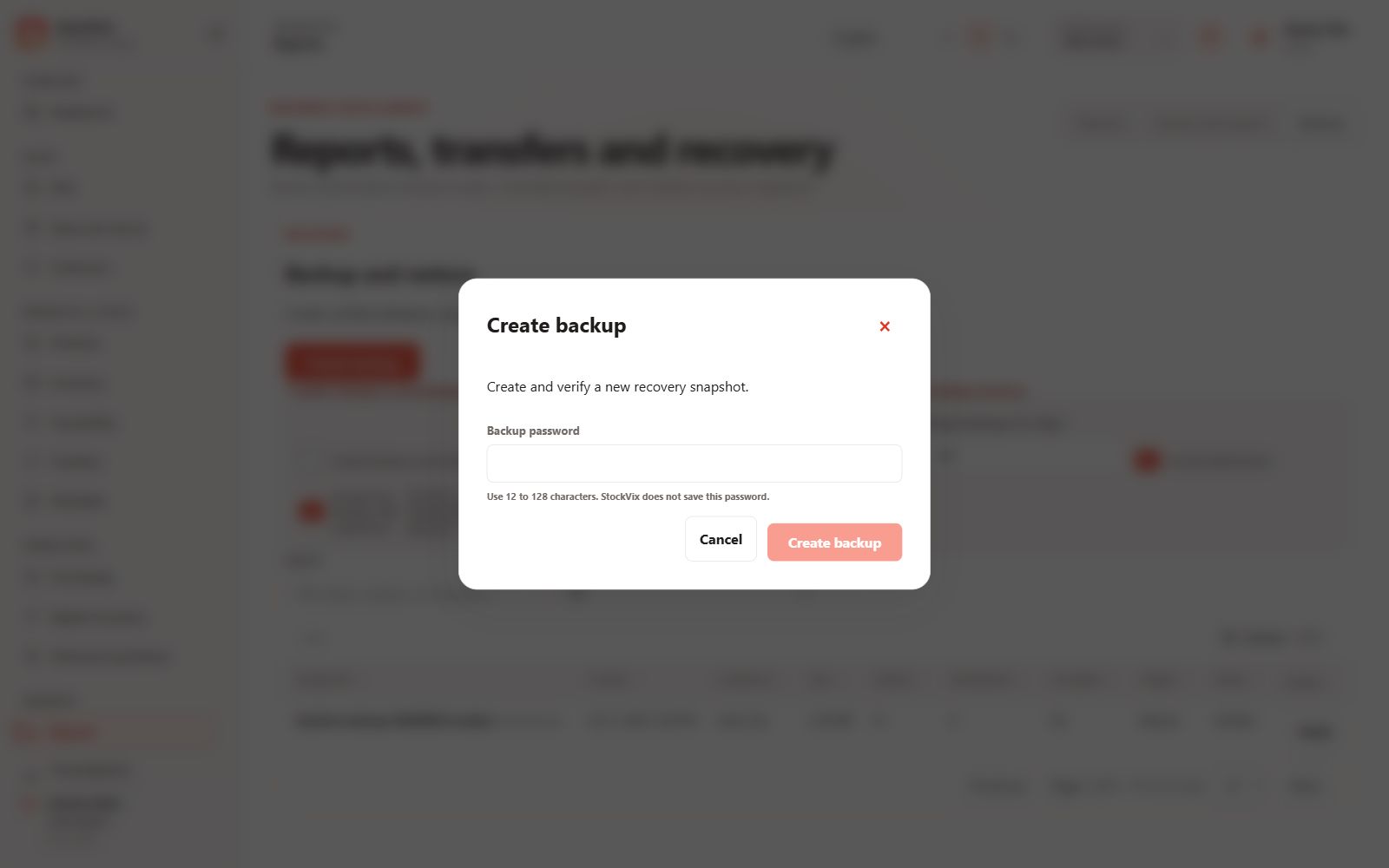
Create backup
Review the guarded backup-creation form.
 View full size
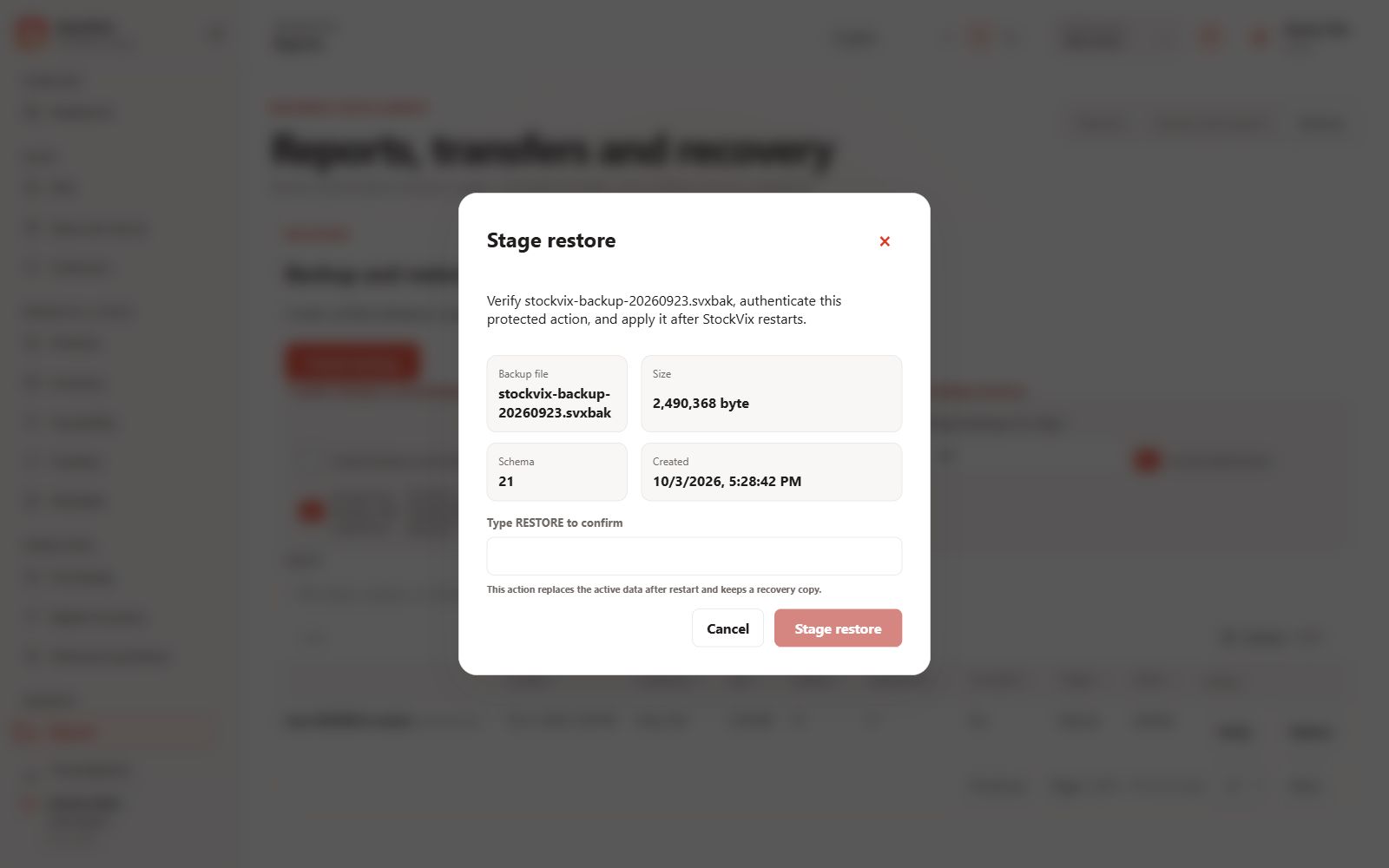
Restore preparation
Review the snapshot and confirmation required to stage recovery.
 View full size
Settings & browser POS
Business preferences and checkout access.
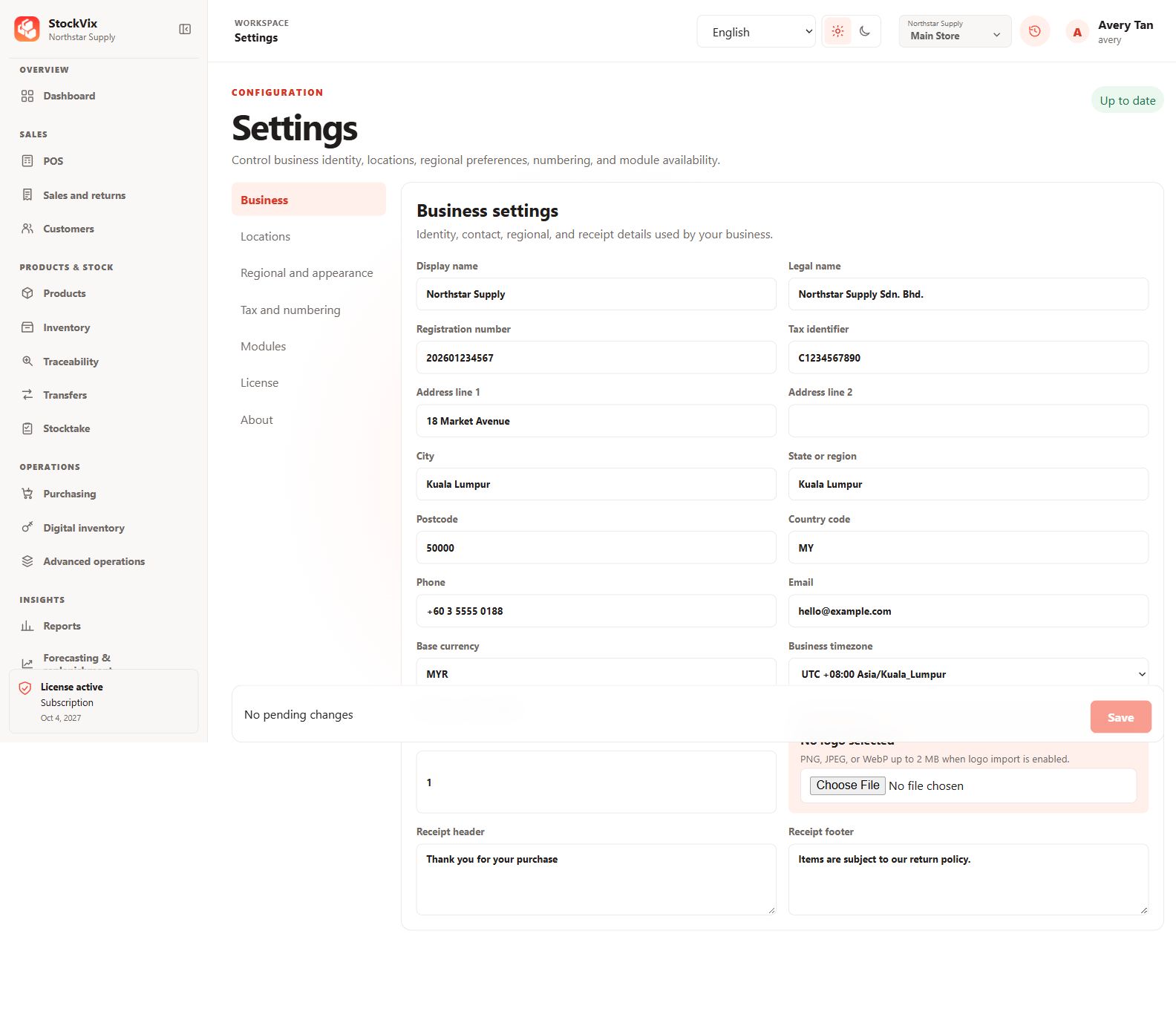
Business settings
Review business identity, contact and regional details.
 View full size
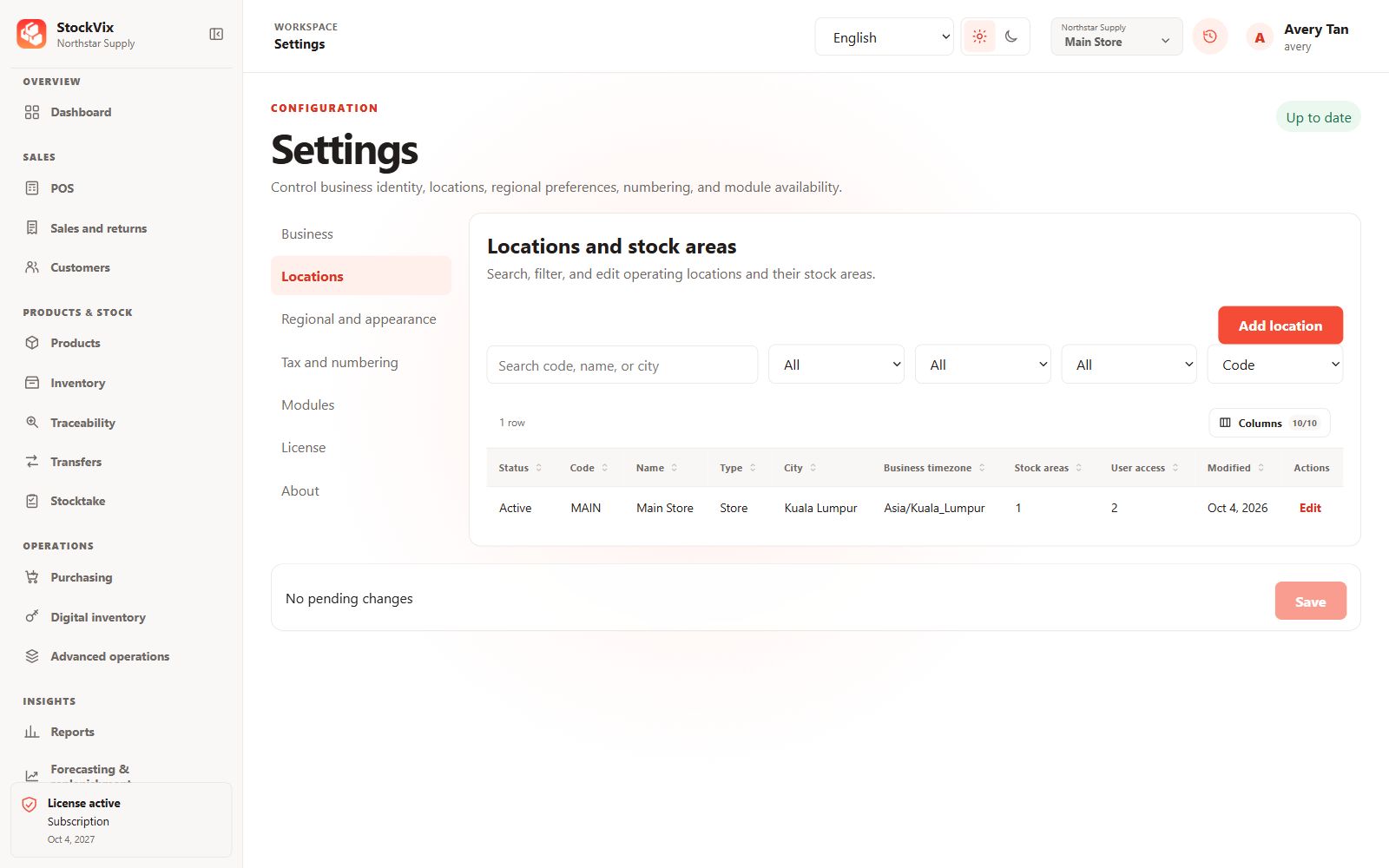
Locations and stock areas
Search operating locations and their stock areas.
 View full size
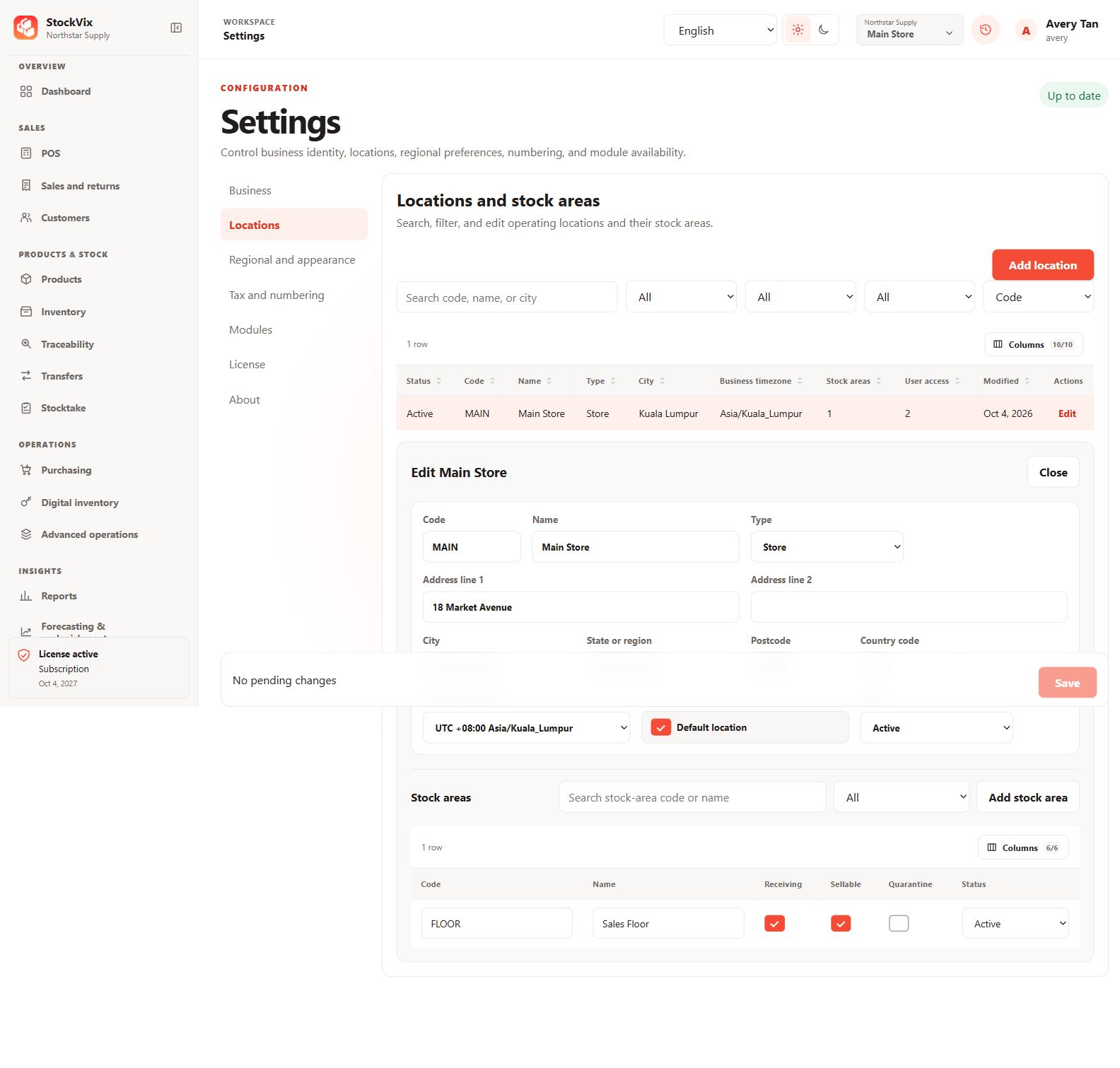
Location editor
Review address, timezone and stock-area settings.
 View full size
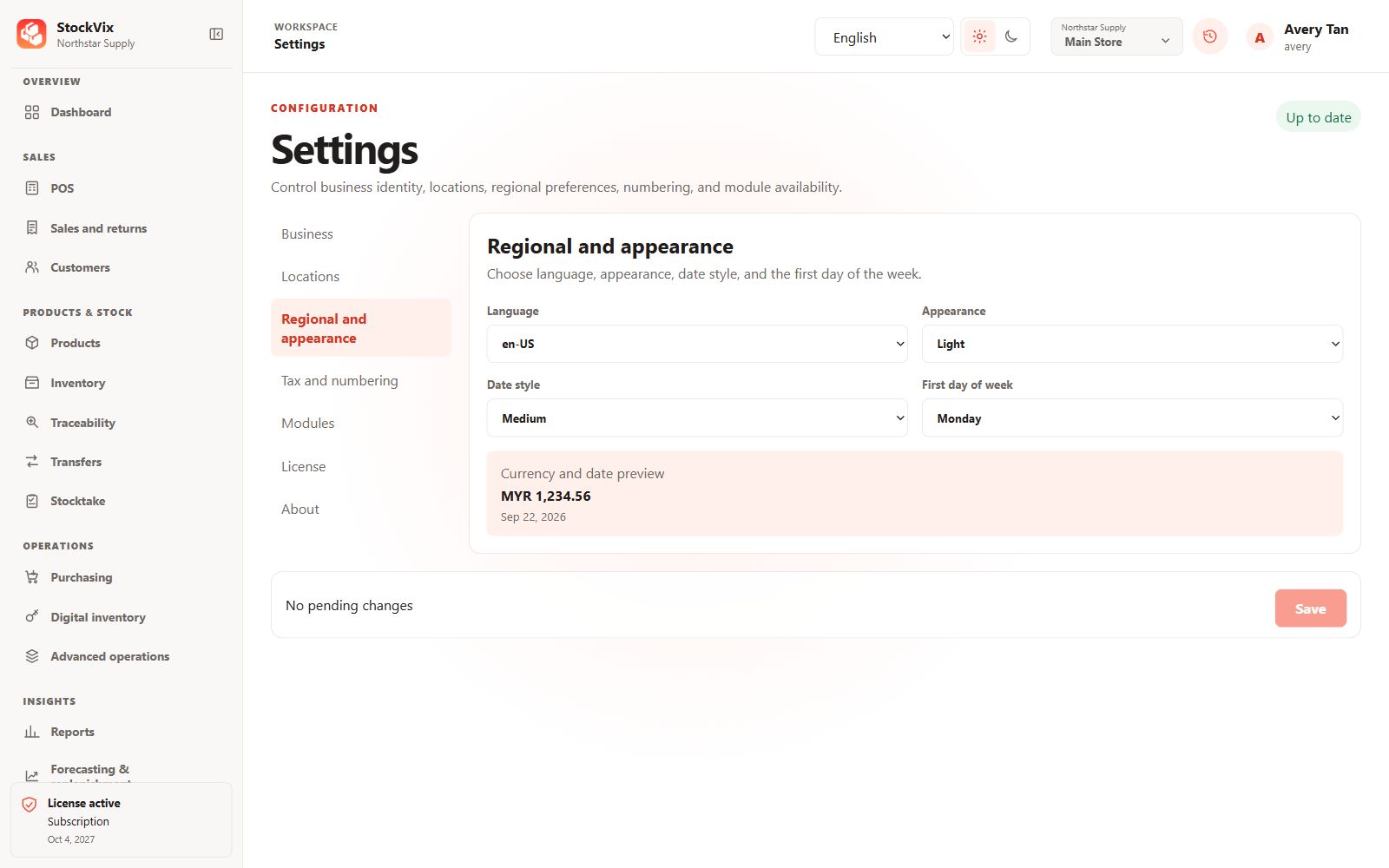
Regional and appearance
Choose language, theme, date style and week start.
 View full size
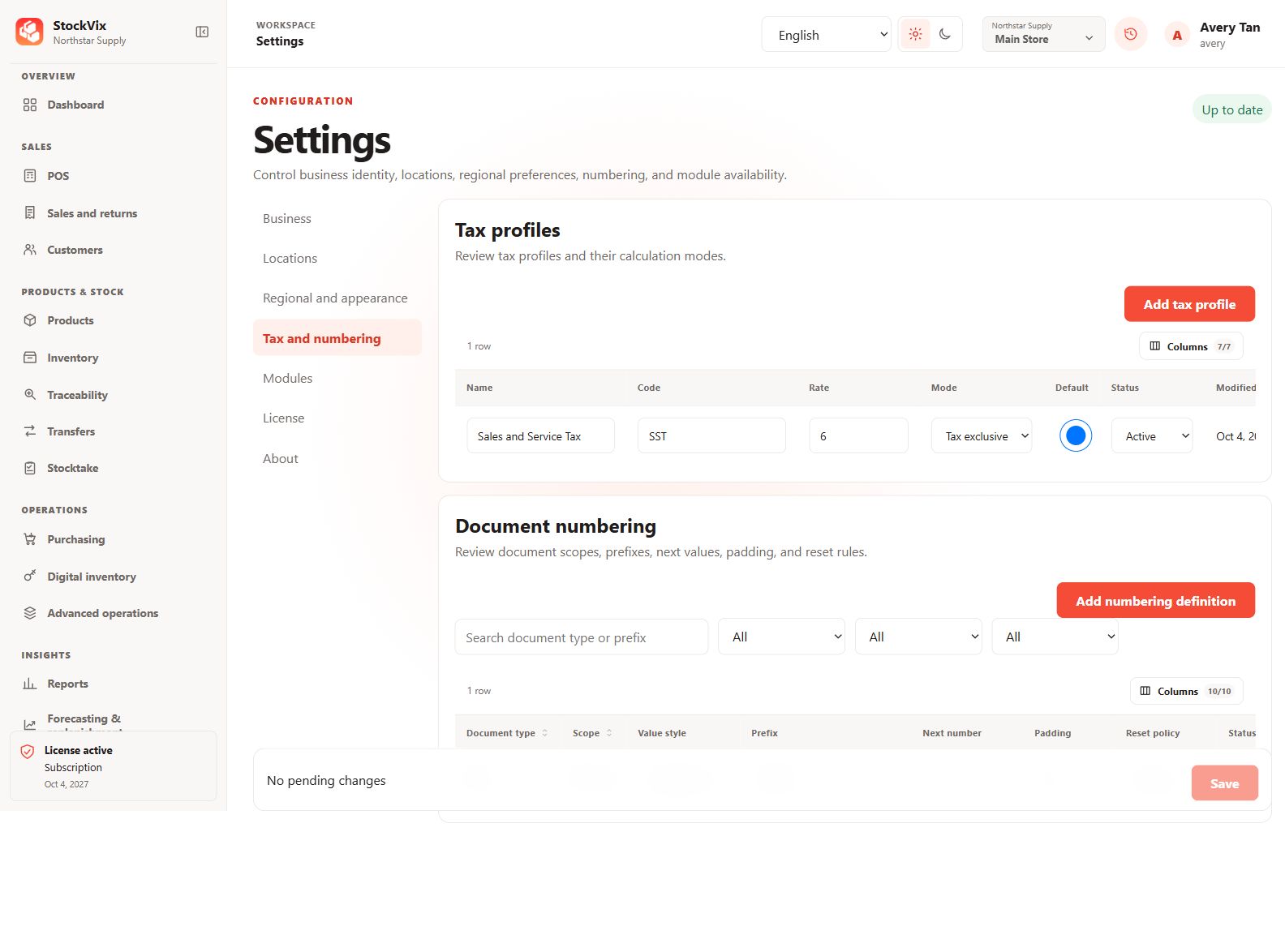
Tax and numbering
Review tax modes, document prefixes and next values.
 View full size
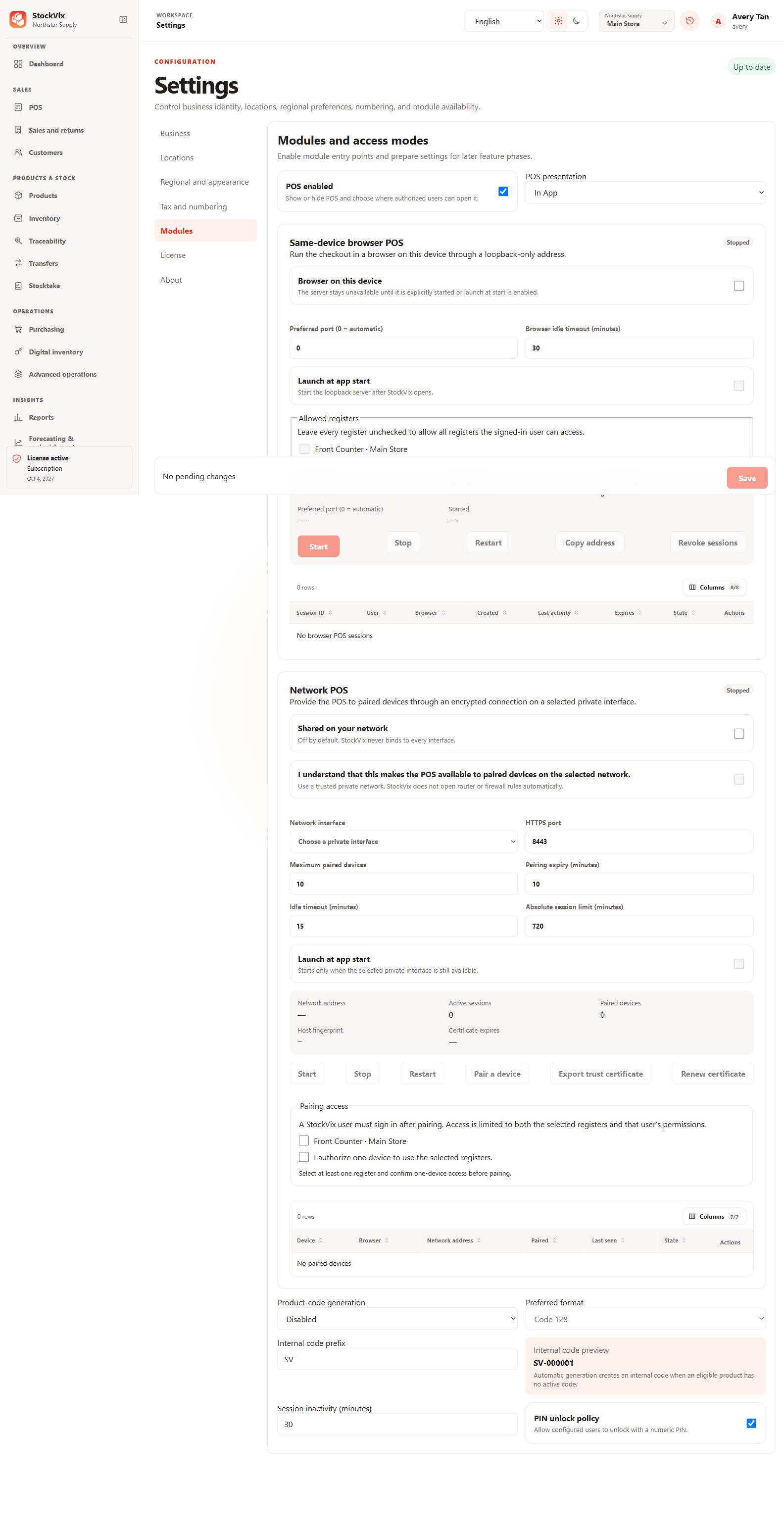
Modules and POS access
Review module availability and browser/network POS configuration.
 View full size
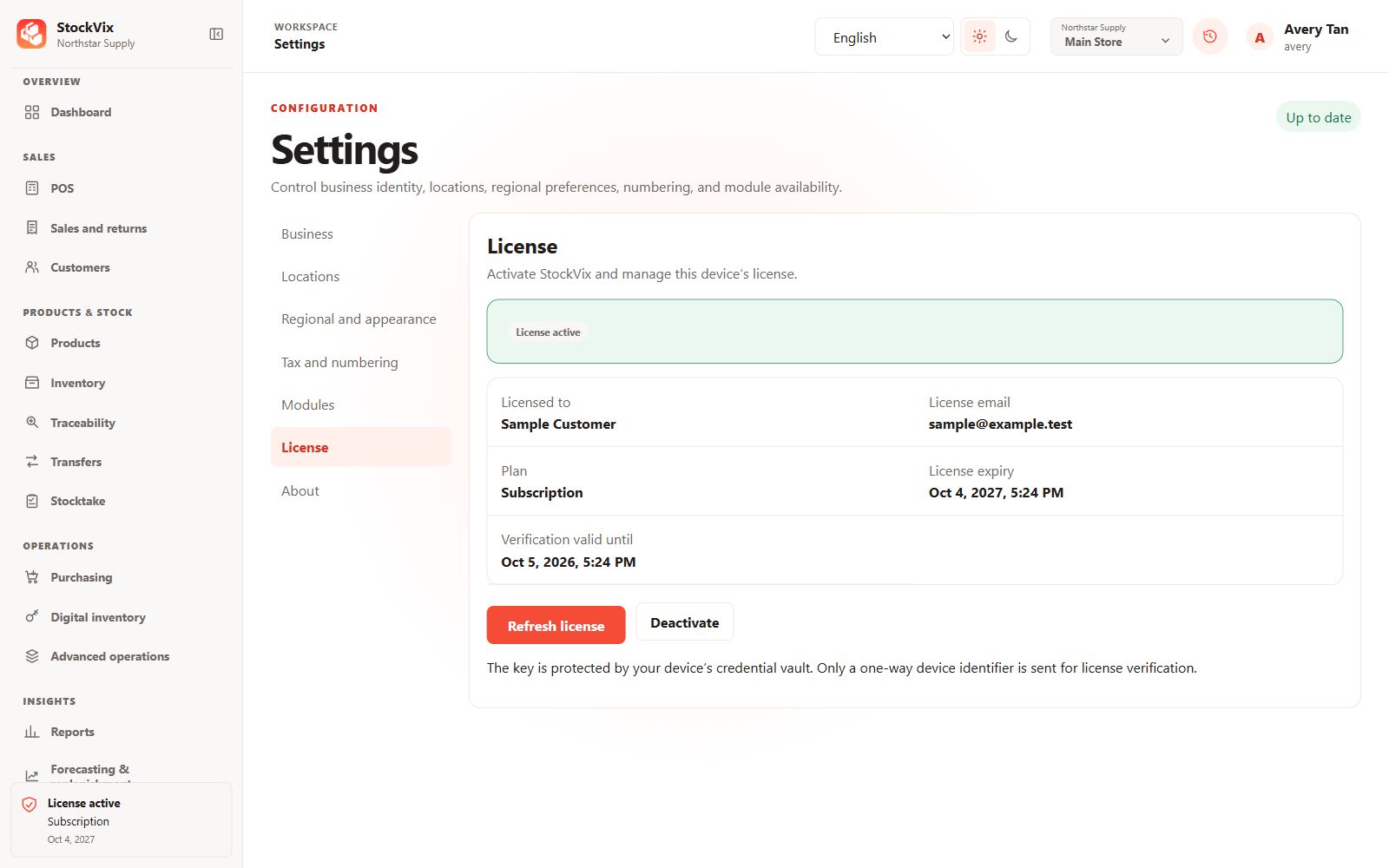
License details
See how a fictional sample license’s owner, plan and expiry are presented.
 View full size
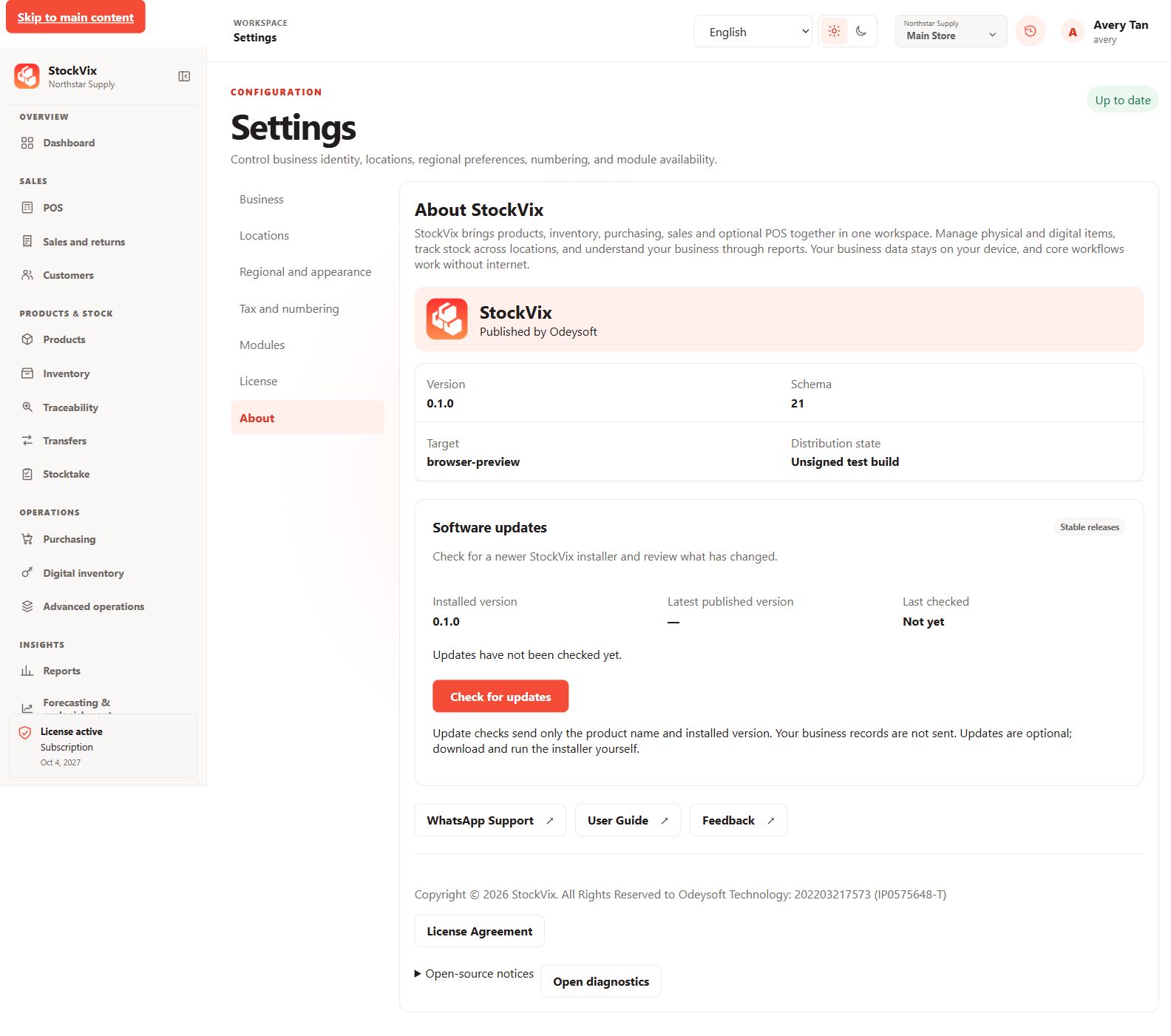
About and updates
Review product information, support links and update controls.
 View full size
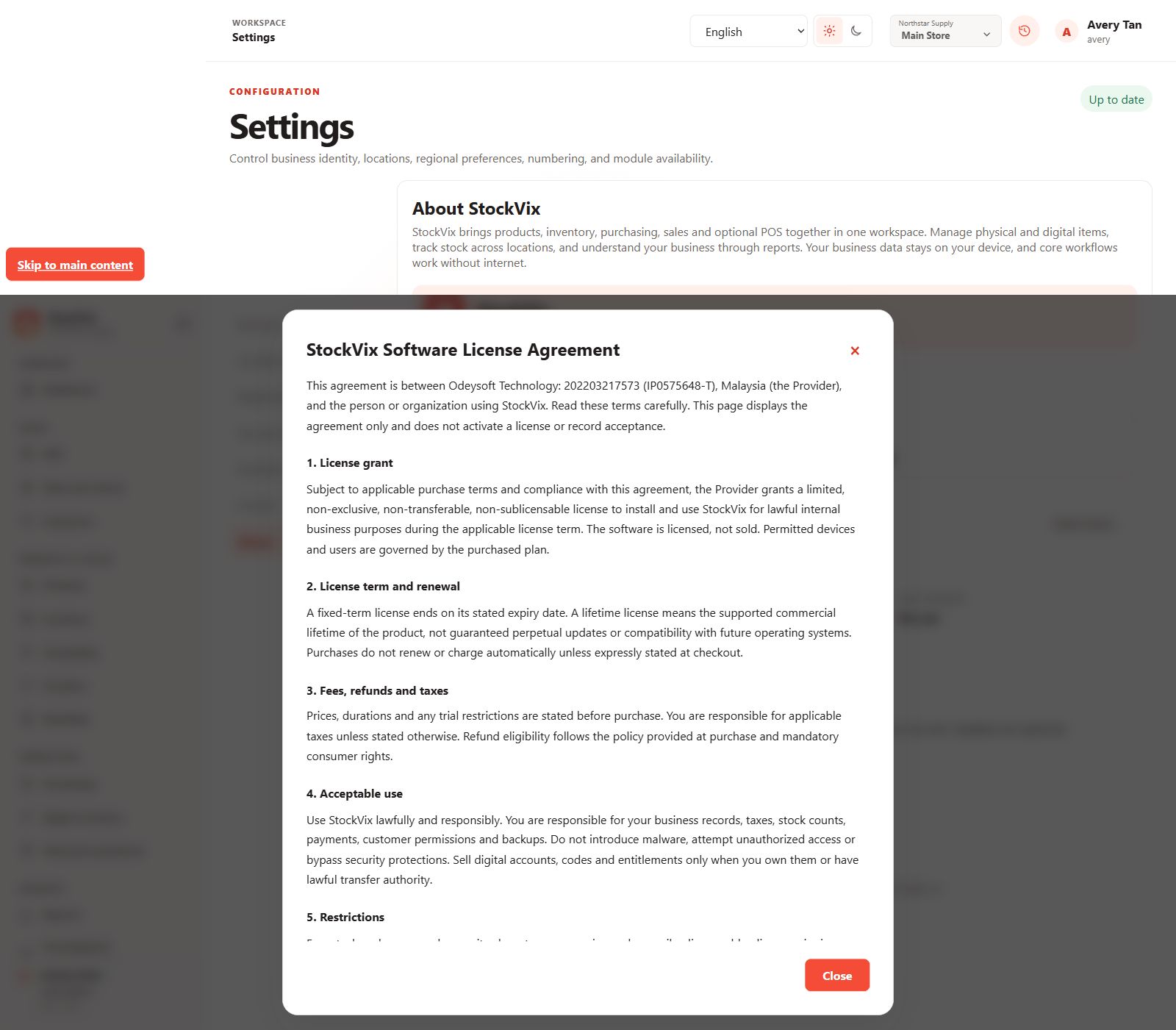
License agreement
Read the agreement in an in-app viewer.
 View full size
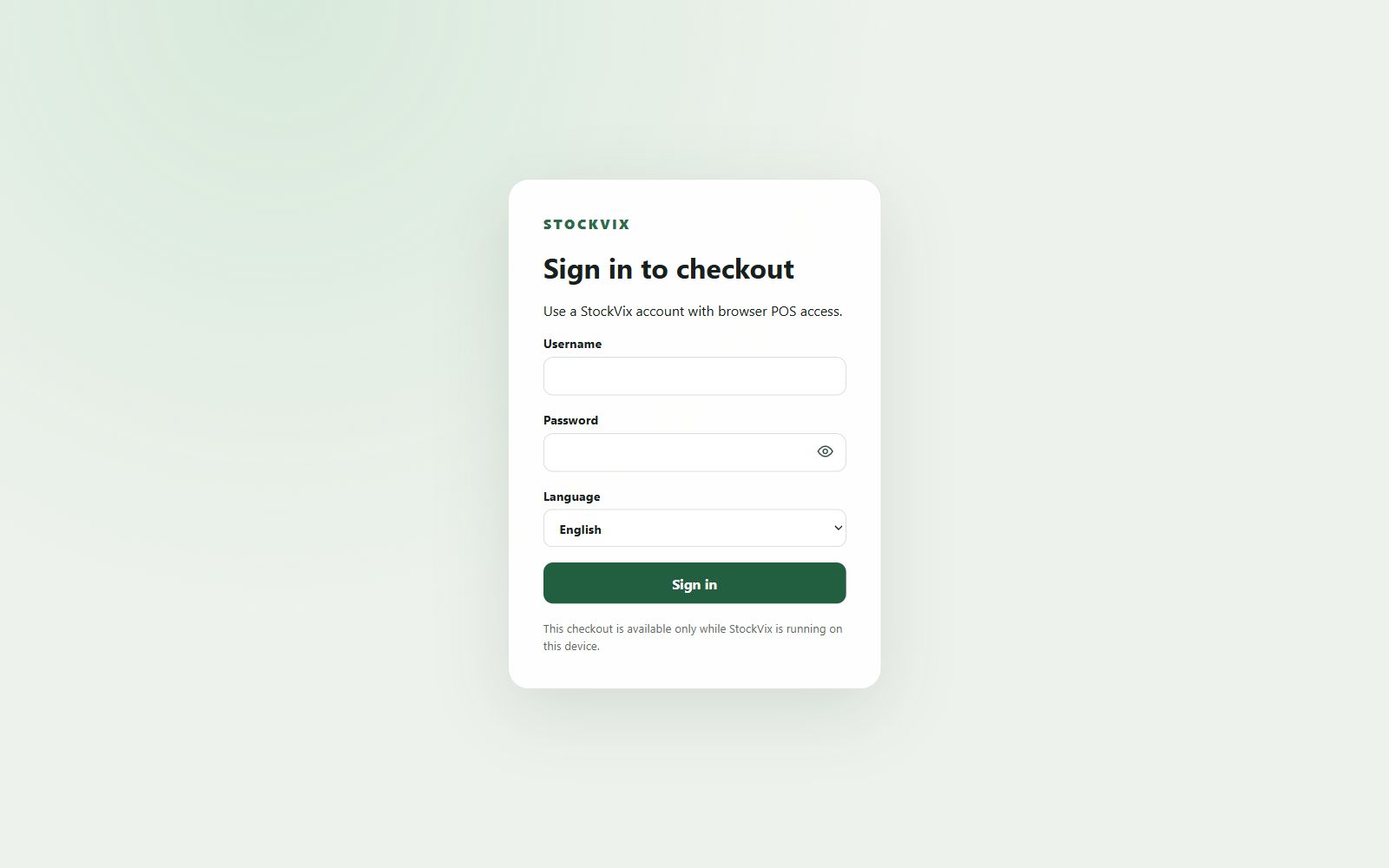
Browser-POS sign-in
See the browser-checkout sign-in interface.
 View full size
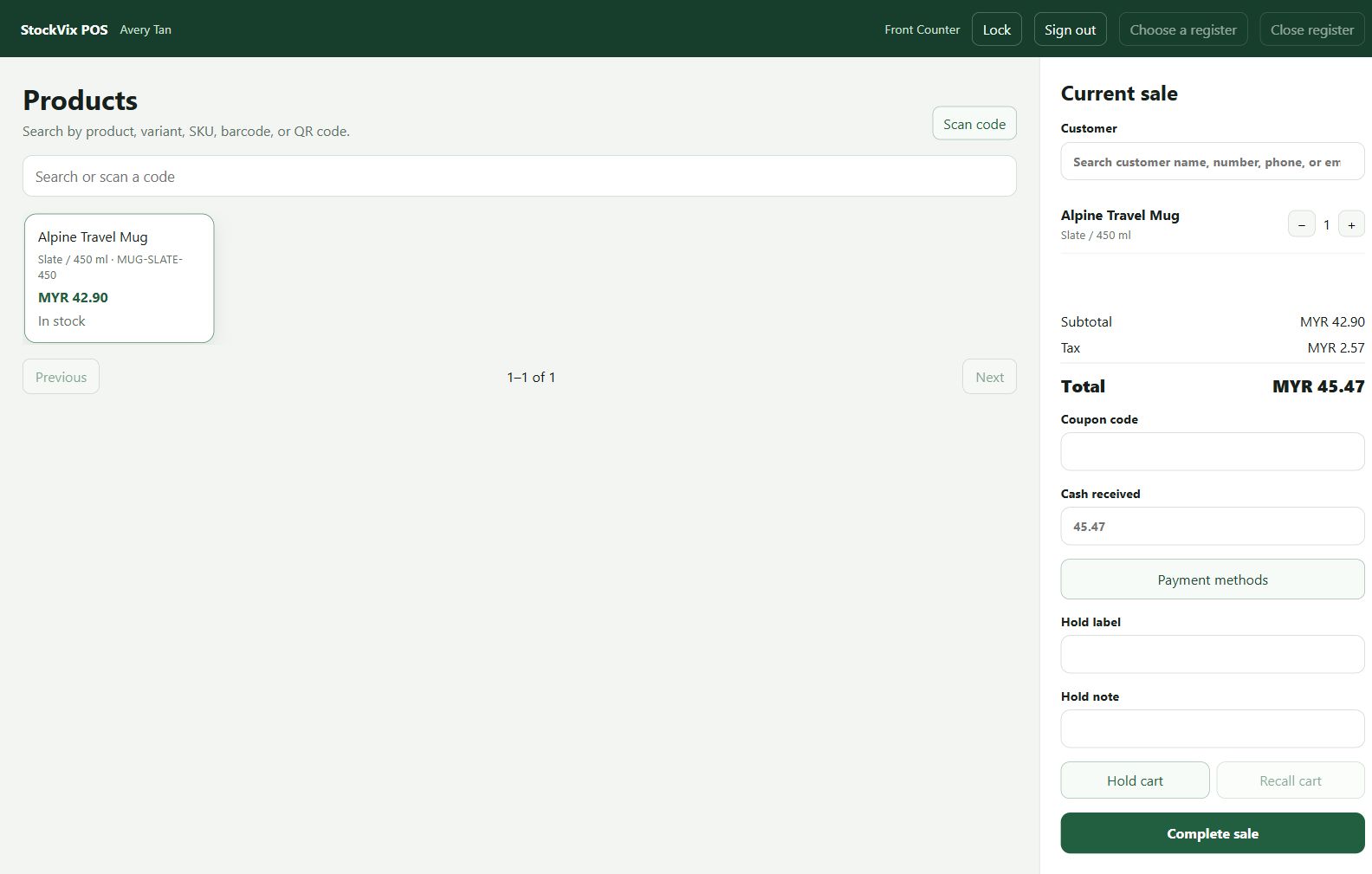
Browser checkout
Build a sample cart in the browser checkout interface.
 View full size
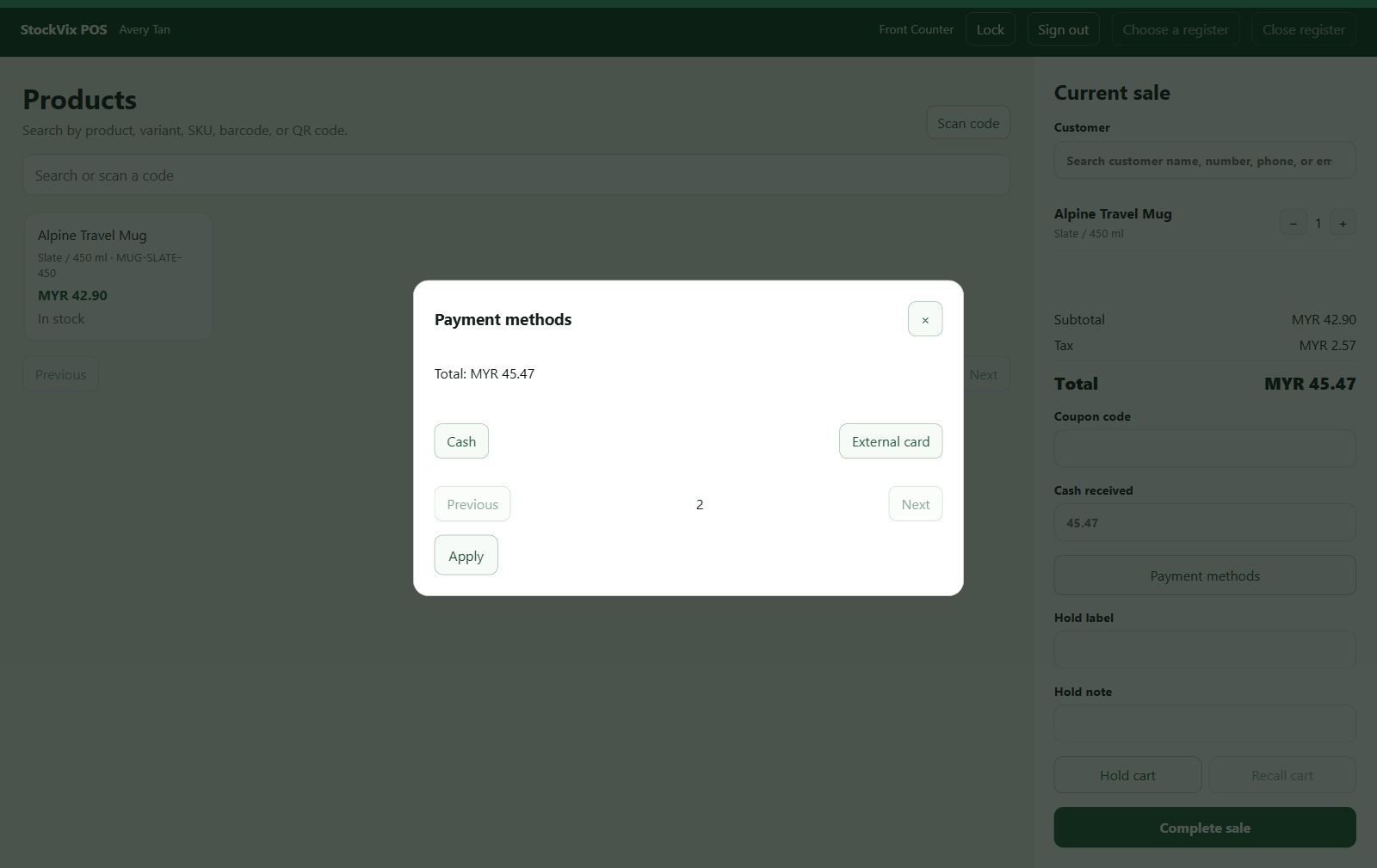
Browser tender selection
Review payment-method selection in browser checkout.
 View full size
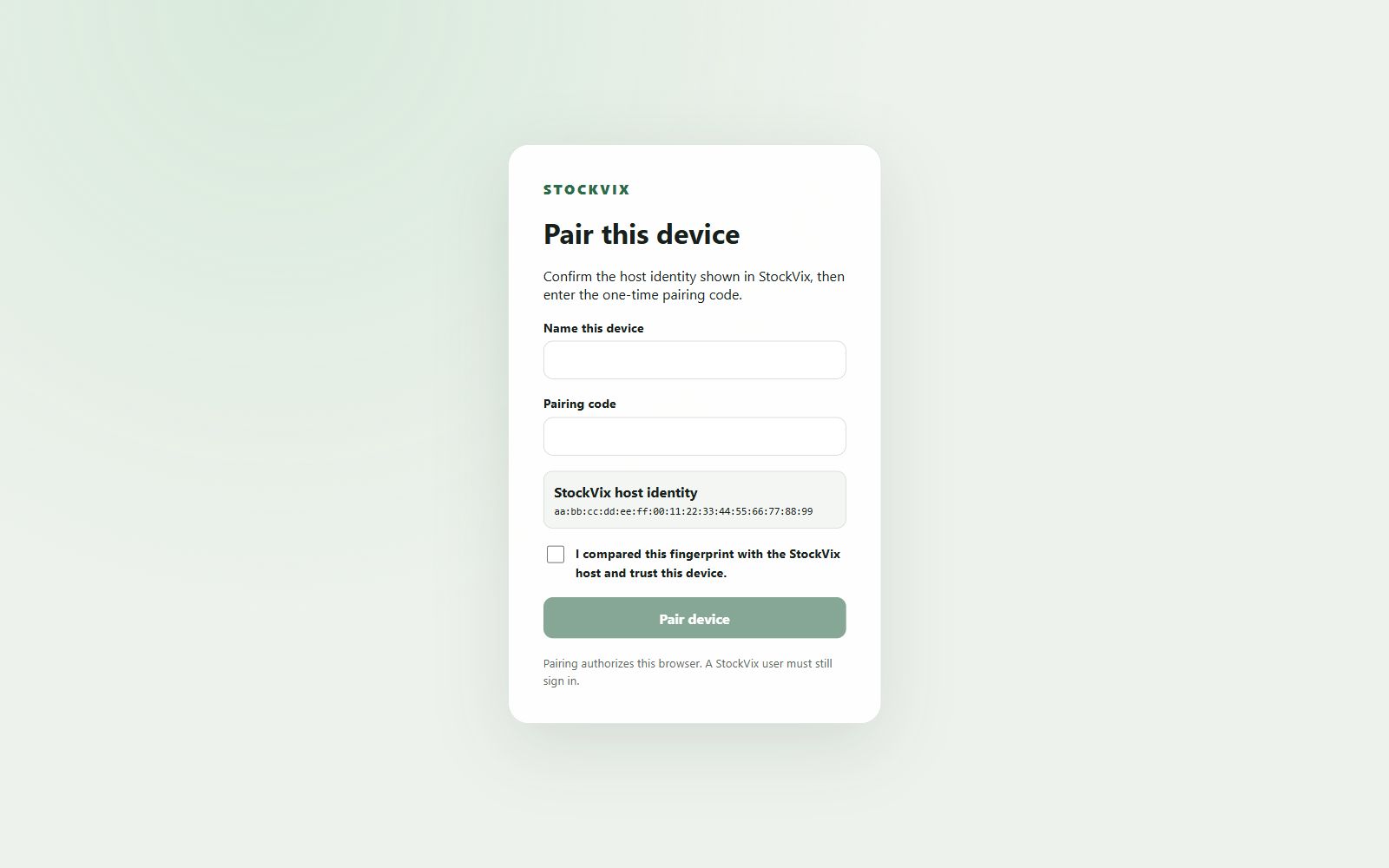
Network-device pairing
Review host identity and the one-device pairing controls.
 View full size
First-run setup
From appearance to your first workspace.
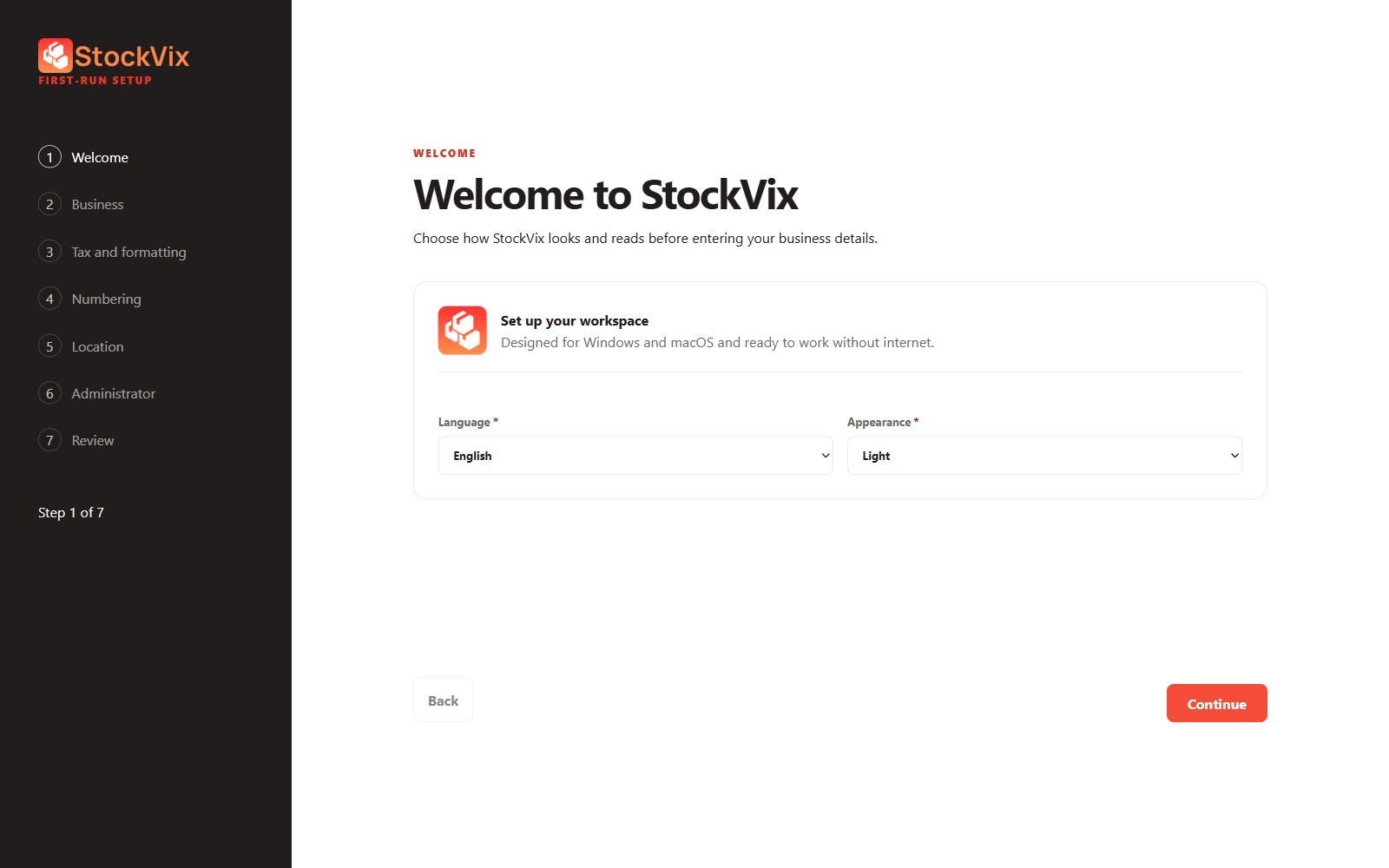
Welcome
Choose the initial language and appearance.
 View full size
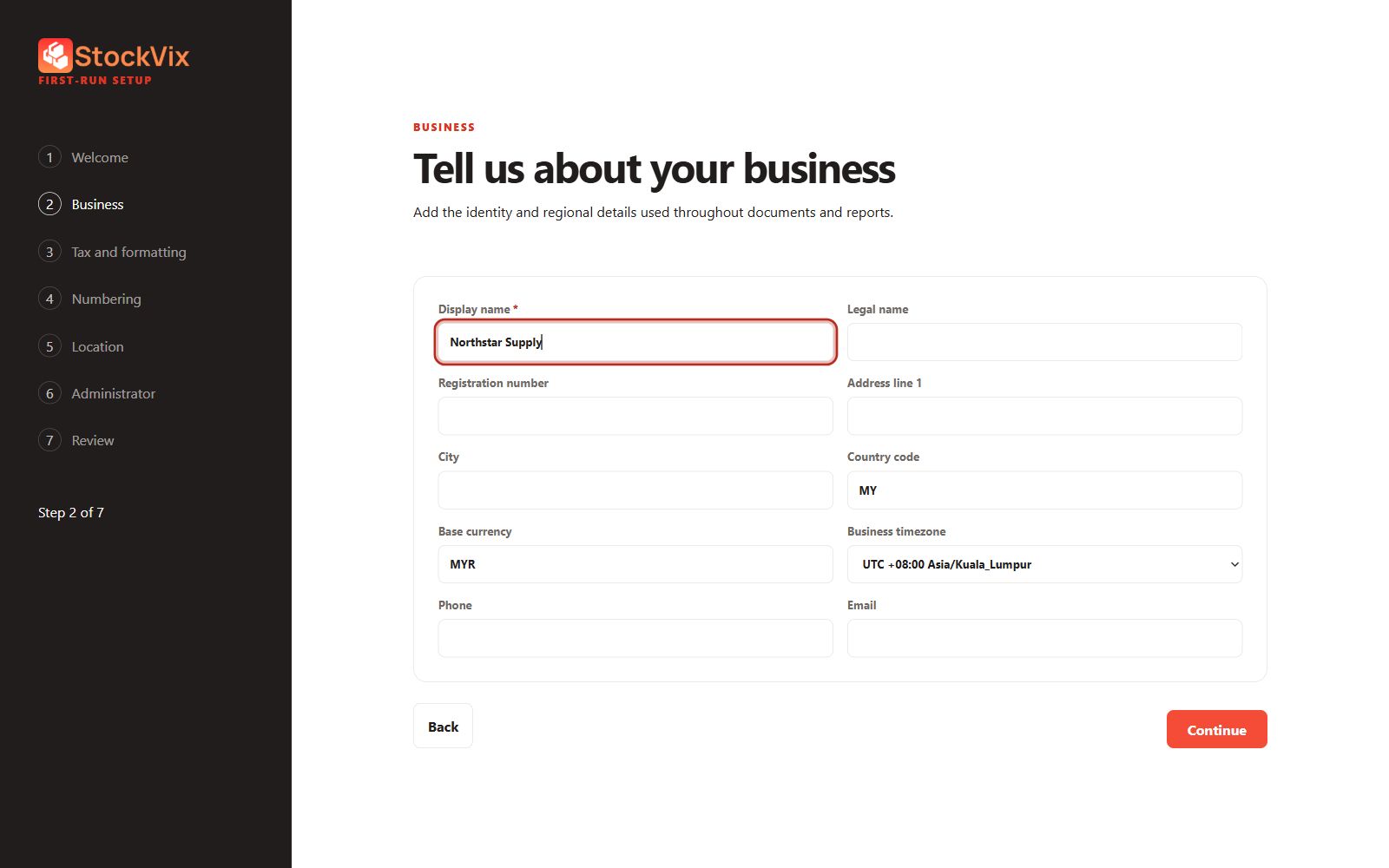
Business setup
Enter business identity and regional preferences.
 View full size
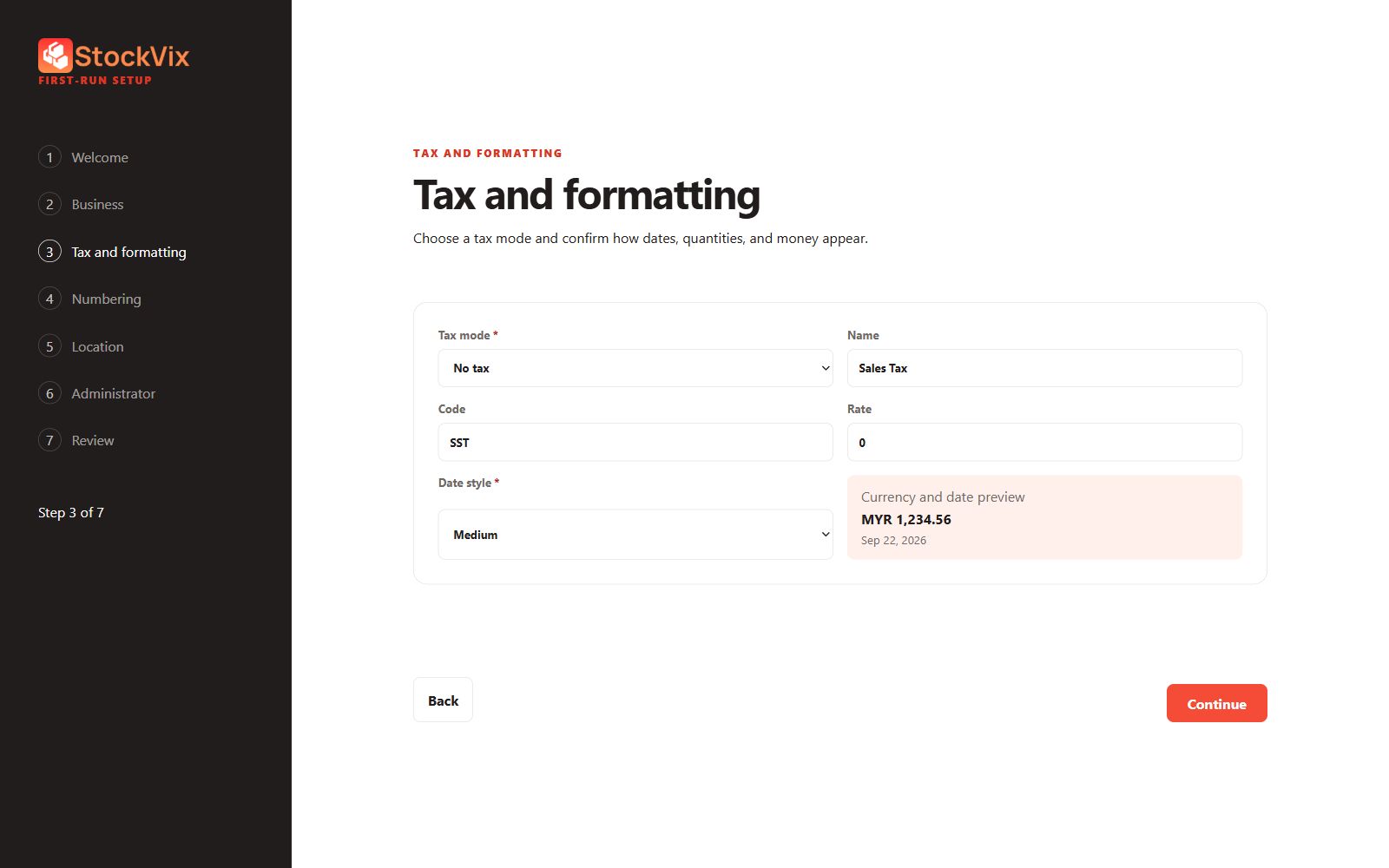
Tax and formatting setup
Choose the tax mode and display formatting.
 View full size
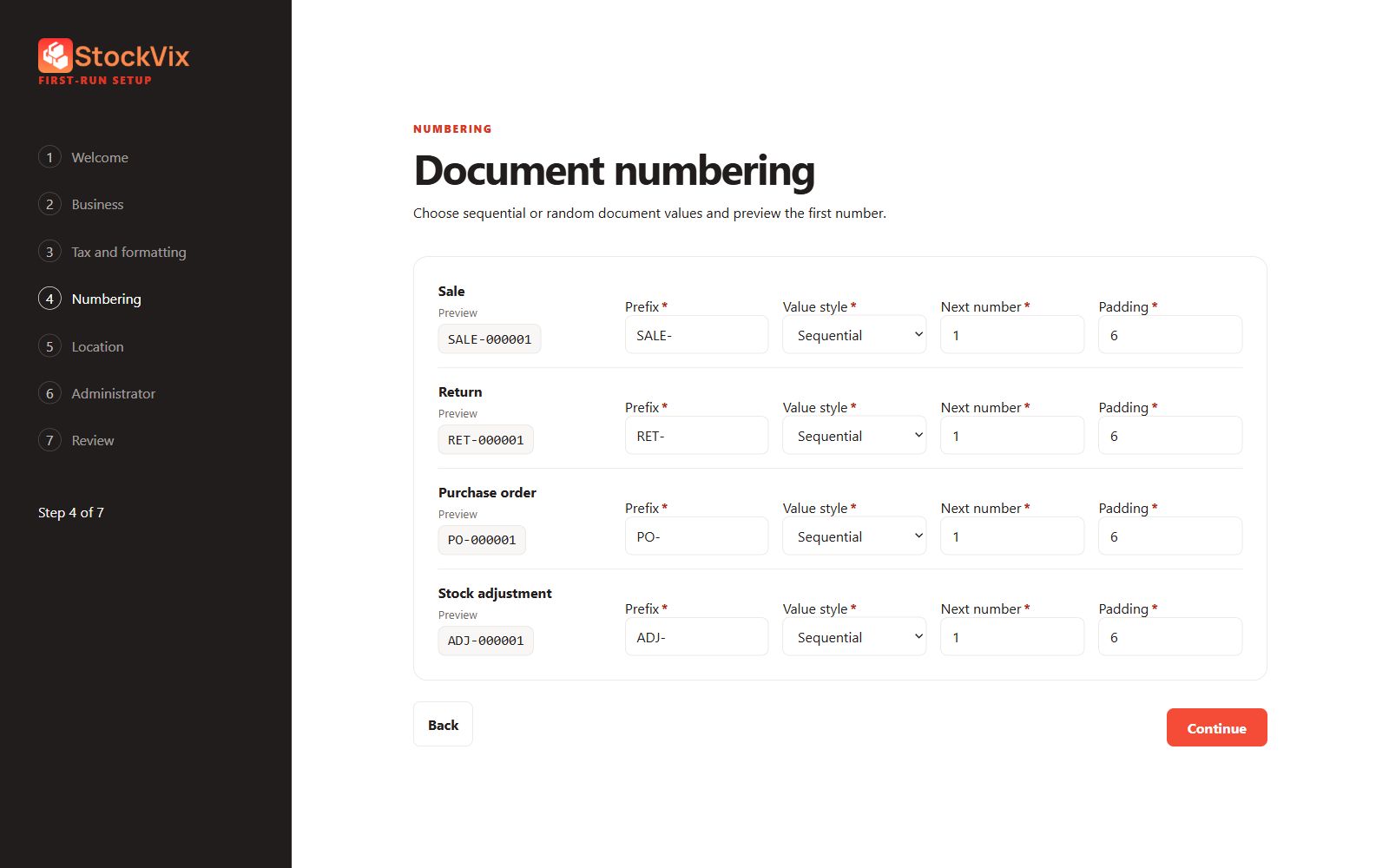
Numbering setup
Choose prefixes, sequential or random values and padding.
 View full size
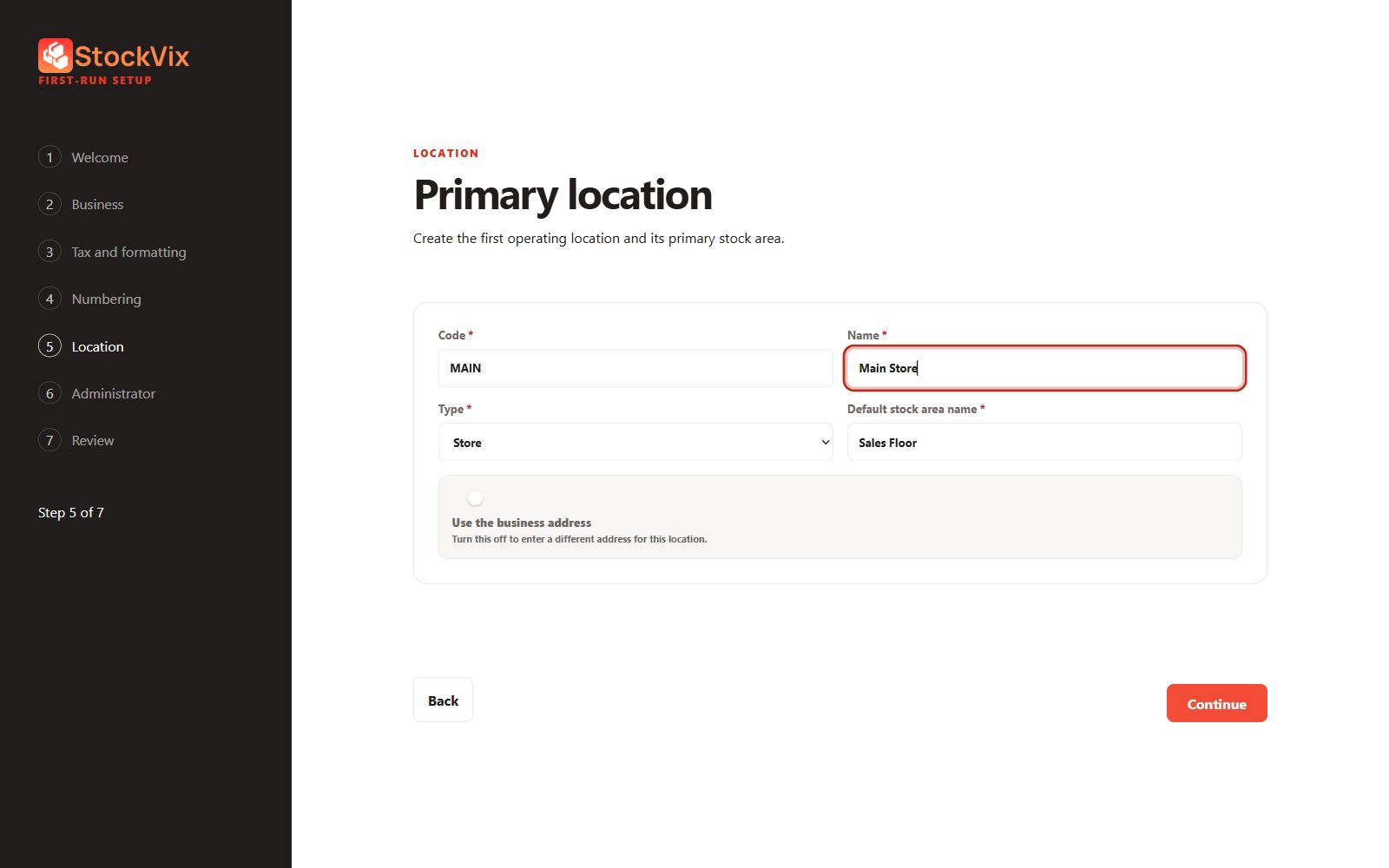
Primary-location setup
Prepare the first location and stock area.
 View full size
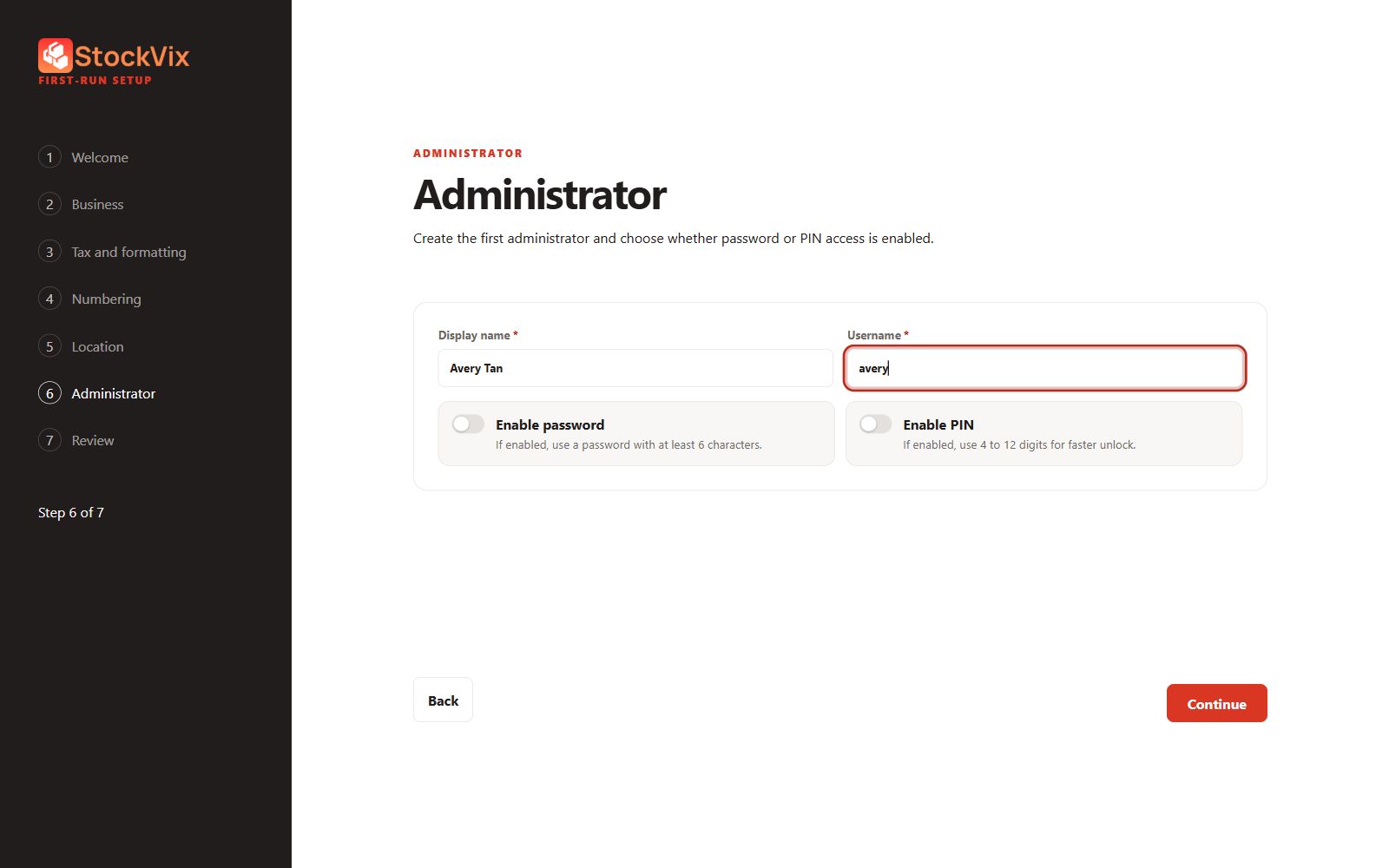
Administrator setup
Choose the first administrator’s identity and access options.
 View full size
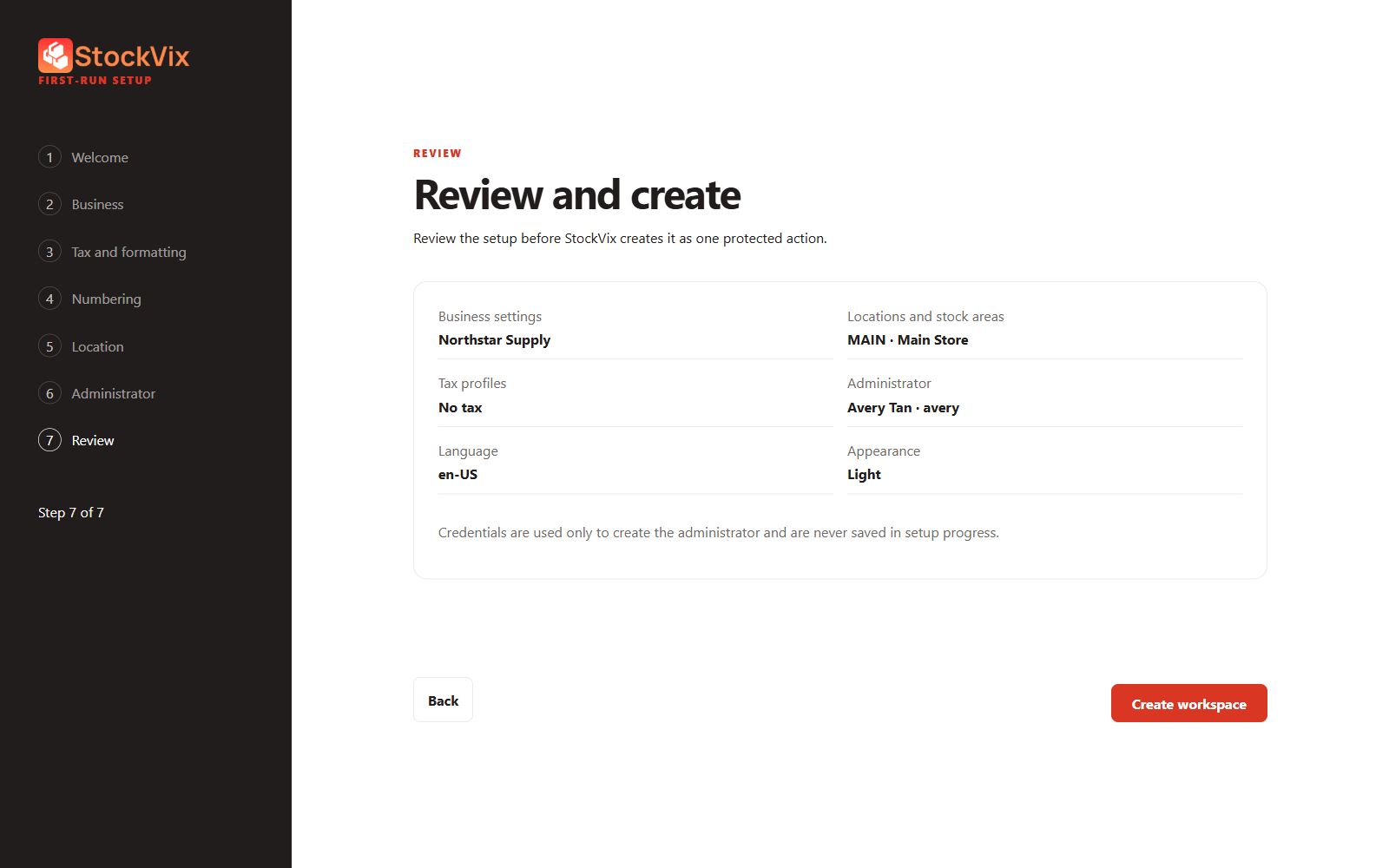
Setup review
Review entered settings before creating the workspace.
 View full size
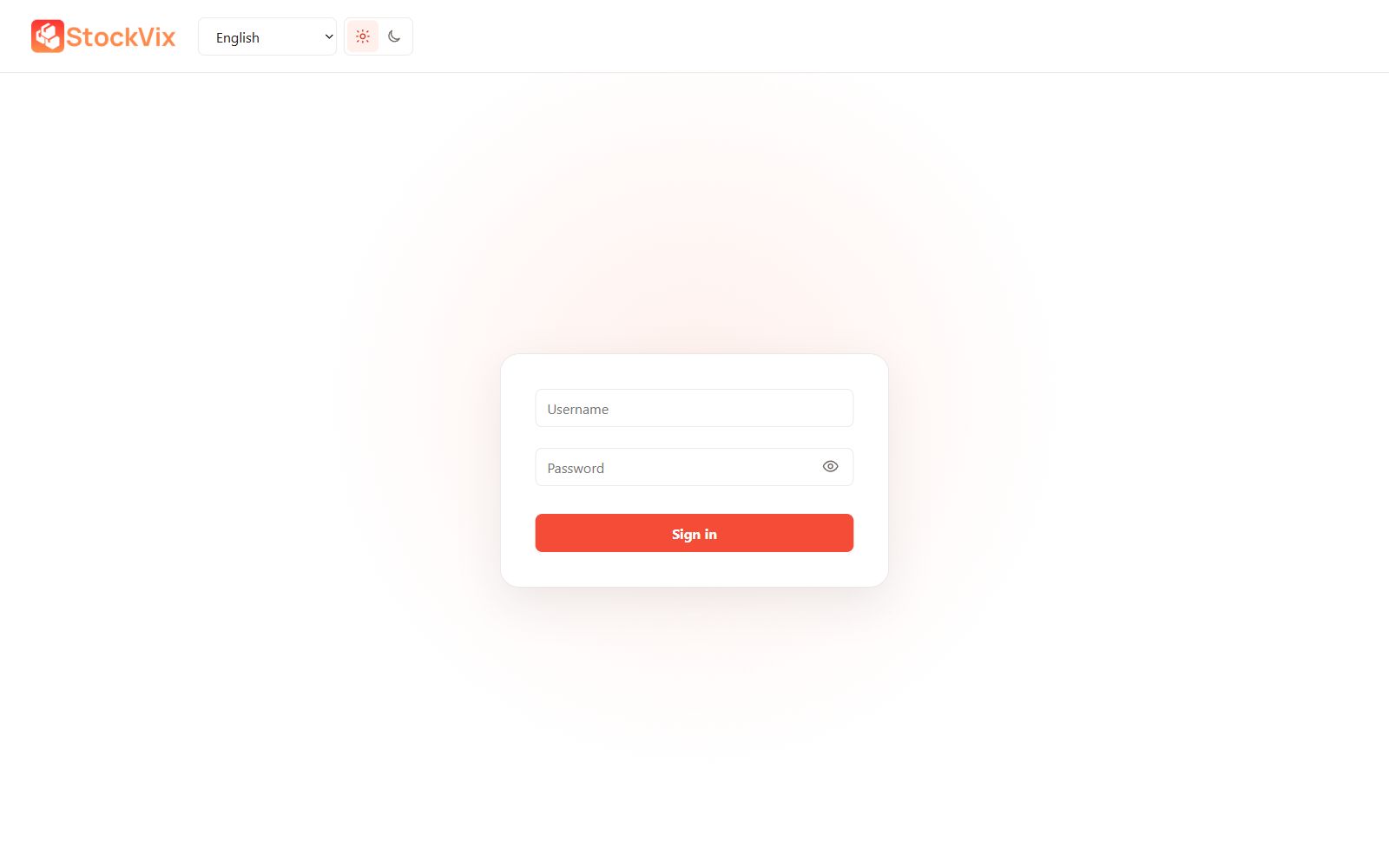
Application sign-in
See the simplified username and password form.
 View full size
Get the bigger picture.
Explore the tools behind these screens.