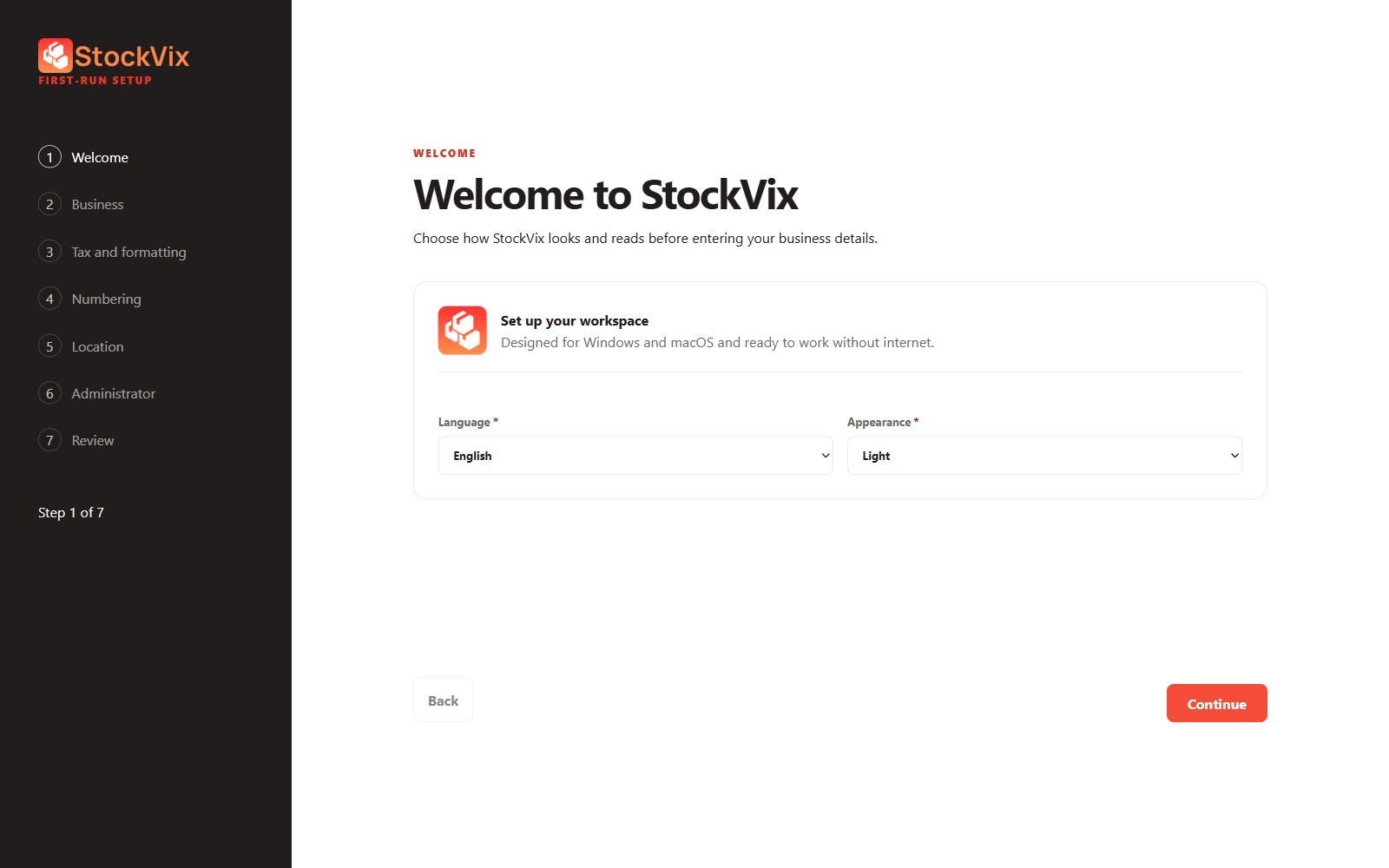
Choose your preferences
- Choose English, Simplified Chinese or Malay (Malaysia), then Light or Dark appearance.
- Enter a business Display name. Other business identity and address details are optional.
- Enter the base currency code and choose the business timezone. Check tax and formatting before continuing.
Set numbering and a location
Review numbering prefixes, next values and sequential or random numbering before creating documents. Choose a primary location and either use the business address or provide a custom address. Stock areas describe where stock is received, sold or quarantined.
Create the administrator
Enter the administrator details and choose whether password or PIN access is enabled. Both start disabled; enabled passwords require at least six characters. Disabling access protection removes that credential prompt, so consider who can reach the computer.
Review and finish
- Review the setup summary and correct any mistakes.
- Finish setup and confirm the business, location and currency shown in the workspace. Existing workspaces do not need setup repeated.