Choose the right area
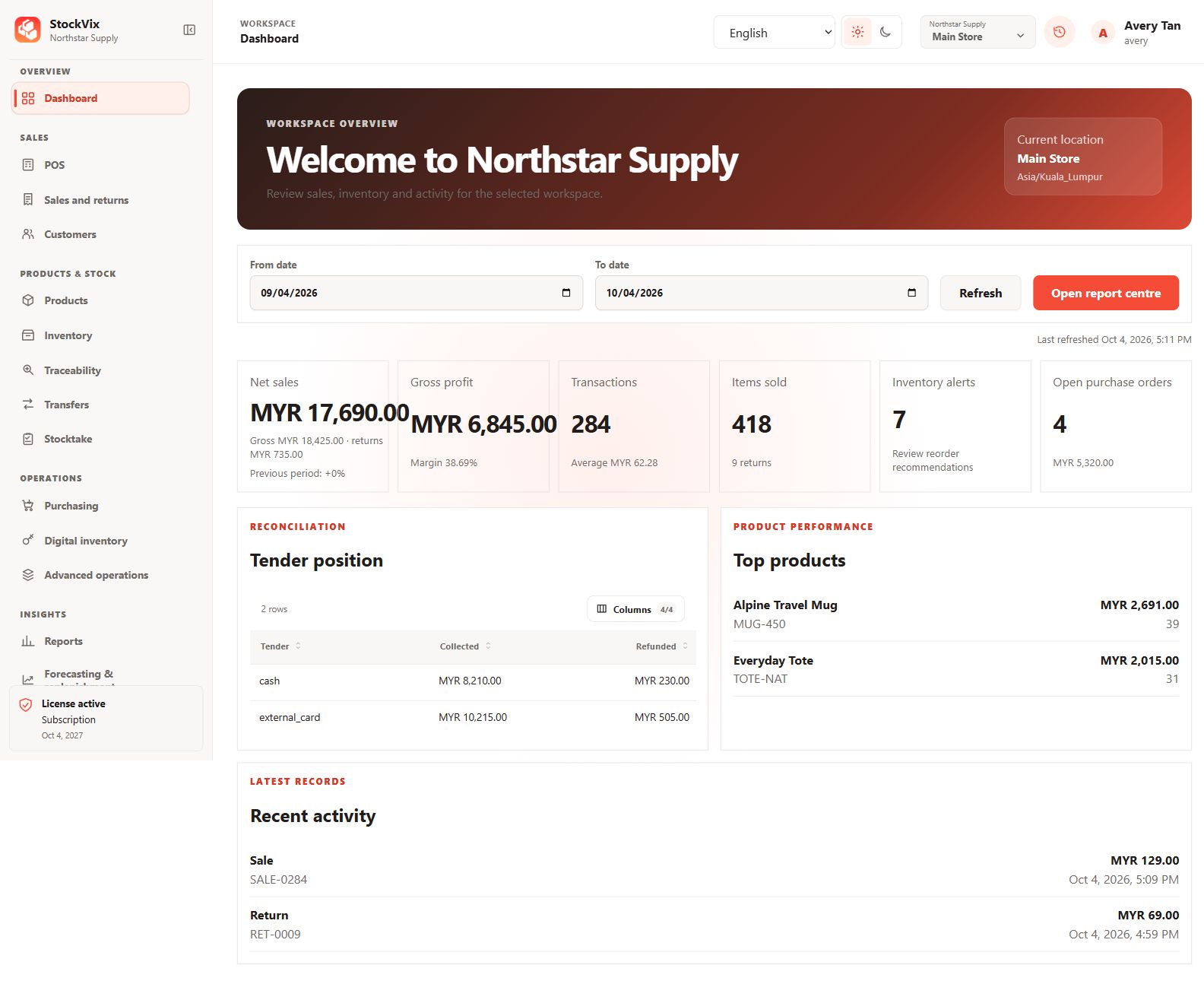
Use the sidebar sections to open Products, Inventory, Purchasing, Sales, Reports and Administration. Availability depends on enabled modules and your staff permissions.
Check your operating location
Confirm the selected location before receiving, selling or moving stock. The top bar also provides language, appearance and account controls.
Search, filter and arrange tables
Use each page’s search and filters to narrow its records. More filters may appear under More filter. Use Columns to choose visible fields and rearrange supported table columns. Sorting changes the view, not the underlying business data.
Save and review changes
Save forms before leaving. If an unsaved-change warning appears, save or explicitly discard the draft. A success message confirms the action; do not repeatedly post a document while its result is uncertain.