Review business information
Open Settings → Business to maintain the Display name and optional legal/contact/address information. Keep currency and timezone decisions consistent with existing business documents.
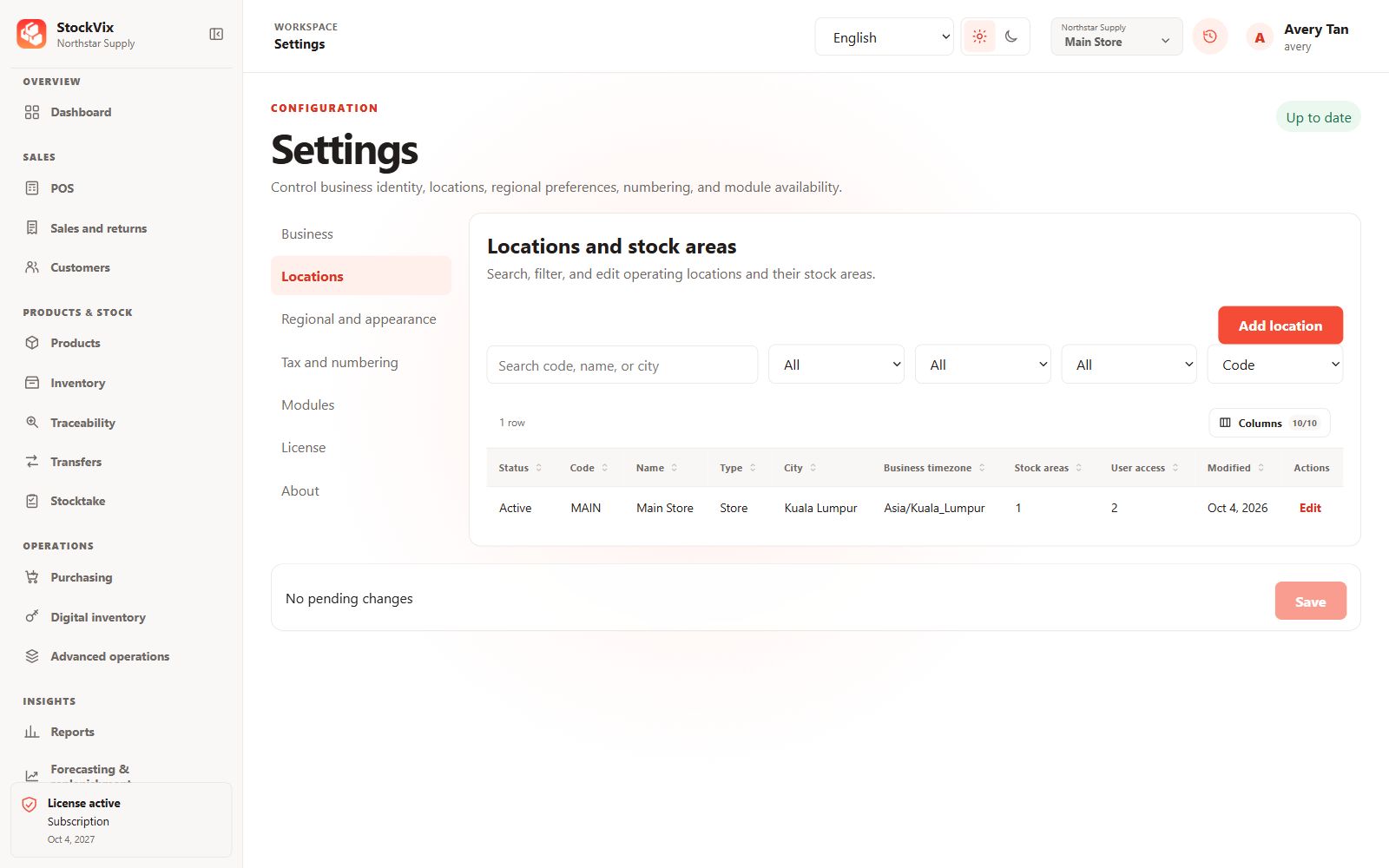
Add or edit a location
- Open Settings → Locations and add a location or explicitly choose Edit on a saved row.
- Review code, name, type, address, timezone, default-location and status fields.
- Maintain stock-area codes, names and receiving, sellable or quarantine flags.
- Save and confirm the location and areas appear correctly.
Protect dependent workflows
Do not deactivate a location or stock area without checking its stock and open operational documents. Users may need explicit access to each location to receive, sell, transfer or count stock there.