Review license details
Open Settings → License to review the activated license and available management actions. Use the exact purchase email and STV key when activation is required; keep the key private.
Understand connection checks
At startup StockVix checks license validity online when it can reach the service. If it is offline, an unexpired signed certificate may permit use. Reconnection triggers another check. A revoked license cannot be detected while the device has no connection.
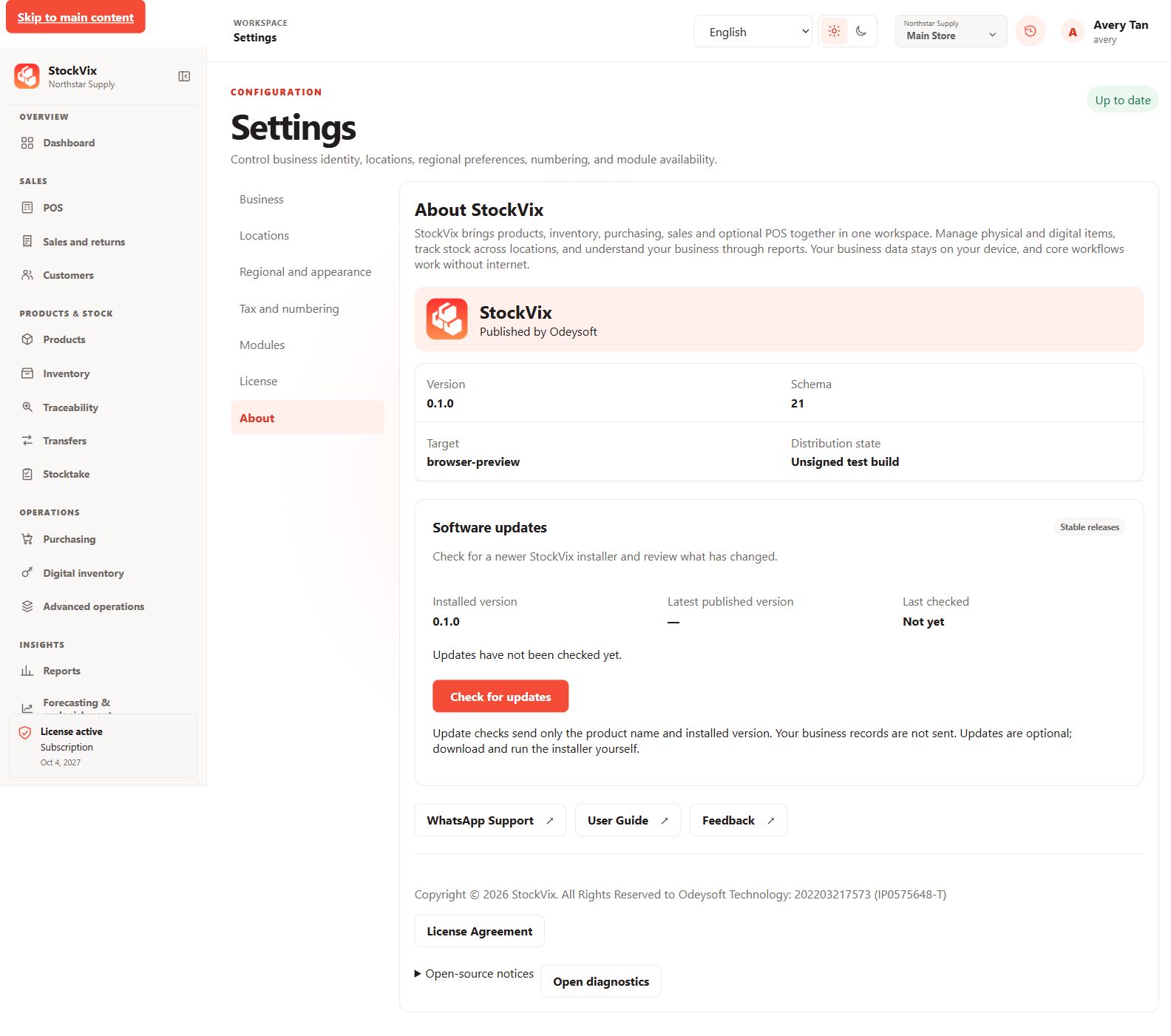
Check for updates
- Open Settings → About and check for an update.
- Review the offered release information and download the official installer if available.
- Back up your records and run the installer yourself. StockVix does not silently execute an installer.
Get help
Use User Guide, WhatsApp Support or Feedback in Settings → About. When reporting an issue, include the app version, operating system, steps and a screenshot without customer information, passwords or full digital/license keys.