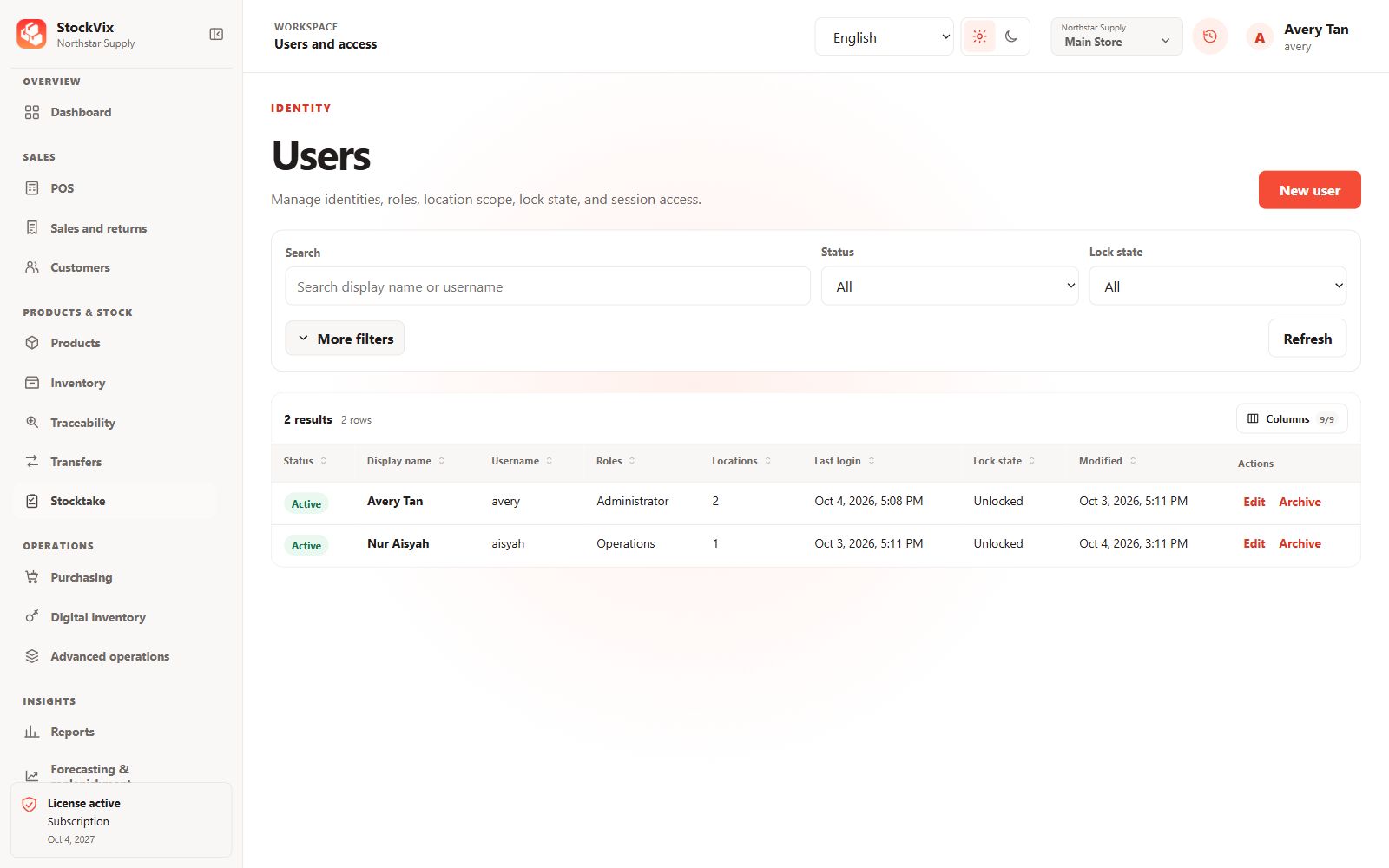
Prepare roles and users
Open Users and roles using an authorized administrator. Create staff records and assign only the permissions and locations needed for their work.
Choose access protection
Review password and PIN enablement deliberately. When password access is disabled for the acting user, StockVix omits that password field in the supported confirmation workflows; business permissions are still enforced.
Verify the staff workflow
- Sign in or switch to the intended staff user where authentication is enabled.
- Confirm available navigation and location access.
- Check that restricted stock posting, protected-data reveal and administrative actions remain unavailable to unauthorized users.
Keep recovery authority
Retain a trusted administrator and review audit history for sensitive actions. Do not distribute an administrator account just to bypass a permission problem.