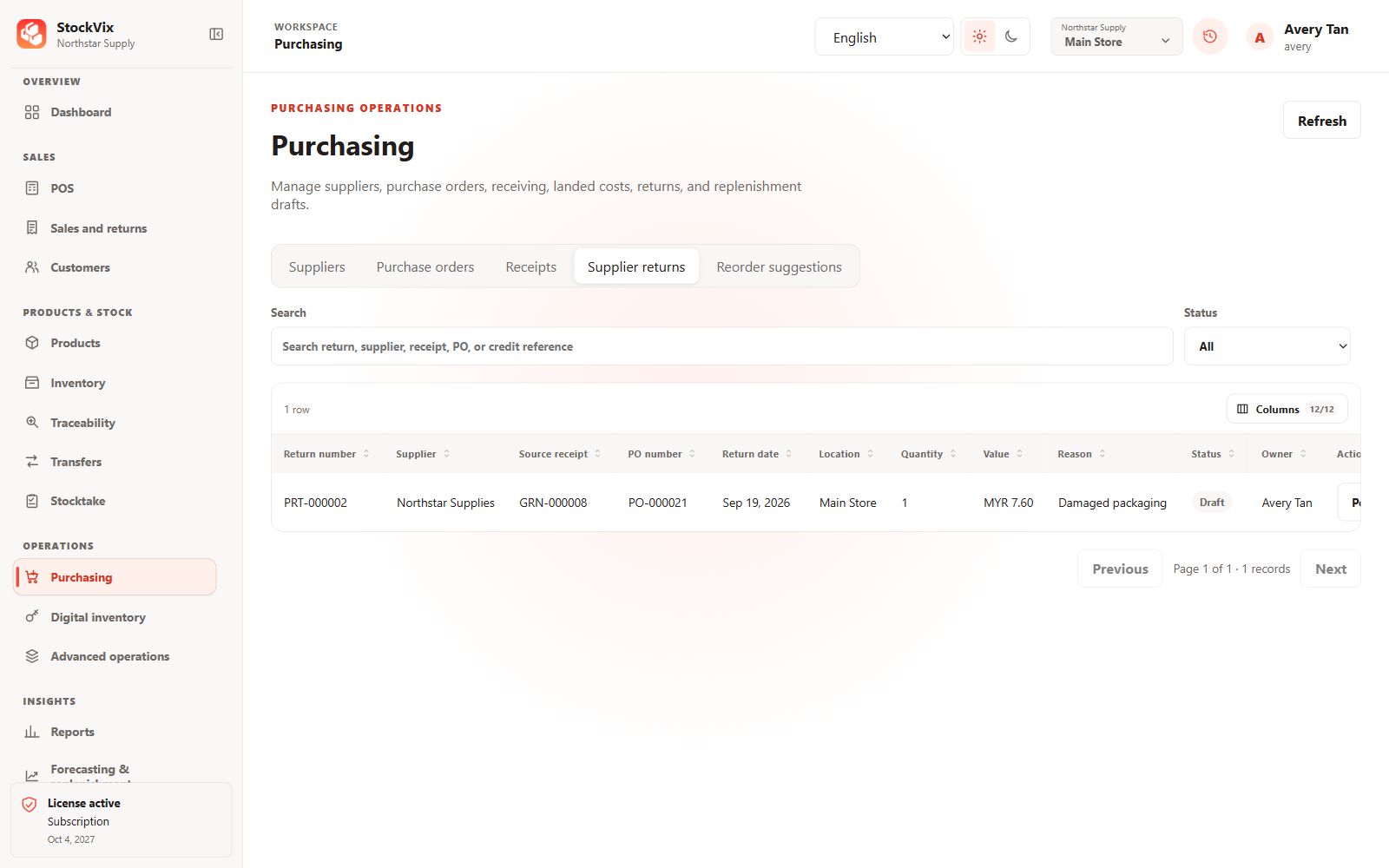
Find the original receipt
Identify the supplier, received item, source receipt and stock currently available to return. Posted receipts remain historical records.
Prepare the return
- Open Supplier returns and create a return against an eligible receipt.
- Select quantities, tracking allocations and the return reason.
- Review stock and financial impact and obtain required approval.
Post and verify
Post the authorized return and confirm its saved state and stock movements. A supplier return recorded in StockVix does not itself arrange shipping or issue an external payment.