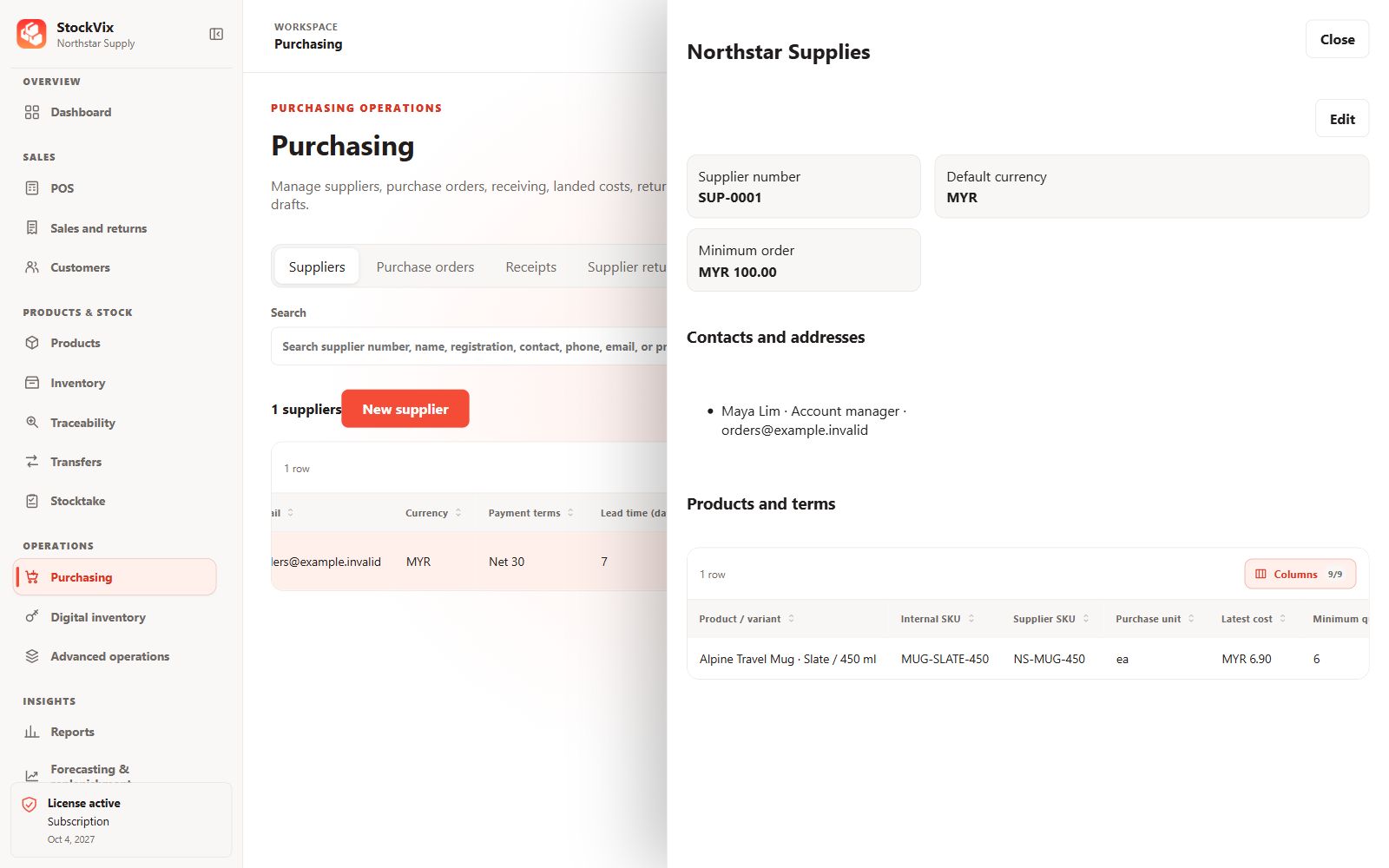
Create a supplier
- Open Purchasing → Suppliers and add a supplier.
- Enter the supplier identity and useful contact, address and reference details.
- Save and verify the supplier is available for purchasing.
Link products
Maintain supplier product references, costs, units and purchasing terms in the product’s Suppliers tab where appropriate. Check units and currency when using these values on an order.
Review activity
Use search and filters to find the supplier, then review related purchasing documents. Keep inactive supplier records for historical references rather than replacing them with a different business.