Open the session
- Choose the correct register and operating location.
- Enter the actual opening cash float and open the session.
- Verify the operator and session state before making sales.
Record cash movements
Use authorized cash-in or cash-out actions with amounts and reasons. These are recorded cash movements, not sales or automatic bank transfers.
Review X and Z reports
Use an X report for an interim review and the closing/reconciliation workflow for final results. Check tender totals, expected cash, counted cash and any variance.
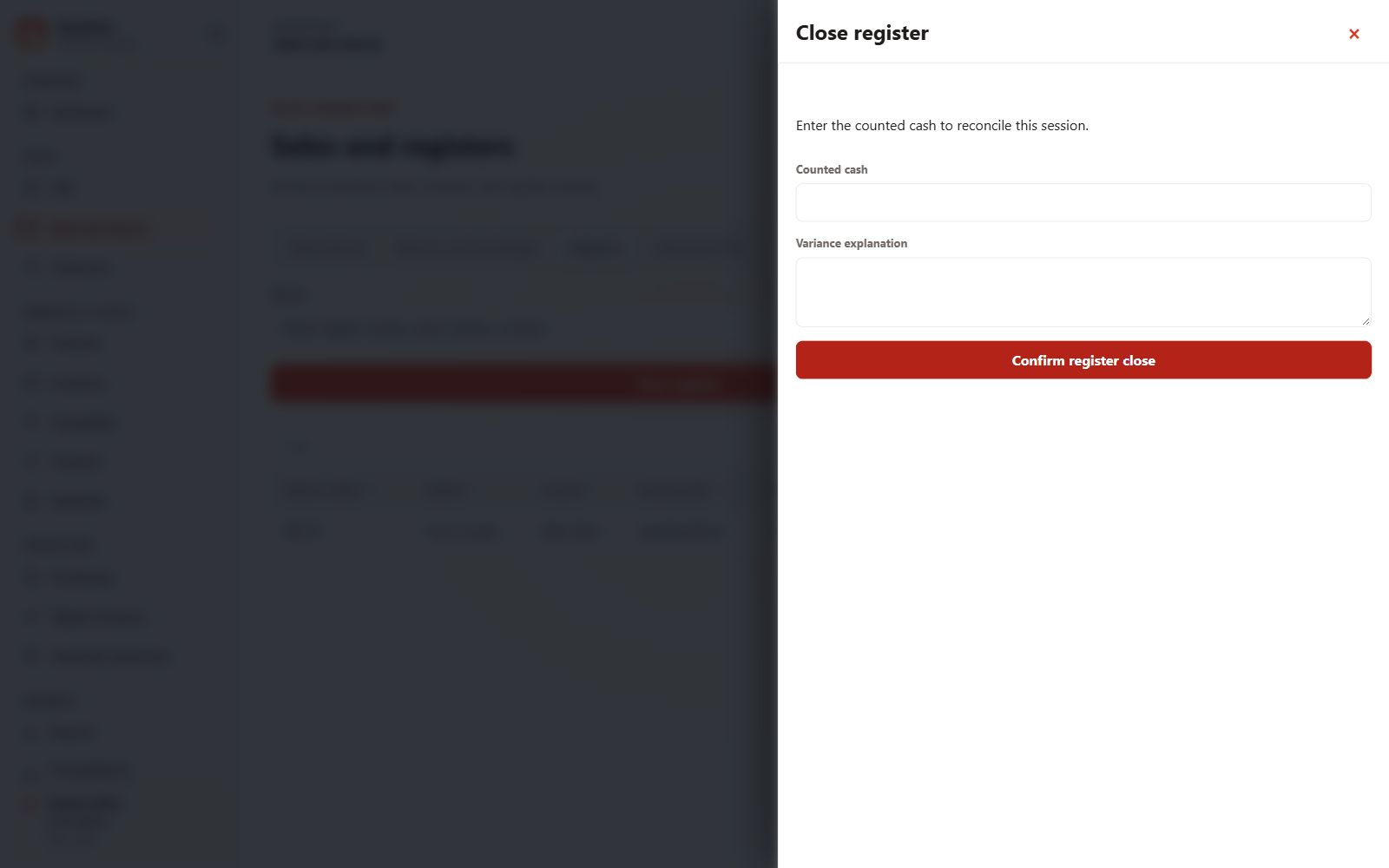
Close the session
Count actual cash, explain differences and obtain any required approval before closing. Confirm the session’s final state and retain the reconciliation record.