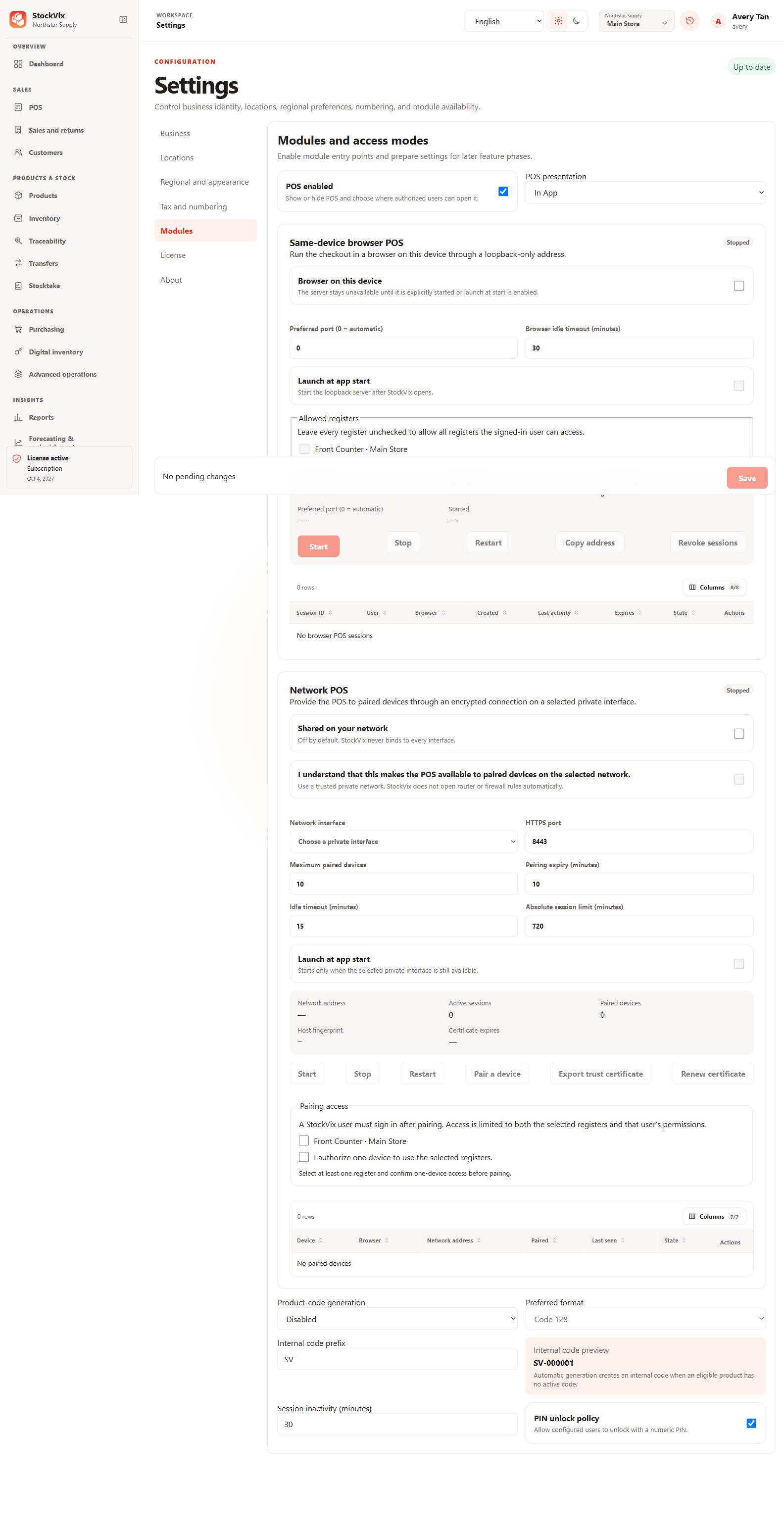
Enable the module
- Open Settings → Modules and enable POS.
- Enable presentation inside the app if you want desktop checkout.
- Save and wait for confirmation. Browser and network access are separate settings; do not enable them unless needed.
Prepare the catalogue
Make sure products and variants are active, have a resolvable selling price in the correct currency and have available stock or digital units when required. A product card does not guarantee a complete selling configuration.
Prepare a register
Create or choose a register at the intended location. Open a register session with the actual opening float and authorized operator before taking payments.
If enabling fails
Do not assume an unsaved checkbox is active. Review the error, reopen the saved settings and contact support with the app version and steps if the workspace cannot load.