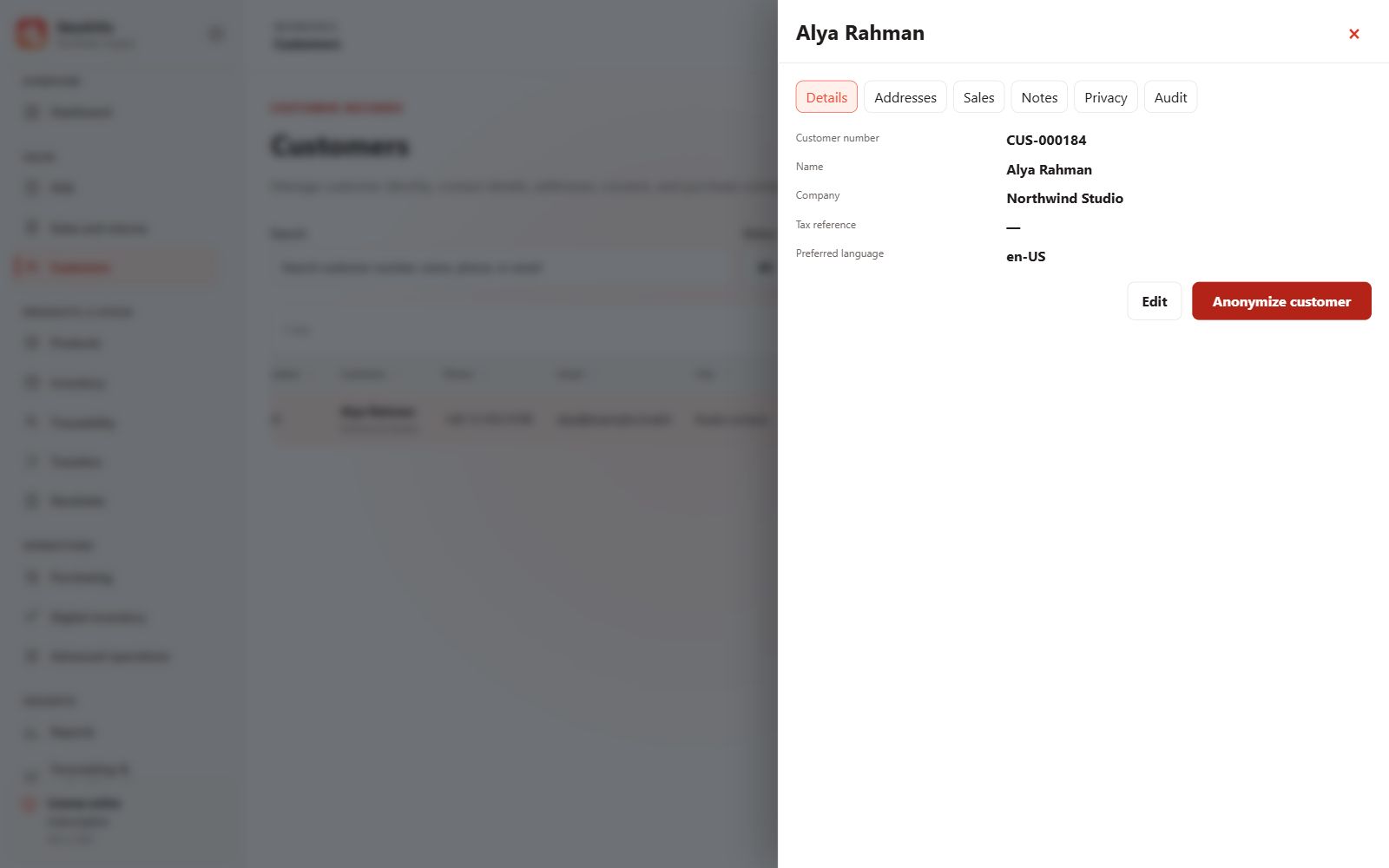
Add a customer
- Open Customers and create a record.
- Enter useful identity and contact details, preferred language and business information where applicable.
- Add addresses if needed and save the record.
Use the customer in a sale
Select the customer before completing checkout. Walk-in sales can use the walk-in option when a named customer is not required.
Review history and privacy
Open customer details to review purchases, addresses and privacy controls. Collect only necessary information and respect recorded consent; a purchase does not automatically grant marketing permission.