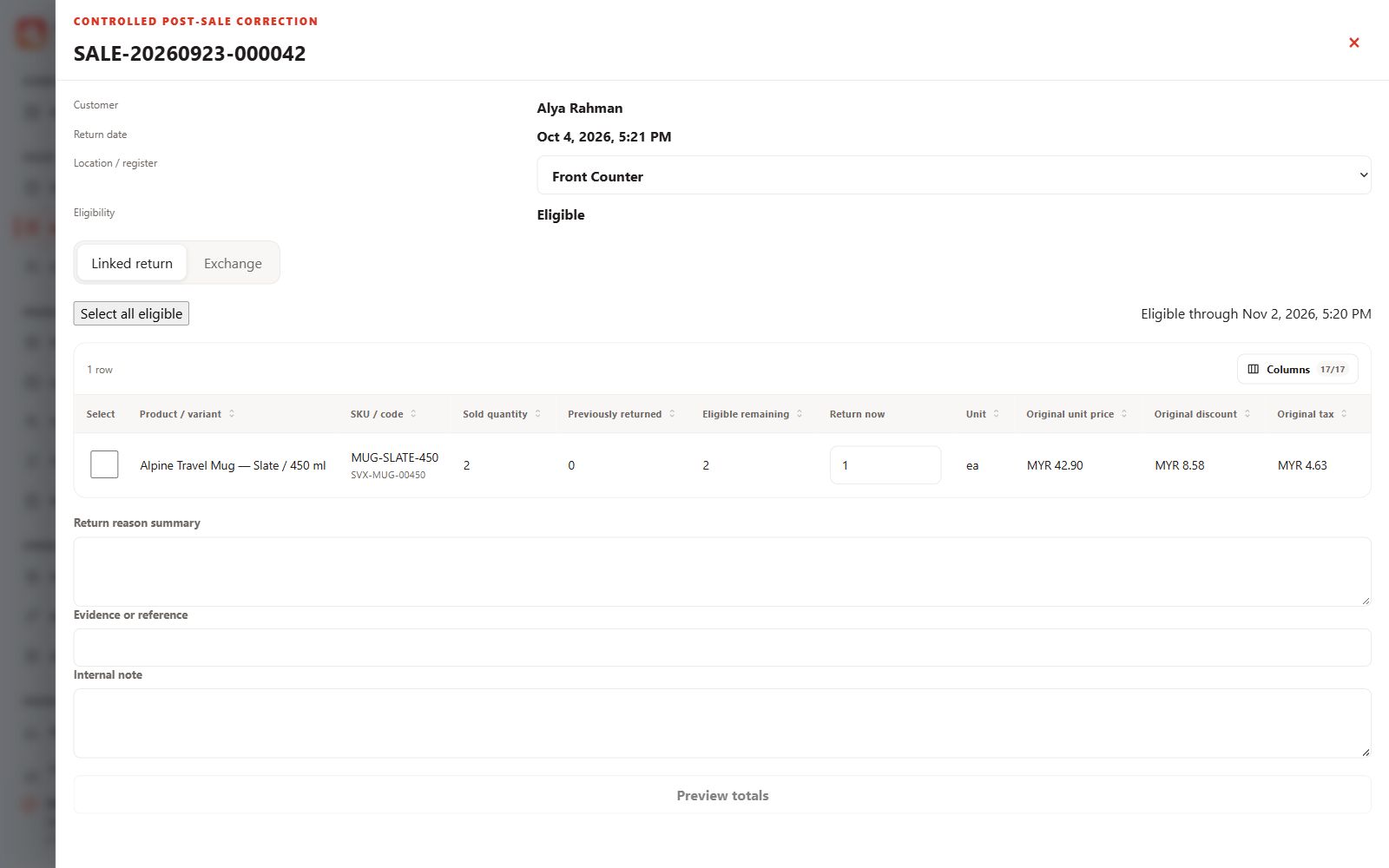
Find the sale
Open Sales and returns and search by the sale reference, customer or available date/status filters. Review the original items, quantities, tender and prior returns.
Prepare a linked return
- Start a return from an eligible saved sale.
- Select return quantities, condition, stock disposition and a clear reason.
- Review policy limits, evidence and approval requirements before posting.
Review refunds and exchanges
Confirm the refund or replacement impact before completing the supported workflow. Recording a refund is not the same as a bank or payment-provider refund. For an exchange, review both the returned items and replacement products.
Protect digital items
A revealed or delivered key, credential or voucher is not automatically safe to resell after refund. Follow the digital-item policy and retain its event history.