Prepare the product
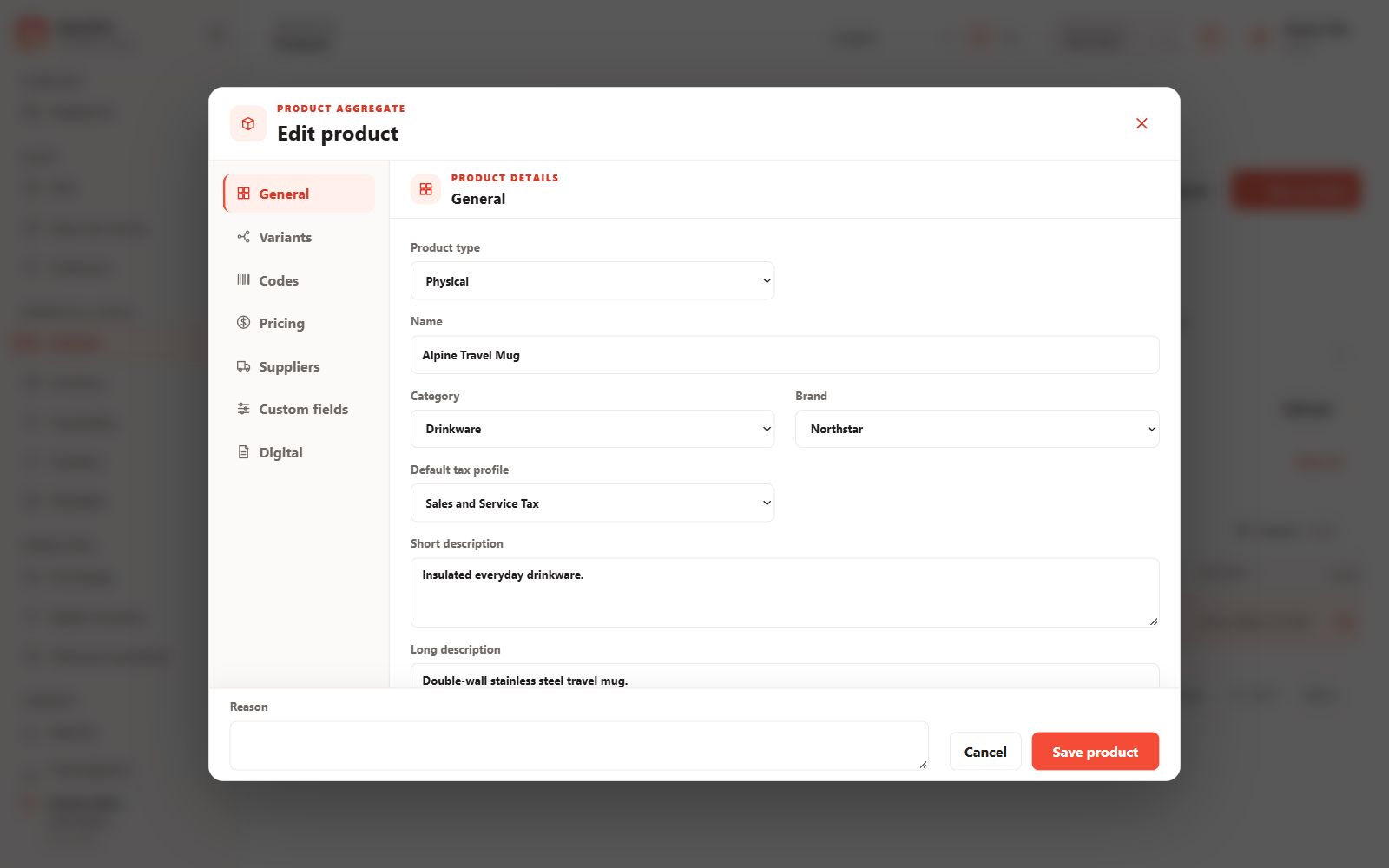
Decide whether the item is Physical, Service or Digital. Prepare its name, category, brand, tax profile, variants, SKU and selling price. Creating a product does not create stock.
Enter the details
- Open Products and create a product.
- Complete General information and add an image or descriptions where useful.
- Review Variants, Codes, Pricing, Suppliers and Custom fields as applicable.
- Set variant prices in the intended price list and currency, then save.
Check selling readiness
Make sure the product and variant are active, the price can be resolved and stock or digital units are available where required. Receive physical stock through a receiving document rather than changing a balance directly.
View or edit later
Product details initially show a read-only view. Choose Edit to change the record, provide a reason where required and save. Avoid reusing another product’s SKU or barcode.