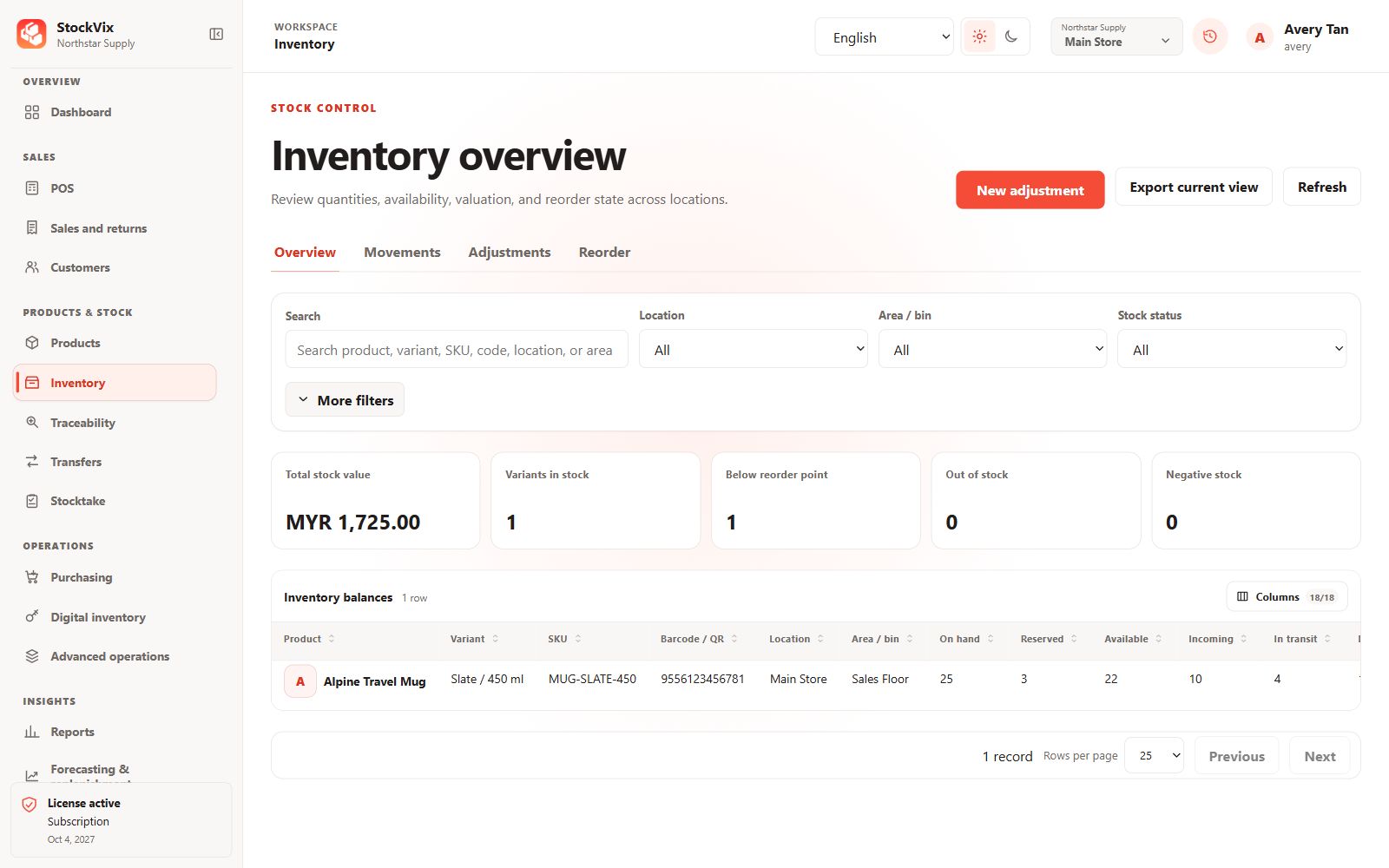
Review a balance
Open Inventory and narrow the view by product, location and stock area. Compare on-hand quantity, reserved or unavailable amounts, sellable availability, stock value and reorder indicators.
Follow the movement history
- Open stock movements for the item or location.
- Filter the date range and movement type, then review the source document and reference.
- Compare the before-and-after quantities when investigating a discrepancy.
Understand pending documents
A draft purchase, adjustment, transfer or count is not a posted stock movement. Check the document’s state instead of assuming a saved draft has changed a balance.
Correct differences safely
Use an authorized adjustment, approved physical count, return or reversal. Do not modify database files or overwrite a displayed stock quantity. Keep a clear reason and evidence for the correction.