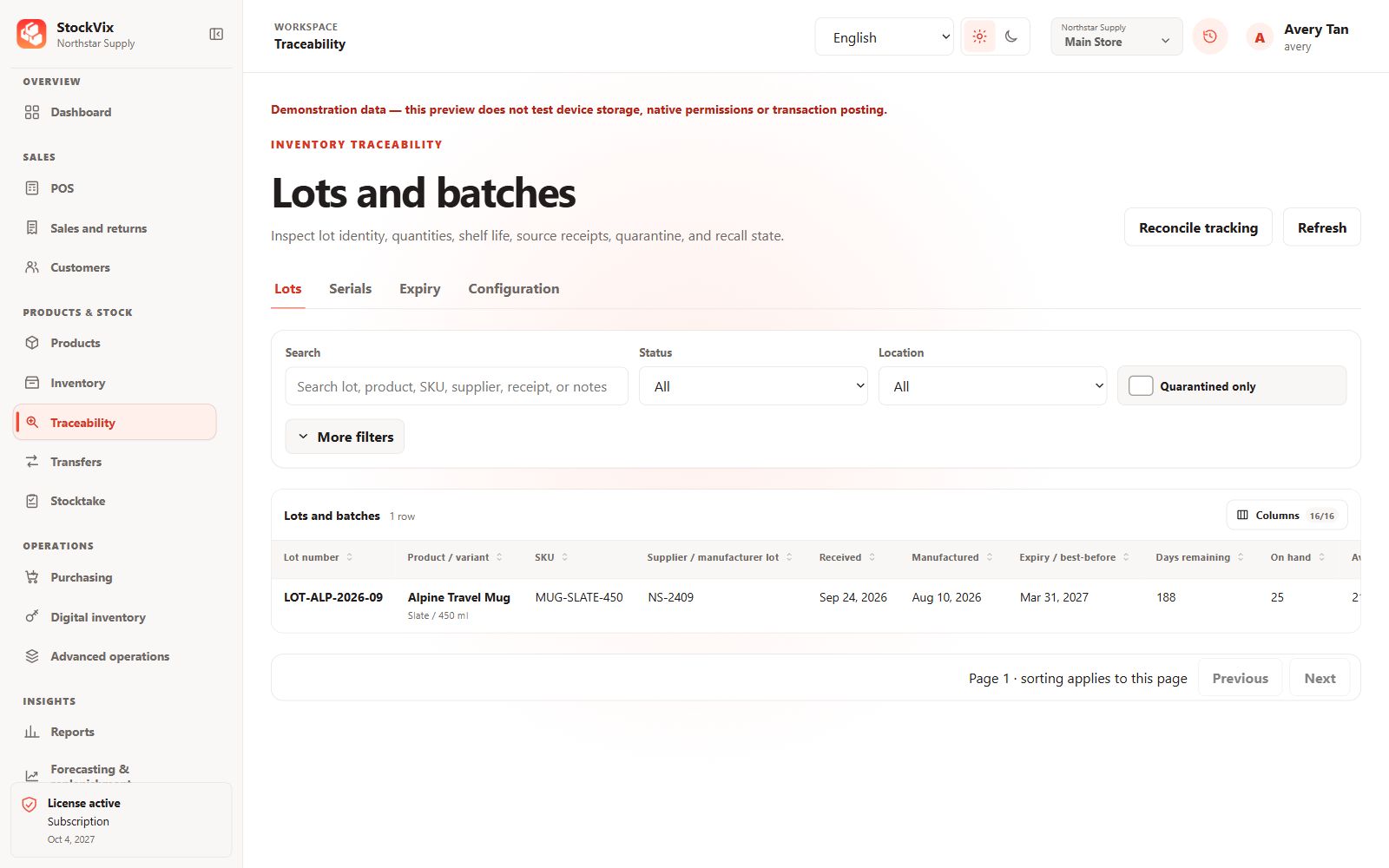
Configure the tracking policy
Open Traceability configuration for the relevant variant. Choose the required lot, serial or expiry behavior before receiving tracked stock. Do not assume a policy change retroactively fills old records.
Receive tracked items
Supply the lot, serial and expiry details required by the product when receiving stock. Serial identifiers must be unique; quantities and tracking allocations must agree.
Find a tracked item
- Search the lots or serials view for its identifier or product.
- Filter location, availability or expiry as appropriate.
- Open history to review the related source documents and stock movements.
Review expiry risks
Use expiry views to inspect dates and available quantities before selecting items for a sale or transfer. Quarantined or otherwise unavailable stock must not be treated as sellable stock.