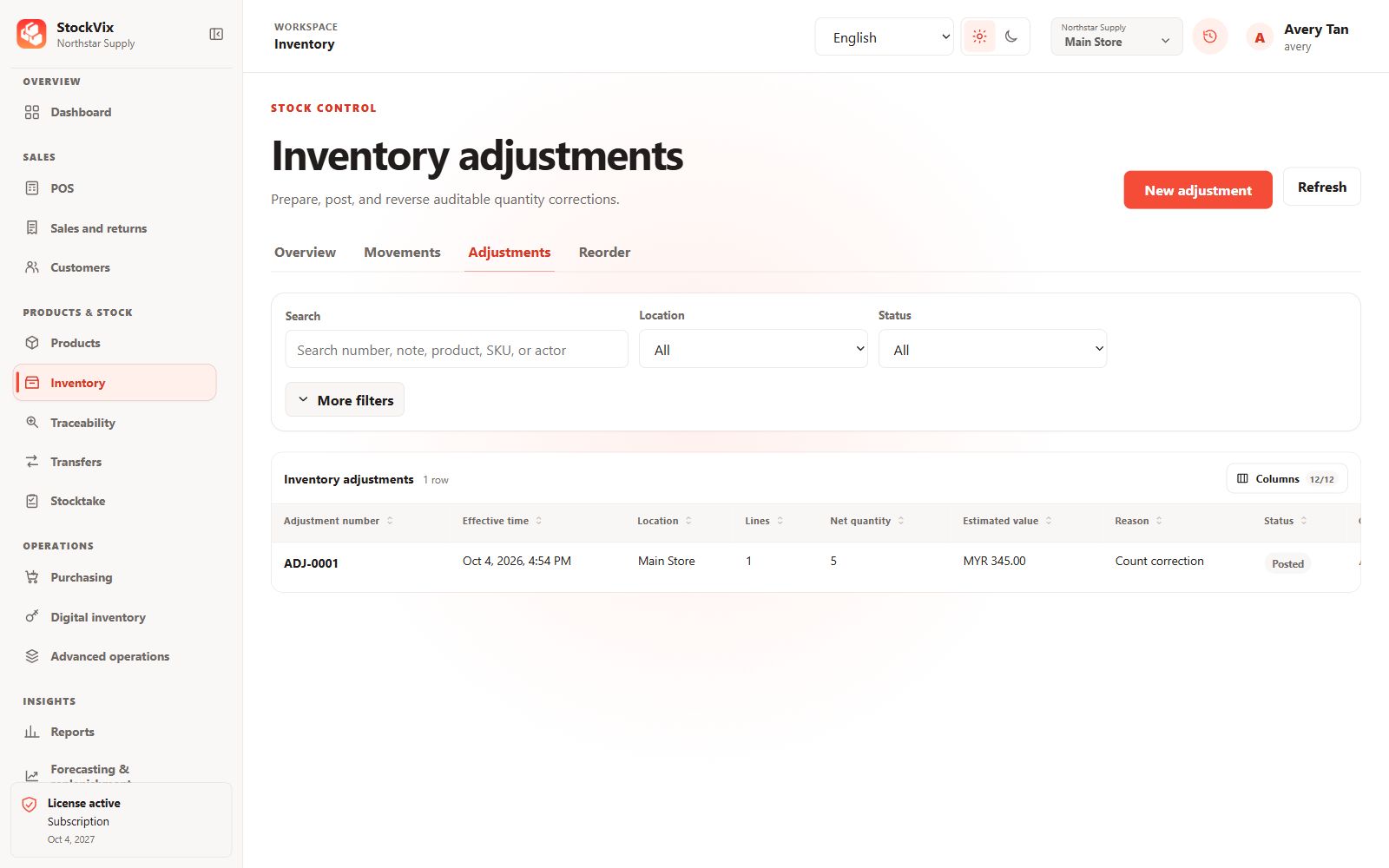
Confirm the discrepancy
Check the current location, stock area and movement history before preparing a correction. Make a backup when investigating a significant data issue.
Prepare the adjustment
- Open the Inventory adjustment workflow and create a draft.
- Choose the intended item and stock area, enter the adjustment and a clear reason.
- Provide required cost, lot or serial information where the item’s tracking policy requires it.
Review and post
Review the stock and value impact and obtain any required approval. Post only after confirming the correction. Permissions and stock rules are checked again by the application.
Check the result
Confirm the posted document and resulting stock movement. Posted changes are not edited in place; use the permitted reversal or compensating workflow if the correction was wrong.