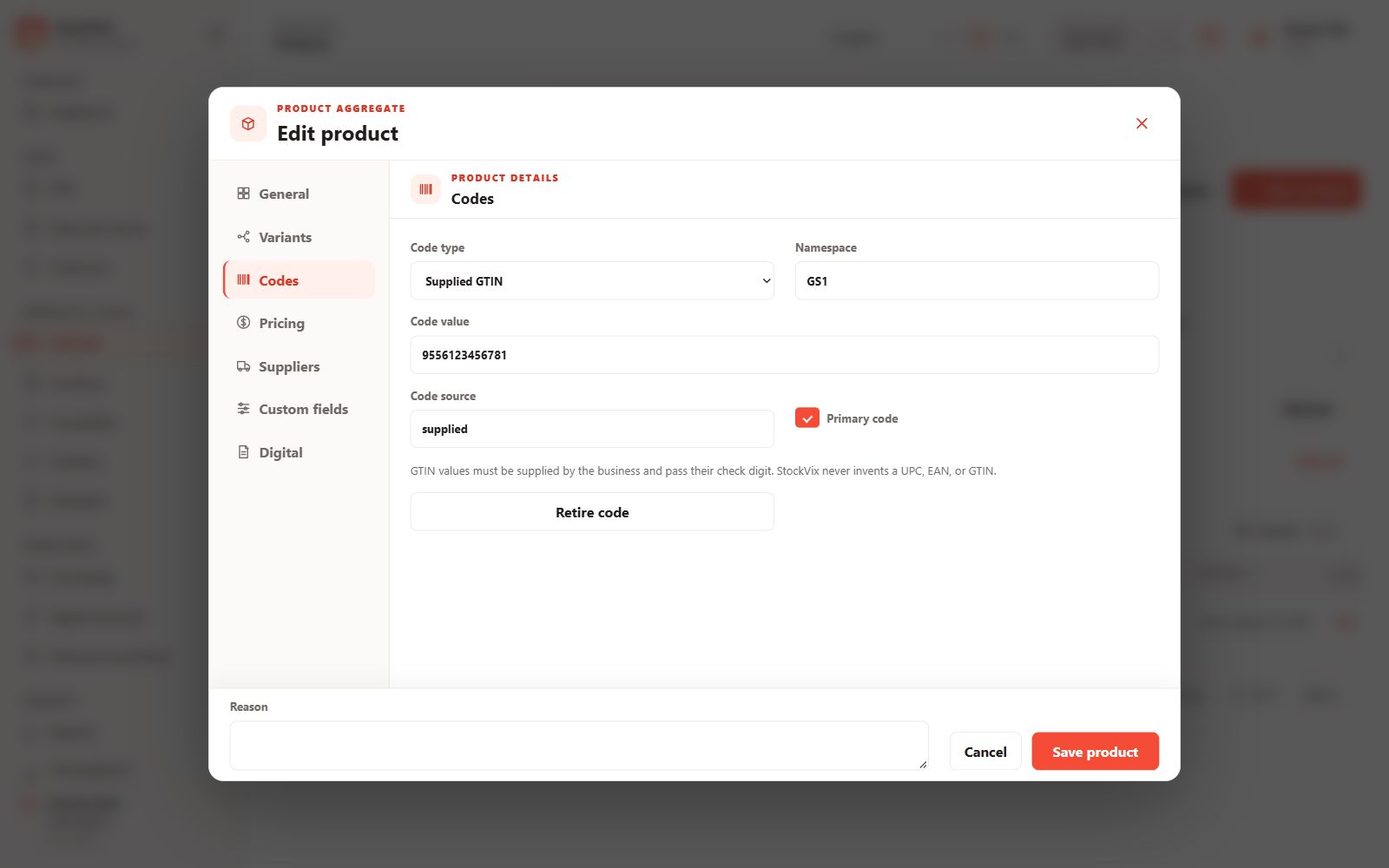
Assign product identifiers
Use the Codes tab to maintain existing barcode or QR identifiers and internal product codes. Each scanned identifier must resolve to the intended variant.
Generate an internal code
- Enable code generation in Settings → Modules when needed.
- Generate an internal StockVix identifier for an item that does not have a code.
- Save the code and test its lookup against the correct product.
Preview and print labels
Open the barcode or QR label workflow. Choose the supported layout, paper dimensions, quantity and visible product information. Inspect the preview before printing on your printer.
Avoid misleading codes
Generated codes are internal StockVix identifiers, not manufacturer-issued UPC, EAN or GTIN numbers. Keep codes readable and test your actual scanner or camera before routine use.