Check availability
Confirm the digital profile, unit status and valid availability before a sale. A unique key or entitlement cannot be assigned to two sales at once.
Complete the authorized sale
Select the Digital variant in checkout and review the assigned unit or fulfilment behavior. Complete the sale using an authorized operator and supported tender.
Deliver and verify
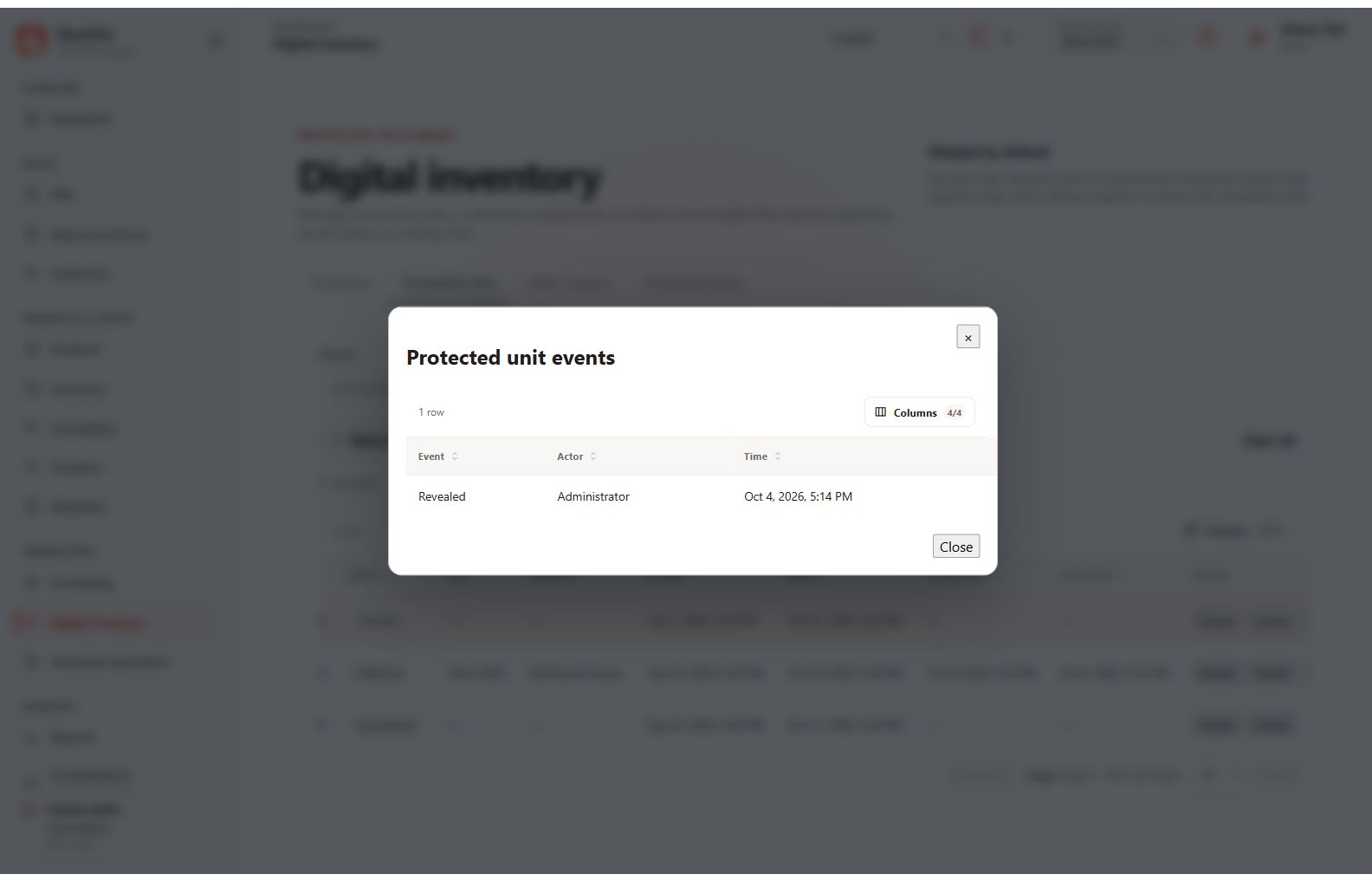
Use the protected delivery/reveal workflow for the recorded recipient and document. Confirm the delivery outcome and review the digital event history. Do not share a full key in a support screenshot.
Handle corrections carefully
If a sale is refunded or voided, inspect whether its secret was already revealed or delivered. Such a unit is not automatically resellable. Use the supported review and disposition controls.