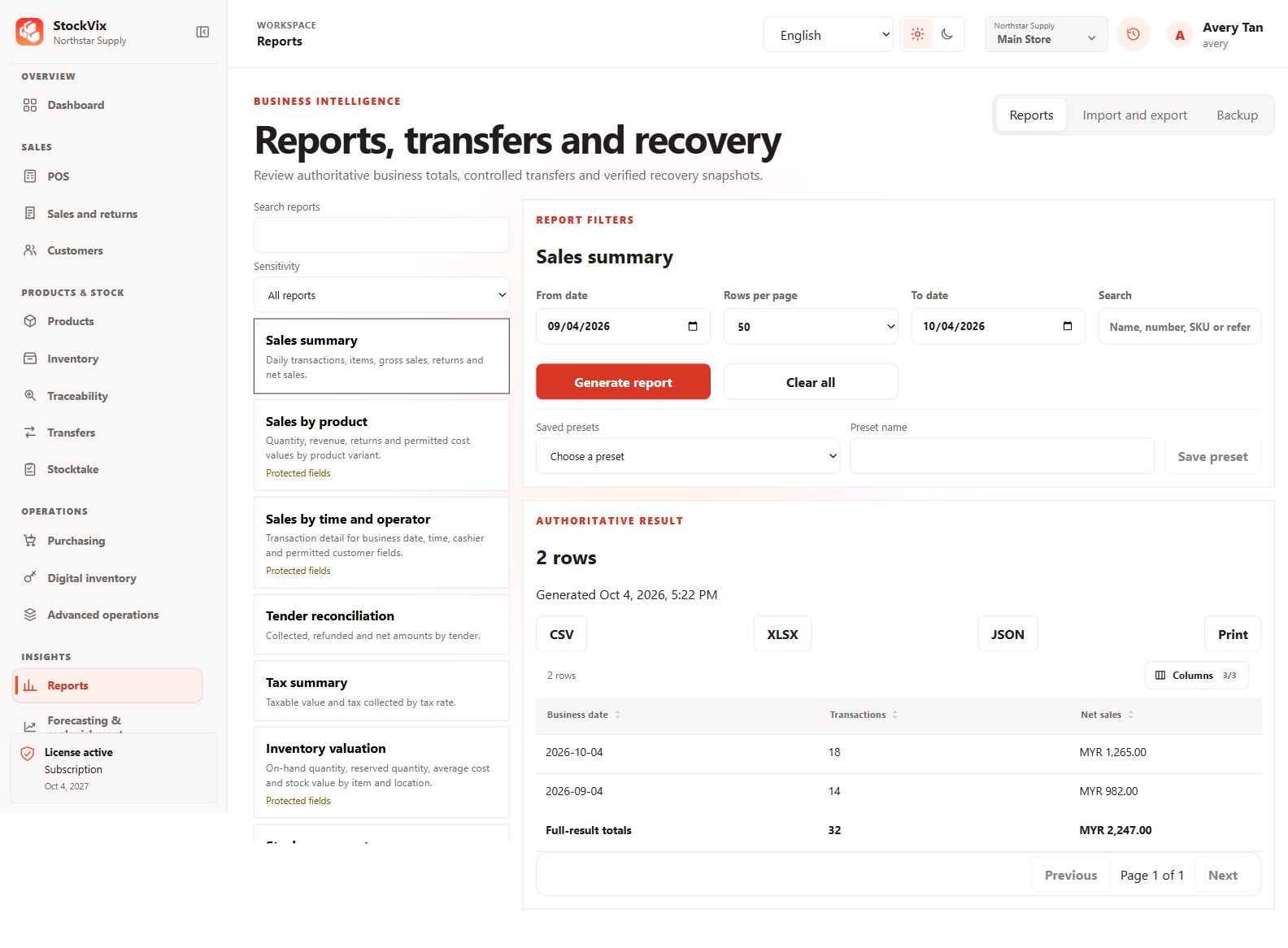
Choose a report
- Open Reports and choose the report matching your question.
- Set the date range, location and other available report filters.
- Run or refresh the report, then check the applied scope and totals.
Interpret the result
Sales, returns, taxes, tenders, purchasing, movements and valuation represent different facts. Compare the relevant posted documents and status before treating a total as cash received or profit.
Export responsibly
Use the supported export action and review the format and destination. Exported business or customer information may be sensitive. Protected digital secrets are not included in ordinary report exports.
Check an empty result
Confirm the date range, timezone, location, permissions and document states. Empty results may be correct; widening the filters does not create missing transactions.