Prepare the digital product
Create a Digital product and variant in Products, then open Digital inventory. Only store or sell accounts, software keys, vouchers or other entitlements you are authorized to transfer.
Configure the profile
Review allocation, fulfilment and access rules for the digital-item profile. Decide whether the item represents a unique unit or a reusable protected file; they do not have the same selling semantics.
Create units
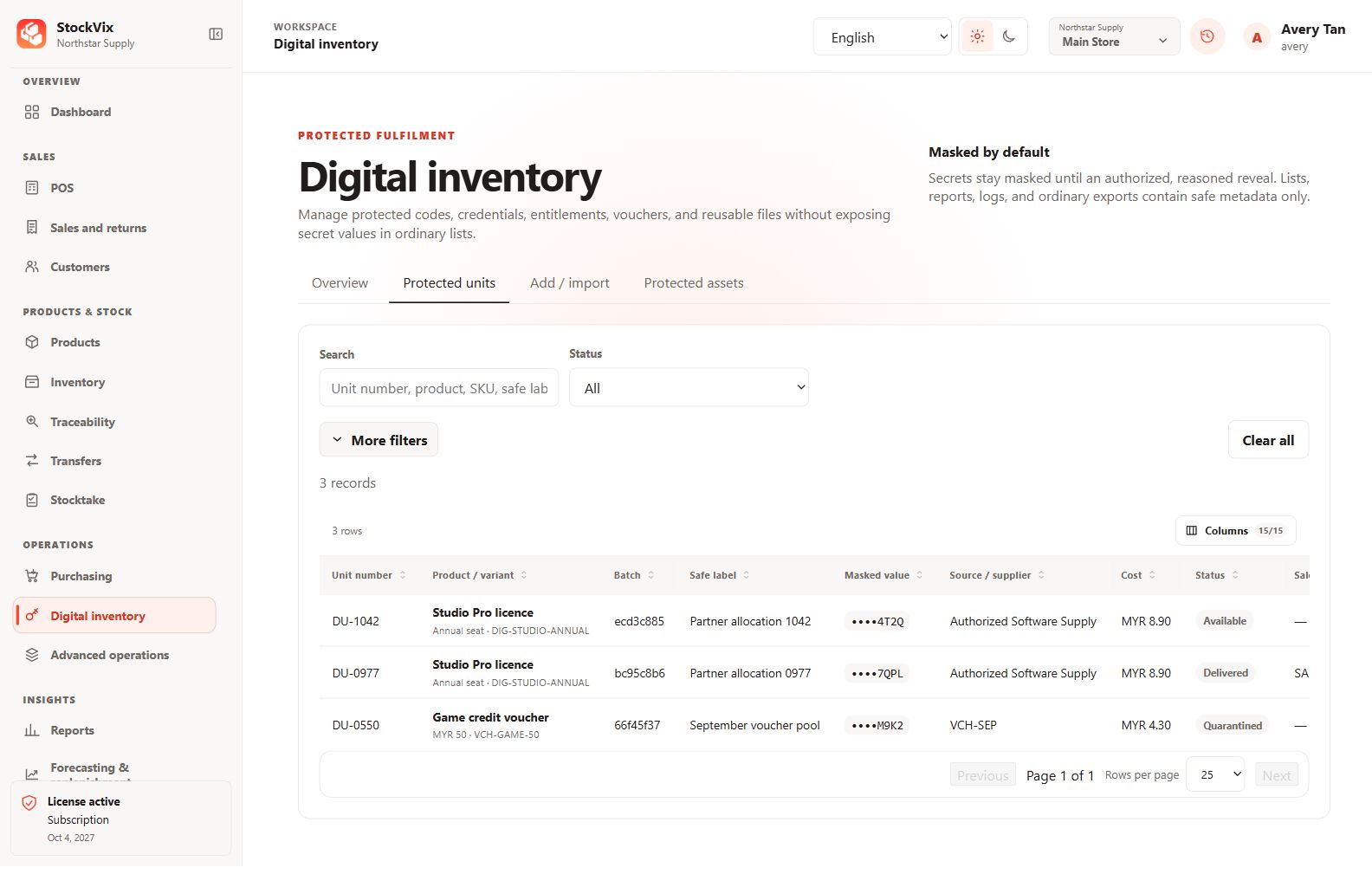
- Add digital units with their required identifiers, protected values and cost information.
- Review availability and any expiry or status fields.
- Save and verify the masked list. Do not place the secret in ordinary descriptions, names or search fields.
Review access
Secret reveal and delivery require the appropriate permission and may require confirmation according to your configuration. Digital secrets must not appear in public screenshots, ordinary exports or printed generic reports.