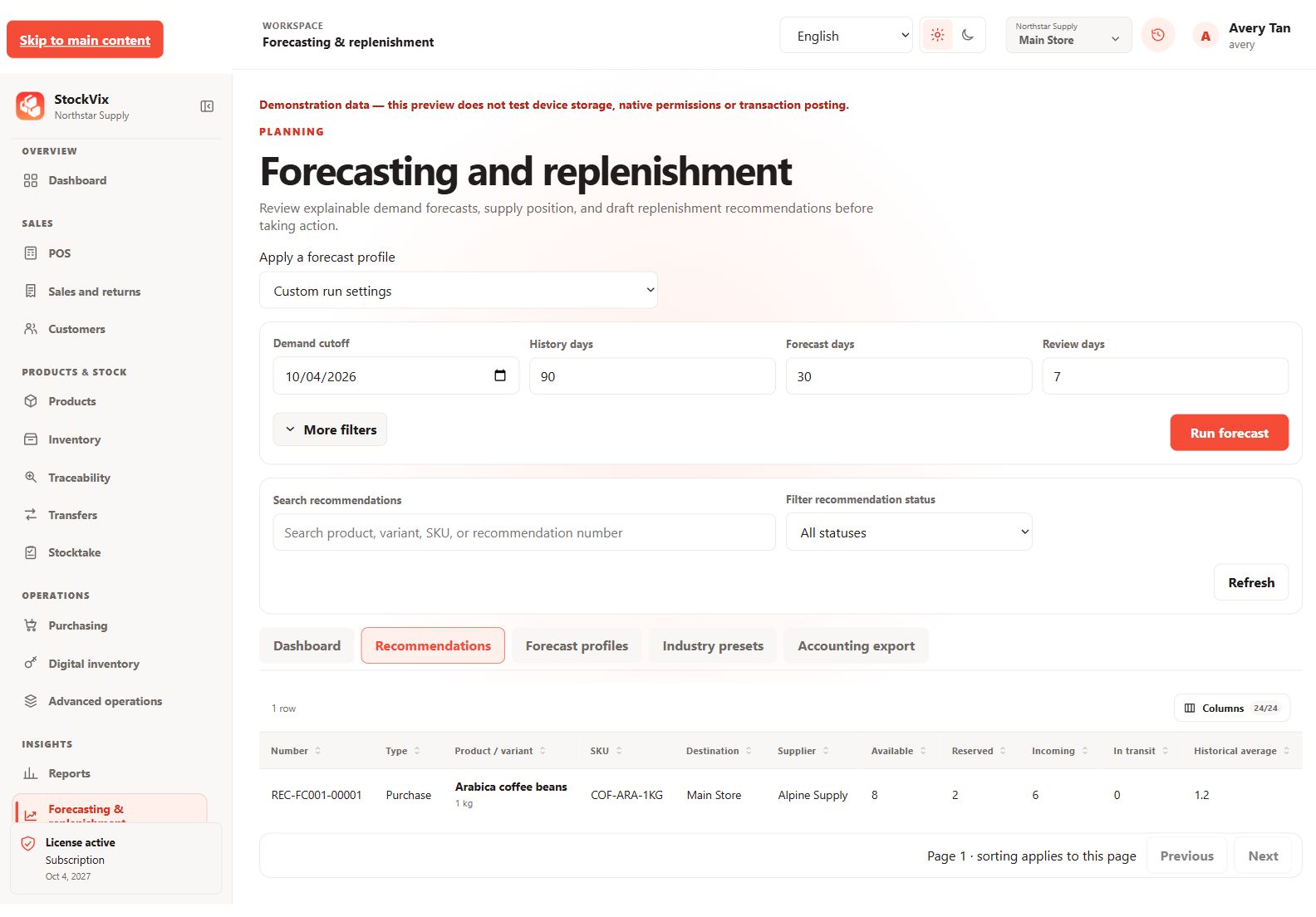
Prepare a profile
- Open Forecasting & replenishment and create or choose a profile.
- Review the method, history window, horizon, review period and location scope.
- Check product targets and supplier information before running the recommendation.
Review recommendations
Compare demand history, current stock, open supply, targets and recommended quantities. Sparse or unusual sales history can make a recommendation less useful; it is not a guaranteed demand prediction.
Record your decision
Review, accept or reject recommendations through the available decision controls. Prepare the appropriate purchasing document when you choose to order stock.
Stay in control
Recommendations do not automatically place supplier orders, post stock movements or send external payments. Check the final purchase quantities and costs yourself.