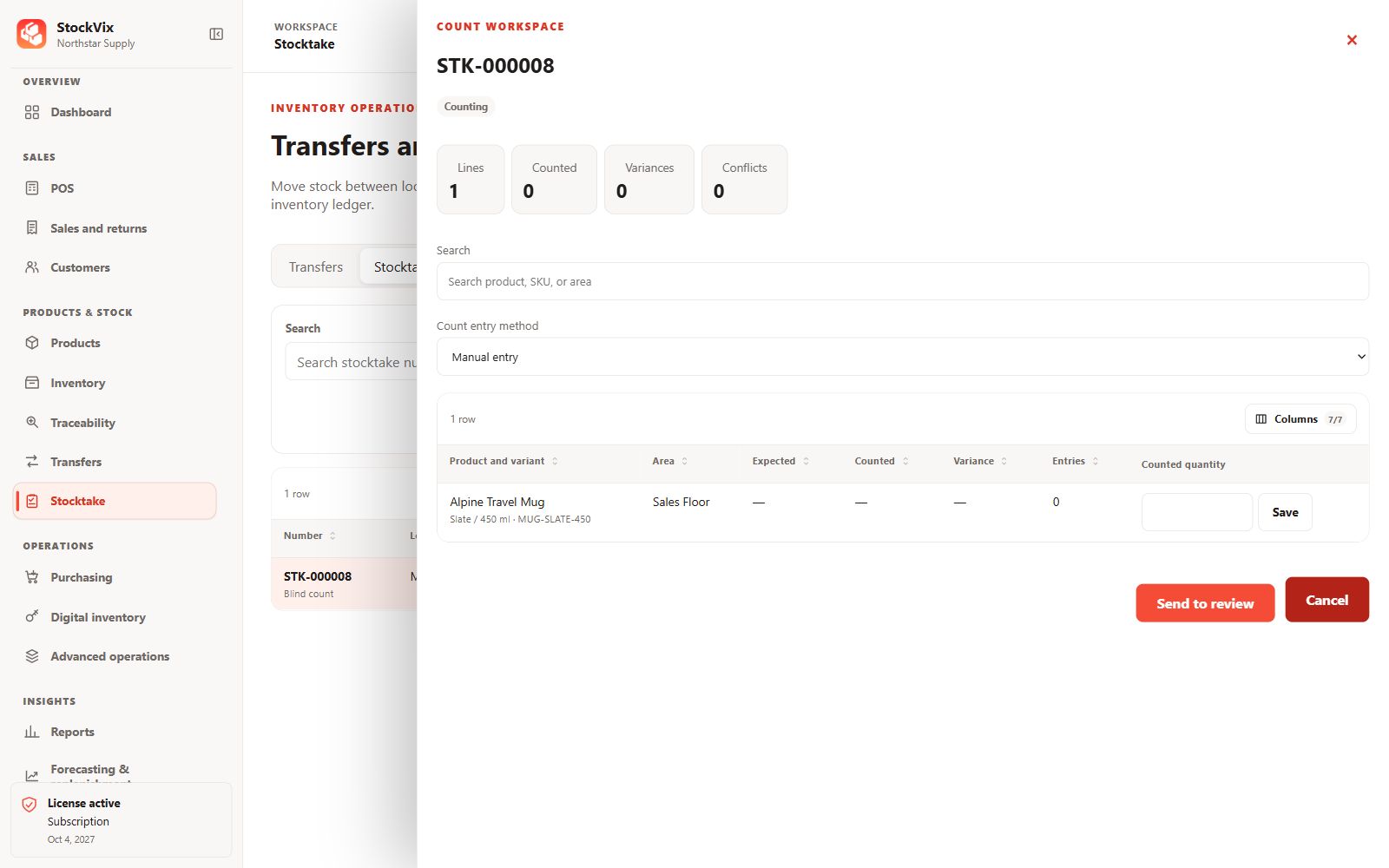
Create a count
- Open Stocktake and choose a location, stock area and count scope.
- Create the count and review the expected items.
- Enter actual physical quantities, including tracked identities when required.
Review variances
Compare counted and expected quantities. A zero-variance count can still be finalized as a record of the check. Investigate unexpected differences rather than guessing a quantity.
Resolve conflicts
Stock may change after a count starts. Refresh and review conflicts, reconcile the count against current movements and obtain any required approval before posting.
Post and verify
Post the reviewed count and confirm its final state and any resulting adjustment. Posting affects stock and cannot be undone by editing the completed count.